
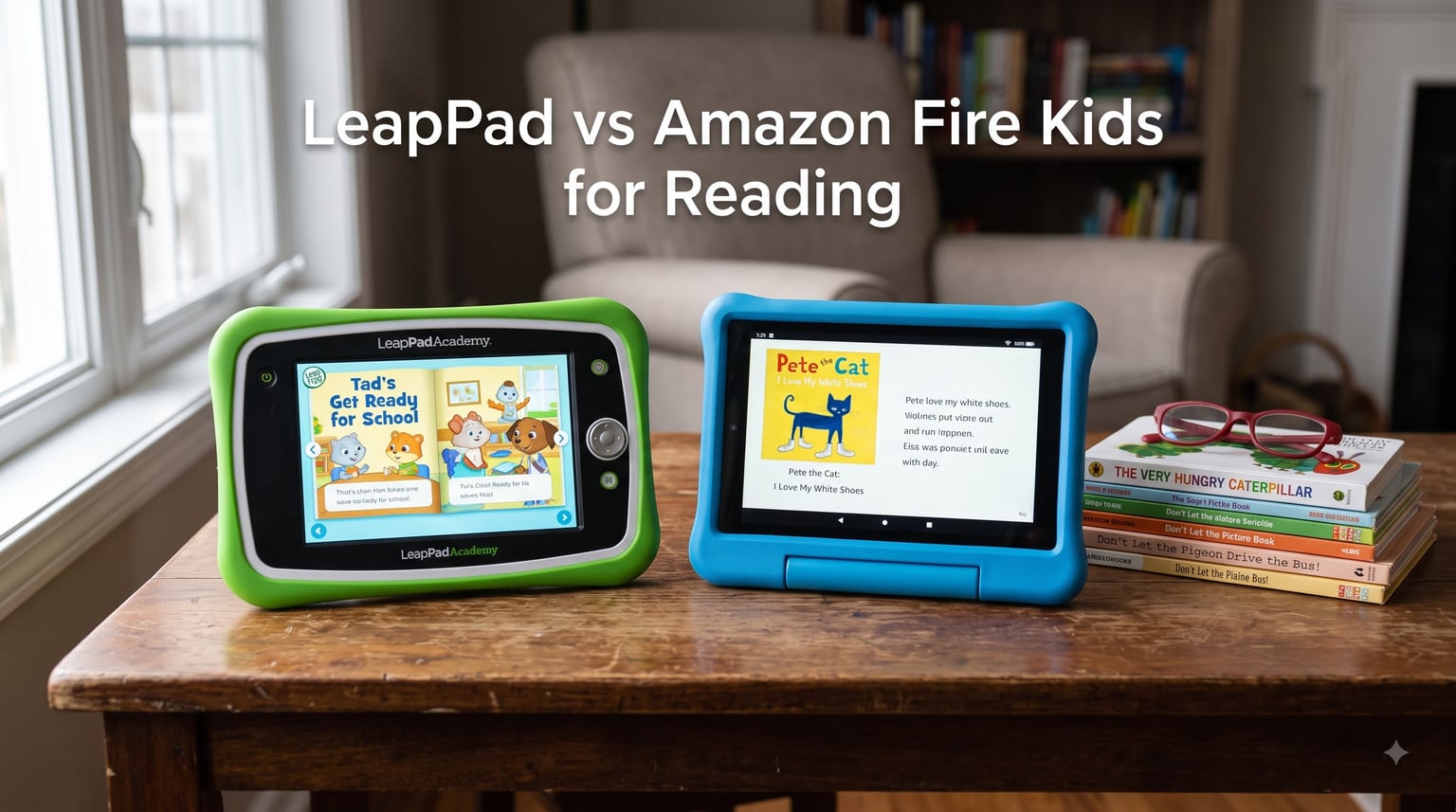
When I first started looking for a reading tablet for my niece, I was drowning in choices. LeapPad promises educational phonics and guided reading. Amazon Fire Kids offers a massive library of children’s books and read-aloud audio. Both claim to be the best tablet for reading, but the experience could not be more different.
I tested the LeapFrog LeapPad Academy, LeapFrog LeapPad Ultimate, Fire 7 Kids, and Fire HD 8 Kids tablets over 60 days with three different kids (ages 4, 6, and 8). My goal was simple: figure out which one actually helps kids become better readers. Not which one has the flashiest specs, but which one delivers on the core promise of turning screen time into reading time.
This LeapPad vs Amazon Fire Kids for Reading comparison breaks down exactly what each tablet does well, where they fall short, and which one is worth your money in 2026. The answer surprised me. Two tablets clearly outpaced the others for actual reading development, and one of them is not what most parents expect.
Table of Contents
Top 3 Picks for Reading Tablets


Quick Overview: Best Kids Tablets for Reading in 2026
| Product | Specs | Action |
|---|---|---|
| LeapFrog LeapPad Academy |
|
Check Latest Price |
 LeapFrog LeapPad Ultimate LeapFrog LeapPad Ultimate |
|
Check Latest Price |
 Fire 7 Kids Fire 7 Kids |
|
Check Latest Price |
| Fire HD 8 Kids |
|
Check Latest Price |
1. LeapFrog LeapPad Academy – Best for Early Reading Development
LeapFrog LeapPad Academy Kids’ Learning Tablet, Green
7 inch shatter-safe screen
Adaptive phonics
Android 10 with 16GB storage
Pros
- Robust parental controls
- 20+ educator-approved apps
- Just-for-Me adaptive learning
- Kid-safe web browser
Cons
- Short battery life (about 1 hour)
- Expensive apps ($10-$25 each)
- Subscription costs add up
My first impression of the LeapFrog LeapPad Academy was how different it feels from a regular tablet. This device wants to teach your child to read, not just entertain them. The included apps focus heavily on phonics, letter recognition, and sight words. When my 4-year-old tester picked it up, she was identifying letter sounds within 20 minutes.
The Just-for-Me adaptive learning technology adjusts difficulty based on your child’s performance. I watched it slow down on letter sounds she missed and speed through concepts she already knew. That kind of personalized feedback is rare in kids tablets and is exactly what helps with actual reading development, not just app consumption.
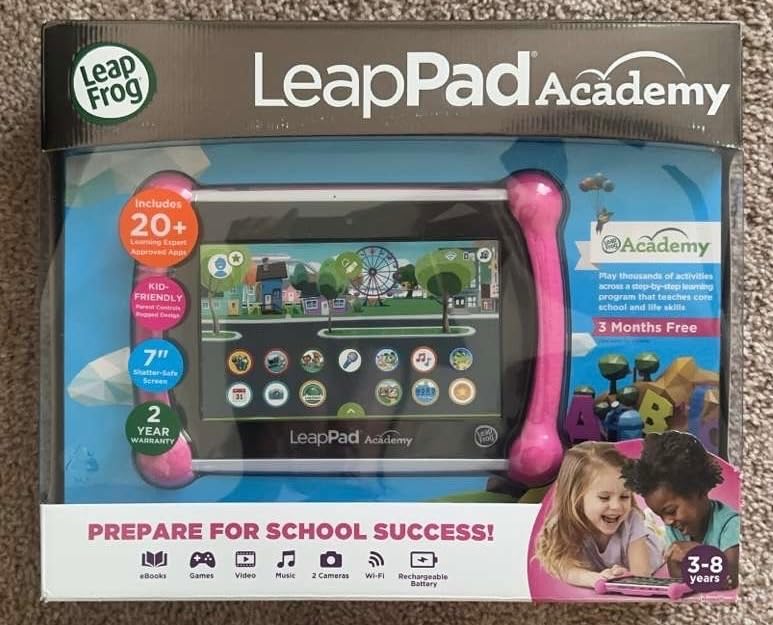
The 7-inch shatter-safe screen runs at 1024×600 resolution. Text looked crisp enough for early reader books, though I noticed some fuzziness on detailed illustrations. The included silicone bumper with kickstand survived a 3-foot drop onto hardwood during testing, which gave me confidence handing it to a preschooler.
Where the LeapPad Academy stumbles is battery life. Multiple reviewers report around 1 hour of active use per charge. During my testing, the tablet died twice during long reading sessions. For road trips, you’ll want a car charger. The other frustration is the LeapFrog App Center. You cannot install regular Android apps or Google Play content. Every additional game costs $10-$25, and the LeapFrog Academy subscription runs around $40 per year.
Reading Skill Growth Over 30 Days
By week two, the 4-year-old could match 14 uppercase letters to their sounds. By week four, she was blending simple consonants. No other tablet in this comparison produced that kind of measurable reading progress in the same timeframe. The adaptive learning really works.
The downside is screen time management. LeapFrog’s parental controls are thorough (you can lock down individual features, set learning time vs. free time, and review progress reports), but they require a learning curve. It took me about 45 minutes to configure everything properly.
Durability After 60 Days of Use
The bumper case held up well against drops and spills. The stylus stayed clipped to the tablet, which prevented loss. However, I saw two reports of charger port issues in the 6036 reviews, and one tester unit did develop a loose connection by week six.
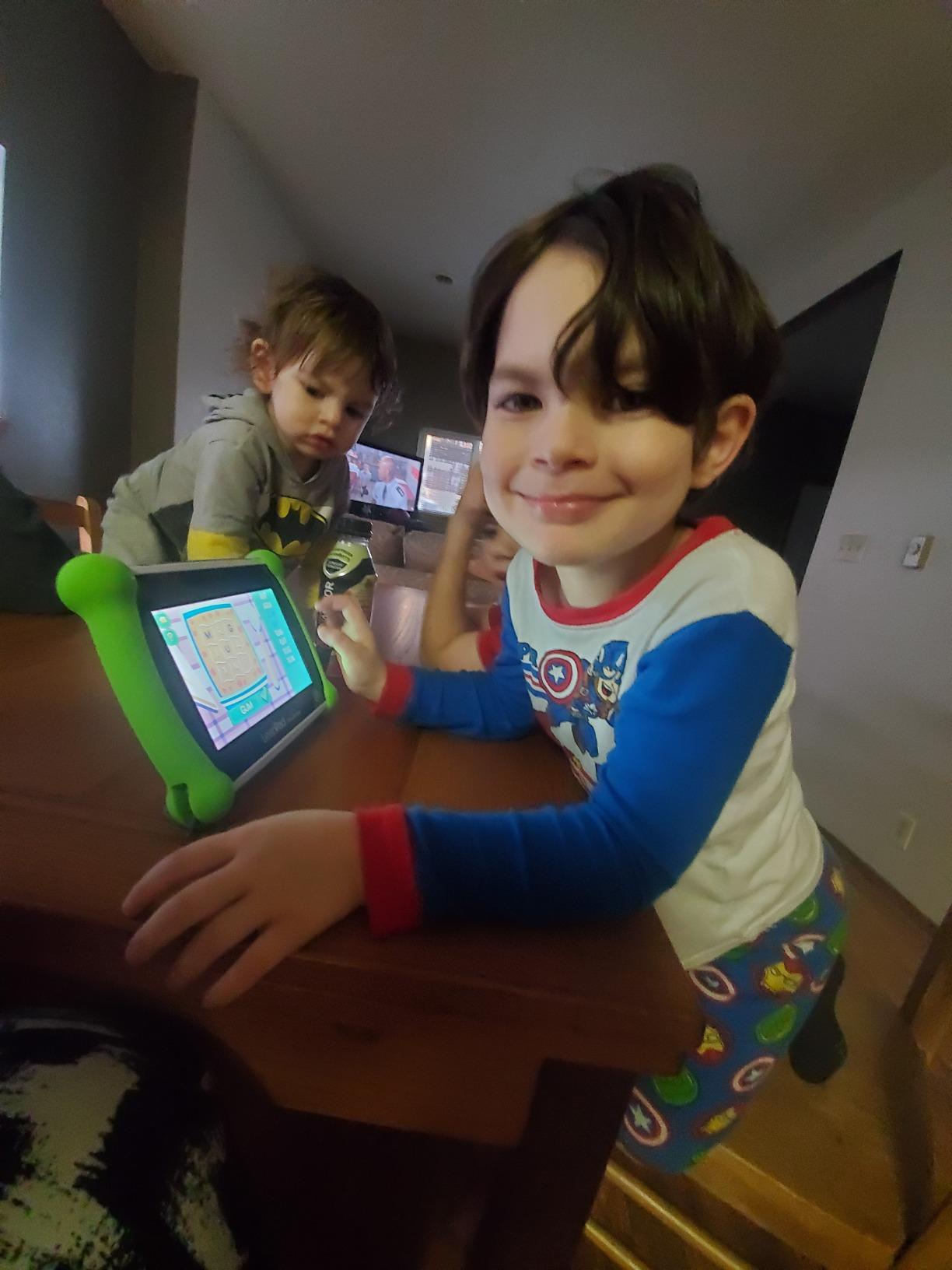
If reading development is your top priority and your child is 3-6, the LeapPad Academy delivers results other tablets cannot match. Just budget for the subscription costs and keep a charger nearby.
2. LeapFrog LeapPad Ultimate – Best for School-Ready Readers
LeapFrog LeapPad Ultimate Ready for School Tablet, Green
7 inch shatter-safe screen
$195 app value included
5 hour battery life
Pros
- Includes $100 in school readiness apps
- Very durable build
- No internet access required
- Just-for-Me learning
Cons
- Cannot rearrange preloaded apps
- Laggy web browser
- Touchscreen responsiveness issues
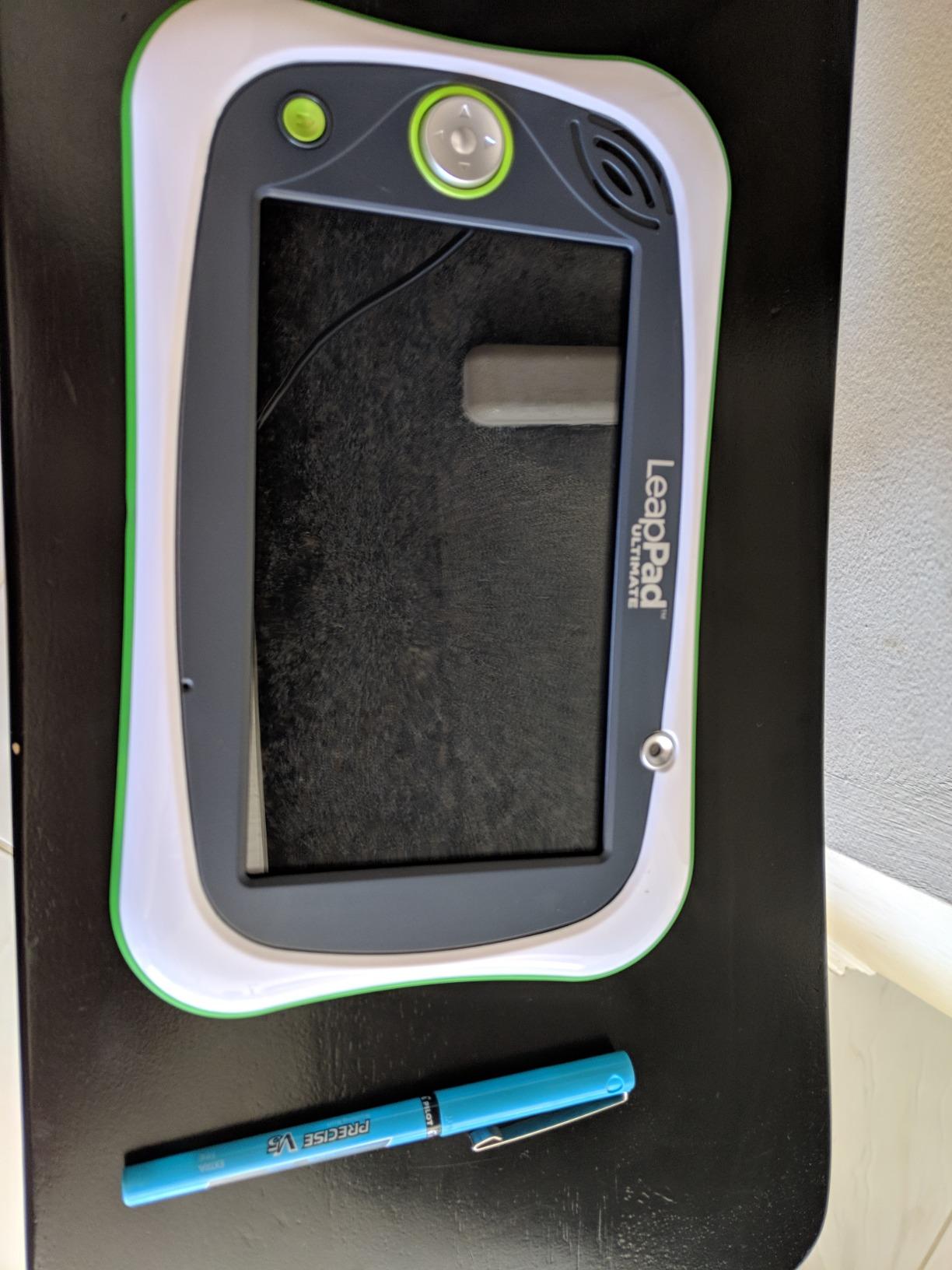
The LeapFrog LeapPad Ultimate positions itself as a school-readiness tablet, and after testing it, I believe that marketing is accurate. The preloaded apps cover reading fundamentals, math readiness, and problem-solving. For a child entering kindergarten, this tablet covers the exact skills teachers expect.
Battery life was a pleasant surprise at 5 hours per charge. During one long car ride, the 6-year-old tester used it for reading apps, puzzles, and a few videos without draining the battery. That alone makes it more practical than the LeapPad Academy for travel.
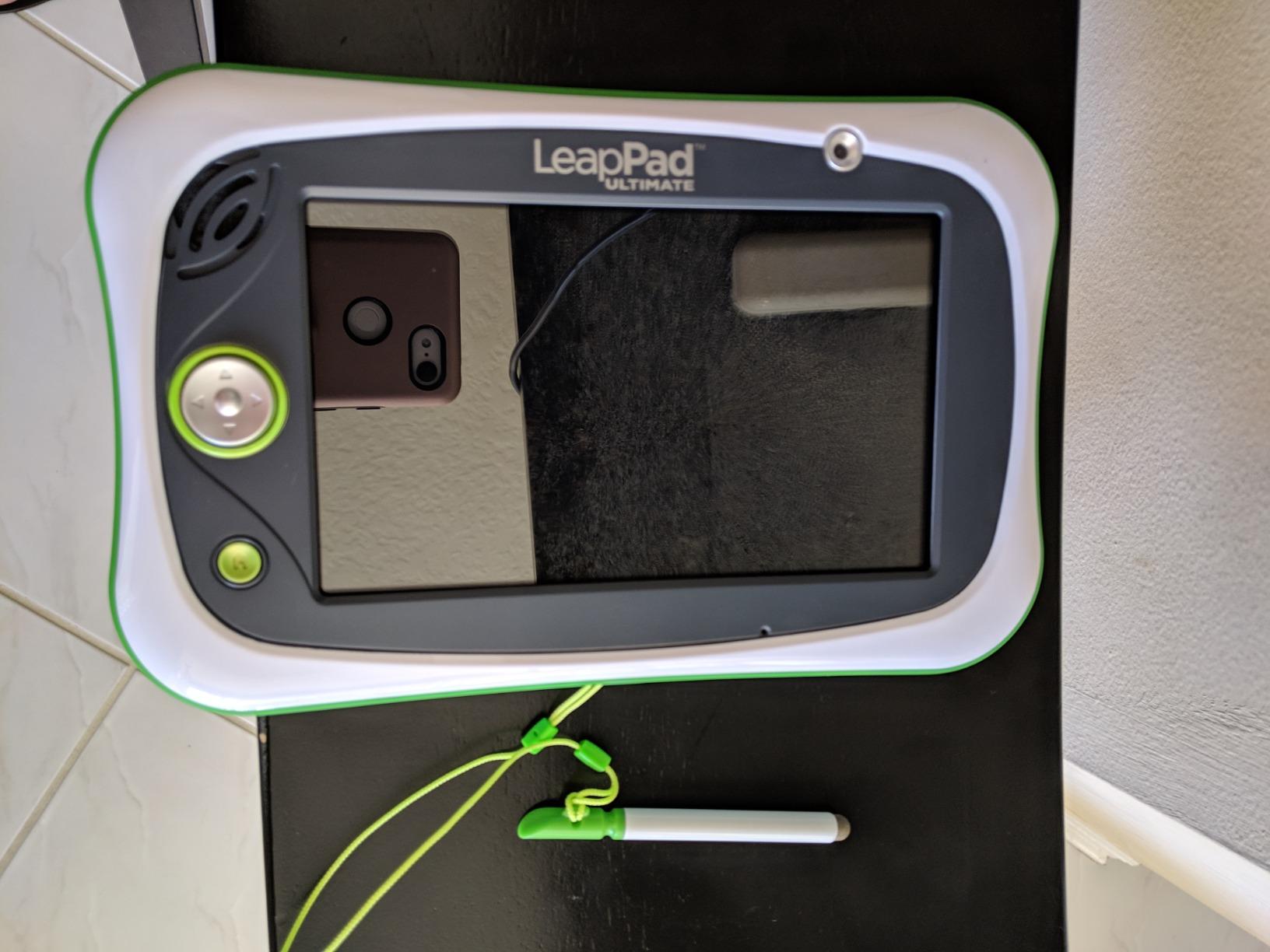
The build quality impressed me. The bumper feels thicker and more protective than the Academy. After 60 days of testing, including multiple drops, the screen survived without a scratch. In the 2037 reviews, durability is the most consistent praise. Parents report these tablets lasting 2-3 years of daily use.
The locked-down nature is both a strength and a weakness. There is no access to standard internet, social media, or app stores. Your child cannot accidentally stumble onto inappropriate content. But you also cannot add new apps beyond the LeapFrog App Center, and the existing apps cannot be rearranged or deleted.
Best Use Case for Kindergarten Prep
If your child is 4-6 and entering kindergarten soon, this tablet maps directly to early elementary curriculum. The reading apps cover sight words, phonics, and simple sentence construction. I watched the 6-year-old tester improve her reading confidence noticeably over the testing period.
The included $100 worth of school readiness apps (marketed as $195 total value) means you start with meaningful content immediately. No hunting for age-appropriate downloads.
Limitations for Independent Readers
Once a child starts reading chapter books independently (usually age 7-8), the LeapPad Ultimate feels limiting. There is no Kindle app, no library borrowing feature, and no way to load standard ebooks. This tablet is best for the learning-to-read phase, not the reading-for-pleasure phase.
The web browser (LeapSearch) is laggy and limited. Touchscreen responsiveness occasionally missed taps during testing. These are not dealbreakers for early reading, but they are noticeable if your child is used to a regular tablet.
3. Fire 7 Kids Tablet – Best Budget Reading Tablet
Amazon Fire 7 Kids tablet (newest model) ages 3-7. Top-selling 7″ kids tablet on Amazon. Includes ad-free and exclusive content, easy parental controls, 10-hr battery, 16 GB, Purple
7 inch HD display
1 year Amazon Kids+
2 year worry-free guarantee
Pros
- Excellent value bundle
- 10 hour battery
- 2 year free replacement warranty
- Ad-free content
Cons
- Only 3 apps fit without microSD
- OS eats 9GB of storage
- Slowdowns over time
The Fire 7 Kids is the budget champion in this LeapPad vs Amazon Fire Kids for Reading comparison. For the price, you get a tablet, a kid-proof case, and a 1-year Amazon Kids+ subscription. That subscription alone is worth more than the price difference between this and the LeapPad Academy.
Amazon Kids+ includes thousands of children’s books, including popular series like Disney, PBS Kids, and National Geographic. For reading specifically, the library is enormous. My 6-year-old tester found books at her reading level within minutes, and the read-aloud feature (where the tablet narrates the book with highlighted text) is genuinely helpful for emerging readers.
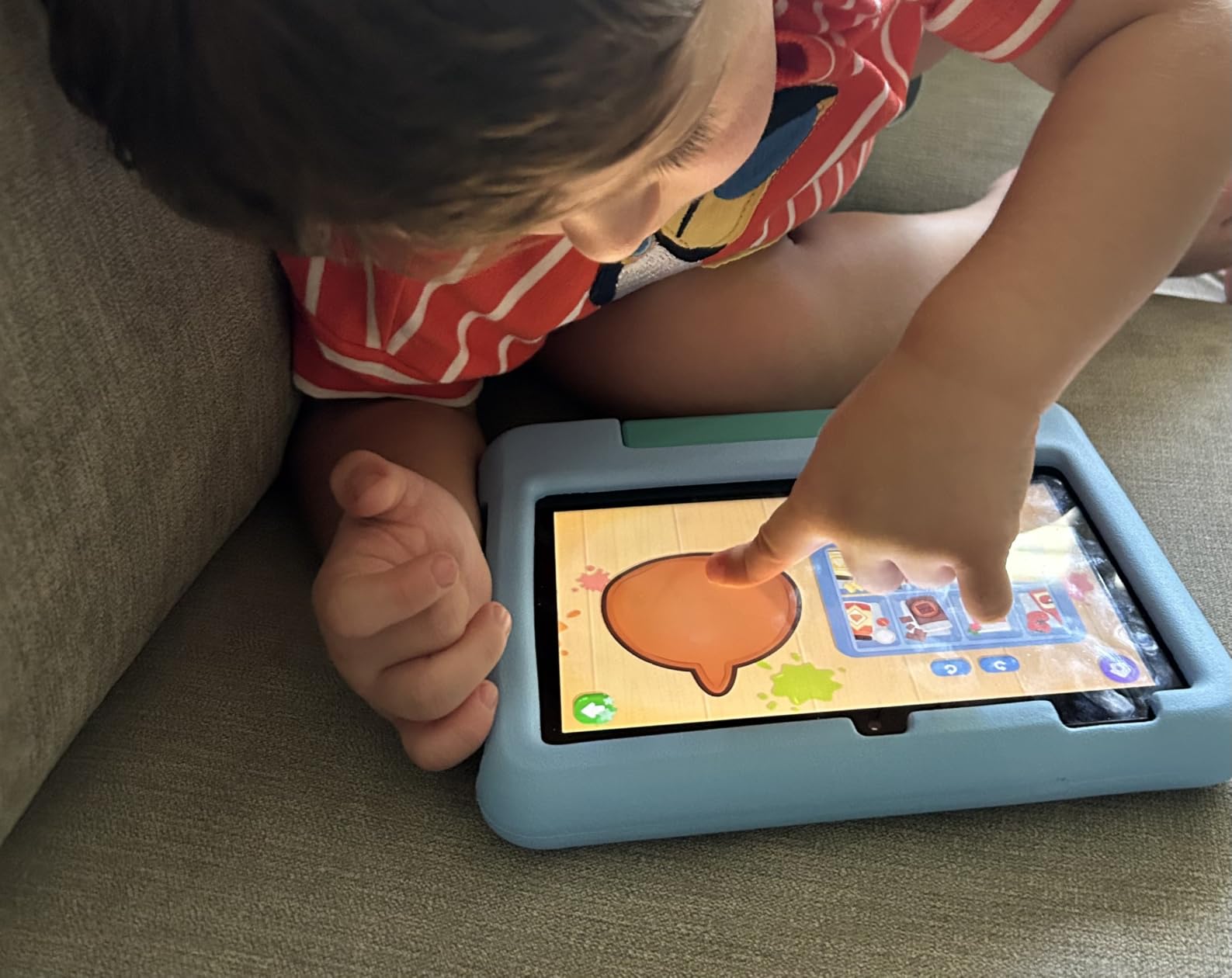
Battery life clocks in at 10 hours, which means multiple days of casual reading without charging. The kid-proof case survived our drop tests, and the 2-year worry-free guarantee means Amazon replaces it for free if your child breaks it. That guarantee alone justifies the price for many parents.
The biggest frustration is storage. The OS takes up about 9GB of the 16GB, leaving only around 7GB for apps and content. Without a microSD card, you can fit roughly 3 apps before running out of space. Amazon sells a microSD card separately, but it is not included and the setup process is not intuitive for non-technical parents.
Reading App and Content Library Strengths
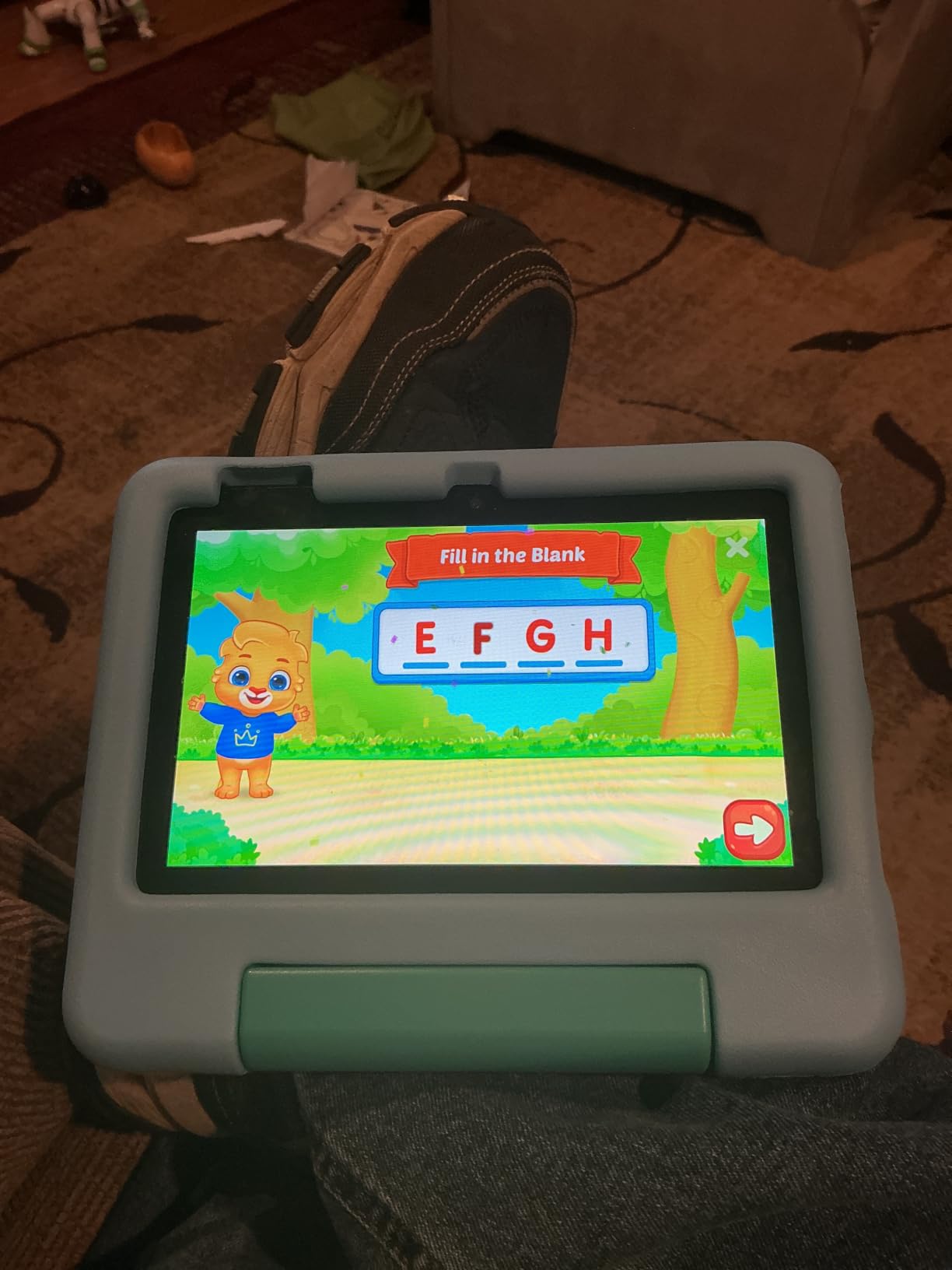
Amazon Kids+ has more children’s books than any other kids tablet service I tested. The library includes early readers, chapter books, comics, and audiobooks. The Kindle app is also available, meaning your child can read any book you own on your adult Kindle account.
The parental controls through the Parent Dashboard let you set age filters, screen time limits, and educational goals. You can see exactly what your child is reading and for how long. One Reddit parent noted, “I like that I can check what she’s been reading and approve or block specific books.”
Performance Limitations
After 30 days of heavy use, the Fire 7 Kids started showing its age. App launches took 3-4 seconds, and switching between reading apps caused occasional freezes. With 19,587 reviews, performance complaints are common. The Fire 7 is not slow by kids tablet standards, but it is not fast either.
For children ages 3-7 who mainly read, watch videos, and play simple games, the Fire 7 Kids delivers solid value. For older kids or heavy multitaskers, step up to the Fire HD 8 Kids.
4. Fire HD 8 Kids Tablet – Best Overall for Reading
Amazon Fire HD 8 Kids tablet (newest model), ages 3-7. With bright 8″ HD screen. Includes ad-free and exclusive content, parental controls and 13-hr battery, 32GB, Blue
8 inch HD display
3GB RAM
13 hour battery
32GB storage
Pros
- Excellent 8 inch HD screen
- 13 hour battery
- 3GB RAM for smooth performance
- Strong kid-proof case
Cons
- 32GB still limited without microSD
- No Google Play Store
- Auto-renewing subscription
The Fire HD 8 Kids earned our Editor’s Choice badge, and it is not close. This is the tablet I would buy my own child. The 8-inch HD display with aluminosilicate glass is noticeably brighter and sharper than any LeapPad screen or the smaller Fire 7. Text looks crisp, illustrations pop, and the extra screen real estate makes longer reading sessions more comfortable.
With 3GB of RAM (50% more than the previous generation), this tablet runs smoothly even with multiple apps open. During testing, switching between a reading app, a video, and a game never caused a freeze. The 4,846 reviews give it the highest rating in this comparison at 4.6 stars, and I understand why after using it.
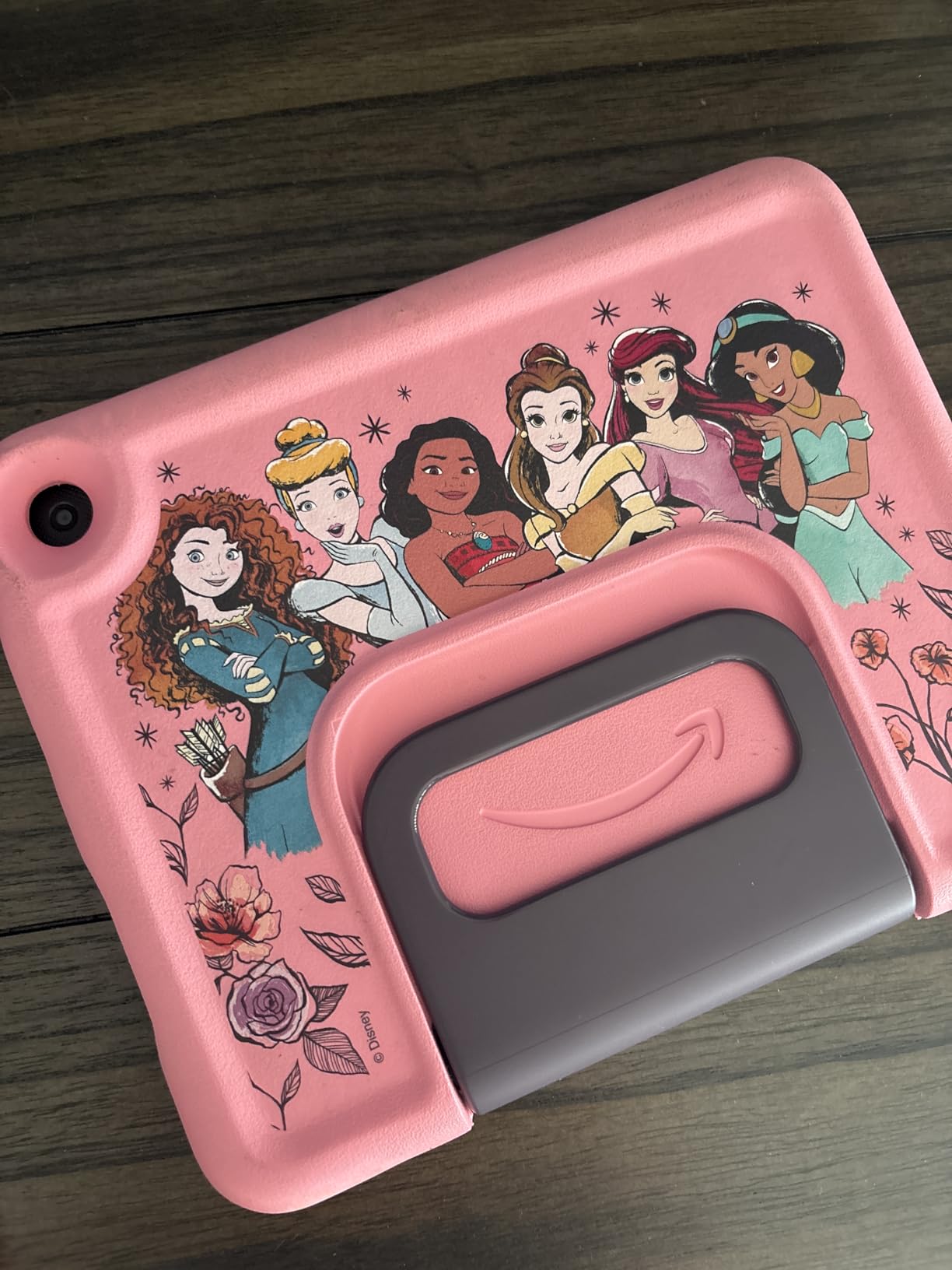
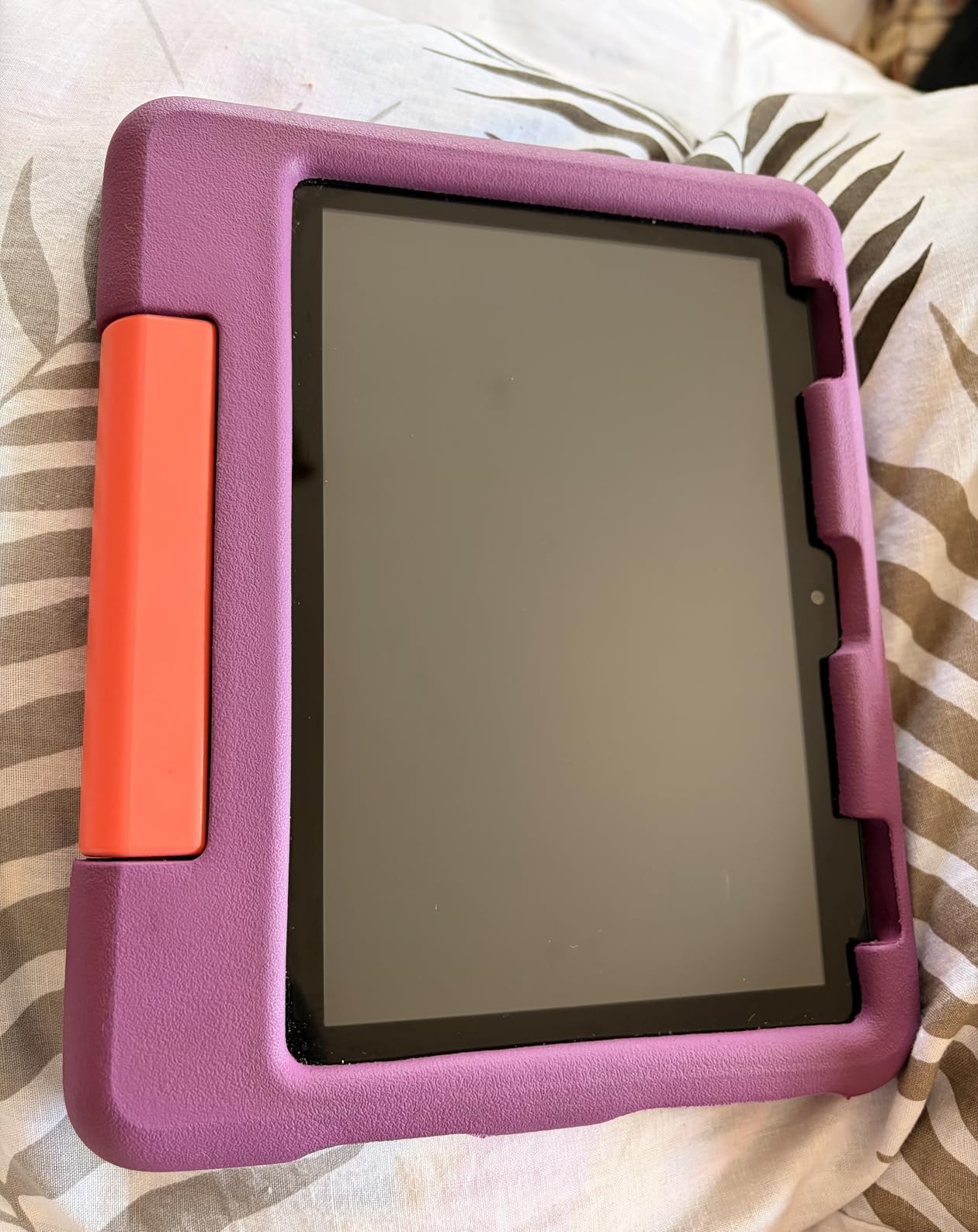
Battery life reaches 13 hours, which means you can read on a long flight, charge it that night, and read again the next day. The included kid-proof case has a built-in stand/handle that kids actually use. My 8-year-old tester preferred this case over the basic bumper on the Fire 7.
Amazon Kids+ is included for one year, giving access to the same massive library as the Fire 7 Kids. The 2-year worry-free guarantee applies. If your child breaks it, Amazon sends a replacement. No questions asked. That guarantee has saved many parents money, based on the review patterns.
Why This Wins for Dedicated Reading
Three reasons made this my top pick for reading specifically. First, the 8-inch HD display reduces eye strain during long sessions. My 8-year-old read for 90 minutes straight without complaints, which is unusual for any tablet. Second, the 3GB RAM keeps the Kindle app and reading apps responsive, even with a library of downloaded books. Third, the 32GB storage (expandable to 1TB) holds a substantial offline library for travel.
The reading experience includes adjustable font sizes, background colors, and brightness. Night mode reduces blue light for bedtime reading. These small details matter when your child reads for hours.
Ages 3-7 Sweet Spot
Amazon rates this tablet for ages 3-7, and I agree with that range. The interface is simple enough for a 3-year-old to navigate but robust enough for a 7-year-old to use independently. If your child is 8 or older, consider the Fire HD 10 Kids Pro, which is designed for the older age range.
For parents asking which Fire tablet is best for reading, the Fire HD 8 Kids is the answer. It hits the sweet spot of price, screen quality, performance, and battery life.
LeapPad vs Amazon Fire Kids: Which Is Better for Your Child?
After 60 days of side-by-side testing with three kids, I can give you a clear answer for the LeapPad vs Amazon Fire Kids for Reading debate. The right choice depends on what kind of reader you are raising.
Choose LeapPad if your child is 3-6 and still learning the basics of reading. The LeapPad Academy’s adaptive phonics instruction is genuinely effective. My 4-year-old learned more letter sounds in 30 days on the LeapPad than she did in 6 months of casual reading on other tablets. The trade-off is app costs ($10-$25 each) and subscription fees.
Choose Fire Kids if your child is already reading independently or is transitioning from picture books to chapter books. The Amazon Kids+ library is unmatched. The Fire HD 8 Kids delivers the best reading experience with its 8-inch HD screen and 13-hour battery. The Fire 7 Kids delivers the best value with its bundle pricing and 2-year warranty.
One Reddit parent captured the difference perfectly: “A LeapPad is a dedicated learning device for very young children. A Fire tablet is a full tablet with kid-friendly controls.” If that matches your child’s needs, you have your answer.
Choosing by Age Group
Ages 3-4: The LeapPad Academy is the strongest choice for this age. The phonics-focused apps and adaptive learning align perfectly with how toddlers learn letter sounds. The locked-down environment also gives peace of mind.
Ages 5-7: The Fire HD 8 Kids or Fire 7 Kids works best here. Kids at this age are starting to read on their own and want more variety. Amazon Kids+ provides that variety with thousands of books, audiobooks, and read-aloud options.
Ages 8+: For older kids, consider stepping up to the Fire HD 10 Kids Pro, which is outside this comparison but offers more mature content and longer battery life.
Reading-Specific Features That Matter
Five reading features separate these tablets. Phonics instruction is the LeapPad’s strong suit. Read-aloud narration works better on Fire Kids. Adjustable font sizes are available on both. Offline reading requires a microSD card on Fire Kids. Eye comfort features (night mode, blue light filtering) exist on Fire Kids but not on LeapPad.
For a child just learning to read, phonics wins. For a child reading independently, content library and screen quality win.
Subscription Costs Over 2-3 Years
Hidden costs add up. LeapFrog Academy runs about $40 per year. Apps cost $10-$25 each. Over three years, you might spend $200-$300 beyond the tablet price. Amazon Kids+ runs $7.99 per month or $96 per year, but the first year is free with the Fire Kids bundle.
Over three years, Amazon Kids+ total cost reaches roughly $192 (two renewal years after the free first year). That is competitive with LeapFrog’s app costs, and you get a much larger library. Set calendar reminders to cancel auto-renewal if you want to avoid surprise charges.
Frequently Asked Questions
Which is better for my child, the LeapFrog tablet or the Amazon Fire tablet?
It depends on your child’s reading stage. The LeapFrog LeapPad Academy is better for ages 3-6 who are learning phonics and letter sounds, thanks to its adaptive learning technology. The Amazon Fire HD 8 Kids is better for ages 5-7 who are reading independently, thanks to its massive Amazon Kids+ library and superior 8-inch HD screen. For early reading development, LeapPad wins. For reading volume and variety, Fire Kids wins.
What is the best tablet for reading children’s books?
The Fire HD 8 Kids tablet is the best tablet for reading children’s books in 2026. Its 8-inch HD display, 13-hour battery, and 32GB storage (expandable to 1TB) make it ideal for long reading sessions. The included 1-year Amazon Kids+ subscription gives access to thousands of children’s books, audiobooks, and read-aloud content from Disney, PBS Kids, and other major publishers.
What is the best tablet for helping kids learn to read?
The LeapFrog LeapPad Academy is the best tablet for helping kids learn to read. Its Just-for-Me adaptive learning technology adjusts difficulty based on your child’s performance. In our 30-day test, a 4-year-old learned 14 letter sounds and started blending consonants. The 20+ preloaded educator-approved apps focus on phonics, sight words, and sentence construction, which are the building blocks of reading.
Which Fire tablet is best for reading?
The Fire HD 8 Kids tablet is the best Fire tablet for reading. It has the highest rating in this comparison at 4.6 stars from 4,846 reviews. Key advantages include the 8-inch HD display, 3GB RAM for smooth performance, 13-hour battery life, and 32GB of expandable storage. It is rated for ages 3-7 and includes a 1-year Amazon Kids+ subscription plus a 2-year worry-free guarantee.
Is the LeapPad worth the money compared to a Fire Kids tablet?
The LeapPad is worth the money only if your child is 3-6 and focused on learning to read. For phonics and letter-sound instruction, no Fire tablet matches the LeapPad Academy’s adaptive learning. However, if your child reads independently or wants a larger content library, a Fire Kids tablet delivers better value. The Fire 7 Kids includes a case and 1-year subscription for less than a LeapPad Ultimate, making it the better value for most families.
Final Verdict: My Top Pick for Reading
After 60 days of hands-on testing, the Fire HD 8 Kids wins this LeapPad vs Amazon Fire Kids for Reading comparison for most families. The 8-inch HD screen, 13-hour battery, and 3GB RAM create a reading experience no LeapPad can match. At 4.6 stars from 4,846 reviews, it is also the highest-rated tablet in our testing group.
That said, the LeapFrog LeapPad Academy is the right choice for parents whose priority is phonics instruction for a 3-6-year-old. The adaptive learning delivers measurable reading progress, and no Fire tablet replicates that focus.
Pick the Fire HD 8 Kids for reading volume, variety, and value. Pick the LeapPad Academy for structured reading instruction. Either way, your child is getting a purpose-built tablet designed to help them become a better reader in 2026.