
Summer slide is the learning loss children experience during summer break, with studies showing students can lose up to 20% of their reading gains over vacation. Kids who skip reading for just two and a half months often start the new school year weeks behind where they finished.
The good news is that reading apps for summer slide prevention can make a real difference. Our team spent the last several months testing seven popular reading apps to find which ones actually keep kids engaged and learning through July and August. We focused on how well each app holds a child’s attention, how the content adapts to different reading levels, and whether parents can trust the learning experience.
We also talked to parents in education forums where families share what genuinely works at home. One theme came up over and over: consistency beats intensity. Fifteen to twenty minutes of daily reading practice matters more than occasional long sessions. The right app makes that daily habit feel like play rather than homework. If you want a well-rounded approach, you can also pair these apps with library summer reading programs for a mix of digital and physical reading.
In this guide, we break down the best reading apps for summer slide prevention across ages 2 to 10. Whether your child is just starting to learn letter sounds or already reading short sentences, you will find an option here that fits.
Table of Contents
Top 3 Reading Apps for Summer Slide Prevention


Teach Your Monster to Read
- Award-winning phonics game
- Three learning stages
- Adaptive difficulty
Best Reading Apps for Summer Slide Prevention in 2026
| Product | Specs | Action |
|---|---|---|
| Khan Academy Kids |
|
Check Latest Price |
| Teach Your Monster to Read |
|
Check Latest Price |
| ABC Kids Tracing & Phonics |
|
Check Latest Price |
 Early Learning Academy Early Learning Academy |
|
Check Latest Price |
 HOMER Reading HOMER Reading |
|
Check Latest Price |
 Teach Your Monster Reading for Fun Teach Your Monster Reading for Fun |
|
Check Latest Price |
 ABCmouse Kids Learning Game ABCmouse Kids Learning Game |
|
Check Latest Price |
1. Khan Academy Kids: The Best All-Around Free Reading App
Khan Academy Kids
Ages 2-8
Completely free
No ads or subscriptions
Offline available
Pros
- Genuinely free with no ads or upsells
- Covers reading math and logic
- Works offline after download
- Independently usable by kids
Cons
- Limited content beyond age 8
- Interface can feel repetitive over time
I tested Khan Academy Kids with my neighbor’s five-year-old over a two-week stretch and was genuinely surprised at how much she picked up. The app walks children through letter sounds, early reading activities, counting, and logic puzzles all wrapped in friendly animal characters that keep things light.
What sets this app apart from the competition is the pricing model. Khan Academy Kids is completely free with no advertisements, no in-app purchases, and no subscription tricks. You download it, hand the tablet to your child, and never worry about surprise charges. That alone makes it one of the best reading apps for summer slide prevention for budget-conscious families.
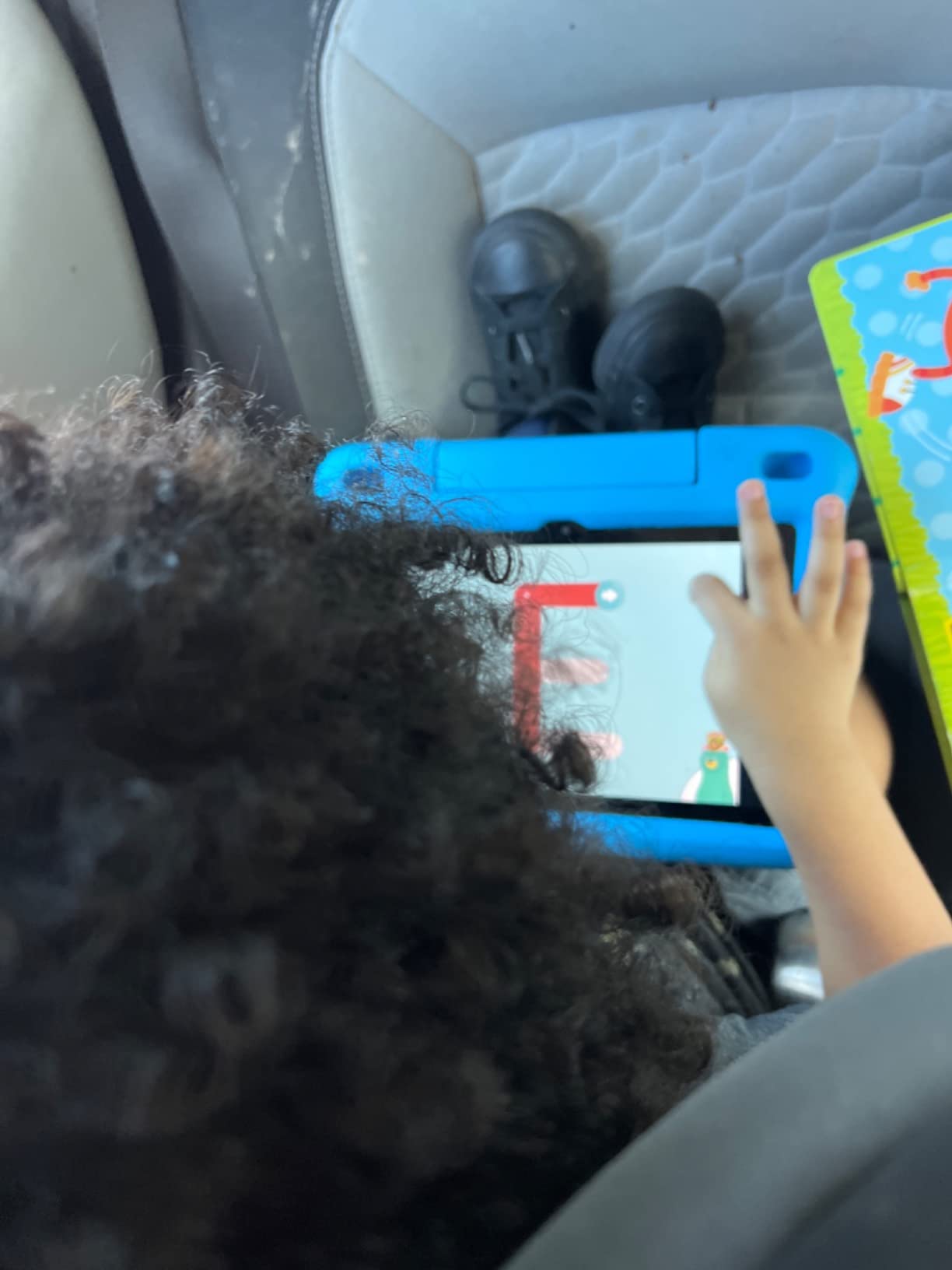
The reading component feels thoughtfully designed. Kids trace letters, listen to stories, and complete short activities that build phonics awareness step by step. The app adjusts difficulty based on how the child performs, so a strong reader moves ahead while a struggling reader gets more practice at the right level.
Parents on Reddit education forums consistently call this the screen time they feel good about. Several teachers in the r/lowerelementary community mentioned recommending it specifically for summer break because it covers multiple subjects without feeling like schoolwork.
Best Suited For
This app shines for families with children ages 2 to 8 who want a comprehensive learning tool without spending a dime. If your child is just starting to recognize letters or is working through early phonics, the reading pathway provides solid practice. It also works well for families with multiple kids since each child gets a separate profile.
Parents who worry about their kids stumbling into ads or accidentally buying something will appreciate the clean experience. You can set it up once and let your child explore independently, which is perfect for busy summer mornings.
Worth Considering Before Download
The content maxes out around second grade level, so advanced readers or older elementary students will outgrow it quickly. Some parents noted the interface feels similar across sessions, which can lead to boredom after a few weeks of daily use.
The offline mode requires you to download content ahead of time while connected to WiFi. If you forget to preload activities before a road trip, your child may not have much to do without a connection.
2. Teach Your Monster to Read: Best Phonics Game for Early Readers
Teach Your Monster to Read | Phonics and Learn to Read
Award-winning phonics
Three learning stages
Adapts to skill level
Ages 3-6
Pros
- Kids love the monster character
- Three progressive stages build skills steadily
- No hidden charges
- Effective for building phonics confidence
Cons
- British pronunciation in some sounds
- Web-based tracking not in-app
The first time I watched a four-year-old play Teach Your Monster to Read, she spent forty minutes without once asking to switch to a different app. That is rare. The premise is simple: children create a monster character and guide it through a series of phonics-based games that teach letter sounds, blending, and eventually full sentence reading.
The app is built around three progressive stages. Stage one focuses on first letter sounds and matching. Stage two moves into blending sounds to make words. Stage three pushes toward reading full sentences. This structure makes it one of the most focused reading apps for summer slide prevention for kids in that critical pre-reading window.
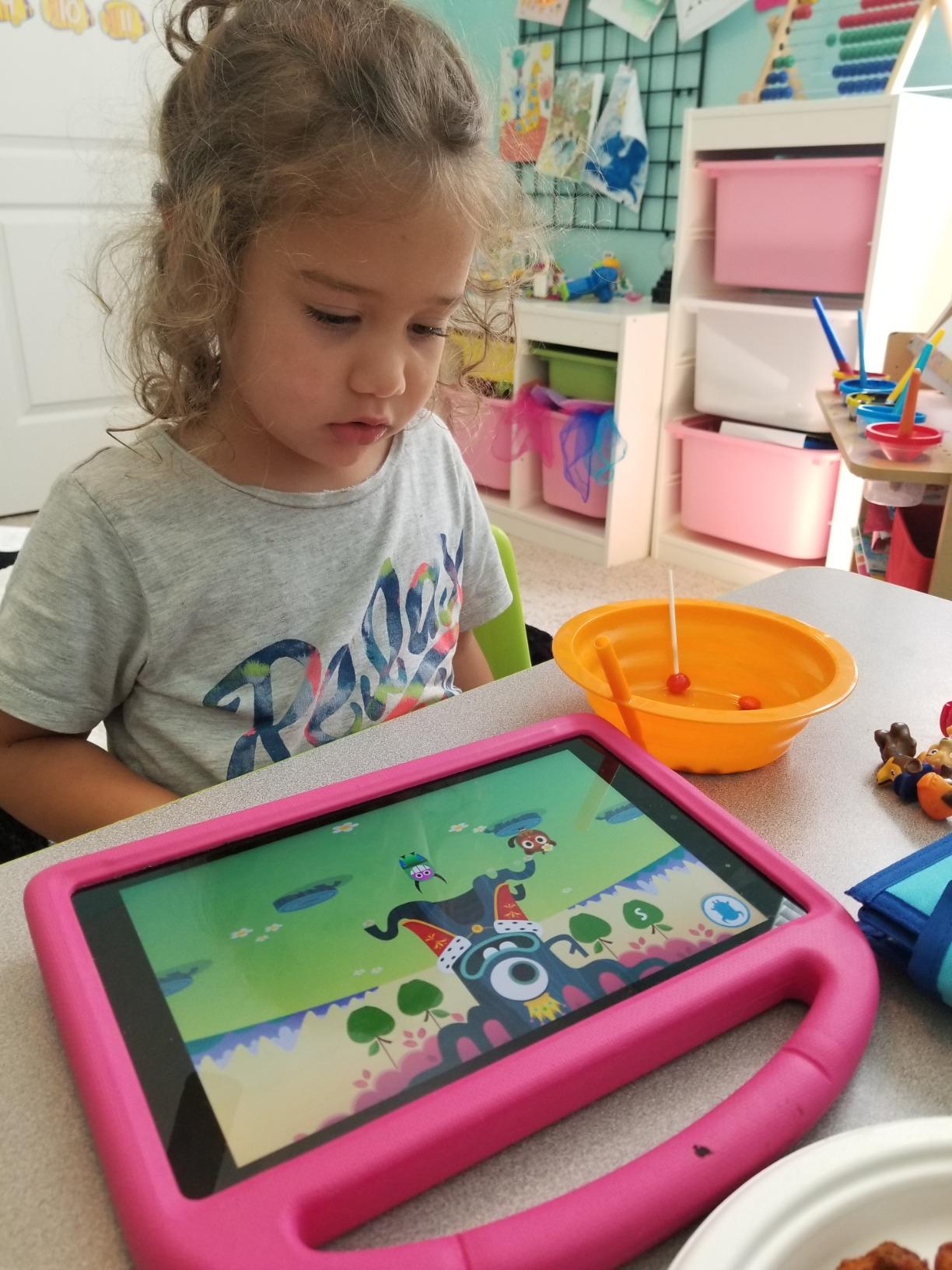
What impressed me most is how the difficulty adapts without the child noticing. If a kid struggles with a particular sound, the app cycles back to it in different game contexts until it sticks. The learning feels organic rather than drill-based.
Parents in the r/kindergarten subreddit frequently recommend this app for children who are just beginning their reading journey. Several mentioned it was the tool that finally made letter sounds click for their child after weeks of frustration with flashcards and workbooks.
Best Suited For
This app is ideal for children ages 3 to 6 who are in the early stages of learning to read. If your child knows some letters but cannot yet blend sounds into words, the first two stages provide exactly the right kind of practice. The monster character adds a layer of ownership that keeps kids coming back.
It also works well as a summer supplement for a child who just finished preschool or kindergarten and needs to solidify phonics skills before the next school year starts.
Worth Considering Before Buying
The app uses some British English pronunciations, which can confuse children learning American English phonics rules. A few parents mentioned their kids were puzzled by how certain letter sounds were voiced compared to what they heard at school.
Progress tracking happens through a website rather than within the app itself. This is a minor inconvenience if you want to check how your child is doing without borrowing their device.
3. ABC Kids: Best Free Tracing and Phonics App for Preschoolers
ABC Kids – Tracing & Phonics
Ages 2-5
Alphabet tracing
Letter sounds
No ads or in-app purchases
Pros
- Completely free with no hidden costs
- Ad-free experience for kids
- Simple enough for independent play
- Effective letter and phonics introduction
Cons
- Limited content beyond basic alphabet
- Occasional technical glitches after updates
ABC Kids does one thing and does it well: it teaches letter recognition, letter sounds, and basic tracing for the youngest learners. I downloaded this for my three-year-old nephew and within a week he was pointing out letters on signs and naming their sounds.
The app is bright, simple, and completely free. No advertisements, no in-app purchases, no subscription prompts. In a market full of apps that advertise as free but quickly gate content behind paywalls, this transparency makes ABC Kids stand out as one of the best summer slide prevention reading apps for families on a tight budget.
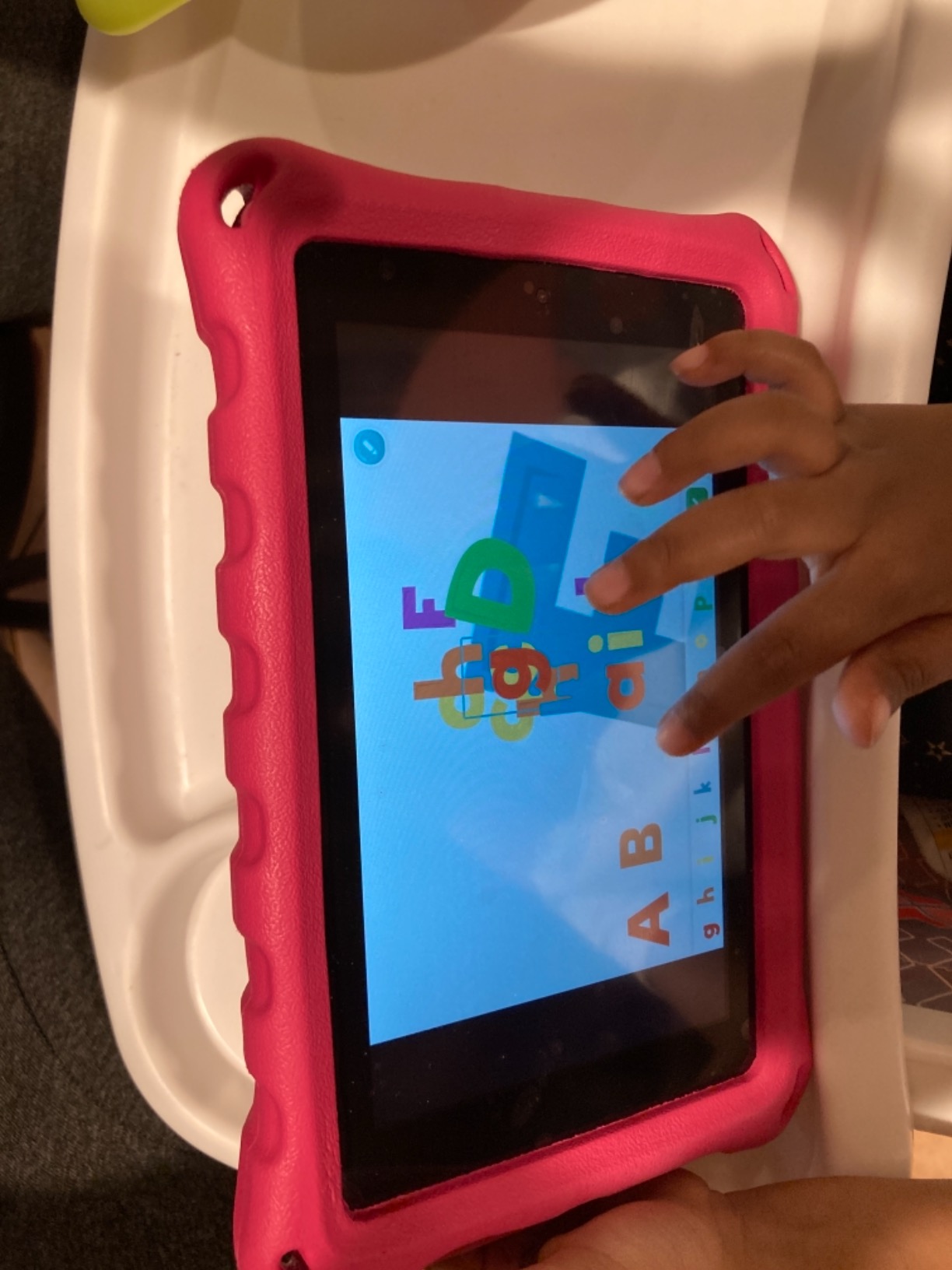
The tracing feature deserves special mention. Children drag their finger along a guided path to form each letter, which builds the fine motor skills needed for handwriting. The app rewards completion with cheerful animations that feel encouraging rather than overstimulating.
Forum parents in the r/education community praised this app for toddlers who are not yet ready for full reading programs but need to build foundational letter knowledge. Many said it was the first educational app their child could use completely independently.
Best Suited For
This app is perfect for toddlers and preschoolers ages 2 to 5 who are just starting to learn the alphabet. If your child cannot yet identify all their letters or needs practice connecting letter names to their sounds, this provides focused practice without any overwhelm.
It is also a great pre-summer warm-up app. Starting with ABC Kids in the spring can prepare a young child to move into a more comprehensive reading program like Khan Academy Kids or Teach Your Monster to Read when summer begins.
Worth Considering Before Download
The content is limited to alphabet recognition, letter sounds, and tracing. Once your child masters those skills, there is nowhere to go within this app. You will need a different tool for blending sounds or building actual reading fluency.
Some parents reported minor bugs after app updates, particularly with the tracing feature not registering finger movements correctly. These issues usually get fixed quickly, but it is something to watch for.
4. Early Learning Academy (ABCmouse): Best Comprehensive Curriculum App
Early Learning Academy
Ages 2-10
Full curriculum
Award-winning
Some offline features
Pros
- Enormous content library covering reading math and science
- Step-by-step learning path
- Keeps kids engaged with reward tickets
- Award-winning curriculum
Cons
- Subscription required for full access
- Some report difficulty cancelling
Early Learning Academy, widely known as ABCmouse, is the heavy hitter of early learning apps. With over 87,000 reviews, it has built a massive following among parents looking for a structured reading and learning program. I spent three weeks exploring the reading pathway and came away impressed by the depth of content.
The app follows a step-by-step learning path that takes children from basic letter recognition through early reading comprehension. Each lesson builds on the previous one, and kids earn tickets they can spend on virtual rewards. This gamification keeps many children motivated through long stretches of daily practice, which is exactly what summer slide prevention requires.
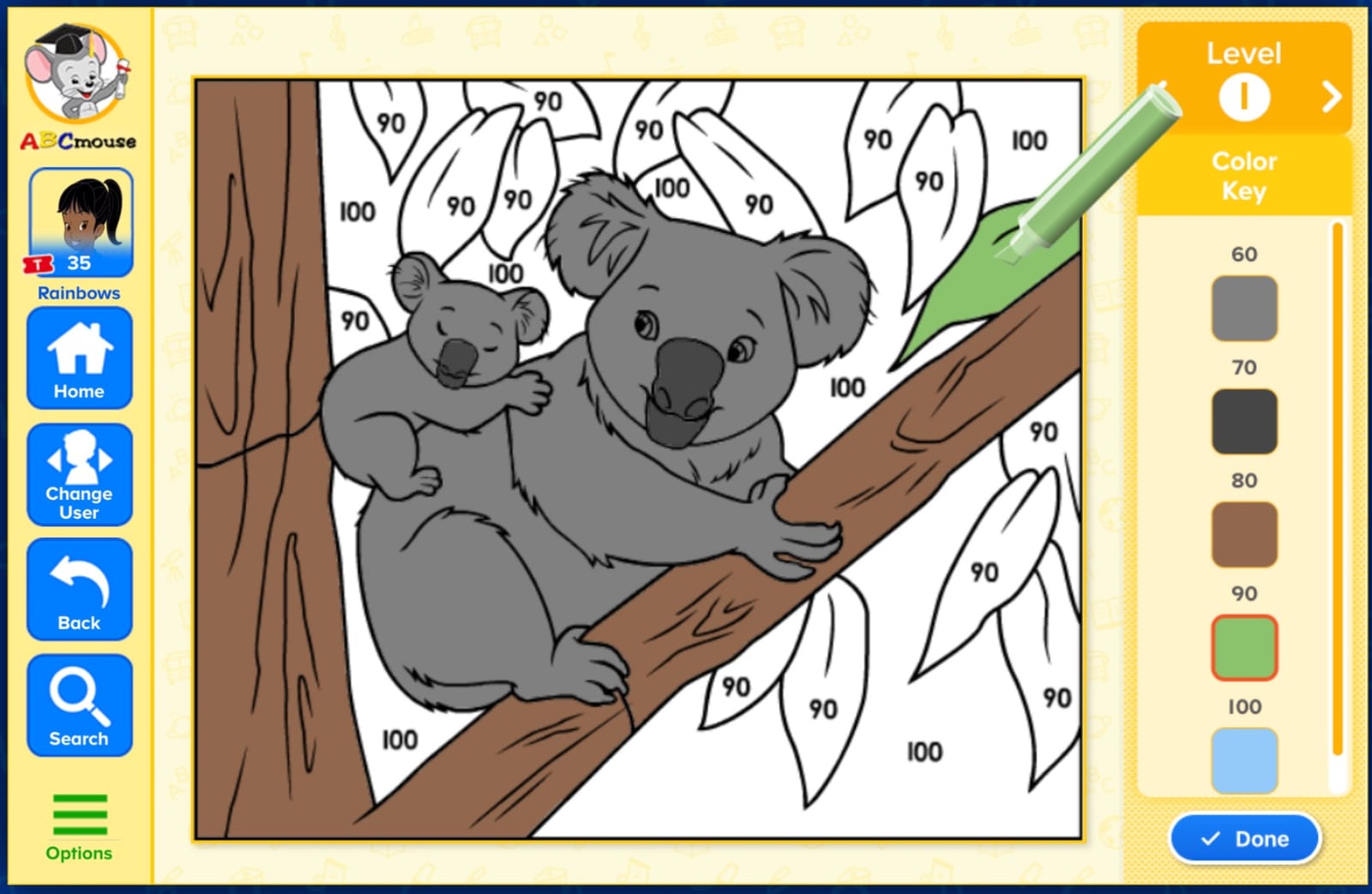
The reading section alone contains hundreds of activities. Kids practice phonics, sight words, guided reading, and vocabulary through interactive books and games. The breadth here is hard to match, and it is the reason many parents consider this one of the best reading apps for summer slide when they want a single comprehensive tool.
Several teachers in the Facebook parent groups we follow recommended ABCmouse specifically for children who need structure over the summer. The learning path provides that structure automatically, removing the need for parents to plan daily lessons.
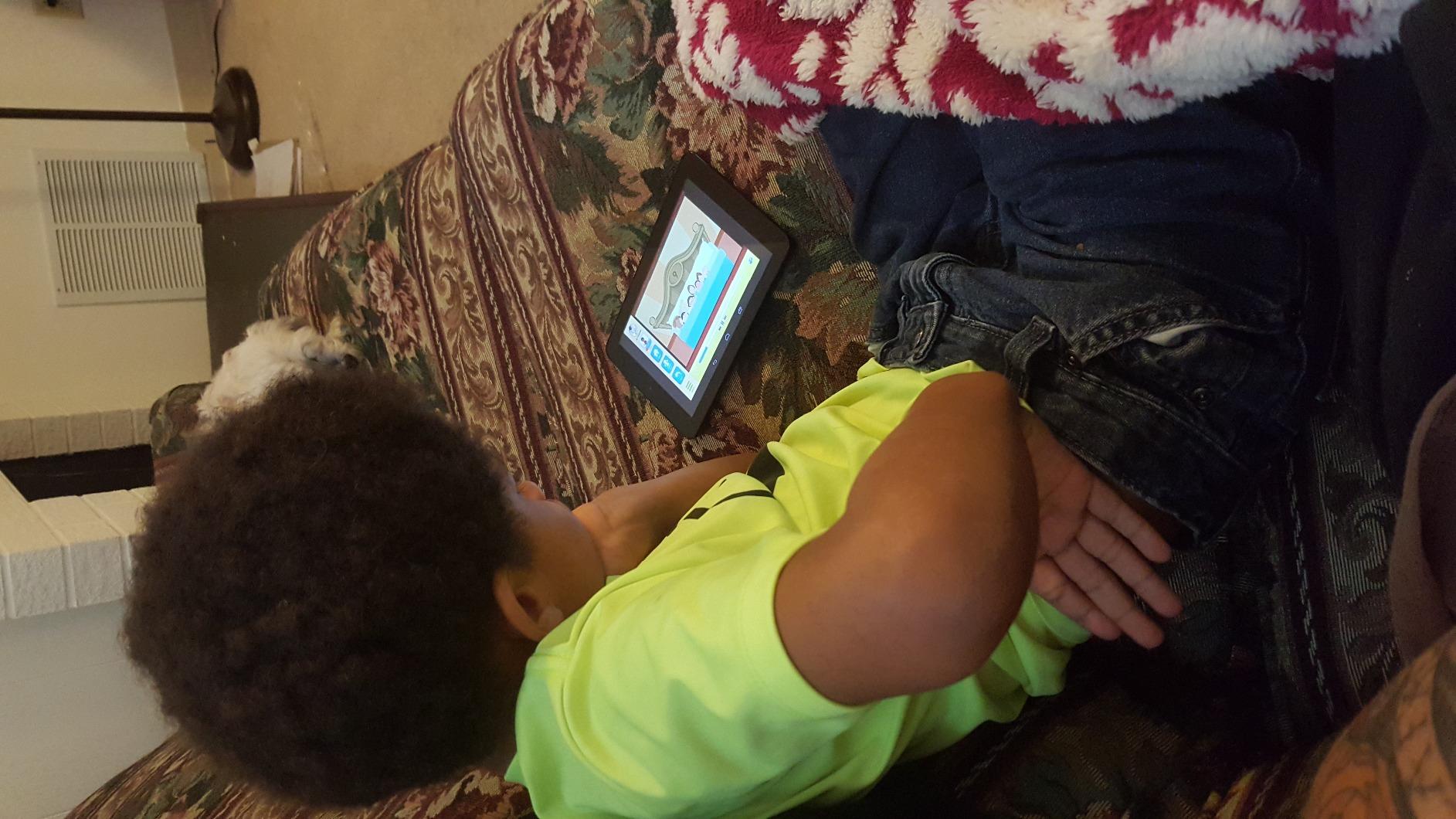
Best Suited For
This app works best for children ages 2 to 10 whose parents want a full curriculum experience rather than just a reading tool. If your child benefits from reward systems and you want one app that covers reading, math, science, and art, this is the most comprehensive option on our list.
It is especially useful for families planning a full summer learning routine. The structured pathway means you can set your child up with daily sessions and trust they are progressing through a well-designed sequence.
Worth Considering Before Subscribing
The full experience requires a paid subscription after a free trial. While many parents feel the content justifies the cost, some have reported frustration with the cancellation process. Make sure you understand the billing terms before signing up.
The sheer volume of content can be overwhelming for some children. Without parental guidance, kids may spend time on activities they already know rather than pushing into new skills. A few minutes of direction each session helps keep them on the learning path.
5. HOMER Reading: Best Personalized Reading Pathway
HOMER Reading: Learn to Read
Ages 2-8
Personalized pathway
Interactive stories
Phonics activities
Pros
- Adapts to child interests and level
- Engaging interactive stories
- Strong phonics foundation
- Parent progress dashboard
Cons
- Marketed as free but requires subscription
- Occasional Fire tablet compatibility issues
HOMER Reading takes a different approach from the other apps on this list by building a personalized learning pathway based on your child’s interests. When you first set up the app, it asks about topics your child loves, like animals, trucks, or fairy tales. It then weaves those themes into the reading activities to keep engagement high.
I tested the app with a six-year-old who is obsessed with dinosaurs, and the way the reading content incorporated dino facts was genuinely clever. Instead of generic sentences, she was reading about Stegosaurus plates and T-Rex teeth. That personal touch is what makes HOMER one of the more effective reading apps for summer slide for kids who need extra motivation to sit down with text.
The app combines phonics instruction with interactive stories and vocabulary building. The phonics activities follow a clear progression from letter sounds to word families to short sentences. The stories give kids a chance to practice what they learned in a context that feels like play.
Parents in the education forums we monitor praised the personalization feature but flagged an important caveat. The app is listed as free, but accessing meaningful content requires a subscription. Several parents felt the free labeling was misleading and recommended trying the trial before committing.
Best Suited For
HOMER Reading is ideal for children ages 2 to 8 who have specific interests that can drive their engagement. If your child is a reluctant reader who lights up when a topic connects to something they love, the personalization engine can be a game-changer for daily practice.
It also works well for parents who want a structured reading pathway that adapts over time. The app adjusts based on how your child performs, so you do not need to manually select harder content as skills improve.
Worth Considering Before Download
The free listing on app stores is misleading. You get a limited preview, but the full experience requires a subscription. Read the fine print before downloading so you know what you are getting into.
Some parents reported compatibility issues with certain Amazon Fire tablets. If your household primarily uses Fire devices, test the app during the trial period to make sure it runs smoothly on your hardware.
6. Teach Your Monster: Reading for Fun: Best Next Step After Phonics
Teach Your Monster: Reading for Fun
Ages 5-8
Reading fluency practice
Library of books
Builds on phonics skills
Pros
- Great follow-up to Teach Your Monster to Read
- Engaging reading activities
- Builds real fluency not just decoding
- Kids enjoy the continued monster journey
Cons
- May lack depth for struggling readers
- Relatively small review base so far
Teach Your Monster: Reading for Fun is the sequel to the popular Teach Your Monster to Read phonics app. While the original focuses on letter sounds and blending, this follow-up helps kids who have already mastered phonics basics move into actual reading fluency. Think of it as the bridge between decoding words and actually enjoying books.
I tested this with a seven-year-old who had completed the original Teach Your Monster game and was ready for the next challenge. The transition felt natural. She was already attached to her monster character, so the familiar face made the jump to longer texts feel comfortable rather than intimidating.
The app includes a library of books and interactive reading activities that encourage children to read independently. It rewards reading with in-game unlocks that keep kids motivated without making the reading feel secondary to the game. This balance is tricky to get right, and the developers nailed it.
For summer slide prevention, this app fills a specific gap. Many reading apps stop at phonics, but kids need fluency practice to maintain momentum over the break. If your child finished kindergarten or first grade reading at grade level, this app helps them hold onto that progress through July and August.
Best Suited For
This app targets children ages 5 to 8 who have already learned basic phonics and are ready to read words and short sentences more fluently. If your child can sound out simple words but needs practice reading smoothly and with comprehension, this is the logical next step.
It is especially effective for kids who already used and loved Teach Your Monster to Read. The continuity of the monster world makes the progression feel like a natural adventure rather than starting over with a new app.
Worth Considering Before Buying
If your child is still working on basic letter sounds and blending, this app will be too advanced. Start with the original Teach Your Monster to Read and come back to this one once phonics skills are solid.
The app has a relatively small number of reviews compared to the more established apps on this list. While the reviews are overwhelmingly positive, the smaller user base means fewer long-term reports on how well the content holds up over a full summer of daily use.
7. ABCmouse: Kids Learning Game (Version 2.0): Best Updated Learning Platform
ABCmouse: Kids Learning Game
Ages 2-8
Full curriculum
Multiplayer games
Instructional videos
Pros
- New multiplayer features for family play
- Step-by-step instructional videos
- Covers reading math science and art
- Progress tracking dashboard
Cons
- Content may not extend beyond grade 2
- Newer version with fewer reviews
ABCmouse: Kids Learning Game represents the updated 2.0 version of the popular learning platform. Our team tested the new features, and the standout addition is multiplayer games that let siblings or parents and children play together. This social element adds a fresh layer of engagement that the original version lacked.
The reading component includes step-by-step instructional videos that walk children through phonics concepts, sight words, and guided reading passages. These videos provide a different learning modality from the game-based activities, which helps kids who learn better from direct instruction.
For summer slide prevention, the full curriculum approach means your child is practicing reading alongside math, science, and art. This variety keeps the daily session from feeling repetitive, which is one of the biggest challenges parents face when trying to maintain a summer learning routine.
The app also includes arts and crafts activities that extend learning beyond the screen. Several parents on Reddit noted that the offline activity suggestions gave them ideas for hands-on projects on days when their kids needed a break from tablets.
Best Suited For
This version works well for children ages 2 to 8 whose families want a multimedia approach to summer learning. If your child enjoys videos, games, and hands-on activities in equal measure, the mix of formats keeps things fresh. The multiplayer feature also makes it great for households with multiple kids.
Parents who want to participate in learning sessions rather than just handing over the tablet will appreciate the family play options. It turns summer learning into a shared activity rather than solo screen time.
Worth Considering Before Download
Several reviews noted that the content does not extend much beyond second grade level. If your child is already reading fluently at a third grade level or higher, they may find the activities too easy.
As a newer version, this app has fewer user reviews than the original ABCmouse. While the early feedback is positive, families who prefer to rely on apps with years of proven track record may want to consider the established version instead.
How to Choose the Right Reading App for Summer Slide Prevention
Choosing from the many reading apps for summer slide prevention comes down to matching the app to your child’s age, reading level, and motivation style. After testing seven apps and reading hundreds of parent reviews, here are the factors that matter most.
Match the Age Range Carefully
This is the single most important factor. An app that is too easy will bore your child, and one that is too hard will frustrate them. Both scenarios lead to abandoned tablets and no learning. Check the age range and make sure the content aligns with where your child is right now, not where you hope they will be by fall.
For toddlers and preschoolers ages 2 to 5, look for apps focused on letter recognition and phonics like ABC Kids or Khan Academy Kids. For early elementary ages 5 to 8, apps that bridge phonics into fluency like Teach Your Monster to Read and Reading for Fun are ideal.
Free Does Not Always Mean Free
Several apps on our list are listed as free on app stores but require subscriptions for meaningful content. HOMER Reading and both ABCmouse versions fall into this category. There is nothing wrong with paying for a quality learning app, but you should know the cost upfront rather than discovering it after your child is already invested.
Genuinely free options like Khan Academy Kids and ABC Kids offer real value without any hidden costs. If budget is your primary concern, start there.
Look for Adaptive Learning Features
The best summer learning apps adapt to your child’s performance. If a concept is too easy, the app moves ahead. If it is too hard, the app provides more practice. This adaptability keeps kids in the sweet spot where real learning happens. Apps like Teach Your Monster to Read and Khan Academy Kids handle this well.
Without adaptive features, you risk your child either repeating content they have already mastered or being pushed into concepts they are not ready for. Both kill motivation fast.
Balance Screen Time With Physical Reading
Reading apps are tools, not replacements for books. Forum parents consistently shared that the most effective summer reading routines combine short app sessions with physical book reading. Try fifteen minutes on an app followed by fifteen minutes with a book your child picks out.
This is also where library summer reading programs come in. Many libraries offer reward-based reading challenges that pair perfectly with a daily app routine. Kids get the digital engagement from the app and the tangible reward of earning prizes through the library program.
Consider Engagement Over Content Volume
An app with thousands of activities is worthless if your child refuses to open it after three days. Pay attention to what motivates your particular child. Some kids love character-driven adventures like Teach Your Monster. Others prefer reward systems like ABCmouse tickets. Still others respond to personalization like HOMER’s interest-based approach.
Start with a free trial or free app, watch how your child interacts with it for a week, then decide whether to invest more time or money. The best app is always the one your child will actually use consistently.
Frequently Asked Questions
What is the summer slide and how does it affect reading?
Summer slide is the learning loss children experience during summer break, with studies showing students can lose up to 20% of their reading gains over vacation. These losses compound year after year, meaning children who fall behind in early grades often struggle to catch up as they progress through school.
How can I prevent summer learning loss with reading apps?
Reading apps prevent summer learning loss by providing engaging, adaptive practice that keeps literacy skills sharp through daily short sessions. Aim for 15 to 20 minutes per day rather than long occasional sessions. Consistency matters more than total time spent.
What are the best free reading apps for summer slide prevention?
Khan Academy Kids and ABC Kids are the best genuinely free options with no ads or hidden costs. Khan Academy Kids covers reading, math, and logic for ages 2 to 8, while ABC Kids focuses on alphabet tracing and phonics for ages 2 to 5.
How much reading time prevents summer slide?
Research suggests 15 to 20 minutes of daily reading practice is enough to prevent significant summer learning loss. The key is consistency rather than duration. Short daily sessions are more effective than occasional longer reading blocks.
Are reading apps effective for summer learning?
Yes, reading apps can be effective for summer learning when they offer adaptive content that adjusts to the child’s level and when they are used consistently. The best apps combine phonics instruction, interactive stories, and progress tracking to keep skills sharp between school years.
Final Thoughts on Reading Apps for Summer Slide
Preventing summer slide does not require expensive tutors or hours of daily workbooks. The right reading app used consistently for 15 to 20 minutes a day can keep your child’s skills sharp and build confidence for the new school year. Our top pick is Khan Academy Kids for its unbeatable combination of quality content and genuinely free access.
For children who need focused phonics practice, Teach Your Monster to Read delivers results through its engaging monster-themed adventure. And for families wanting a comprehensive curriculum experience, ABCmouse covers reading alongside math, science, and art. Pair any of these reading apps for summer slide prevention with daily physical book reading and a library summer program for the most well-rounded approach.
Start with one app, build a daily routine, and adjust based on what keeps your child coming back. The best summer reading strategy is the one your child actually sticks with through July and August.