
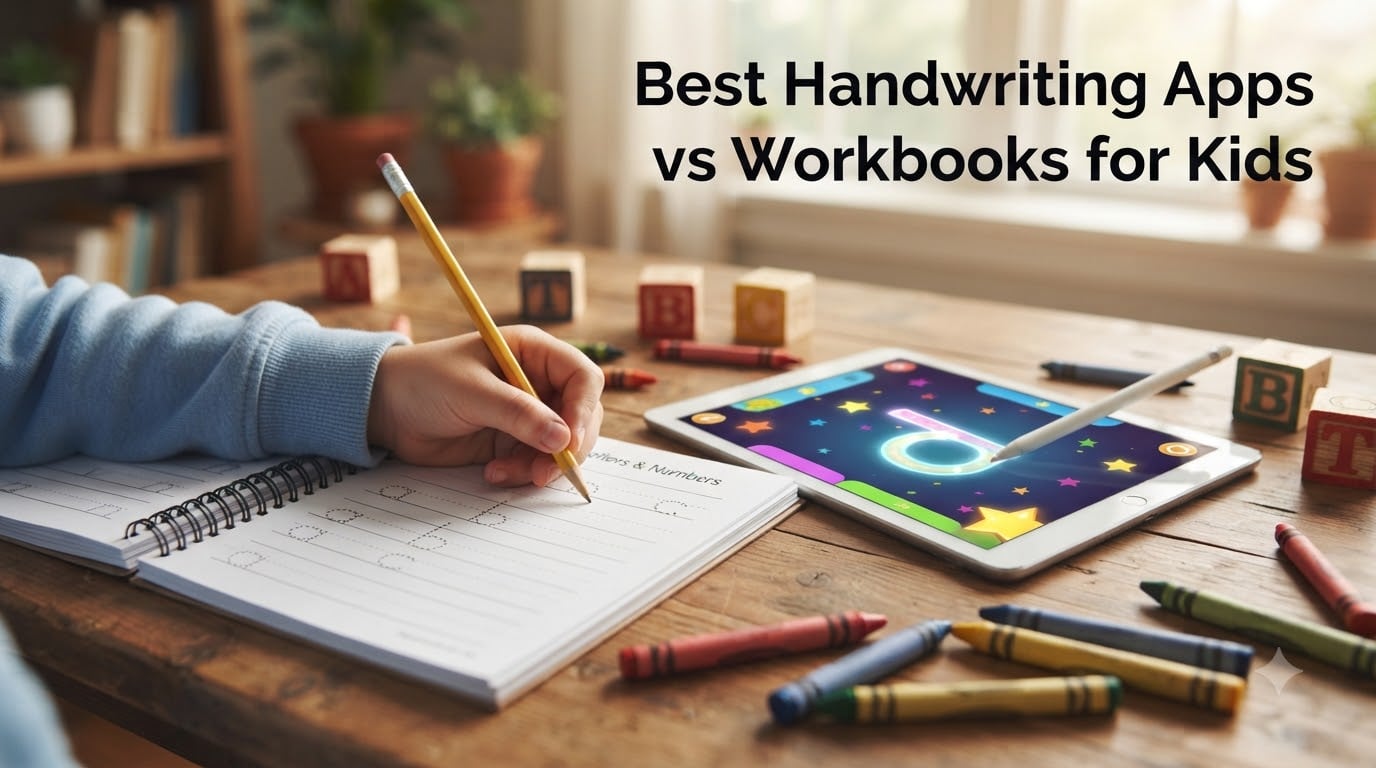
When my daughter started kindergarten last fall, her teacher sent home a note about handwriting practice. I had a drawer full of workbooks and a tablet loaded with tracing apps, and I honestly could not tell which one was helping more. That sent me down a rabbit hole comparing handwriting apps vs workbooks for kids, testing both side by side across six apps and six physical workbooks with my own children and a few neighbor kids who happily served as test subjects.
The debate between digital and paper-based handwriting practice is real and ongoing in every parent forum I have visited. Parents on Reddit’s homeschool and education communities consistently say the same thing: apps work great for engagement and initial letter learning, but nothing replaces the tactile feel of pencil on paper for building real motor memory. The consensus from occupational therapists is that both approaches serve different purposes at different stages of a child’s development.
In this guide, I walk through 6 of the best handwriting apps and 6 of the most popular handwriting workbooks available in 2026. I cover what each one does well, where it falls short, and which type of child it suits best. Whether you are a homeschool parent building a curriculum, a working parent looking for something quick, or an OT looking for tools to recommend, you will find specific, tested guidance here.
Table of Contents
Top 3 Picks for Handwriting Practice
From our testing, these three products stood out across both apps and workbooks for different reasons.

ABC Kids – Tracing &…
- Completely free with no ads
- Bright animations and rewards
- Simple navigation for toddlers

Trace Letters: Alphabet…
- 25k+ reviews at 4.8 stars
- Covers alphabet and sight words
- Ages 3-5 preschool prep
Carson Dellosa K-2 Printing…
- Trusted classroom brand
- Three-stage progression
- Perforated pages under $5
Handwriting Apps vs Workbooks for Kids in 2026
| Product | Specs | Action |
|---|---|---|
| ABC Kids – Tracing & Phonics |
|
Check Latest Price |
 LetterSchool – Learn ABC LetterSchool – Learn ABC |
|
Check Latest Price |
 LetraKid – ABC & 123 LetraKid – ABC & 123 |
|
Check Latest Price |
 Writing Wizard – Letters & Words Writing Wizard – Letters & Words |
|
Check Latest Price |
 Cursive Writing Wizard Premium Cursive Writing Wizard Premium |
|
Check Latest Price |
 CandyBots Tracing & Phonics CandyBots Tracing & Phonics |
|
Check Latest Price |
| Trace Letters Workbook |
|
Check Latest Price |
 Tracing Letters & Numbers 200pg Tracing Letters & Numbers 200pg |
|
Check Latest Price |
 Cursive Handwriting Workbook Cursive Handwriting Workbook |
|
Check Latest Price |
| Carson Dellosa K-2 Printing |
|
Check Latest Price |
 Handwriting Practice Ages 6-10 Handwriting Practice Ages 6-10 |
|
Check Latest Price |
 Magic Grooved Writing Books Magic Grooved Writing Books |
|
Check Latest Price |
1. ABC Kids – Tracing & Phonics (Best Free Handwriting App)
ABC Kids – Tracing & Phonics
Free app
No ads
Ages 2-5
Letter tracing and phonics
34k+ reviews
Pros
- Completely free with zero ads
- Colorful animations keep kids engaged
- Simple enough for toddlers to navigate independently
- Clear audio phonics instructions
Cons
- Activities can feel repetitive
- Letter tracing workflow requires backing out to switch letters
- Teaches letter names not sounds in some modes
I downloaded ABC Kids on a whim when my son was about three, and it became his go-to app for months. The fact that it is completely free with no ads is almost unheard of in the kids’ app space, and RV AppStudios deserves credit for that. My son loved tapping through the letter tracing and collecting the little reward animations after each completed set.
From a handwriting perspective, the tracing exercises are decent for introducing letter shapes. The colorful paths and instant feedback kept my son motivated where a workbook page would have lost his attention in two minutes. However, I noticed the same thing many parents on Reddit mention: finger tracing on a screen does not build the same motor memory as holding an actual pencil.
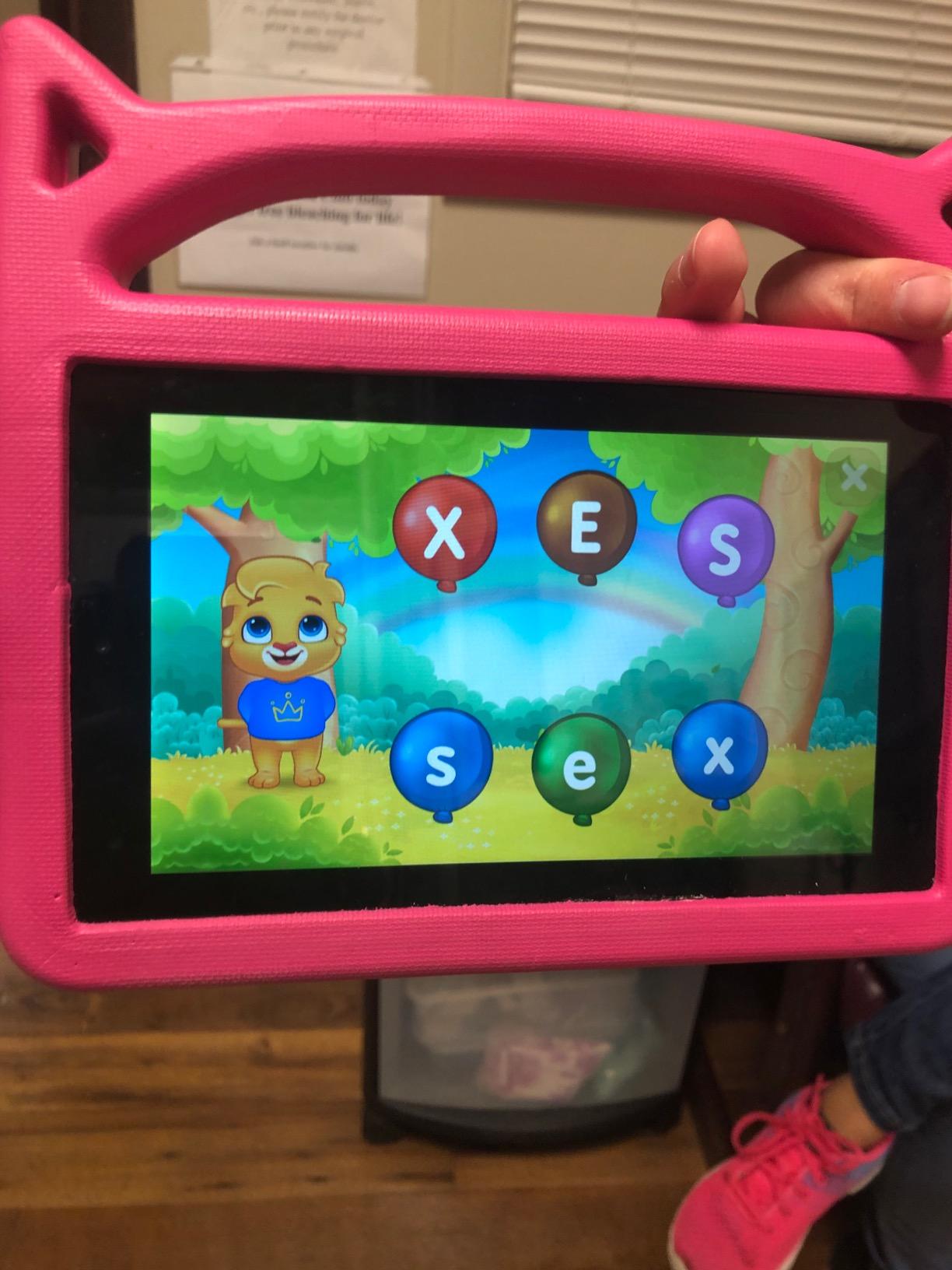
Technically, the app runs smoothly on both phones and tablets. The phonics games are a nice bonus that pairs letter recognition with beginning sounds, which aligns with what most preschools teach. The rating distribution shows 72 percent five-star reviews out of over 34,000 ratings, which tells you this app is doing something right for a massive audience.
The biggest drawback is the letter tracing workflow. After completing one letter, kids have to back out to the menu to pick another, which frustrated my son when he wanted to keep going. There are also occasional background music glitches in the tracing category that the developer has not fully addressed.
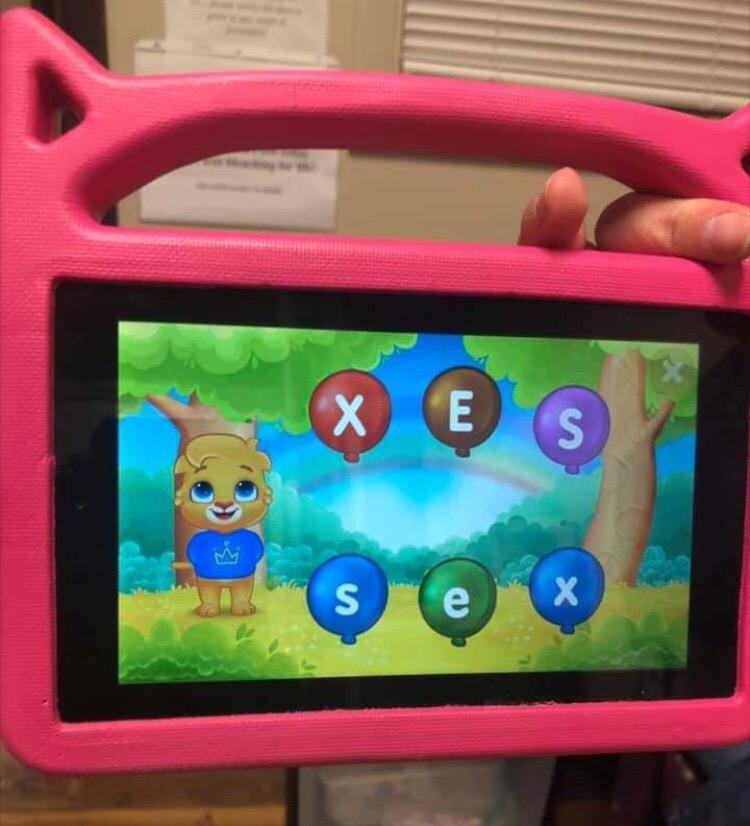
Best Age Range for This App
This app shines for ages 2 to 4 who are just starting to recognize letters. It is perfect for the pre-tracing stage where kids need to get familiar with letter shapes before formal handwriting instruction begins. By age 5, most kids will have outgrown it and need something with more structured stroke-order practice.
Does It Replace Paper Practice?
No, and it should not try to. ABC Kids is an engagement and recognition tool, not a standalone handwriting curriculum. Use it alongside paper tracing so your child builds both familiarity with letter shapes and the physical pencil skills that screens cannot teach. The finger-vs-pencil gap is the number one complaint in every forum discussion about handwriting apps.
2. LetterSchool – Learn to Write the ABC Alphabet
LetterSchool – Learn to write the ABC Alphabet
Free with in-app purchases
Apple Pencil support
Pencil grip practice
4.4k reviews
Pros
- Excellent for kids struggling with writing
- Works well for special needs children
- Supports Apple Pencil for real stylus practice
- Fun instant-gratification rewards
Cons
- In-app purchases required for full version
- Technical glitches on some tablets
- Refund process for purchases is difficult
- Some users charged twice without unlocking
LetterSchool is one of the most recommended apps in occupational therapy circles, and I can see why. When I tested it with my neighbor’s daughter who has fine motor difficulties, the app kept her engaged for 20-minute sessions where traditional worksheets would lose her in five. The Apple Pencil support is a standout feature that bridges the gap between digital and physical writing.
The tracing mechanics in LetterSchool are genuinely well-designed. Each letter has multiple passes with increasing difficulty, starting with guided tracing and moving toward independent writing. The reward animations after completing each letter give kids that instant hit of accomplishment that keeps them coming back.
The downside is the monetization model. The free version gives you a taste, but the full unlock requires in-app purchases that many parents find frustrating. Several reviewers reported being charged twice without getting the full version unlocked, and the refund process is apparently a headache. On certain tablets like the LeapFrog Epic, there are orientation and glitch issues that make the app hard to use.
With 4,400 reviews and a 4.0 rating, LetterSchool has a solid track record but more mixed experiences than the top-rated apps. The 10 percent one-star reviews mostly relate to purchase and technical issues rather than the educational content itself.
Is LetterSchool Worth the Money?
For most families, yes. The educational design is strong enough that OT professionals recommend it specifically. But go in knowing the in-app purchase system has problems, and consider using a gift card rather than a credit card to avoid double-charge headaches. The value depends heavily on whether your child responds to the gamified approach.
Apple Pencil vs Finger Tracing
If you have an iPad with Apple Pencil support, LetterSchool becomes significantly more valuable. The stylus mimics real pencil grip and pressure, which means the motor skills practiced in the app actually transfer to paper. Without a stylus, kids are just finger-painting letters, which is fine for recognition but does not build handwriting muscle memory.
3. LetraKid – Writing ABC and 123 for Kids
LetraKid – Writing ABC & 123 for Kids. Handwriting Alphabet Letters Practice for pre-school children.
Free app
Left and right hand support
Preschool focused
Letter and number tracing
Pros
- Supports both left and right handed children
- Encourages interest in learning to write
- Easy to use interface
- Good price-to-performance ratio
Cons
- Limited difficulty levels
- Could use more advanced features
- Smaller review base
LetraKid caught my attention because it is one of the few apps that explicitly supports left-handed children. As a parent of a lefty, I know how frustrating it is when handwriting tools assume everyone writes right-handed. The app adjusts the tracing orientation and visual guides for left-handed users, which is a small feature that makes a big difference.
The app covers both alphabet letters and numbers, making it a solid all-in-one practice tool for preschoolers. The interface is clean and straightforward, which means kids can jump right in without a lot of adult help. My son picked it up quickly and liked the number tracing as much as the letter practice.
What holds LetraKid back is the limited difficulty progression. After a few weeks, my son had essentially exhausted what the app offered and was ready for something more challenging. The 488 reviews and 4.4 rating suggest a solid product, but the smaller user base means fewer community insights and fewer updates than the bigger apps get.
For a free app that respects left-handed learners, though, it is hard to complain. I would recommend it as a starting point for preschoolers, especially lefties who feel left out by mainstream tracing apps.
Left-Handed Mode in Practice
The left-handed support is not just a checkbox feature. It genuinely shifts the visual cues and starting points to accommodate a left-handed grip. If your child is left-handed and has been frustrated by other tracing apps, LetraKid is worth trying first before investing in paid options.
How Long Will It Last?
Expect about one to three months of regular use before your child outgrows it. The limited difficulty levels mean it is really a beginner tool rather than a long-term solution. Plan to transition to a more robust app like Writing Wizard or a physical workbook once your child has mastered basic letter forms.
4. Writing Wizard – Kids Learn to Write Letters and Words
Writing Wizard – Kids Learn to Write Letters and Words + Phonics
Free with paid upgrade
HWT font option
Custom name recording
Pre-writing lines
2.9k reviews
Pros
- Uses proper gliding motion endorsed by occupational therapists
- Includes Handwriting Without Tears letter font
- Custom name recording kids love
- Does not allow incorrect tracing
Cons
- Free version does not include full alphabet
- Tracing only follows arrow direction
- Device unlocking issues across profiles
- Paid upgrade required for full use
Writing Wizard is the app that occupational therapists consistently recommend in forum discussions, and after testing it, I understand why. The continuous gliding motion approach to letter formation mirrors what OTs teach in clinical settings. The app does not let kids trace incorrectly, which means every repetition reinforces proper stroke order rather than bad habits.
One feature my kids loved was the custom name recording. I recorded my daughter’s name in my voice, and when she traced it correctly, the app played my recording back. That personal touch kept her practicing her name far longer than any generic letter exercise would have.
The inclusion of the Handwriting Without Tears font is a big deal if your child’s school uses the HWT curriculum. Letter formation varies between different teaching methods, and practicing at home with a font that matches what the teacher uses prevents confusion. This is the kind of detail that most app developers overlook but parents care about deeply.
The main frustration is the free version limitation. You get a sample of letters but not the full alphabet, which means you will need to pay to unlock everything. Some users also reported difficulty unlocking the full version across multiple device profiles, which is annoying for families with shared tablets.
Handwriting Without Tears Alignment
If your school uses HWT, this is the app to get. The font and letter formation methods match the HWT curriculum exactly, which means home practice reinforces rather than contradicts classroom instruction. This alignment is one of the most frequently mentioned pain points in parent forums: apps that teach letters differently from the school method.
Pre-Writing Lines Feature
Before kids can write letters, they need to master basic lines and shapes. Writing Wizard includes pre-writing activities that build the foundational strokes needed for letter formation. This makes it suitable for younger children who are not quite ready for full letter tracing but need to develop the motor control first.
5. Cursive Writing Wizard Premium – Best Cursive App
Cursive Writing Wizard Premium – Kids Learn to Write Letters & Words + Phonics
Premium $4.99 app
DN and ZB font styles
Custom word lists
Progress reports
Multi-user profiles
Pros
- Multiple cursive font options for school alignment
- Customizable word lists for personalized practice
- Progress reports track each user separately
- Proper slant and stroke order instruction
- Homeschooler favorite with 4.4 rating
Cons
- Child lock uses simple math easily bypassed
- Missing some stroke practices
- Limited custom word length
- Smaller review base at 183 reviews
Cursive Writing Wizard is the cursive companion to the print Writing Wizard app, and it fills a growing need. Many schools have dropped cursive instruction entirely, leaving parents to decide whether and how to teach it. This app makes that decision easier by providing structured, self-paced cursive practice with proper slant and stroke order.
The multiple font options are what set this app apart. You can choose D’Nealian or Zaner-Bloser styles, which means you can match whatever cursive method your child’s school uses. For homeschoolers, this flexibility lets you pick the style that aligns with your overall curriculum rather than being locked into one approach.
I tested the custom word list feature with my daughter’s spelling words, and she was practicing cursive versions of the same words she was learning in class. The progress reports showed me exactly which letters she struggled with, which made it easy to target our paper practice sessions on the right areas.
The child lock is a weak point. It uses simple math problems that my second grader could solve, meaning she could access settings and change her own difficulty levels. At 183 reviews, the user base is also much smaller than the print version, so you get fewer community insights when troubleshooting.
D’Nealian vs Zaner-Bloser Fonts
These are the two dominant handwriting styles in American schools. D’Nealian uses slanted letters that transition more naturally to cursive, while Zaner-Bloser uses straight up-and-down letters. Knowing which your school uses before selecting a font in the app prevents teaching your child a style that conflicts with classroom instruction.
Homeschool Curriculum Integration
For homeschool families, this app works well as a cursive supplement. The multi-user profiles mean multiple children can track their own progress, and the customizable word lists let you tie handwriting practice to whatever subjects you are studying. It is not a full curriculum replacement but a strong practice tool alongside a structured cursive program.
6. CandyBots Tracing Kids Letter Phonics Handwriting
CandyBots Tracing Kids ✍️ Letter Phonics Handwriting
Free app
Tracing and phonics
Letters numbers shapes
Colorful animations
1.2k reviews
Pros
- Kids enjoy the tracing functionality
- Helps with letter and number recognition
- Interactive and engaging for young children
- Colorful and fun design
Cons
- Aggressive in-app purchase prompts
- Too many ads interrupt gameplay
- Locks letters behind purchase confirmations
- Monetization frustrates parents
CandyBots is the kind of app that kids gravitate toward immediately because of the bright colors and cheerful animations. My son was instantly drawn to it and spent a good 20 minutes tracing letters and shapes on the first try. The basic tracing mechanics are solid and cover letters, numbers, and shapes in one app.
However, the monetization model is aggressive to the point of being disruptive. Ads interrupt the gameplay frequently, and letters get locked behind purchase confirmations that pop up while kids are mid-activity. Multiple parents in reviews mention the frustration of having their child come running because the app is asking for money to continue.
The educational content, when you can get to it, is actually decent. The letter tracing paths are clear, and the phonics elements help reinforce letter-sound associations. At a 4.1 rating with 1,200 reviews, it sits in the middle of the pack: not bad enough to avoid, not good enough to be a top recommendation.
My honest take is that there are better free options available. ABC Kids offers a similar experience without the ad bombardment, and Writing Wizard provides stronger educational design for about the same investment after upgrades. Consider CandyBots only if your child specifically responds to this app’s visual style.
Ad Experience for Kids
The ad frequency is the most common complaint, and it is a real problem. Ads appear between activities and sometimes during them, which breaks concentration and frustrates young children who do not understand why their game stopped. If you do use this app, be prepared to sit with your child and help navigate the interruptions.
When to Choose This App
Try CandyBots if your child has tried the other free apps and lost interest. The colorful, candy-themed design appeals to some kids more than the cleaner look of ABC Kids. Just know what you are signing up for with the monetization, and set expectations accordingly before handing the tablet over.
7. Trace Letters: Alphabet Handwriting Practice Workbook
Trace Letters: Alphabet Handwriting Practice workbook for kids: Preschool writing Workbook with Sight words for Pre K, Kindergarten and Kids Ages 3-5. … Words & Math for Preschool & Kindergarten)
Ages 3-5
108 pages
Alphabet tracing and sight words
Preschool prep
25k+ reviews at 4.8
Pros
- Well-designed tracing pages with clear letter guides
- Mix of alphabet sight words and simple math
- Builds confidence with structured practice
- Fun and engaging for young children
Cons
- Some may find it basic for older children
- Limited to ages 3-5 range
This is the workbook I started my daughter with, and it remains my top recommendation for preschool handwriting practice. With over 25,000 reviews and a 4.8-star rating, it is one of the most popular handwriting workbooks on Amazon for good reason. The tracing pages are well-designed with clear visual guides that help kids understand stroke direction.
The workbook goes beyond simple letter tracing by including sight words and basic math exercises. This variety kept my daughter interested longer than a letters-only book would have. The 108 pages provide enough practice to last several months of regular use without feeling like an endless drill book.
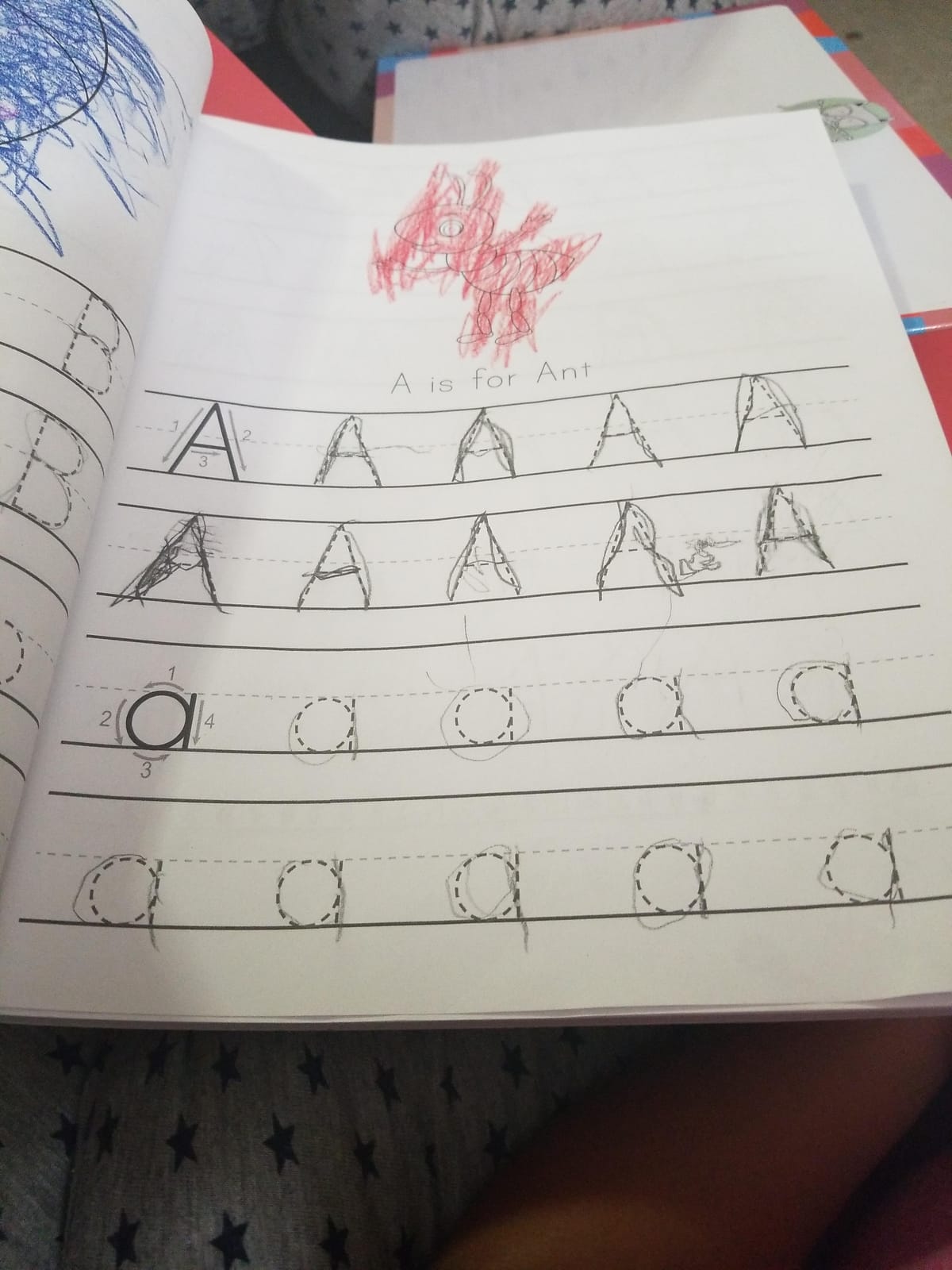
What impressed me most was how the book builds confidence. Each page starts with larger, more guided tracing and gradually reduces the support level. By the end of a section, my daughter was attempting letters with minimal guidance and feeling proud of herself. That confidence-building progression is something apps struggle to replicate.
The main limitation is the age range. This book is firmly aimed at ages 3 to 5, and a 6-year-old would blow through it quickly. For older children, you will want something more advanced, which is where some of the other workbooks on this list come in.
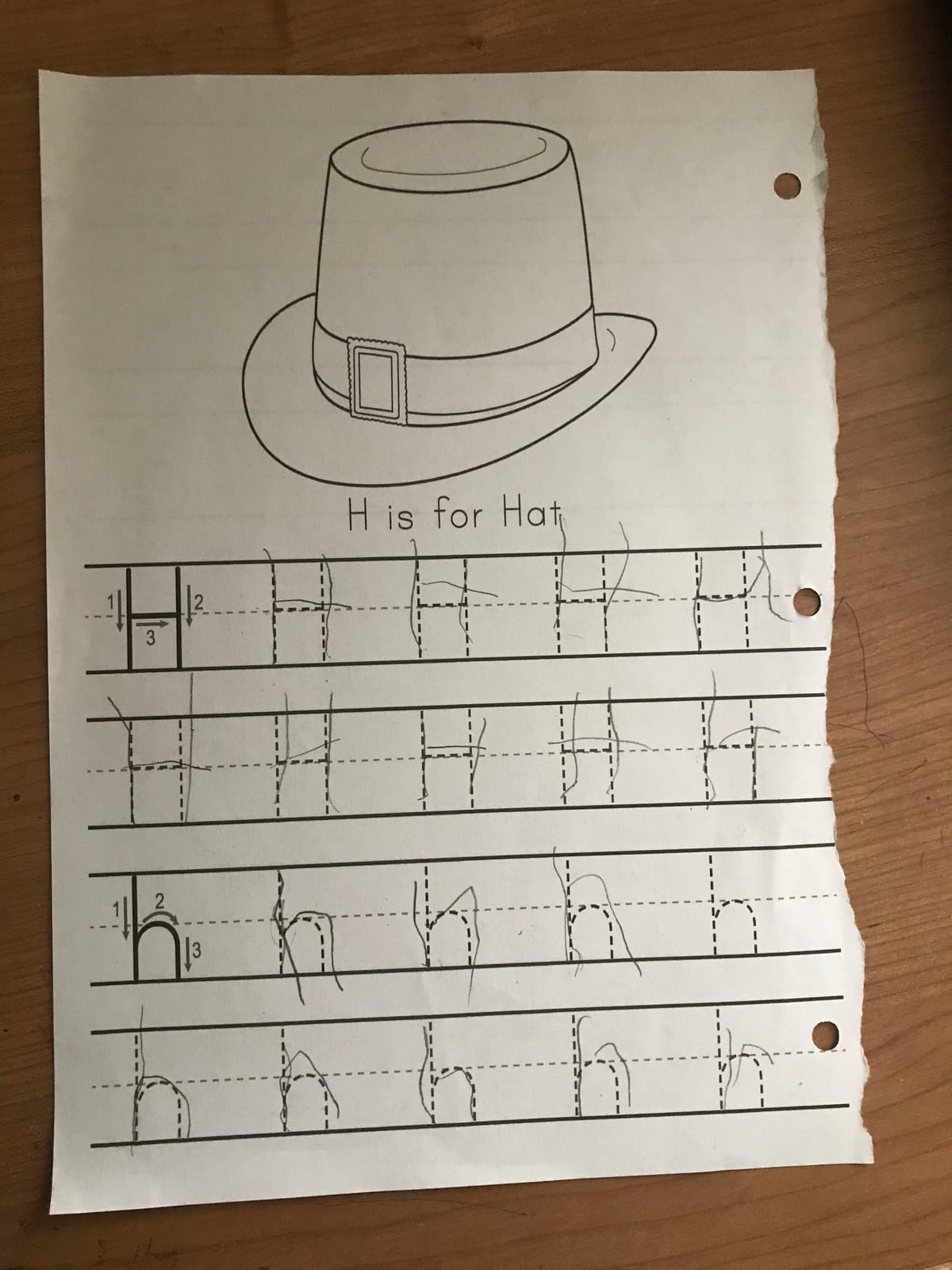
Sight Words Integration
Unlike pure tracing workbooks, this one weaves sight words into the letter practice. After learning to trace a set of letters, kids practice those same letters within actual words they will encounter in early reading. This reinforces both handwriting and literacy simultaneously, which is more efficient than practicing them separately.
Durability and Page Quality
The pages are thick enough that markers do not bleed through to the next page, which matters more than you might think when a four-year-old is pressing hard with a crayon. The binding holds up to repeated use, and pages do not tear easily when kids press firmly during tracing practice.
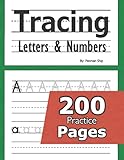
8. Tracing Letters and Numbers: 200 Practice Pages
Tracing Letters and Numbers : 200 Practice Pages: Workbook for Preschool, Kindergarten, and Kids Ages 3-5
Ages 2-6
201 pages
Letters and numbers
Extensive repetition
7.2k reviews at 4.8
Pros
- 200 pages provide extensive long-term practice
- Excellent value for the page count
- Good paper quality and print color
- Several pages per letter for thorough mastery
Cons
- Some international buyers received black and white photocopies
- Letters may be smaller than preferred
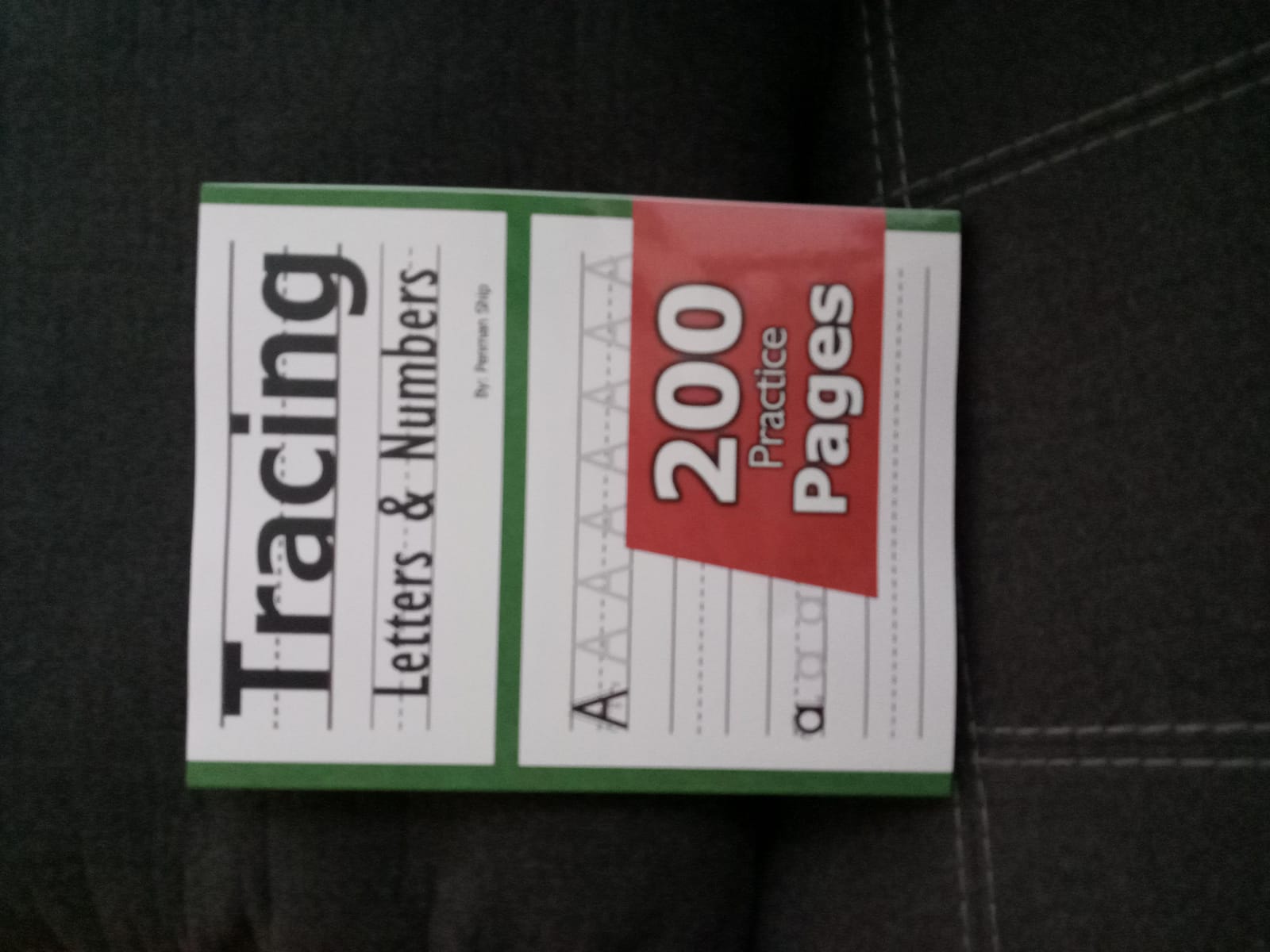
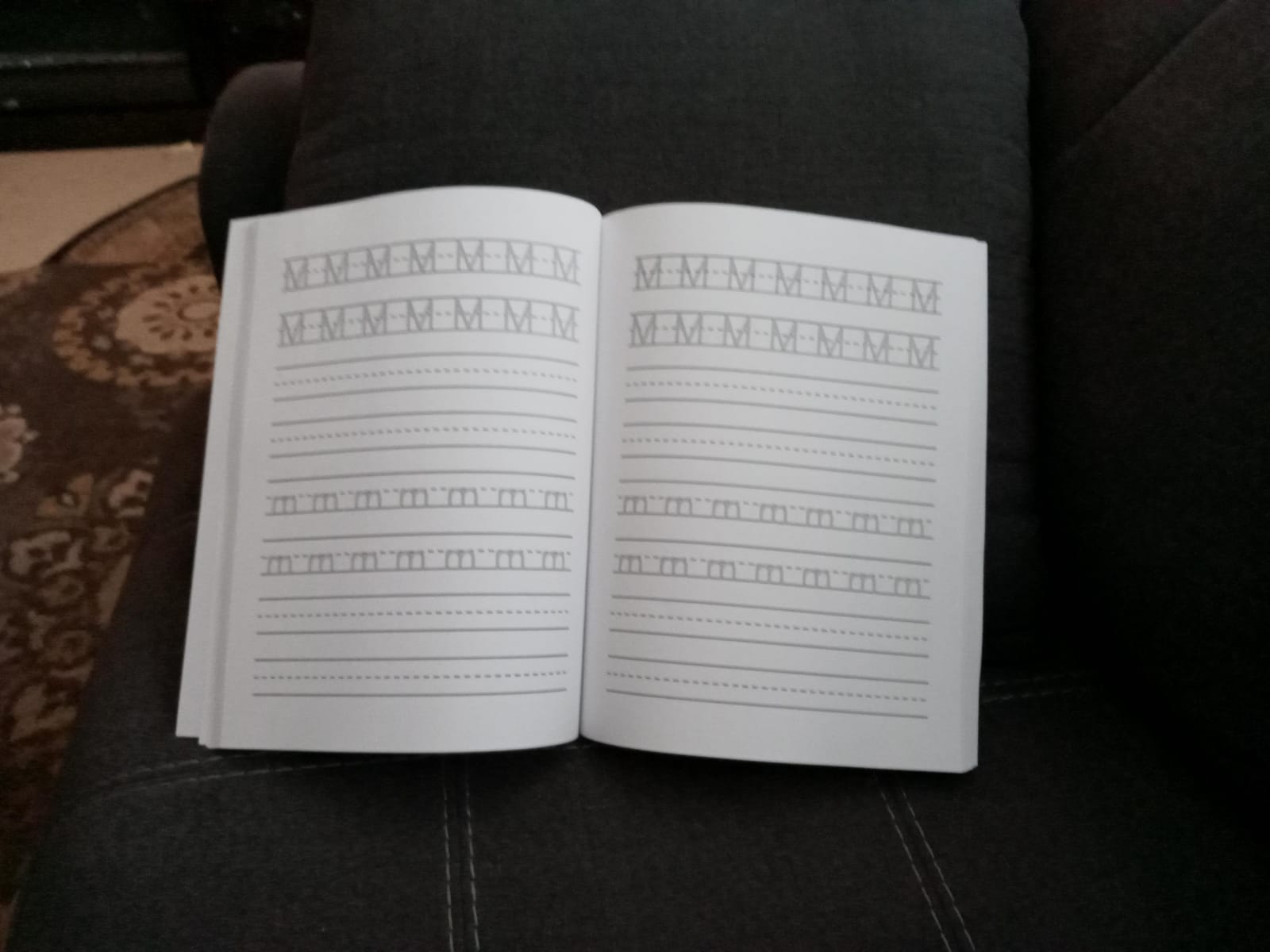
If you want maximum practice volume for your money, this 200-page workbook is hard to beat. My kids worked through this book over an entire school year, and we still had pages left at the end. The sheer volume of tracing exercises means your child gets the repetition needed to actually build motor memory rather than just briefly practicing each letter.
The workbook covers both letters and numbers, which makes it a comprehensive early-learning tool. Each letter gets multiple pages of practice with gradually decreasing visual support. I appreciated this progression because it mirrors how children actually learn: heavy guidance at first, then increasing independence.
One thing to watch for is the print quality issue that some international buyers reported. A few reviewers mentioned receiving black and white photocopies instead of the full-color version. This seems to be a fulfillment problem rather than a product quality issue, but it is worth checking your copy when it arrives.
The letter size is slightly smaller than some parents prefer, which could be challenging for very young children still developing fine motor control. For ages 4 and up, the size is appropriate, but 2- and 3-year-olds might struggle with the smaller tracing paths.
Repetition and Mastery Approach
The philosophy behind this workbook is that mastery comes through repetition, and it delivers on that promise. With multiple pages per letter, children trace the same letter dozens of times in different contexts. This is the approach that builds the motor memory needed for handwriting to become automatic.
Value for Multi-Child Households
With 200 pages, this workbook is ideal for families with multiple children. You can assign different sections to different kids, or use it sequentially as each child reaches the appropriate age. The cost per page is lower than almost any other workbook on this list, making it the most economical choice for growing families.
9. Cursive Handwriting Workbook For Kids (Best Cursive Workbook)
Cursive Handwriting Workbook For Kids: Cursive for beginners workbook. Cursive letter tracing book. Cursive writing practice book to learn writing in cursive (Beginning Cursive Handwriting Workbooks)
Ages 7+
108 pages
Progressive cursive instruction
Words and sentences
15k+ reviews at 4.7
Pros
- Well-organized progression from basics to connected letters
- Ample practice space with clear instructions
- Includes tracing followed by freehand practice
- Excellent for homeschool curriculum
- Strong paper quality
Cons
- Some cursive letter styles more elaborate than standard
- Writing space may be too large for some preferences
As schools increasingly drop cursive from their curricula, this workbook has become a go-to resource for parents who want their children to learn it anyway. With over 15,000 reviews and a 4.7 rating, it is clearly filling a gap that the education system has left wide open. I bought it for my daughter when she started asking about cursive after seeing me write in it.
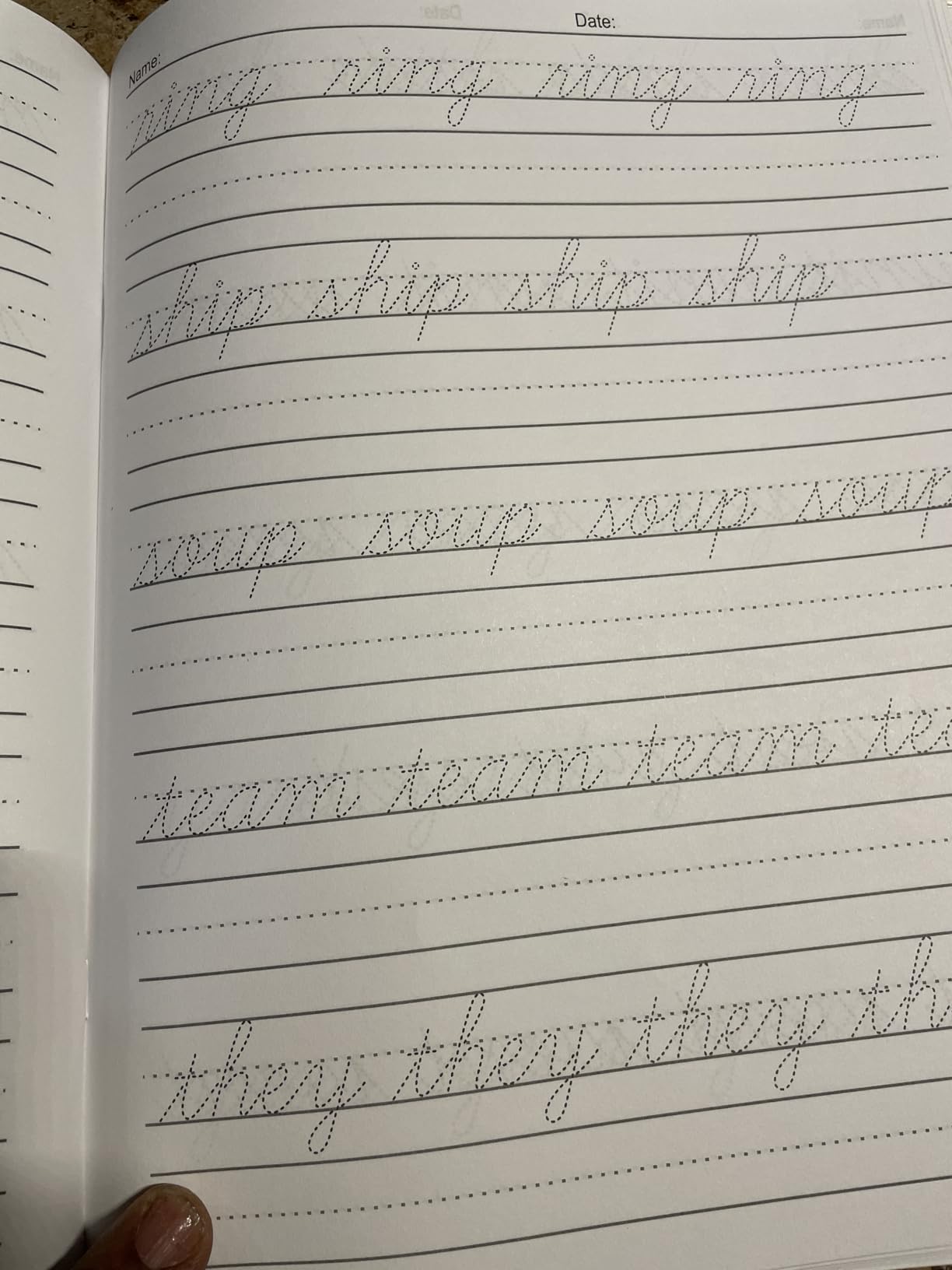
The progression is one of the best I have seen in any handwriting workbook. It starts with individual letter formation, then moves to connecting two letters, then short words, then longer words, and finally full sentences. Each stage builds naturally on the previous one, so kids never feel lost jumping to the next level.
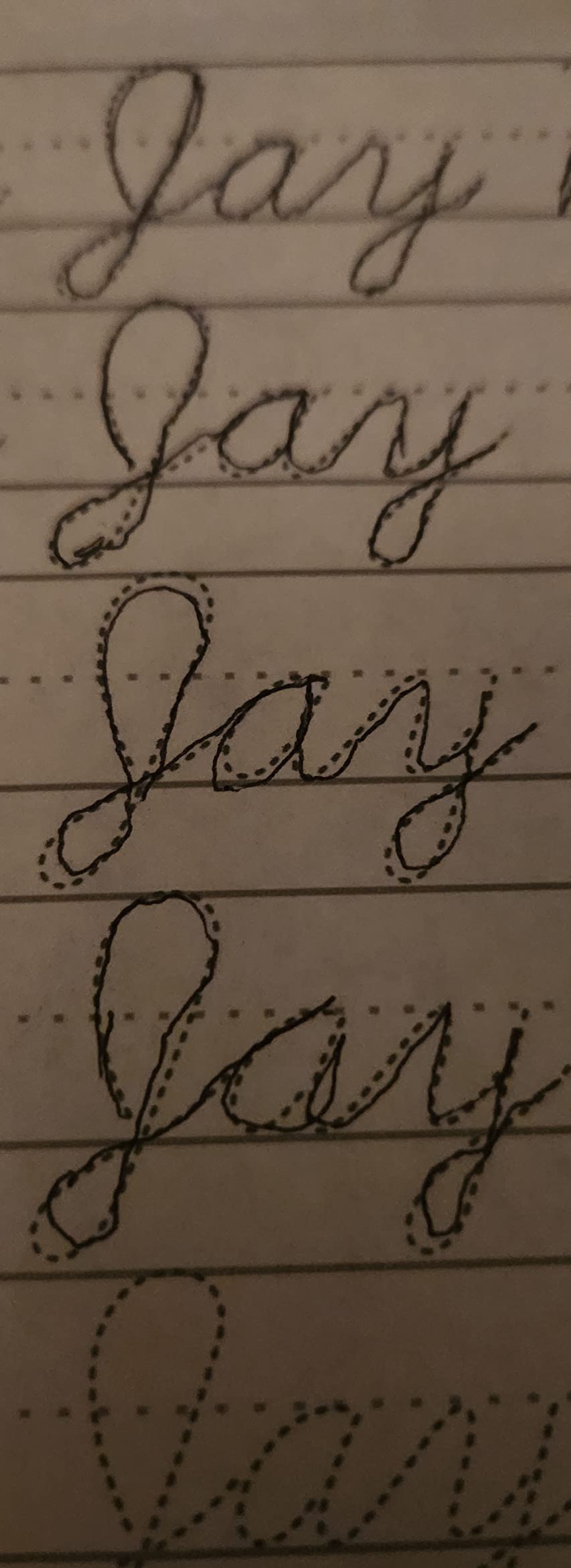
The format alternates between tracing exercises and freehand practice on the same concept. This means children first see the correct form, trace it to build muscle memory, then attempt it independently while the model is still fresh. This trace-then-write approach is what occupational therapists recommend for skill acquisition.
The main criticism is that some of the cursive letter styles are more elaborate than what most schools traditionally teach. If you want a specific cursive style, check the preview pages before buying. The writing space is also generous, which is great for beginners but might feel too large for older children with smaller handwriting.
Why Cursive Still Matters
Even in a digital age, cursive helps with reading historical documents, signing legal papers, and developing fine motor skills. Research also suggests that cursive writing engages different brain pathways than print, potentially supporting cognitive development. This workbook makes the case for cursive accessible and practical for modern families.
Bridging the School Gap
Many parents buy this workbook specifically because their child’s school no longer teaches cursive. The self-paced format means kids can learn cursive at home without needing a teacher or tutor. The clear instructions and progressive structure make it possible for a parent with no cursive teaching experience to guide their child through the process.
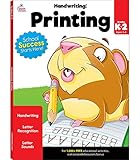
10. Carson Dellosa K-2 Printing Handwriting Workbook
Carson Dellosa K-2 Printing Handwriting Workbook, Writing Book for Kindergarten, 1st and 2nd Grade With Letter Tracing Activities, Classroom or Homeschool Curriculum
Grades K-2
80 pages
Three-stage progression
Traditional lined format
4.3k reviews at 4.7
Pros
- Three-stage progression from letters to words to sentences
- Traditional blue and red lined paper format
- Perforated pages for easy removal
- Colorful pictures for word association
- Trusted educational publisher
Cons
- Only one traceable example per letter
- Some users want more tracing practice
- Sentence sections not adjacent to corresponding letters
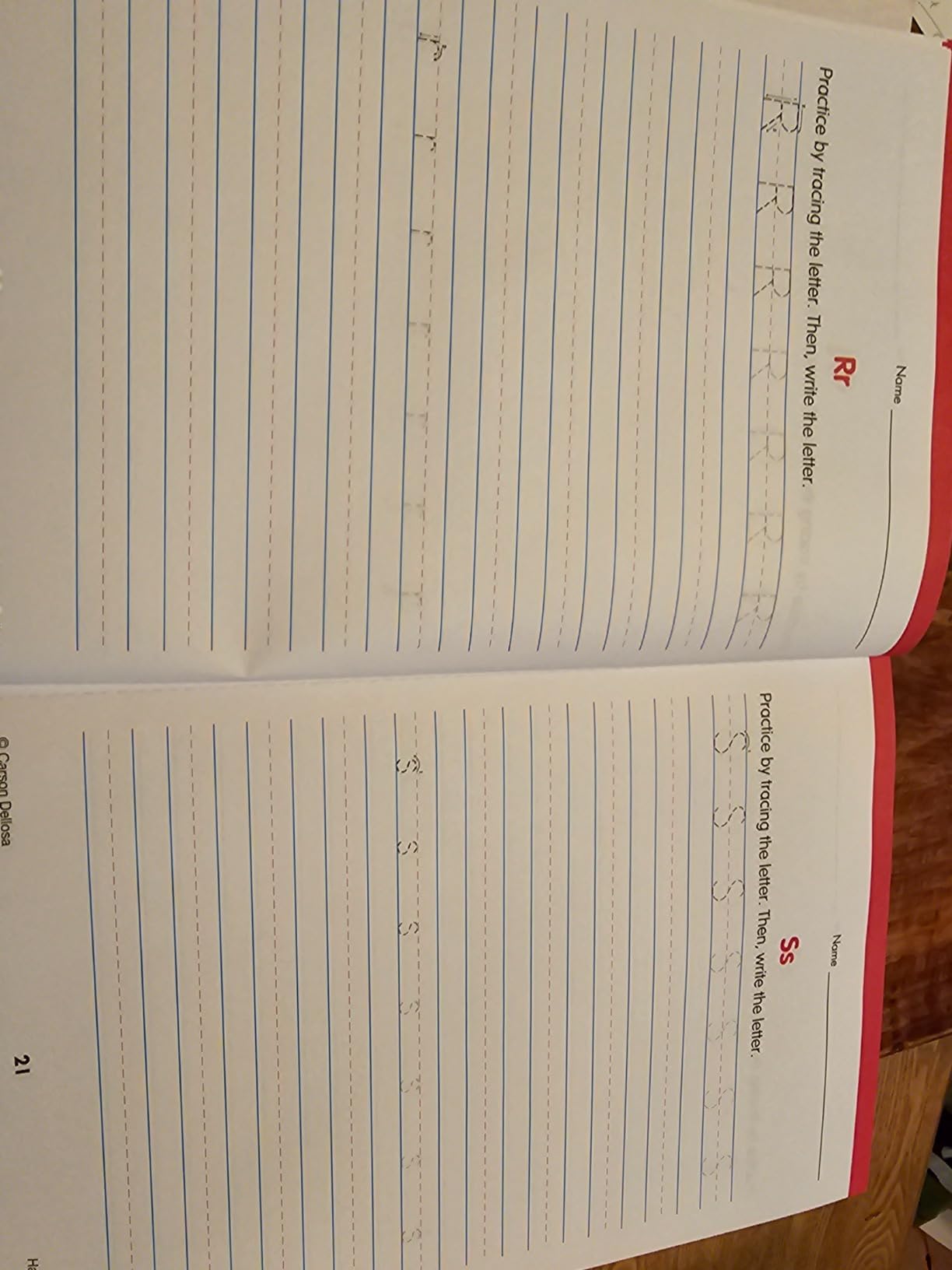
Carson Dellosa is a name I trust from classroom experience, and this workbook lives up to the brand’s reputation. The traditional blue-and-red lined paper format is exactly what kids see in school, which means practice at home directly translates to classroom expectations. There is no adjustment period between home and school formats.
The three-stage progression is well-structured: individual letters first, then words, then full sentences. This mirrors how handwriting is taught in most American classrooms, making it an ideal supplement for school-aged children rather than preschoolers. The colorful pictures next to words add a visual vocabulary element that reinforces reading skills alongside writing.
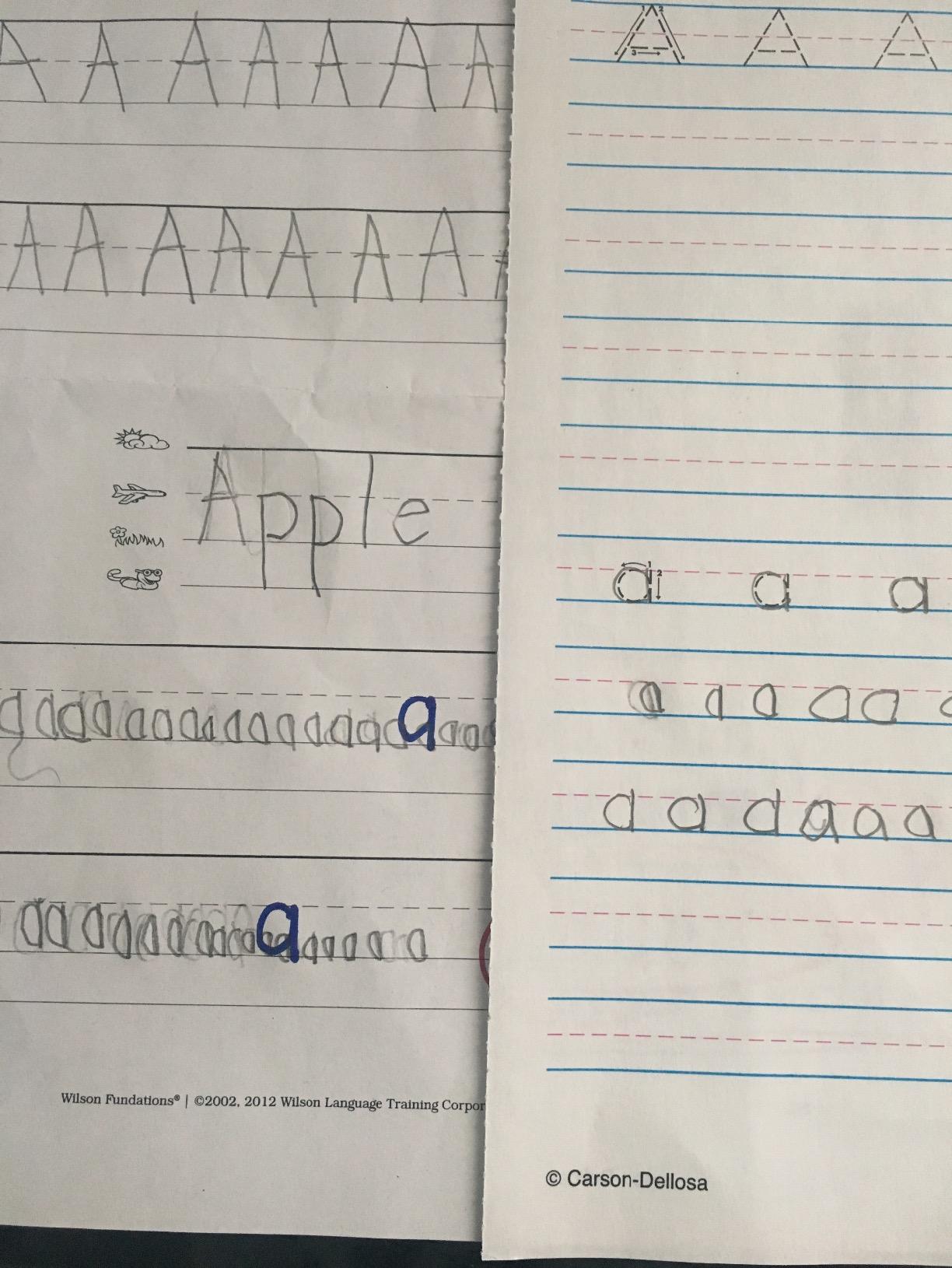
Perforated pages are a feature I did not know I needed until I had them. Being able to tear out a single page for my daughter to work on at the kitchen table, in the car, or at a restaurant made practice much more flexible. It also means you can display completed work on the fridge without ripping the binding.
The main weakness is the limited tracing practice. Each letter gets only one traceable example before kids are expected to write it independently. For children who need more guided repetition before going solo, this can be frustrating. Many parents pair this workbook with another that offers more tracing pages per letter.
Classroom Alignment
This is the workbook I would recommend if your priority is matching what your child does at school. The format, letter style, and progression all mirror standard American classroom instruction. For kids who struggle with transitions between different formats, this consistency reduces cognitive load and lets them focus purely on handwriting.
Perforated Pages Benefit
The perforated pages make this workbook more practical than bound alternatives for families on the go. You can take individual pages anywhere without carrying the whole book. For homeschool co-ops or tutoring sessions, perforated pages also make it easy to share specific exercises with other educators working with your child.
11. Handwriting Practice Book for Kids Ages 6-10
Handwriting Practice Book for Kids Ages 6-10 : Printing workbook for Grades 1, 2 & 3, Learn to Trace Alphabet Letters and Numbers 1-100, Sight Words, … and Math Drills for Grades 1, 2, 3 & 4)
Grades 1-3
109 pages
Alphabet and numbers 1-100
Sight words and math drills
6.3k reviews at 4.7
Pros
- Thick pages that do not tear during use
- Helps improve both handwriting and reading skills
- Includes jokes that make practice fun
- Great value for homeschool use
- Covers alphabet numbers sight words and math
Cons
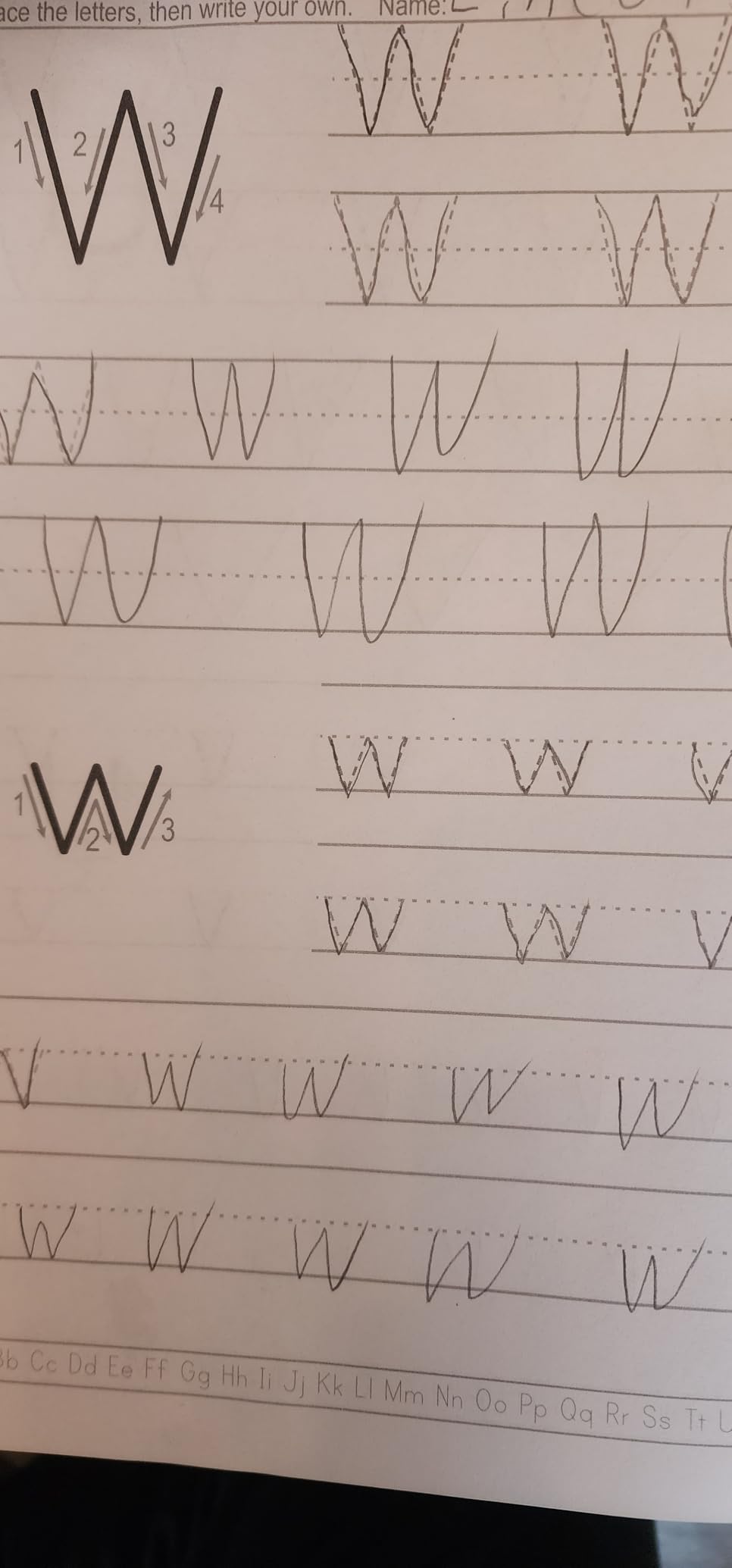
- Letter formations for V and W inconsistent with standard methods
This workbook surprised me with how much it packs into 109 pages. It covers alphabet tracing, numbers 1 through 100, sight words, and math drills all in one book. For a parent who wants a single workbook that touches multiple skill areas, this is an efficient and affordable option for the 6-10 age range.
The page quality is noticeably thicker than most workbooks in this price range. My daughter pressed hard with her pencil and never tore a single page, which is saying something for a child who has ripped through cheaper workbooks in days. The thick pages also mean you can use both sides without bleed-through from markers.
The jokes scattered throughout the workbook are a small touch that made a big difference in engagement. My son would actually ask to do extra pages because he wanted to read the next joke. Anything that makes a child voluntarily practice handwriting is worth its weight in gold, and this book managed to do that for us.
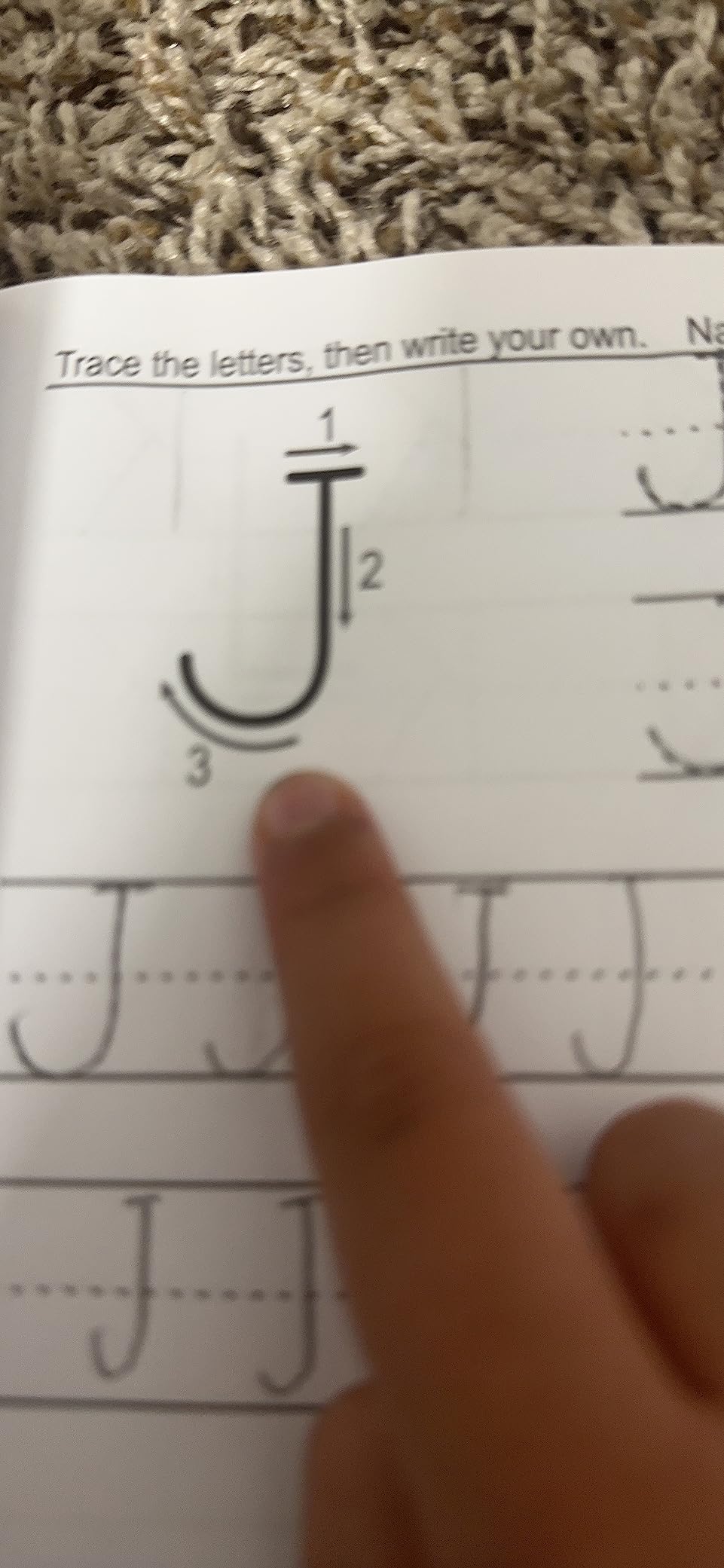
The one concern is the inconsistent letter formations for V, v, and W. These do not match standard handwriting methods taught in most schools. If your child’s teacher is strict about specific letter forms, you may want to check the preview or discuss this with the teacher before using the workbook extensively.
Multi-Subject Integration
Unlike dedicated handwriting workbooks, this one weaves math drills and sight words into the handwriting practice. Kids practice writing numbers while learning math facts, and trace sight words while building reading vocabulary. For busy families, this dual-purpose approach maximizes learning time without requiring multiple separate workbooks.
Homeschool Suitability
Homeschool parents consistently rate this workbook highly because it serves double duty in a curriculum. The handwriting practice reinforces math and reading skills simultaneously, which is efficient for families juggling multiple subjects. The grade 1-3 range also spans a useful window where handwriting practice has the most impact.
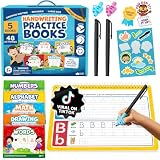
12. Magic Grooved Writing Practice Books (Best Reusable Option)
Magic Grooved Writing Practice Books for Kids 3-7
Ages 3-7
5 reusable grooved books
Magic disappearing ink pens
Pencil grips included
2.5k reviews at 4.7
Pros
- Reusable with disappearing ink for unlimited practice
- Grooved lines physically guide correct letter tracing
- Builds pen-holding technique and writing fundamentals
- Works for left and right-handed children
- No cleanup required after practice
Cons
- Colored pencils do not erase well
- Pencil recommended over markers for reuse
- Higher initial cost than standard workbooks
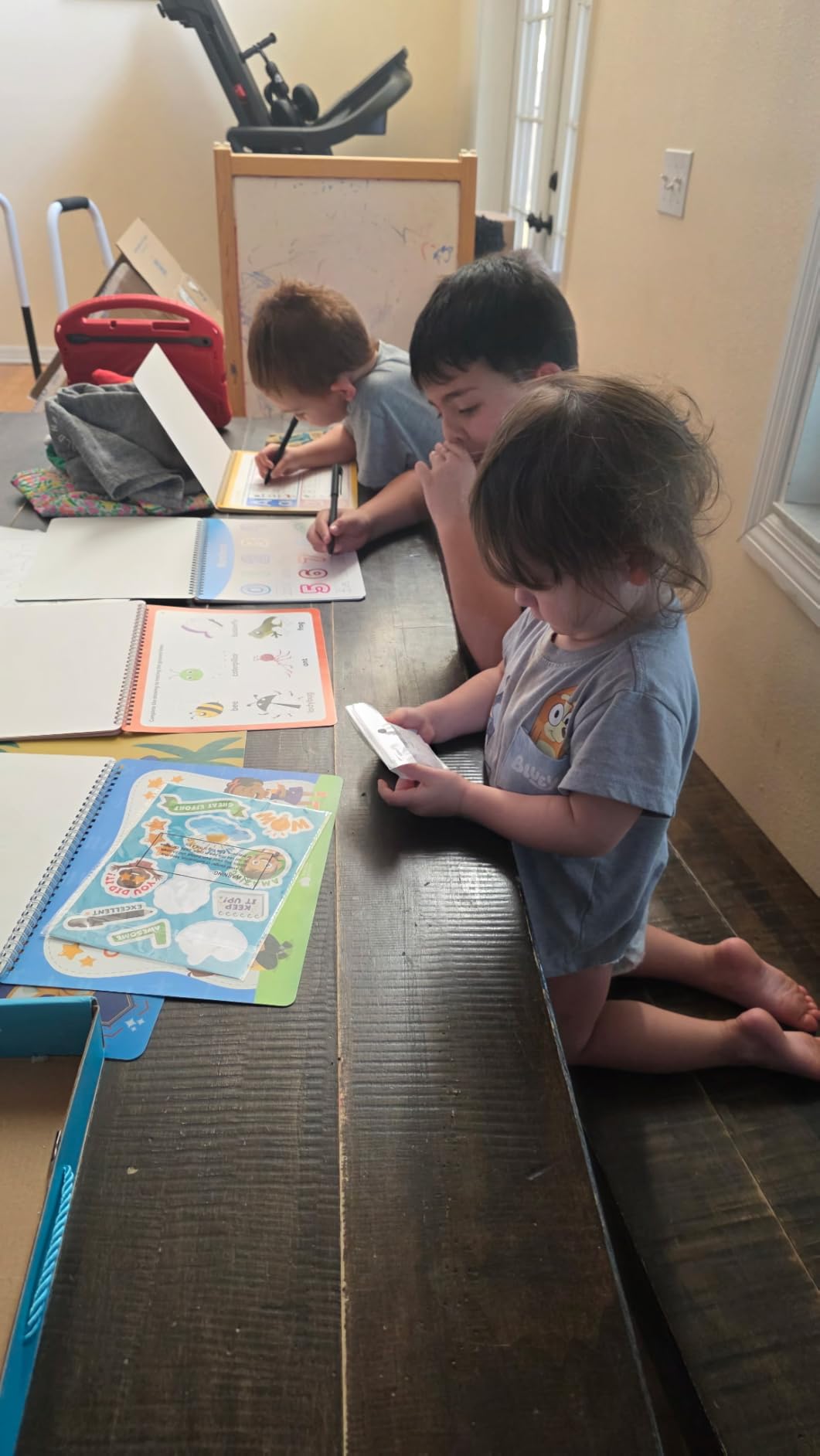
The Magic Grooved Writing Practice Books take a completely different approach to handwriting practice, and it genuinely works. Instead of flat printed letters to trace, these books have physical grooves cut into the pages that guide the pen along the correct path. My son could feel when his pen drifted off the correct line, which gave him instant tactile feedback that no app or flat workbook can provide.
The disappearing ink means the books are reusable. After about 30 minutes, the ink fades and the page is ready for another session. For families with multiple children, this is incredibly cost-effective. One set served both my kids and still had plenty of life left when my neighbor borrowed it for her daughter.
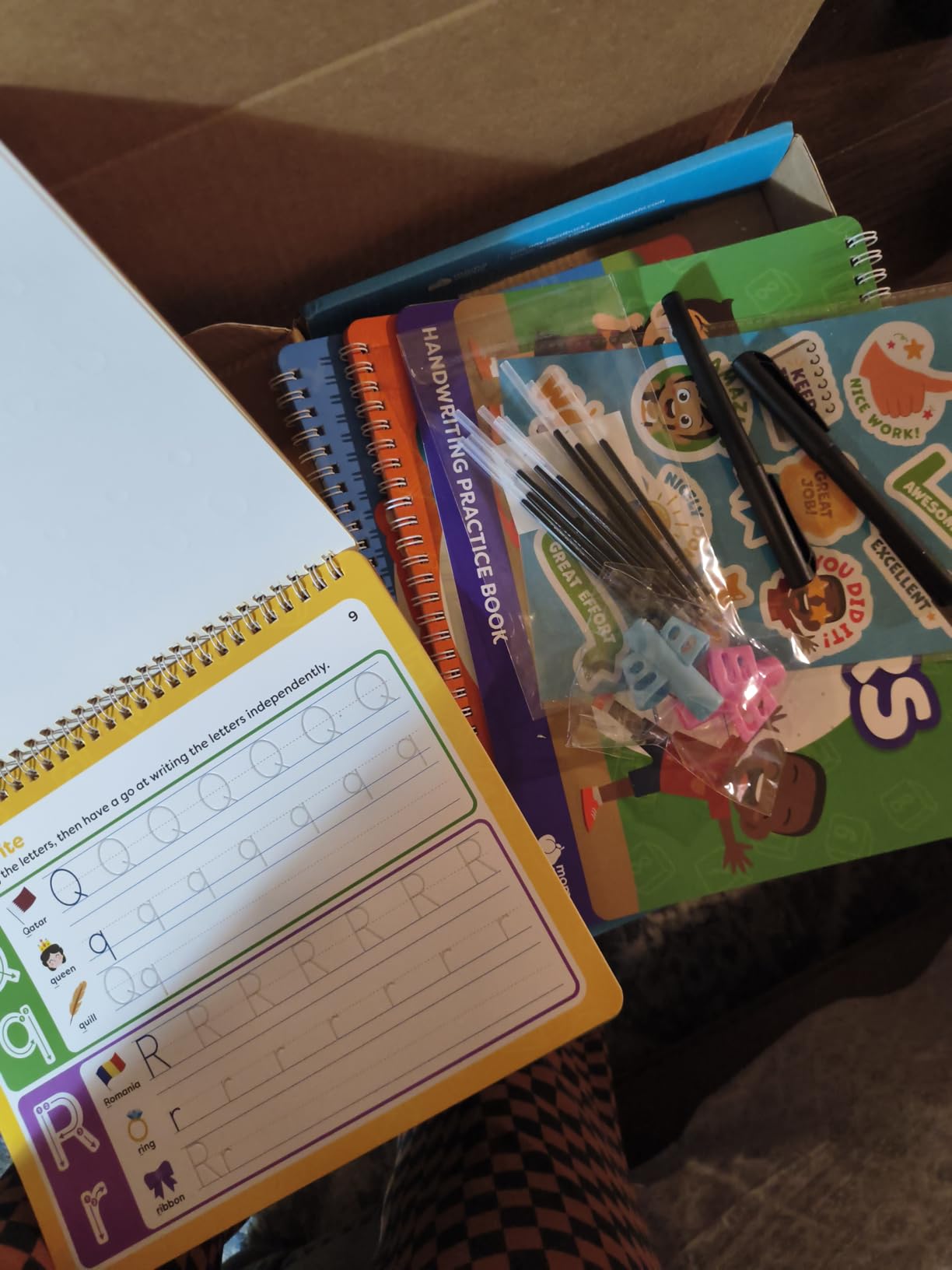
The set includes five books covering different topics, two magic pens, ten ink refills, two pencil grips, and a sticker sheet. The pencil grips are a thoughtful addition because they help kids develop proper pen-holding technique from the start. This is the kind of multi-sensory approach that occupational therapists consistently recommend.
The main drawback is the price, which is higher than standard workbooks. Also, you need to use the included disappearing ink pens for the reuse feature to work. Regular pencils work but leave permanent marks, and colored pencils do not erase well. Markers can stain if not used correctly.
Grooved vs Flat Tracing
The physical groove in these pages provides feedback that neither apps nor flat workbooks can match. When a child’s pen drifts off the correct path, they feel the bump of the groove edge. This tactile feedback reinforces correct letter formation at a sensory level that visual feedback alone cannot achieve.
Multi-Child Cost Effectiveness
While the initial cost is higher, the reusable nature of these books makes them the most economical option for families with multiple children. Instead of buying a new workbook for each child, one set serves the whole family and can even be passed down to younger siblings. Over several years, the savings add up significantly.
Buying Guide: How to Choose Between Apps and Workbooks
After testing 12 products across both categories, I can tell you that the apps vs workbooks debate does not have a single right answer. The best choice depends on your child’s age, learning style, and specific handwriting goals. Here is what I learned from months of side-by-side testing.
Start with your child’s age and stage. For ages 2-4, apps excel at building letter recognition and initial interest. The colorful animations and instant rewards keep young children engaged where workbooks might feel like a chore. For ages 5 and up, workbooks become essential because they build the actual motor memory that transfers to real-world handwriting.
Consider the finger-vs-pencil problem. The biggest limitation of handwriting apps is that most kids use a finger to trace, which does not build pencil grip or the fine motor control needed for actual writing. If you go the app route, invest in a stylus or use apps like LetterSchool that support Apple Pencil to bridge this gap.
Match your school’s letter formation method. This is a pain point that comes up constantly in parent forums. If your child’s school uses Handwriting Without Tears, Zaner-Bloser, or D’Nealian, find tools that match. Writing Wizard offers HWT fonts, and Cursive Writing Wizard lets you choose between DN and ZB styles. Mismatched methods confuse kids and slow progress.
Factor in screen time and cost. Free apps are appealing, but subscription costs for premium features add up over time. Workbooks are a one-time purchase that can be shared among siblings. The Magic Grooved books offer the best of both worlds with reusable pages, though at a higher upfront cost.
Use both approaches together. The parents I talked to who had the best results did not choose one or the other. They used apps for engagement and letter recognition, then reinforced with workbooks for motor memory and pencil skills. This combined approach gives children the benefits of both digital interactivity and tactile practice.
Watch for these red flags. Avoid apps with aggressive monetization that interrupts practice. Skip workbooks with inconsistent letter formations that conflict with school methods. And if your child has fine motor difficulties or potential dysgraphia, consult an occupational therapist before choosing any tool. OT-recommended apps like iTrace and Writing Wizard are specifically designed for children who need extra support.
Frequently Asked Questions
What is the best handwriting practice for kids?
The best handwriting practice combines digital apps for engagement and letter recognition with physical workbooks for motor memory and pencil skills. For ages 2-4, start with a free app like ABC Kids for letter familiarity. For ages 5 and up, add structured workbooks like Trace Letters or Carson Dellosa that build real handwriting muscle memory through paper-based repetition.
Is LetterSchool worth the money?
LetterSchool is worth the in-app purchase for most families, especially those with children who struggle with handwriting or have special needs. The Apple Pencil support and gamified tracing are well-designed. However, be aware that some users report double-charging and refund difficulties, so consider using a gift card rather than a credit card for the purchase.
What is the best app for handwriting?
Writing Wizard is the best app for print handwriting because it is recommended by occupational therapists, uses proper gliding motion for letter formation, includes the Handwriting Without Tears font, and does not allow incorrect tracing. For cursive, Cursive Writing Wizard Premium offers D’Nealian and Zaner-Bloser fonts with customizable word lists and progress tracking.
How do I improve my child’s handwriting skills?
To improve your child’s handwriting, combine daily short practice sessions with both apps and workbooks, ensure they hold the pencil correctly using grips if needed, match practice to their school’s letter formation method, start with tracing before moving to freehand writing, keep sessions to 10-15 minutes to maintain focus, and consult an occupational therapist if you notice persistent struggles or signs of fine motor difficulties.
Are handwriting apps better than workbooks?
Handwriting apps are better for engagement, letter recognition, and initial interest, especially for younger children. Workbooks are better for building motor memory, pencil grip, and skills that transfer to real-world writing. Most parents and occupational therapists recommend using both: apps for motivation and workbooks for actual handwriting skill development.
Conclusion: Which Should You Choose?
After testing 6 apps and 6 workbooks side by side, the conclusion is clear: the best results come from using both. Apps like ABC Kids and Writing Wizard excel at building letter recognition and keeping kids engaged, while workbooks like Trace Letters and the Carson Dellosa series build the motor memory and pencil skills that actually produce legible handwriting.
If I had to pick just one product from each category, I would choose ABC Kids for a free app that gets kids interested in letters, and the Trace Letters workbook for the best overall value in paper-based practice. For cursive, the Cursive Handwriting Workbook for Kids fills the gap left by schools that no longer teach it.
The debate over handwriting apps vs workbooks for kids does not need to be an either-or decision. The most effective approach uses apps to spark interest and workbooks to build skill, giving your child the engagement of digital tools alongside the proven benefits of pencil-on-paper practice. Whatever you choose, the most important factor is consistency: short, regular practice sessions will always beat sporadic long ones.