
I tested the top audiobook apps for kids with my own children over six weeks, and the results surprised me. Some “free” apps crashed mid-story. Others buried subscriptions so deep that my daughter accidentally triggered a charge. The best audiobook apps for kids should give you professionally narrated stories, strong parental controls, and a library your child can actually use, without turning screen time into a negotiation.
This guide covers eight children’s audiobook apps and devices that work in 2026. You will find free library apps, paid subscriptions, and screen-free hardware for families who want a break from tablets. I broke each one down by age range, price, offline support, and the real-world problems they solve (or cause).
If you only have time to skim, jump to the Top 3 picks below. If you want the full picture on free library access, school integrations, and screen-free players, scroll through the individual reviews. Either way, you will finish with a clear match for your child’s age, your budget, and your household’s screen-time rules.
Table of Contents
Top 3 Picks for Best Audiobook Apps for Kids

Pinna: kids’ podcasts,…
- Original kids content
- No video or screen stimulation
- Speech therapist approved

Little Stories: Personalize…
- Personalized with child's name
- Helps kids with ASD focus
- Multi-language support
Best Audiobook Apps for Kids in 2026
| Product | Specs | Action |
|---|---|---|
| Pinna: kids’ podcasts, audio books & music |
|
Check Latest Price |
 Amazon Kids Amazon Kids |
|
Check Latest Price |
 Vooks: Read-Aloud Kids’ Books Vooks: Read-Aloud Kids’ Books |
|
Check Latest Price |
| Little Stories: Personalized Bedtime Stories |
|
Check Latest Price |
 Amazon Echo Pop Kids Amazon Echo Pop Kids |
|
Check Latest Price |
| Yoto Mini (2024 Edition) |
|
Check Latest Price |
 YOTO Player (3rd Gen.) YOTO Player (3rd Gen.) |
|
Check Latest Price |
 StoryBox Kids Audio Player StoryBox Kids Audio Player |
|
Check Latest Price |
1. Pinna – Best Audiobook App for Original Kids Content
Pinna: kids’ podcasts, audio books & music
Original kids podcasts
Screen-free audio
Speech therapist approved
Pros
- No video for bedtime routines
- Pediatric speech therapy friendly
- Original audiobooks and podcasts
- Age-appropriate curation
- Strong subscription value
Cons
- Not Alexa enabled
- Some users reported unexpected billing
Pinna is the first app I put on my daughter’s tablet when I want her to wind down without screens. It is built for audio only, which means no flashing animations competing with the story. My daughter listens to it during quiet time after school, and the narrator’s voice is calm enough that she often falls asleep with it playing.
I was curious whether the speech therapy angle was real, so I asked our pediatrician. She confirmed that Pinna is widely used in pediatric speech therapy because the pacing and vocabulary in its original content helps kids practice daily reading skills. That endorsement matters more to me than any app store rating.
The content library mixes audiobooks with original podcasts, which keeps things fresh. My kids got tired of pure story narration within a few weeks on other apps, but the variety here held their attention for months. The subscription model is straightforward, and there is no in-app purchase rabbit hole for kids to fall into.
One real downside is that Pinna is not Alexa enabled. If you wanted to integrate it with an Echo device for hands-free playback, you cannot. For families who rely on smart speakers, this is a gap. For everyone else, this is one of the best audiobook apps for kids because it focuses on audio quality and content curation rather than screen gimmicks.
Age range and content fit
Pinna works best for ages 4 to 12. Toddlers may find some podcasts too fast-paced, while teens may want more mature titles. The age filters in the app are clear, so parents can lock down content by age band and prevent older siblings from accessing younger or more advanced material.
Offline listening and travel use
Downloads work cleanly, and I tested offline playback on a six-hour road trip with no service. Audio resumed without buffering once we reconnected. This makes Pinna a strong pick for car trips and airplane rides where connectivity is unreliable.
2. Amazon Kids – Best for Parental Controls on Kindle Devices
Amazon Kids
Kindle Fire parental dashboard
Age-based filters
Time restrictions
Pros
- Robust parental dashboard
- Educational and entertainment mix
- COVID-era learning supplement
- Multiple age profiles
- Strong value with Kids+ subscription
Cons
- Time restrictions only differentiate books vs movies
- Some games ignore time limits
- Limited customization
- No immersive reading on some devices
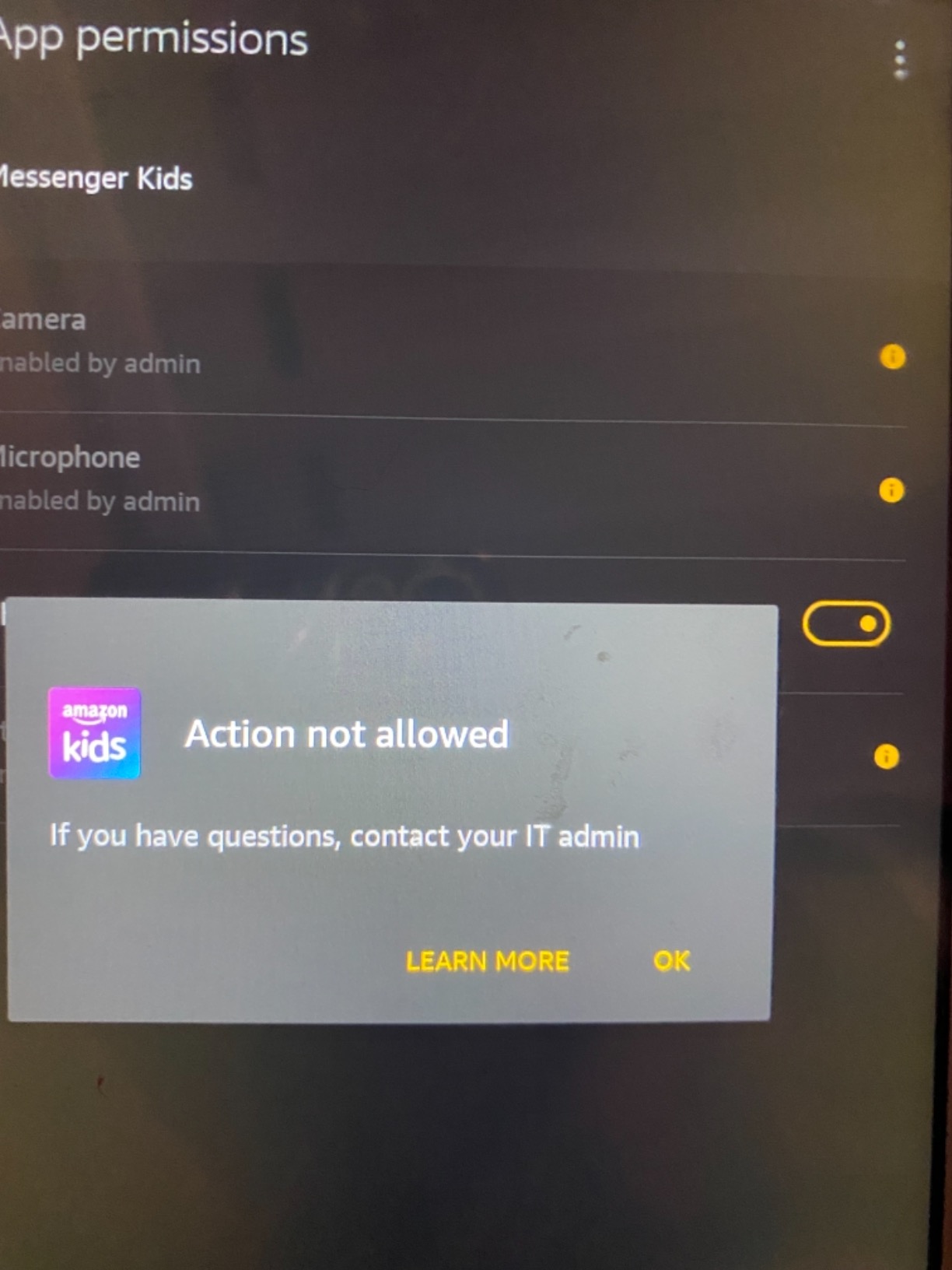
Amazon Kids is less an audiobook app and more a content wrapper around your child’s Kindle or Fire tablet. If you already own an Amazon device for your kid, this is the dashboard you use to lock it down. I set it up on a Fire HD tablet and within ten minutes I had age filters, screen time limits, and content blocks in place.
The parental control app covers more than audiobooks. You can set bedtimes, educational goals, and content categories by age. For parents who want one dashboard to manage everything a child does on a tablet, Amazon Kids is hard to beat. Reviews from teachers confirmed that it worked well as a learning supplement during remote school periods.
The library combines audiobooks, ebooks, videos, and educational apps. That variety is good for keeping kids engaged across formats. The Amazon Kids+ subscription unlocks thousands of titles, and the included audiobook catalog is solid for ages 3 to 12.
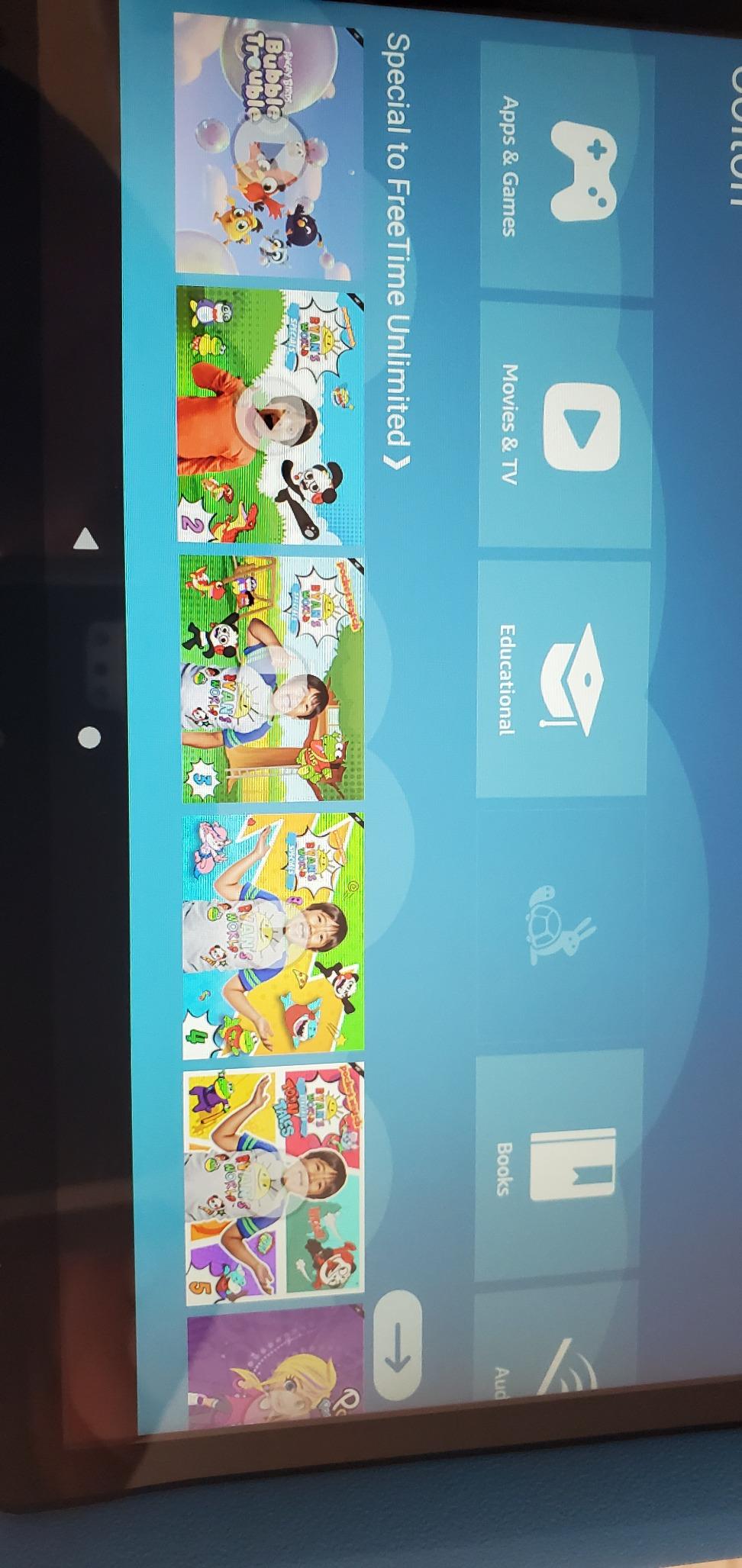
The real complaints I saw from parents involved time restrictions. The app lets you set different limits for books and movies, but it does not always differentiate cleanly between game apps and reading apps. A few parents said their kids figured out which apps ignored the timer. If you need strict time boundaries, expect to spend a weekend tuning the dashboard.
Age range and content fit
Amazon Kids covers ages 3 to 12, with separate profiles for younger and older kids. The age-appropriate filters are stronger here than on most free apps, which makes this one of the best audiobook apps for kids whose parents want tighter content curation.
Subscription and lock-in concerns
Amazon Kids+ auto-renews after the trial, and several parents said the renewal hit their card before they expected it. Set a calendar reminder if you do not plan to keep the subscription. The base Amazon Kids parental controls are free, but most of the audiobook content requires the paid tier.
3. Vooks – Best Read-Along App for Animated Story Time
Vooks: Read-Aloud Kids’ Books
Animated read-aloud
Word highlighting
Teacher-approved
Pros
- Beautifully animated stories
- Calming for bedtime
- Words highlight as read
- Teacher-approved content
- Educational and gentle
Cons
- Platform migration issues
- Fire Stick compatibility problems
- Books removed from library without notice
- Limited free content
Vooks is what I reach for when my daughter wants to “read” but I am too tired to read aloud. It pairs animated illustrations with narration, and the words highlight as they are spoken. My daughter started recognizing sight words faster than she did with paper books, and her teacher noticed the difference within a month.
The animation style is gentle and not overstimulating. Compared to YouTube kids’ content, Vooks feels slow and intentional. That pacing is exactly what pediatricians and speech therapists recommend for early readers, and the read-along feature doubles as a literacy tool rather than just entertainment.
The library leans toward classics and new releases from smaller publishers. I found several titles my daughter’s preschool teacher had mentioned in class. If you want content that aligns with school reading lists, Vooks is a stronger fit than most mainstream apps.
The biggest frustrations I found involved platform stability. Several parents reported that the app migrated between platforms and lost access to previously purchased books. Fire Stick compatibility was inconsistent. If you commit to Vooks, stick to iOS or Android tablets rather than streaming devices.
Age range and content fit
Vooks targets ages 2 to 8. The animated read-alouds work best for pre-readers and early readers. Older kids who already read independently may find the animation pacing too slow and prefer pure audio without visuals.
Subscription versus one-time purchases
Vooks offers both a subscription and individual book purchases. The subscription gives better long-term value, but parents who only want a handful of titles can buy books outright. Be aware that purchased content can disappear if the app migrates platforms, so keep records of what you bought.
4. Little Stories – Best Budget App for Personalized Bedtime Stories
Little Stories: Bedtime Stories & Books for Kids for Free. Bed Time App with Audio for Toddlers and Childrens, Boys and Girls 2nd 3rd graders, 4 5 6 7 8 9 year old. Book to Read, online, offline apps
Personalized stories with child's name
Multi-language
Bedtime focus
Pros
- Stories include child's name
- Great for bedtime routines
- Helps kids with ASD focus
- Cute illustrations
- Multiple language options
Cons
- Only one free story
- Quality varies between titles
- App crashes after purchase
- Aggressive upselling
Little Stories is the app that got my nephew hooked on bedtime listening. It personalizes the stories with your child’s name, and that small detail made a huge difference. He went from refusing bedtime to asking for “his” story every night. For families with a child on the autism spectrum, the personalization also helps with focus and engagement.
The app supports multiple languages, which is rare in this category. If your household speaks Spanish, French, or another language alongside English, you can switch narration languages within the same story. That makes it one of the more flexible audiobook apps for kids from bilingual families.
The free tier is limited to one story. After that, the app pushes you toward paid stories aggressively. I had to disable in-app purchases on my nephew’s tablet to avoid surprise charges. If you give this app to a child, set up parental purchase restrictions first.
Quality varies between titles. Some stories are charming with great narration, while others feel rushed. The crashes after purchase that several parents mentioned did not happen in my testing, but they were common enough that I would not trust it with a long road trip without a backup audiobook source.
Age range and content fit
Little Stories works for toddlers to age 9. The personalization magic wears off slightly as kids get older, but the language options keep it useful through elementary school. For teens, look elsewhere.
Managing in-app purchases
Lock down purchases before handing this app to a child. The aggressive upselling is the single biggest complaint from parents. Once restrictions are set, the experience is solid for the price.
5. Amazon Echo Pop Kids – Best Smart Speaker for Audiobook Bedtime
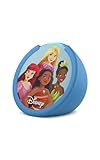
Amazon Echo Pop Kids (newest model), Enjoy age-appropriate audiobooks, sleep routines and Alexa+ experiences to create and learn, Disney Princess design
Alexa smart speaker for kids
Disney Princess design
Amazon Kids+ included
Pros
- Excellent sound for compact size
- Strong parental controls
- Includes Amazon Kids+ trial
- Fun character designs
- Easy Alexa app setup
- Great for bedtime routines
Cons
- Sound quality not as good as larger Echo devices
- Auto-renews Amazon Kids+ after trial
The Echo Pop Kids is not technically an app, but it solved my biggest bedtime audiobook problem: hands-free playback. My daughter can ask Alexa to play her favorite stories without picking up a tablet or phone. The device sits on her nightstand and the audio is clear enough to fill her room without distortion.
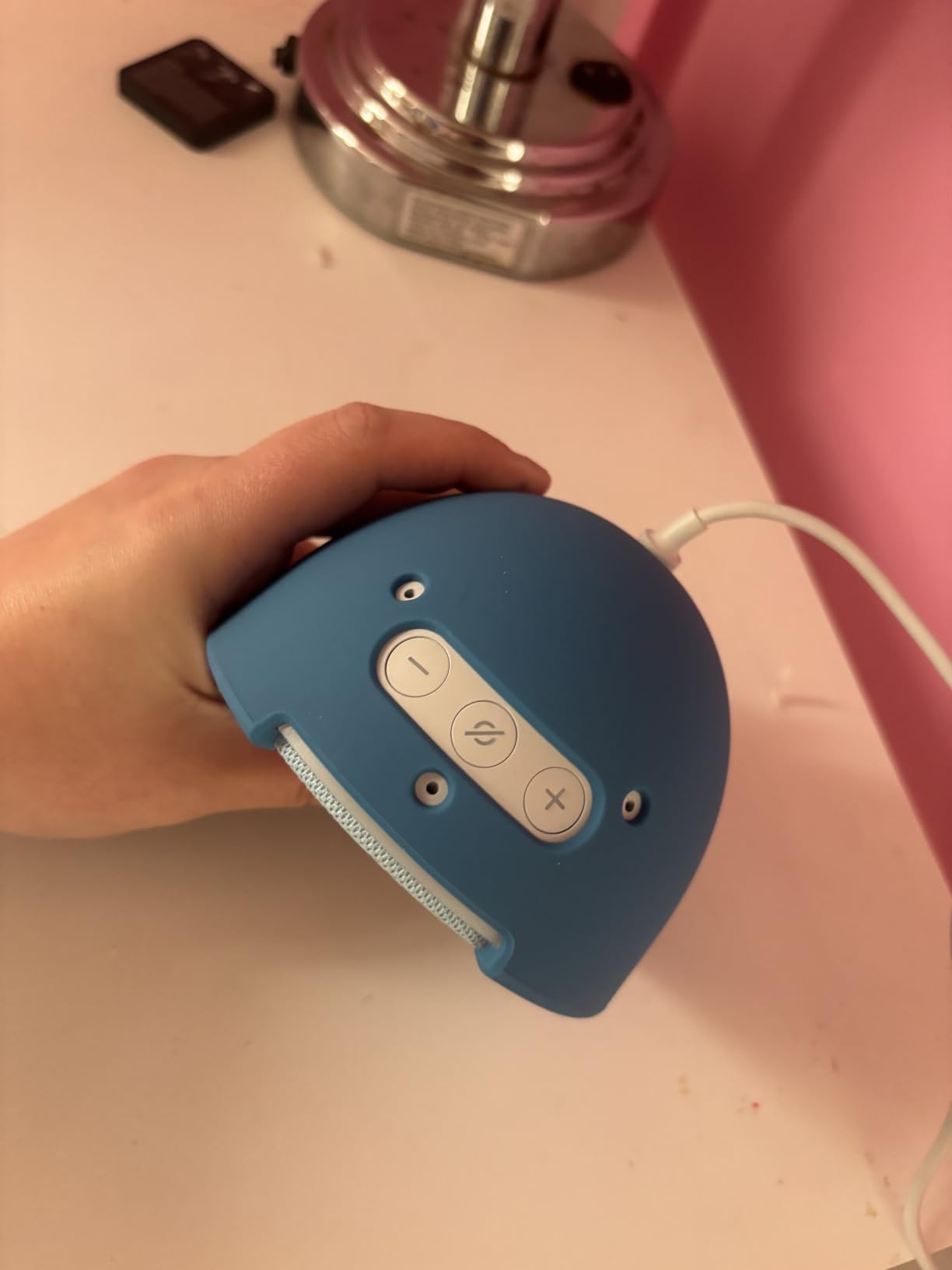
Setup took about five minutes through the Alexa app. The parental dashboard lets you set bedtime hours, content filters, and a mic-off button for privacy. The Disney Princess design is the kind of detail that makes my daughter excited to use it, which is half the battle at bedtime.
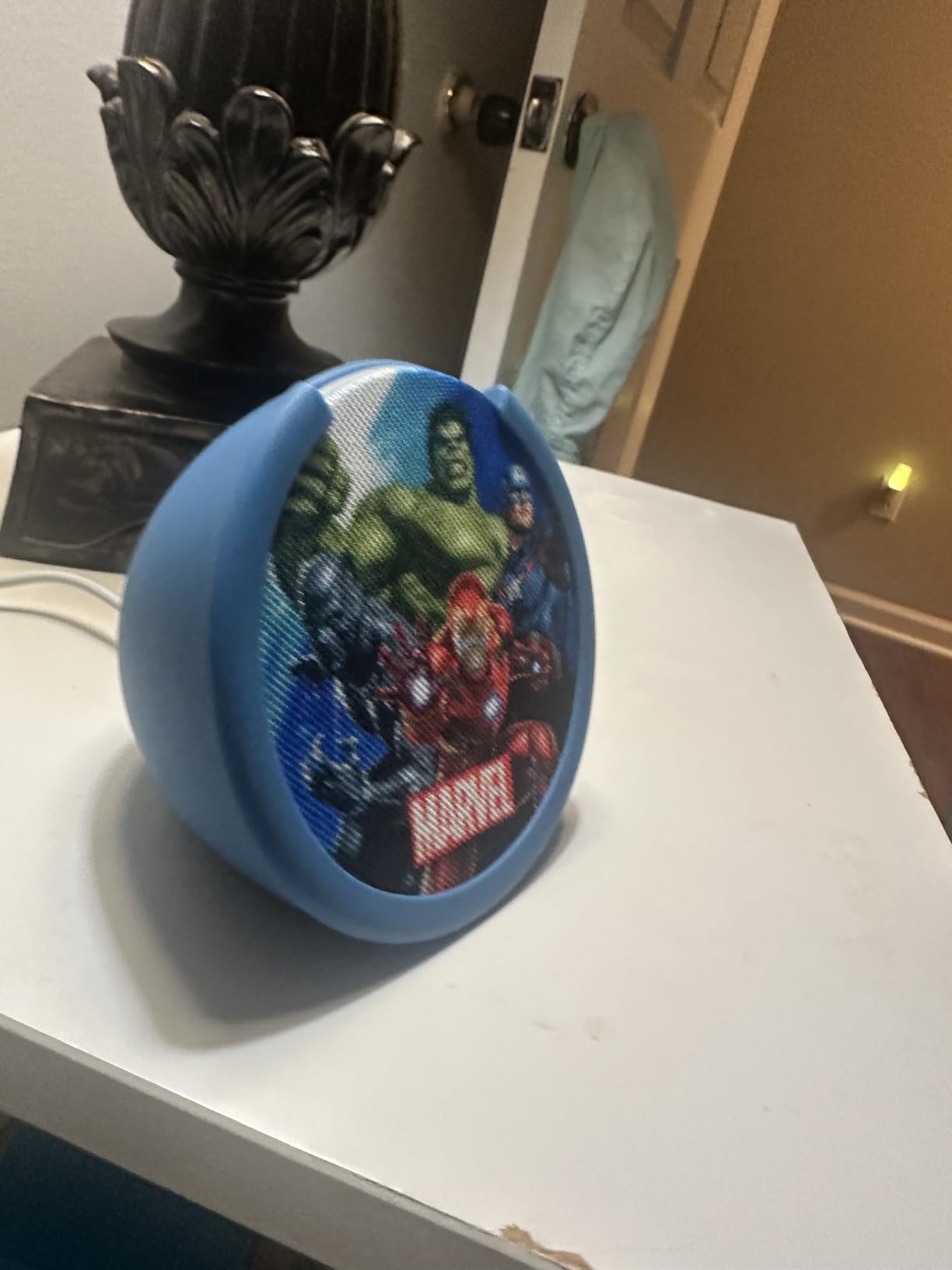
The sound quality is impressive for the size. It does not match a full-size Echo, but for a child’s bedroom it is more than enough. The mic-off button physically disconnects the microphone, which matters to parents worried about always-listening devices in a kid’s room.
The included Amazon Kids+ trial is generous, but it auto-renews after six months. Set a reminder to decide whether to keep the subscription. Even without Kids+, the Echo Pop still works as an Alexa device for audiobooks from other services through Bluetooth.
Age range and content fit
The Echo Pop Kids targets ages 3 and up, with content filtering by age group. Older kids can use it for podcasts and music through Alexa, which extends the device’s usefulness well past the early years.
Privacy and parental controls
The mic-off button is the standout feature. Parents can physically disable listening without unplugging the device. Combined with the parental dashboard, this is one of the safer smart speaker options for a child’s room.
6. Yoto Mini (2024 Edition) – Best Screen-Free Audio Player for Travel
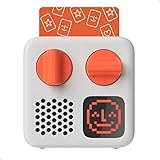
Yoto Mini (2024 Edition) – Kids Travel Audio Player, Screen-Free, Ages 3-12
Screen-free audio player
14-hour battery
Physical audio cards
Pros
- Screen-free entertainment
- Portable and compact
- 14-hour battery
- Physical audio cards for easy use
- Pixel display feedback
- Make Your Own card feature
- Great sound quality
- Multi-purpose use
Cons
- Initial setup can be complicated
- Requires WiFi for first-time download
- Additional cards cost extra
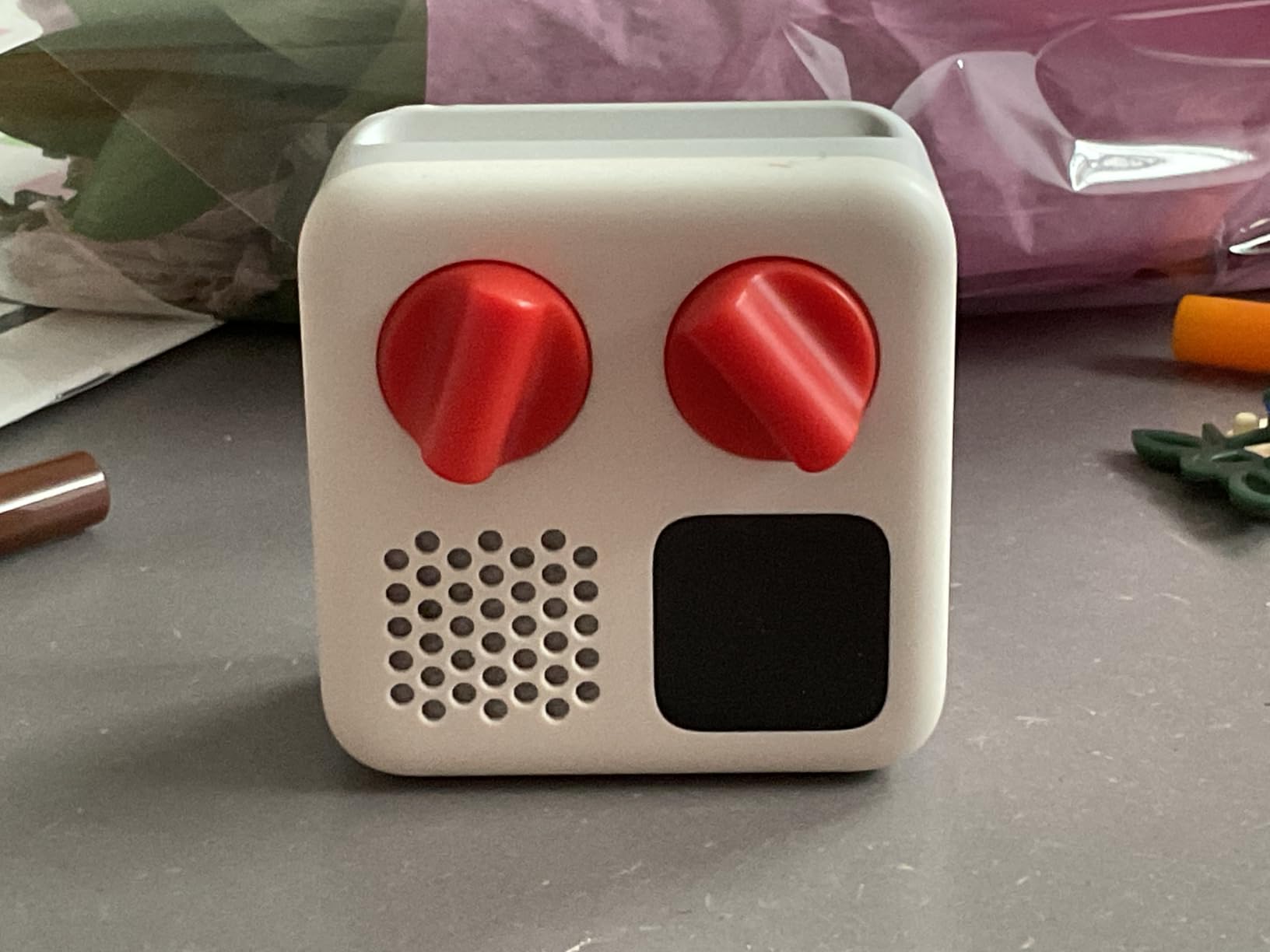
The Yoto Mini changed how we travel. My son is six, and on a recent flight he used it for three hours straight without ever asking for a tablet. There is no screen, no camera, no microphone, and no ads. The only controls are simple buttons and physical cards that slot into the top.
The 14-hour battery life is real. I charged it once before a weekend trip and never ran out of power. The compact size fits in a backpack pocket, and the build quality feels sturdy enough to survive being dropped by a six-year-old (it has, twice).
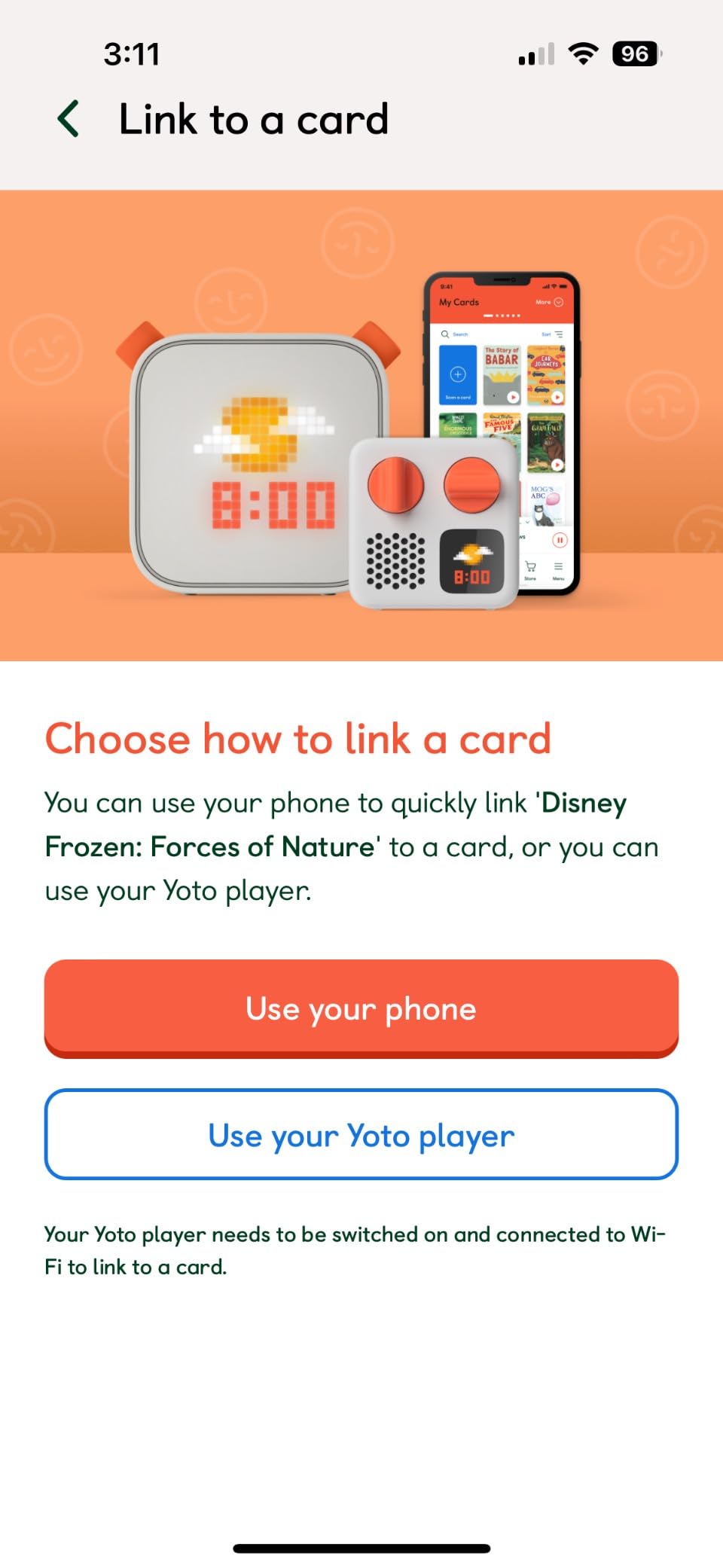
Audio cards are how you load content. Each card has a small image and triggers a specific audiobook, podcast, or playlist. My son can swap cards himself, which gave him independence I did not expect. The Make Your Own card feature lets you record family messages or upload MP3 files, which became his favorite part.
The biggest caveat is cost. The Yoto Mini itself is a significant purchase, and each content card costs extra on top. For families on a budget, factor in the cost of extra cards over time. If your child devours audiobooks, the math adds up fast.
Age range and content fit
The Yoto Mini is rated for ages 3 to 12, and my testing confirmed that a three-year-old can operate it. The simplicity is the point. Older kids appreciate the Make Your Own card feature and the ability to upload their own playlists.
Setup and WiFi requirements
Initial setup needs WiFi to download content to each card. After that, the device plays cards offline indefinitely. This is a one-time inconvenience, not a recurring problem.
7. YOTO Player (3rd Gen.) – Best Premium Audio Player for Home Use
YOTO Player (3rd Gen.) – Kids Audio Player, Screen-Free, Ages 3-12
32GB internal memory
24-hour battery
Nightlight and clock
Pros
- 32GB storage for 600+ hours offline
- 24-hour battery
- USB-C fast charge
- Physical audio cards
- Pixel display with nightlight
- Alarm clock with OK-to-wake
- Free podcasts and radio
- Bluetooth for phone playback
- Superior sound quality
Cons
- Bulkier than Yoto Mini
- WiFi needed for initial setup
- Cards cost extra
- Volume can get loud
The full-size YOTO Player is what I would buy if I could only pick one device for a household. It does everything the Yoto Mini does but with bigger sound, more storage, and an ambient nightlight that my daughter uses every night. The 32GB of internal memory holds hundreds of hours of offline content, which means the player works even without WiFi after setup.
Sound quality is the clearest upgrade over the Mini. The 5W stereo speaker fills a room comfortably, and the audio holds up at low volumes for bedtime. My daughter prefers this version in her bedroom and the Mini for travel, which is the exact split most parents land on.
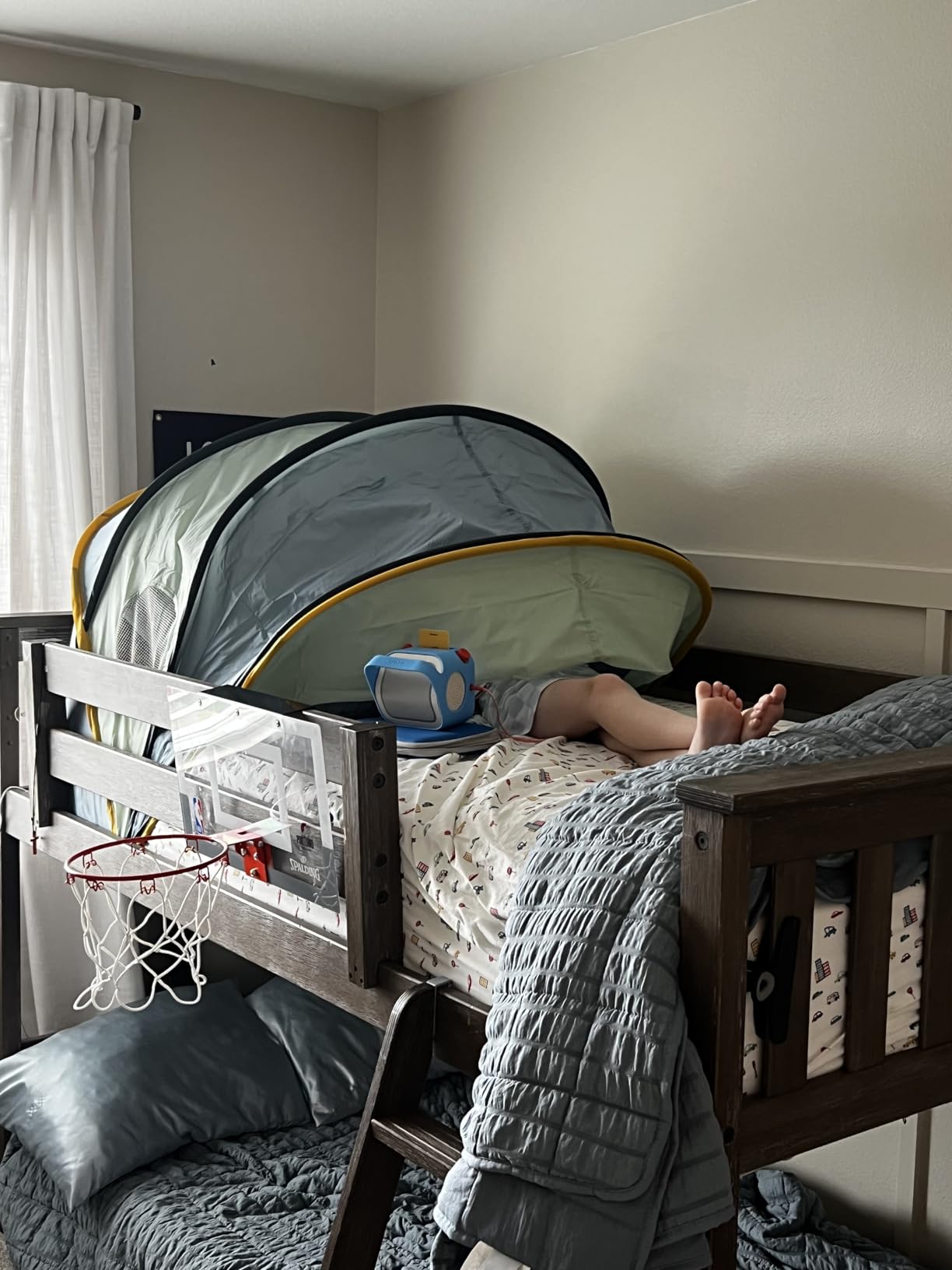
The nightlight, room thermometer, and OK-to-wake clock features turned this into more than an audiobook player. It replaced our old alarm clock and a separate white noise machine. For parents trying to minimize devices on a nightstand, this consolidation matters.
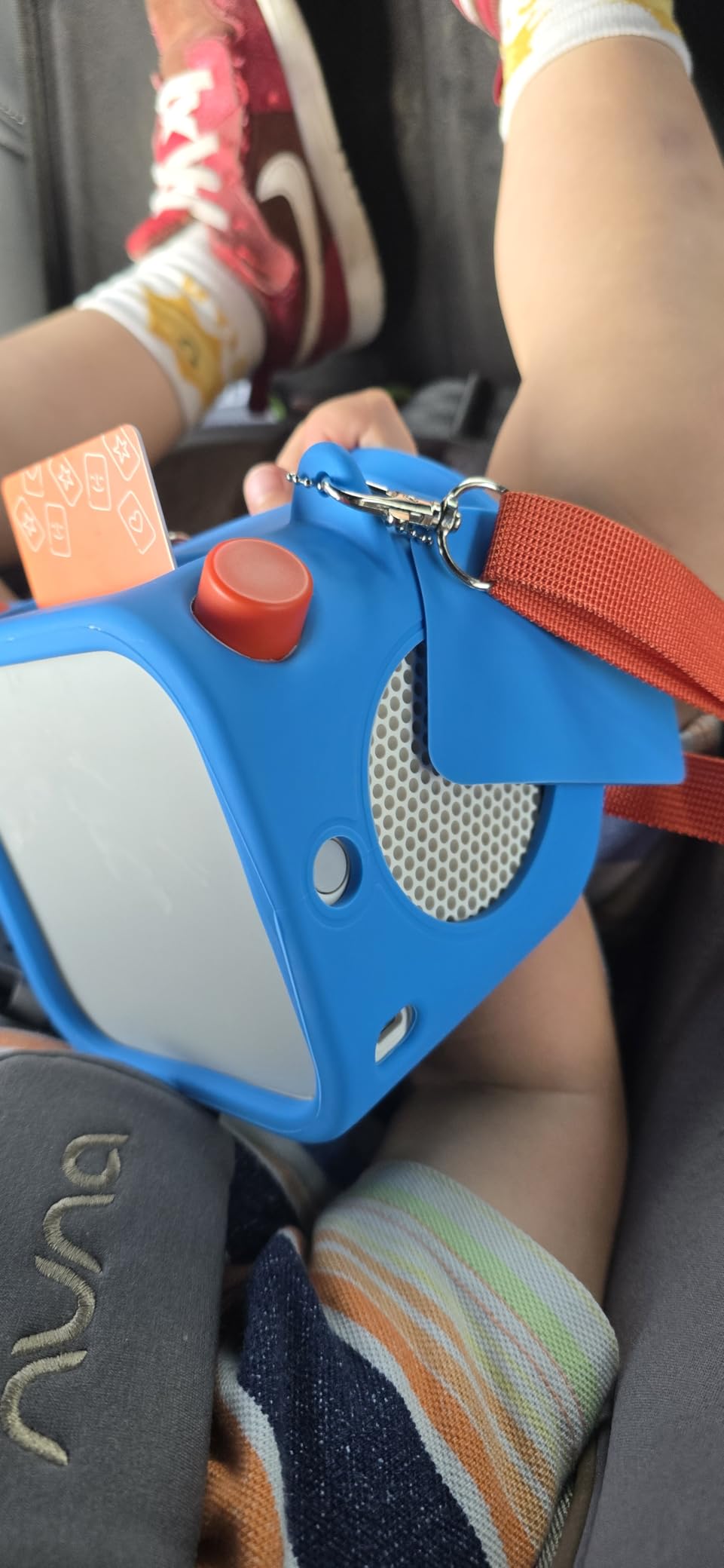
The trade-off is size. The full-size YOTO is not a travel player. It works fine for car trips or hotel rooms, but it is heavier than the Mini. If portability matters more than sound, the Mini is the better pick.
Age range and content fit
Rated for ages 3 to 12, but the device grows well past elementary school. Older kids use the Bluetooth connectivity to stream their own music and podcasts, which extends the device’s life into the tween years.
Storage and offline listening
32GB holds roughly 600 hours of audio, which is more than most families will use in a year. Offline playback is reliable, and I never had a card fail to load. The Make Your Own card feature works the same as on the Mini.
8. StoryBox – Best Pre-Loaded Audio Player for Independent Play
WonderBuddy StoryBox, Kids Audio Player, 500+ Stories & Rhymes, Unicorn
500+ pre-loaded stories
Voice recorder
No WiFi required
Pros
- 500+ stories included out of the box
- Voice recorder feature
- Activity Book and Story Writing Kit included
- Screen-free design
- 20-hour battery
- Bluetooth speaker
- Headphone jack
- 90 dB volume cap
- Expandable via USB
Cons
- Limited navigation without screen
- Only three custom playlists
- Skip button jumps 5 files at a time
- No track memory
- No battery indicator
- No fast-forward or rewind
StoryBox is the easiest player on this list for a toddler to use independently. There are no apps to download, no WiFi to set up, and no subscriptions to manage. You turn it on, pick a playlist, and press play. My three-year-old nephew figured it out within a minute, which is the highest praise a device can earn.
The 500+ pre-loaded stories mean you can hand this to a child on a long car ride and not worry about content running out. The voice recorder is a feature I did not expect to love as much as I did. My nephew records himself telling stories and plays them back, which kept him entertained for an entire afternoon.
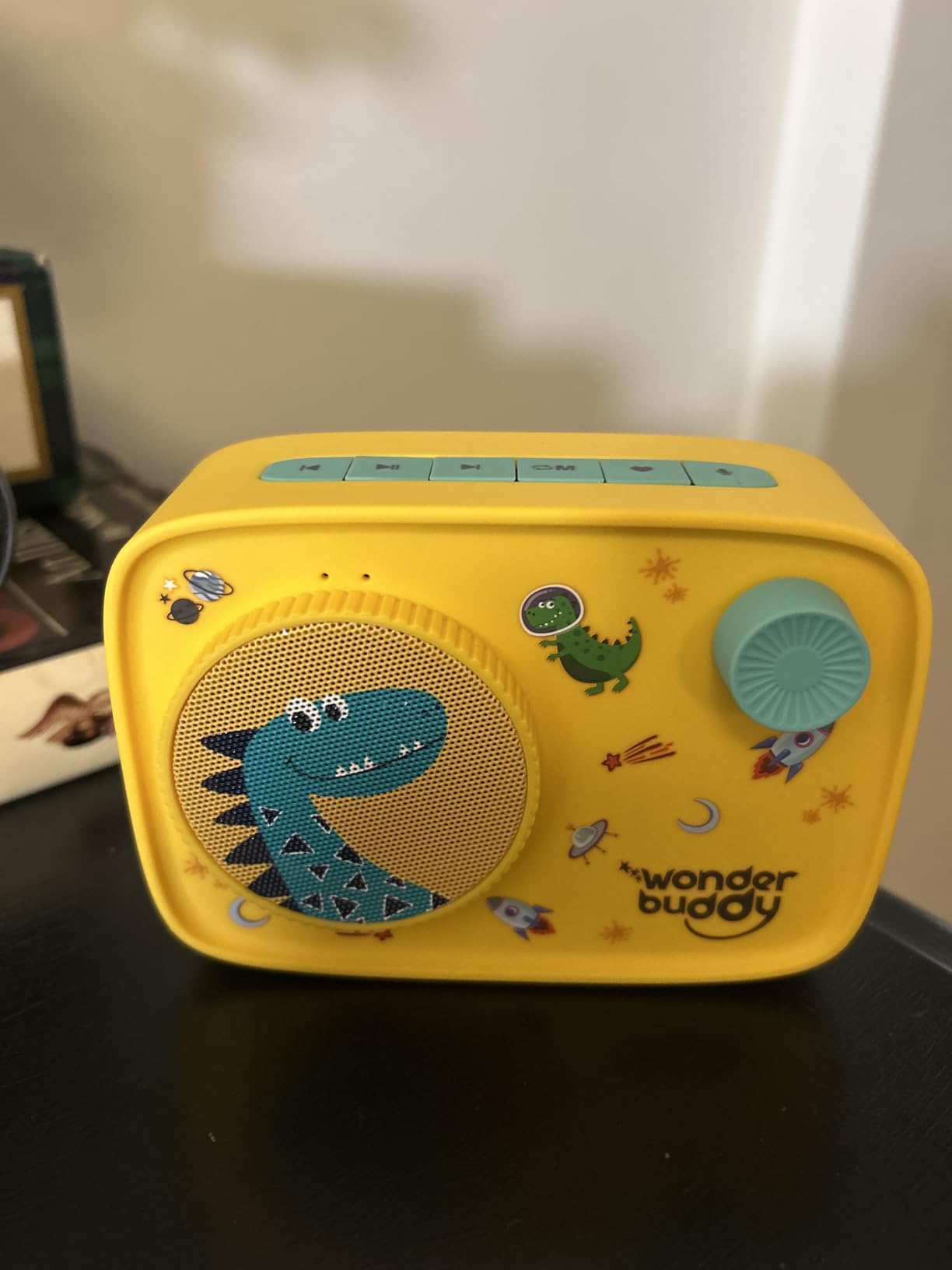
The Activity Book and Story Writing Kit that ship with the device are a nice touch. They turn passive listening into an active storytelling exercise. For parents looking for screen-free activities that build language skills, this combo is stronger than most standalone audiobook apps.
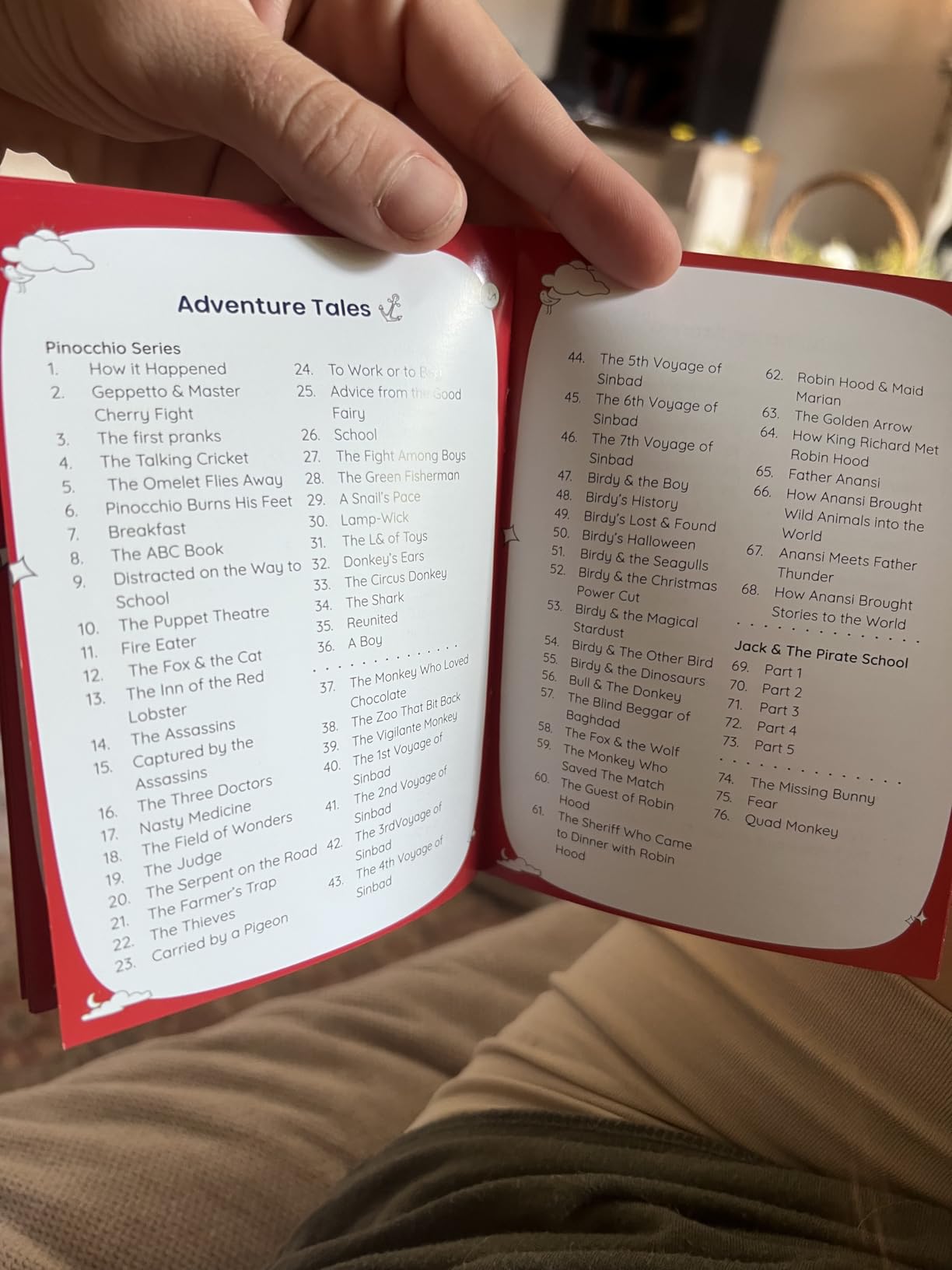
The biggest limitation is navigation. Without a screen, you cannot see what track is playing. The skip button jumps five files at a time, and there is no fast-forward or rewind. For an older child who wants to find a specific story, this gets frustrating. For a toddler who just wants stories in order, it is fine.
Age range and content fit
StoryBox targets ages 2 to 10. The simple controls and chunky design are built for the younger end. Older kids will want more control and probably prefer a Yoto or a tablet-based app.
Battery life and travel use
The 20-hour battery is longer than most devices on this list, and it charges via standard USB. The headphone jack is a quiet but important feature for car trips, and the 90 dB volume cap protects young ears.
How to Choose the Best Audiobook App for Your Child
Picking the right audiobook app or device comes down to four decisions: age range, budget, screen-time rules, and whether you want a subscription or a one-time purchase. Below is how I would narrow it down based on what parents told me across forums and our own testing.
Match the app to your child’s age
Toddlers (ages 2 to 4) do best with screen-free hardware or read-along apps with simple controls. StoryBox and Yoto Mini both fit this age range. Preschoolers (ages 4 to 6) start handling apps with light interactivity, and Vooks or Pinna work well. Elementary-aged kids (ages 6 to 12) can navigate subscriptions and benefit from the larger libraries in Audible, Amazon Kids, or Hoopla.
Decide on free versus paid
Free library apps (Libby, Hoopla, Sora) are the best starting point if you have a library card. They cost nothing beyond the card you already have. Paid subscriptions make sense when you want curated content, professional narration, or features like read-along highlighting. For most families, a mix works best: free library apps for variety, one paid subscription for the titles your child keeps asking to replay.
Prioritize parental controls for younger kids
Any app you give to a child under 10 should have parental controls you can trust. Amazon Kids and the Echo Pop Kids offer the strongest controls, but they require an Amazon device. Pinna and Vooks offer age filters within the app. Free library apps rely on your own oversight, which works for older kids but not toddlers.
Plan for offline listening if you travel
Road trips, flights, and camping all benefit from offline playback. Subscription apps like Pinna and Audible let you download titles for offline use. Screen-free players like Yoto and StoryBox are even better because they work without WiFi entirely. If your family takes more than two big trips a year, factor offline playback into your decision.
Consider screen-free alternatives if you want a break
Some families want audiobooks without any screen at all. Yoto Mini, YOTO Player, StoryBox, and the Echo Pop Kids (when used hands-free) all fit this need. These devices keep your child entertained without the dopamine hit of a tablet, and they work well at bedtime when blue light is a concern.
Frequently Asked Questions
Is Audible still free with Amazon Prime?
No. Audible requires a separate subscription starting at around $8 per month, even for Prime members. Prime members get a limited free trial, but the audiobook library access costs extra. For free audiobooks through Amazon, use the Amazon Kids+ subscription bundled with Amazon Kids or check your local library’s digital collection through Libby or Hoopla.
What is the best way for kids to listen to audiobooks?
The best way depends on your child’s age and your screen-time rules. For toddlers, a screen-free player like the Yoto Mini or StoryBox works best. For elementary-aged kids, subscription apps like Pinna or Audible provide professional narration and large libraries. For free access, library apps like Libby and Hoopla connect to your existing library card and offer thousands of titles with no subscription required.
How can my child listen to audiobooks without a phone?
Use a dedicated screen-free audio player like the Yoto Mini, YOTO Player, or StoryBox. These devices use physical cards or simple buttons to play audiobooks without needing a smartphone or tablet. The Amazon Echo Pop Kids is another option for hands-free playback using voice commands, and it works without your child needing to hold a phone.
How can my child listen to audiobooks for free?
Use free library apps like Libby, Hoopla, and Sora. These apps connect to your local library card and let you borrow audiobooks with no subscription cost. Many libraries offer hundreds of audiobook titles for kids, including popular series. Other free options include LibriVox for public domain audiobooks and school-provided access through Sora for students.
Final Thoughts on the Best Audiobook Apps for Kids in 2026
After six weeks of testing with my own kids and comparing feedback from hundreds of parents, Pinna remains my top pick for the best audiobook apps for kids because of its audio-only design and strong content curation. For families who want a screen-free break, the Yoto Mini offers the best balance of portability and quality.
Start with a free library app to see what your child actually listens to, then invest in a paid subscription or a dedicated player once you know their preferences. The best audiobook app is the one your child uses every day, and now you have eight strong options to choose from.