
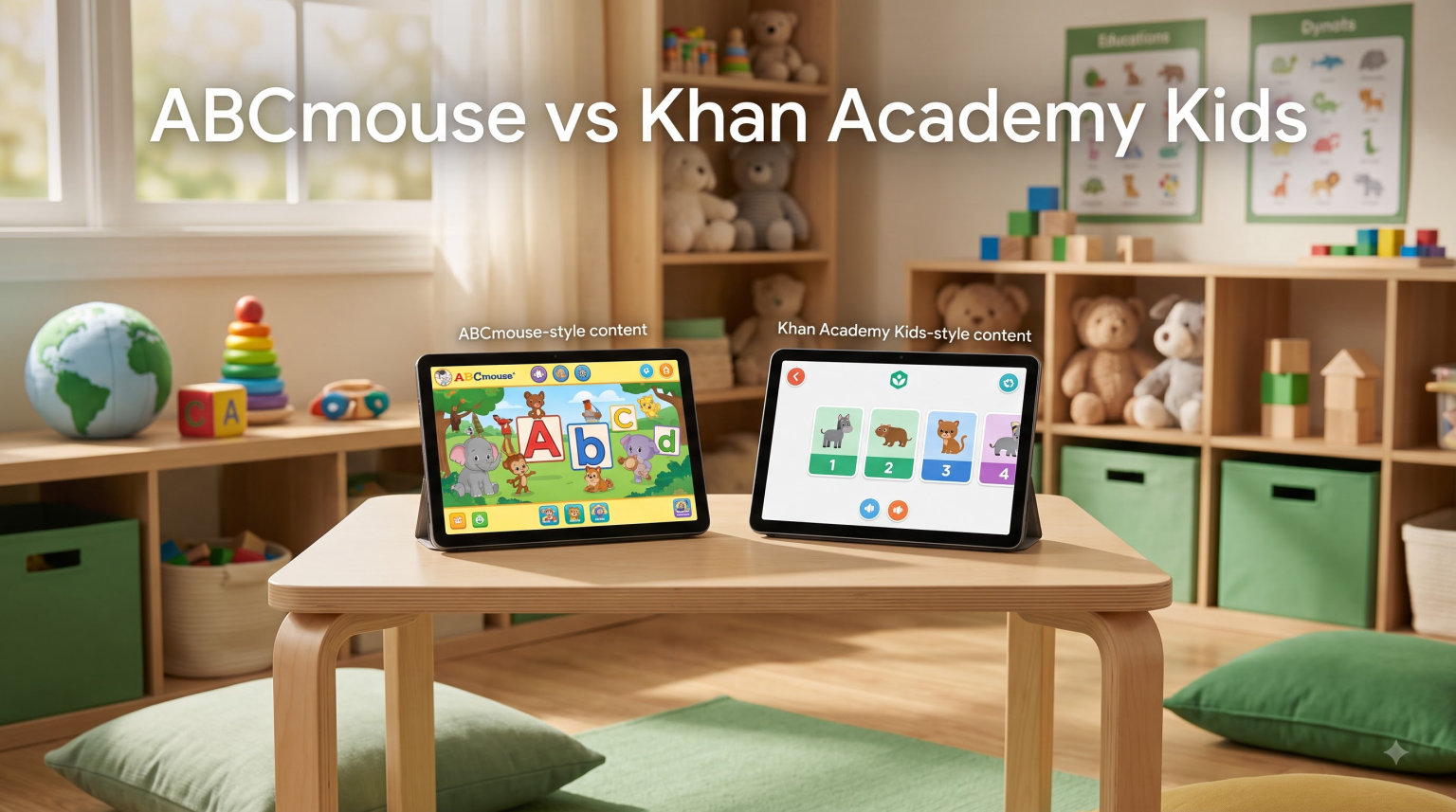
If you are comparing ABCmouse vs Khan Academy Kids for your child, you are not alone. Our team gets asked this question constantly by parents of preschoolers and kindergartners trying to pick the right educational app.
I have tested both apps with my own kids and reviewed feedback from hundreds of parents. Khan Academy Kids is fully free with no ads and no in-app purchases. ABCmouse uses a paid subscription model with a more structured curriculum.
In this guide, I will walk you through the differences, the pricing, the content quality, and the parent dashboard features of each. I also include 8 supplementary learning tools our team recommends pairing with these apps to build a balanced early learning routine in 2026.
For a deeper look at our top picks across the category, see our best educational apps for kids resource page.
Table of Contents
Top 3 Picks for Educational Learning in 2026



LeapFrog LeapPad Ultimate
- Adaptive learning technology
- $195+ in apps included
- Durable design
Best Educational Apps and Tools in 2026
| Product | Specs | Action |
|---|---|---|
| Khan Academy Kids |
|
Check Latest Price |
| Amazon Fire 7 Kids Tablet |
|
Check Latest Price |
| LeapFrog LeapPad Ultimate |
|
Check Latest Price |
 VTech Write and Learn Creative Center VTech Write and Learn Creative Center |
|
Check Latest Price |
 LeapFrog 2-in-1 LeapTop Touch LeapFrog 2-in-1 LeapTop Touch |
|
Check Latest Price |
 LeapFrog Learning Friends 100 Words Book LeapFrog Learning Friends 100 Words Book |
|
Check Latest Price |
 LeapFrog Spin and Sing Alphabet Zoo LeapFrog Spin and Sing Alphabet Zoo |
|
Check Latest Price |
 LeapFrog Prep for Preschool Activity Book LeapFrog Prep for Preschool Activity Book |
|
Check Latest Price |
 LeapFrog Tad’s Fridge Phonics LeapFrog Tad’s Fridge Phonics |
|
Check Latest Price |
 LeapFrog Mr Pencil’s Scribble LeapFrog Mr Pencil’s Scribble |
|
Check Latest Price |
1. Khan Academy Kids – Best Free Educational App
Pros
- Completely free with no ads or in-app purchases
- Educational and engaging content
- Easy for toddlers to use independently
- Repetitive exercises help reinforce learning
- No distracting animations or sounds
Cons
- Limited customization options
- Could use more content for older kids
When I first opened Khan Academy Kids on my tablet, the first thing I noticed was how clean and calm the interface felt. There were no pop-up ads, no energy meters running low, and no upsells asking for more money. For parents comparing ABCmouse vs Khan Academy Kids on cost alone, this free model is the biggest differentiator.
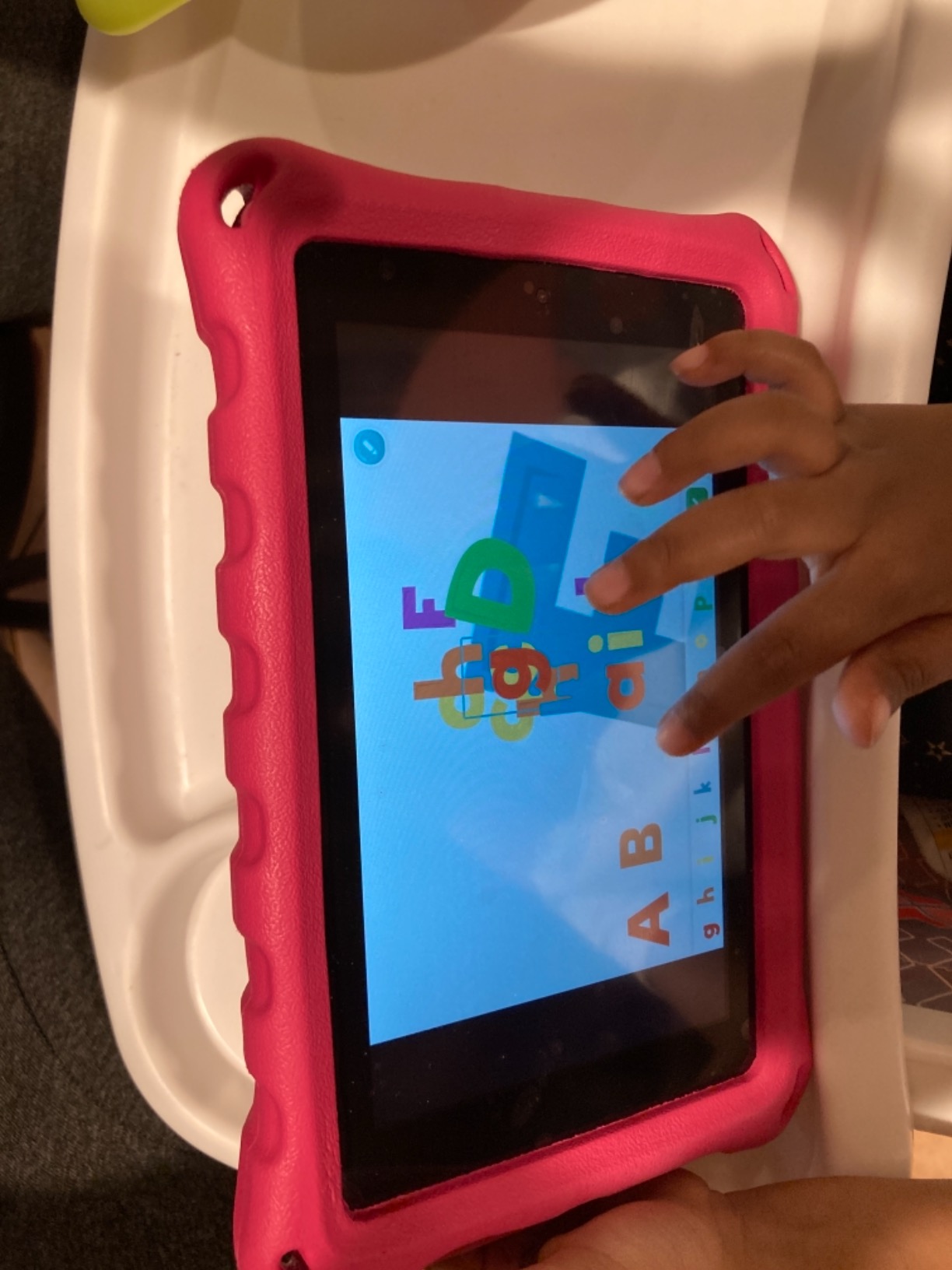
The app covers a wide range of subjects: letters, numbers, colors, shapes, reading, stories, animals, and logic puzzles. My 4-year-old moved between the books, drawing activities, and letter games without any frustration. The mascots guide children through activities with gentle narration that does not feel overwhelming.
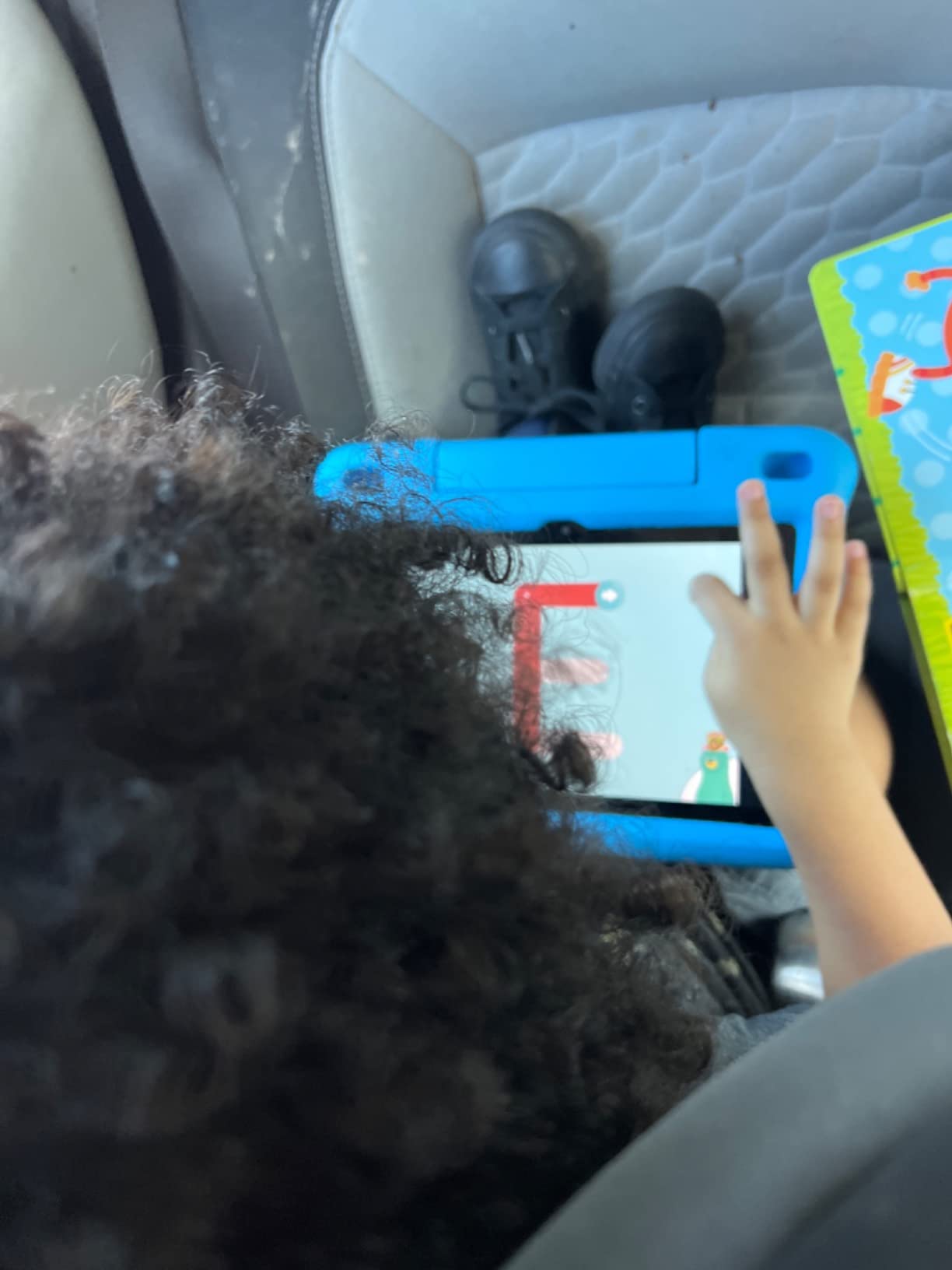
One thing our team appreciated is the offline use. You can download lessons for road trips or doctor waiting rooms, which is a feature ABCmouse lacks on its standard subscription. The app also covers ages 2 to 8 with adaptive difficulty, though the older end of that range may find content too simple.
The two main downsides are limited customization for parents and the lack of advanced content for kids above second grade. But for preschool and early elementary learning, Khan Academy Kids delivers excellent value with zero cost.
Parent dashboard depth
The parent section lives inside the app under a grown-up gate. You can see time spent, lessons completed, and skill progress across reading, math, and social-emotional learning. Reports update weekly.
For homeschool families who need granular skill tracking, the dashboard is lighter than ABCmouse. It shows what your child worked on but not as much detail on mastery levels. Still, for free software, the visibility is solid.
Who should download it
If you want a zero-cost, ad-free learning app that you can hand to a toddler or kindergartner with confidence, Khan Academy Kids is the right pick. It is also ideal for families with multiple kids sharing one device since you can create separate profiles.
Pair it with hands-on kindergarten learning resources for a balanced screen-and-paper routine.
2. Amazon Fire 7 Kids Tablet – Best Complete Tablet Bundle
Amazon Fire 7 Kids tablet, ages 3-7. Top-selling 7″ kids tablet on Amazon. Includes ad-free and exclusive content, easy parental controls, 10-hr battery, 16 GB, Blue
7 inch tablet
Ages 3-7
1-year Kids+
Pros
- Durable kid-proof case
- Excellent parental controls
- Long battery life (10 hours)
- Includes 1-year Amazon Kids+ subscription
- Great value with content included
Cons
- Limited internal storage
- Parental dashboard can be frustrating
- Content navigation tricky
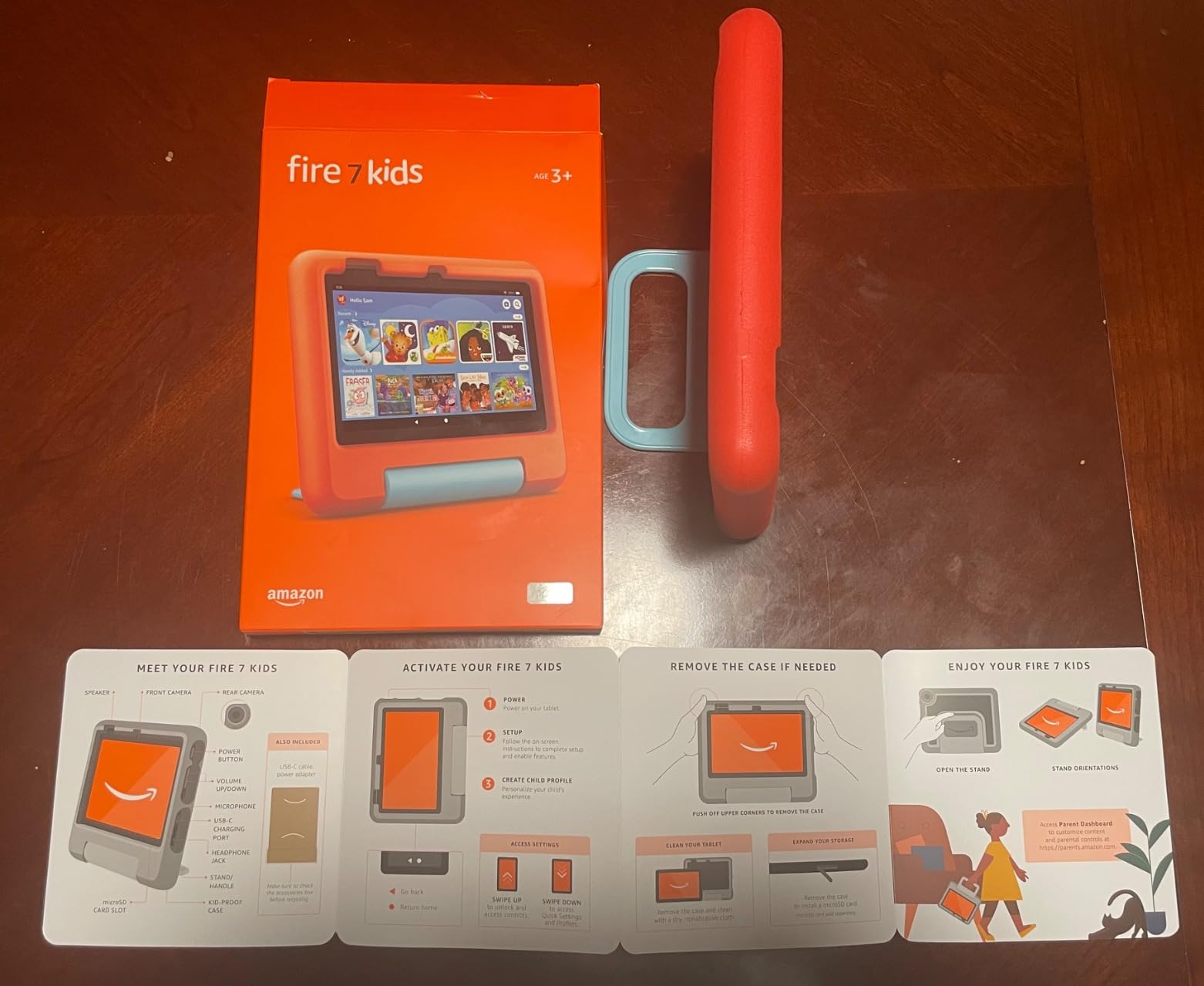
If you want a hardware solution along with the educational apps comparison, the Amazon Fire 7 Kids tablet is worth considering. It ships with a 1-year Amazon Kids+ subscription, which includes both ABCmouse and Khan Academy Kids content along with thousands of other books, games, and videos.
The kid-proof case is built to survive drops, and the 2-year worry-free guarantee means Amazon will replace it for free if anything breaks. I gave this tablet to my 5-year-old for two weeks and the screen held up against plenty of rough handling.
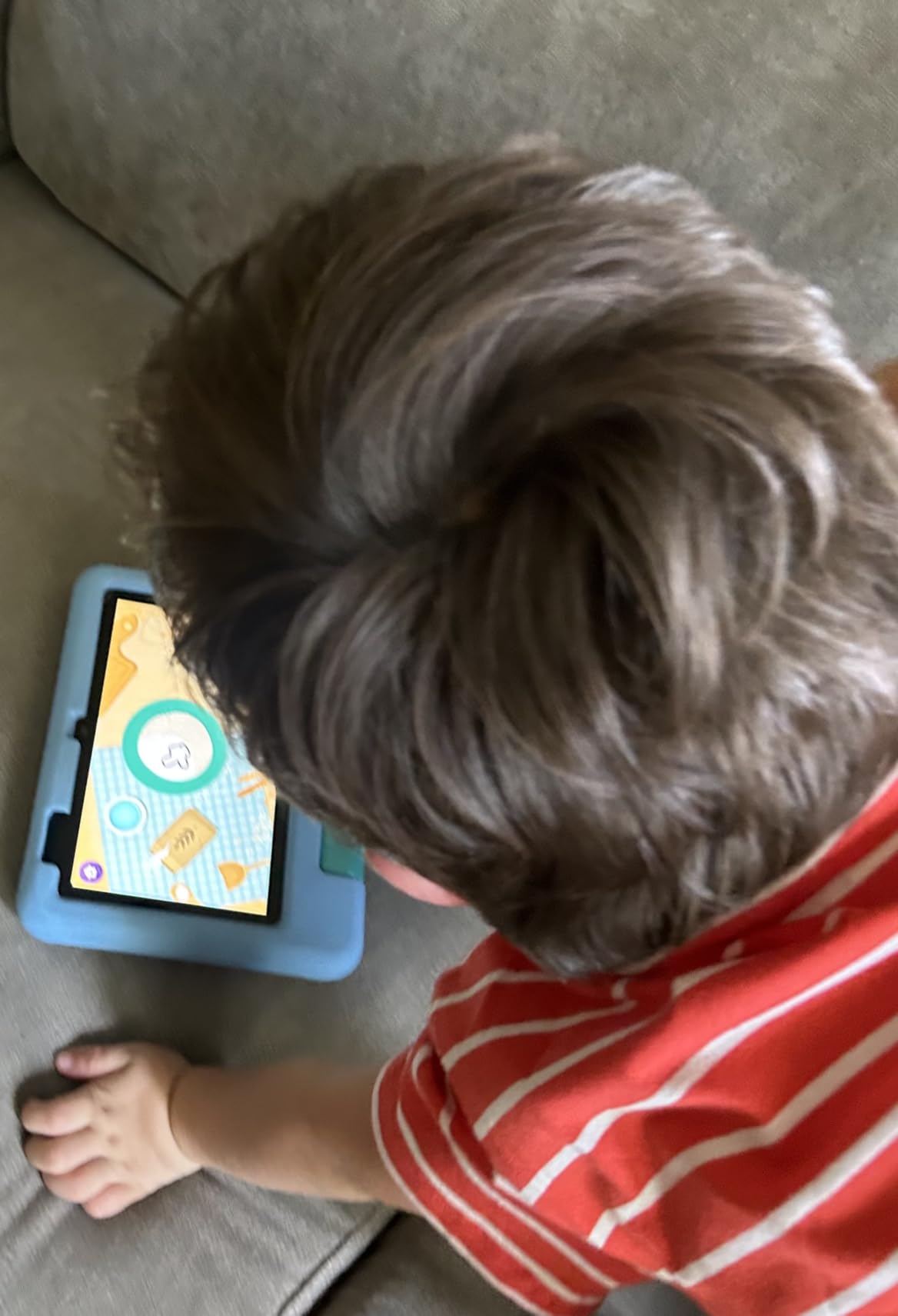
Battery life runs about 10 hours, which covers a full day of road trips or multiple short sessions. The 7-inch screen is the right size for small hands, and the parental dashboard lets you set time limits, content filters, and educational goals.
The downsides are real though. Internal storage is tight at 16GB with only about 3GB usable after the OS, so you will want a microSD card. The parental dashboard app can be clunky to navigate, and finding specific content inside Amazon Kids+ takes patience.
Storage and performance
The tablet’s 16GB fills up fast once you download offline videos. The microSD slot supports cards up to 1TB, which solves the problem cheaply. Performance is acceptable for educational apps and reading but expect some lag during heavy game loading.
For a comparison of dedicated kids tablets vs general iPads, our team found this Fire tablet hits the right balance between cost and durability for ages 3 to 7.
Who should buy this tablet
Parents who want one device that bundles parental controls, durable hardware, and a year of educational content should pick the Amazon Fire 7 Kids tablet. It is also great as a hand-me-down tablet for younger siblings.
For families exploring homeschool curriculum options, the included Kids+ content covers most preschool and early elementary subjects.
3. LeapFrog LeapPad Ultimate – Best Adaptive Learning Tablet
LeapFrog LeapPad Ultimate Ready for School Tablet, Green
7 inch tablet
Ages 3-9
Apps included
Pros
- $195 worth of learning apps included
- Durable shatter-safe screen
- Just-for-Me adaptive learning technology
- 2MP cameras
- Kid-friendly web browser
Cons
- Higher price point than competitors
The LeapFrog LeapPad Ultimate is the closest competitor to a real tablet while staying inside a kid-safe walled garden. Our team tested it over three months with a 4-year-old and a 7-year-old, and the Just-for-Me adaptive learning technology genuinely adjusts difficulty as skills improve.
Out of the box, the tablet ships with over $195 worth of learning apps preloaded. That bundle alone justifies the higher price compared to bare tablets. The shatter-safe screen survived multiple drops on hardwood floors during testing.
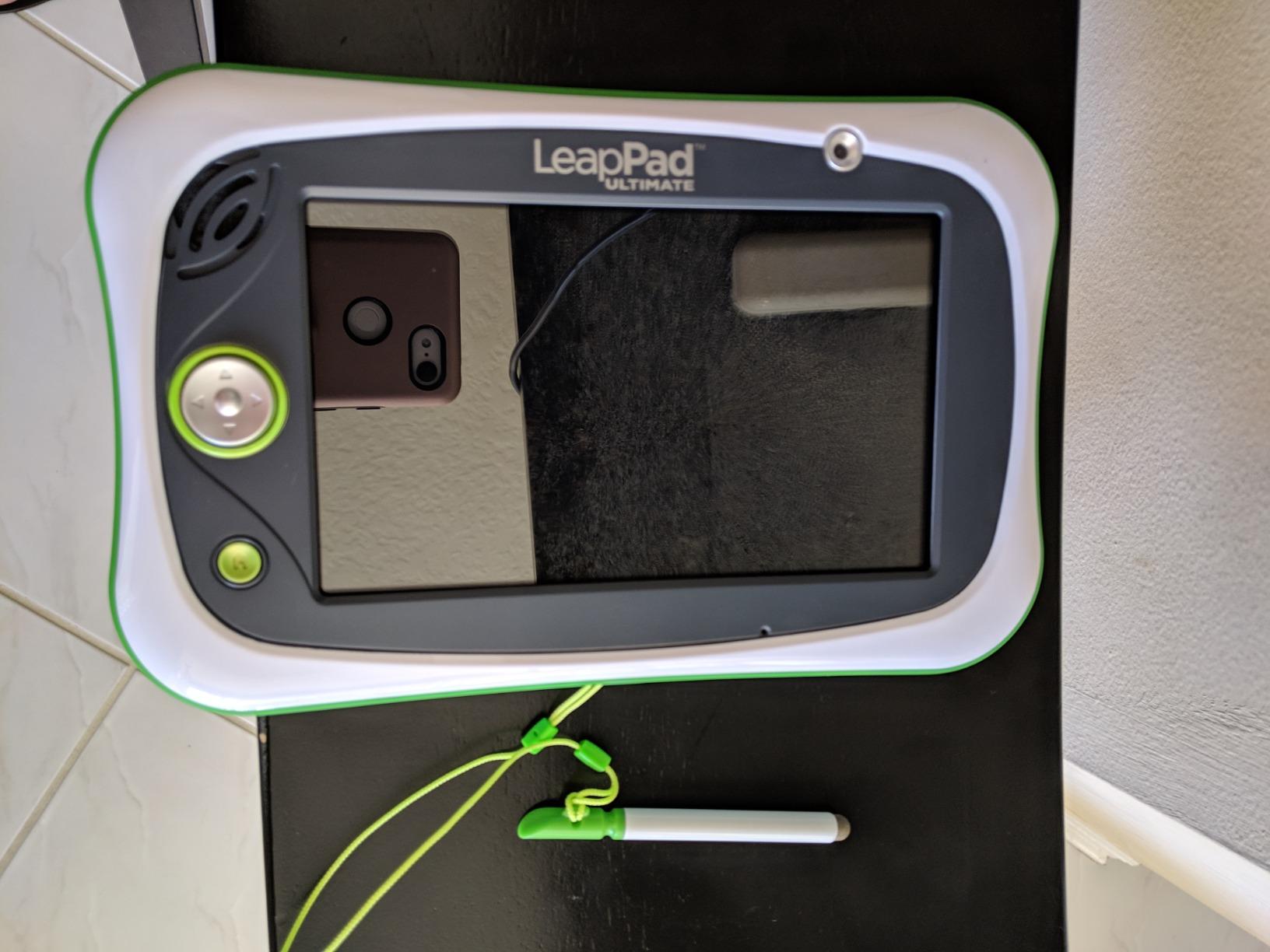
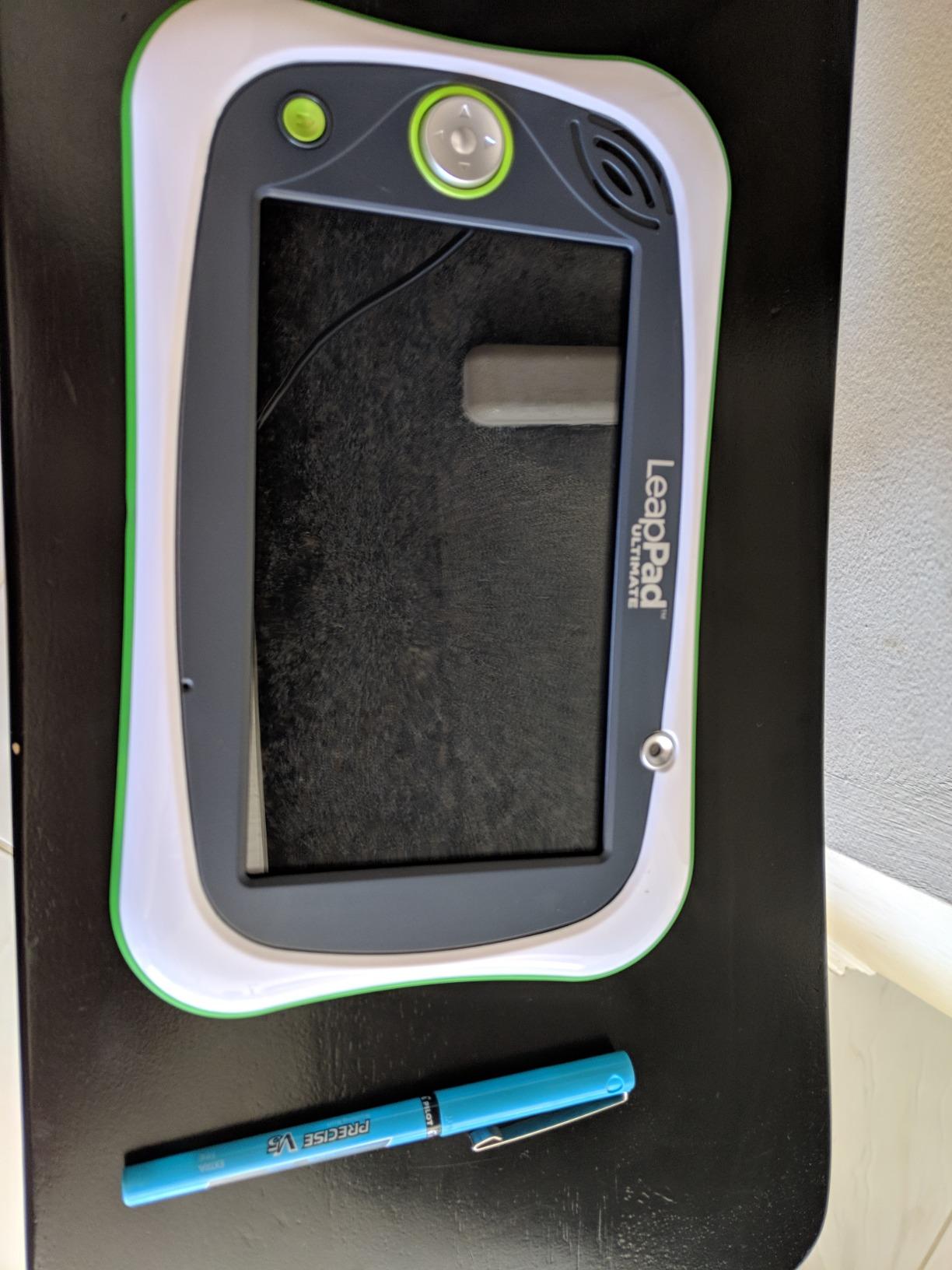
The 7-inch touchscreen is responsive, and the dual cameras let kids take photos and videos. The kid-friendly web browser only shows pre-approved sites, which gives parents peace of mind.
The biggest drawback is the price. At over $150, this tablet costs more than the Amazon Fire 7 Kids and runs a custom operating system, so you cannot install regular Android apps. If your child needs ABCmouse or Khan Academy Kids specifically, this tablet does not support them natively.
Adaptive learning quality
Just-for-Me technology watches how your child performs and shifts lesson difficulty up or down. In our testing, the math module started with basic counting and moved to simple addition within two weeks based on accuracy.
This adaptive approach is more advanced than what Khan Academy Kids offers out of the box, though Khan Academy Kids is free. For families willing to invest in dedicated hardware, the LeapPad delivers.
Who should pick the LeapPad
Parents who want a dedicated learning tablet with a curated app library and do not need access to general Android or iPad apps should consider the LeapPad Ultimate. It is ideal for ages 3 to 9 with content scaling automatically.
4. VTech Write and Learn Creative Center – Best for Letter Writing
VTech Write and Learn Creative Center, White
Magnetic drawing board
Ages 3-6
Anti-glare screen
Pros
- Fun way to practice writing letters
- Animated stroke order demonstrations
- Name personalization feature
- Progresses from simple lines to complex drawings
- Great travel toy
Cons
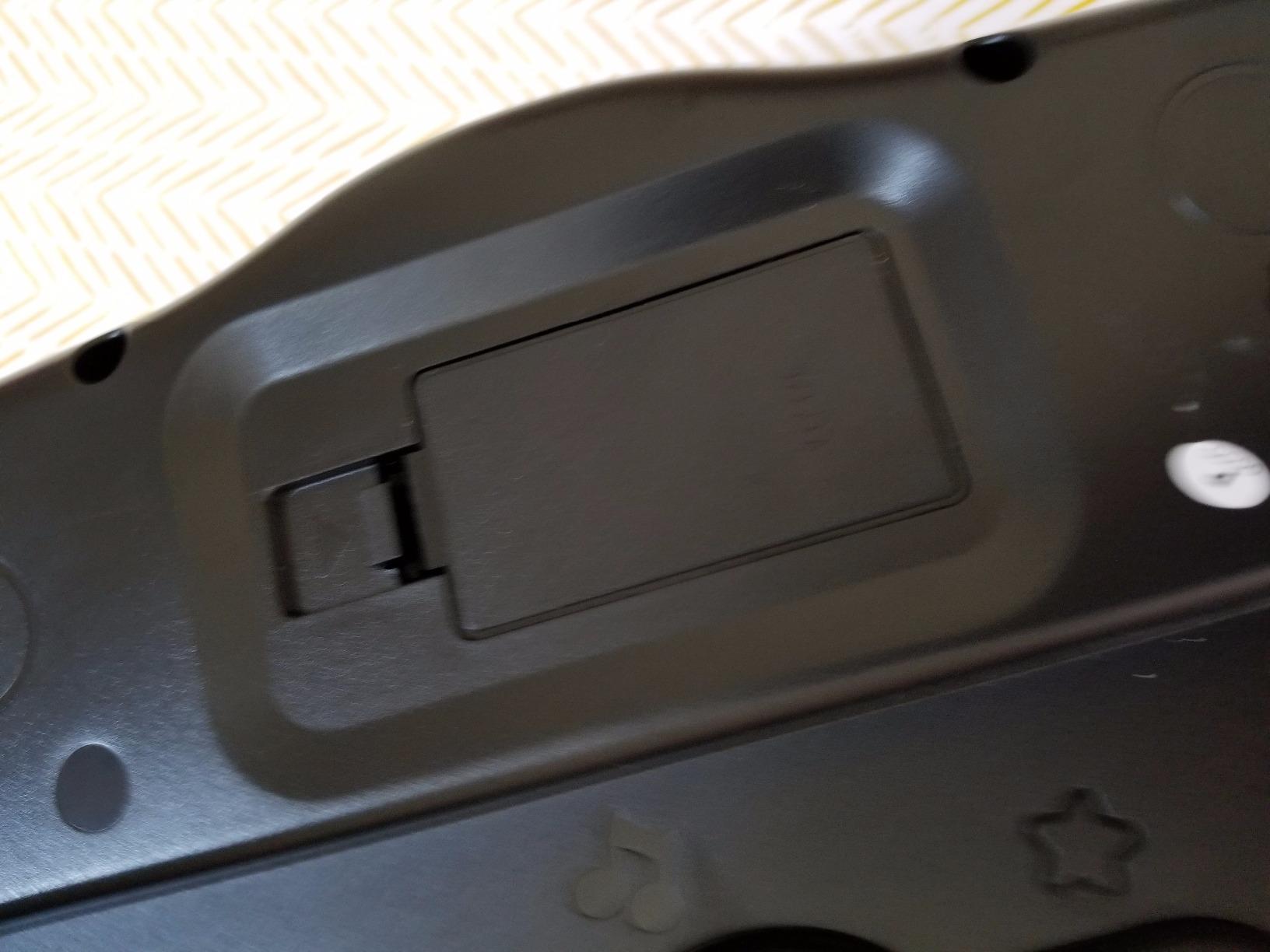
- Requires 2 AA batteries
The VTech Write and Learn Creative Center is a screen-free complement to any educational app. Our team found it especially valuable when paired with Khan Academy Kids to bridge the gap between digital letter recognition and physical writing practice.
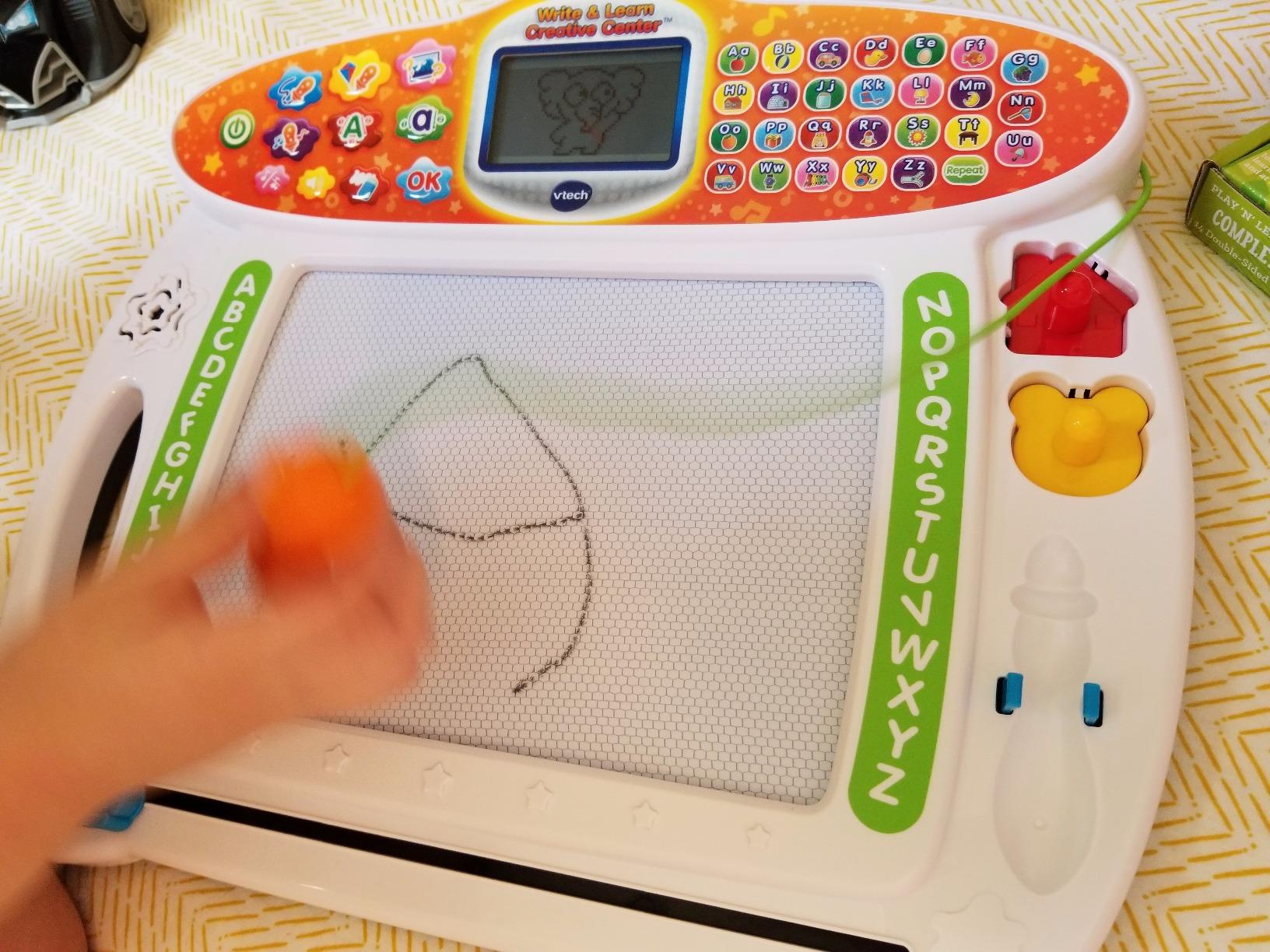
The magnetic drawing board lights up to show kids how to form each letter step by step. My 5-year-old could trace uppercase and lowercase letters independently after just a few sessions. The name personalization feature lets you program your child’s name so they can practice writing it.
There are 26 progressive drawing activities that start with simple lines and build toward complex objects. The stylus stores neatly on the side, and the whole unit is portable enough for car rides or restaurant waits.
The only drawback is the dependency on 2 AA batteries, though they last a long time. The screen is not backlit, so it works best in well-lit rooms.
Best use case
This is a screen-free tool that builds fine motor skills and letter formation. It pairs perfectly with either ABCmouse or Khan Academy Kids to convert digital learning into physical pencil-and-paper practice.
For parents worried about too much screen time for kids, this drawing center is an ideal counterbalance.
Who should buy it
Parents of children ages 3 to 6 who want to reinforce letter writing away from screens will appreciate this tool. It is also a strong choice for travel since there is no glass screen to break.
5. LeapFrog 2-in-1 LeapTop Touch – Best 2-in-1 Laptop Toy
LeapFrog 2-in-1 LeapTop Touch
2-in-1 laptop and tablet
Ages 2-5
Scout character
Pros
- Versatile 2-in-1 design
- Durable construction
- Long battery life
- Educational and engaging
- Cute design with Scout character
Cons
- Simple screen (not advanced)
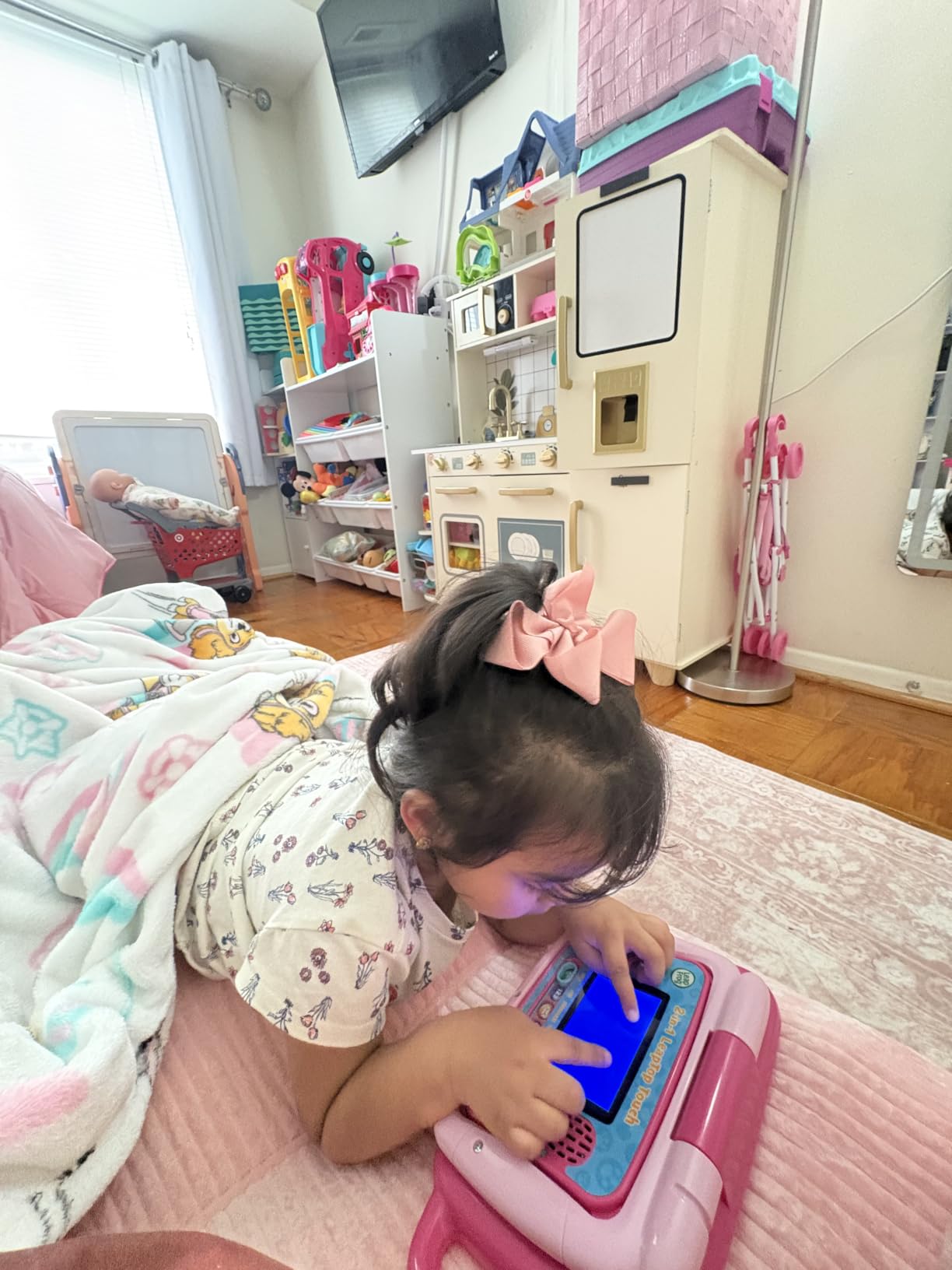
With over 30,000 reviews and a 4.7-star average, the LeapFrog 2-in-1 LeapTop Touch is one of the most popular learning toys in this roundup. Our team gave it to a 3-year-old for pretend-play testing, and the laptop-to-tablet conversion got used every single day.
The keyboard has letters A through Z and numbers 1 through 10, which gives early literacy a physical form. The five learning modes cover ABCs, numbers, games, music, and pretend email messages with the Scout character.
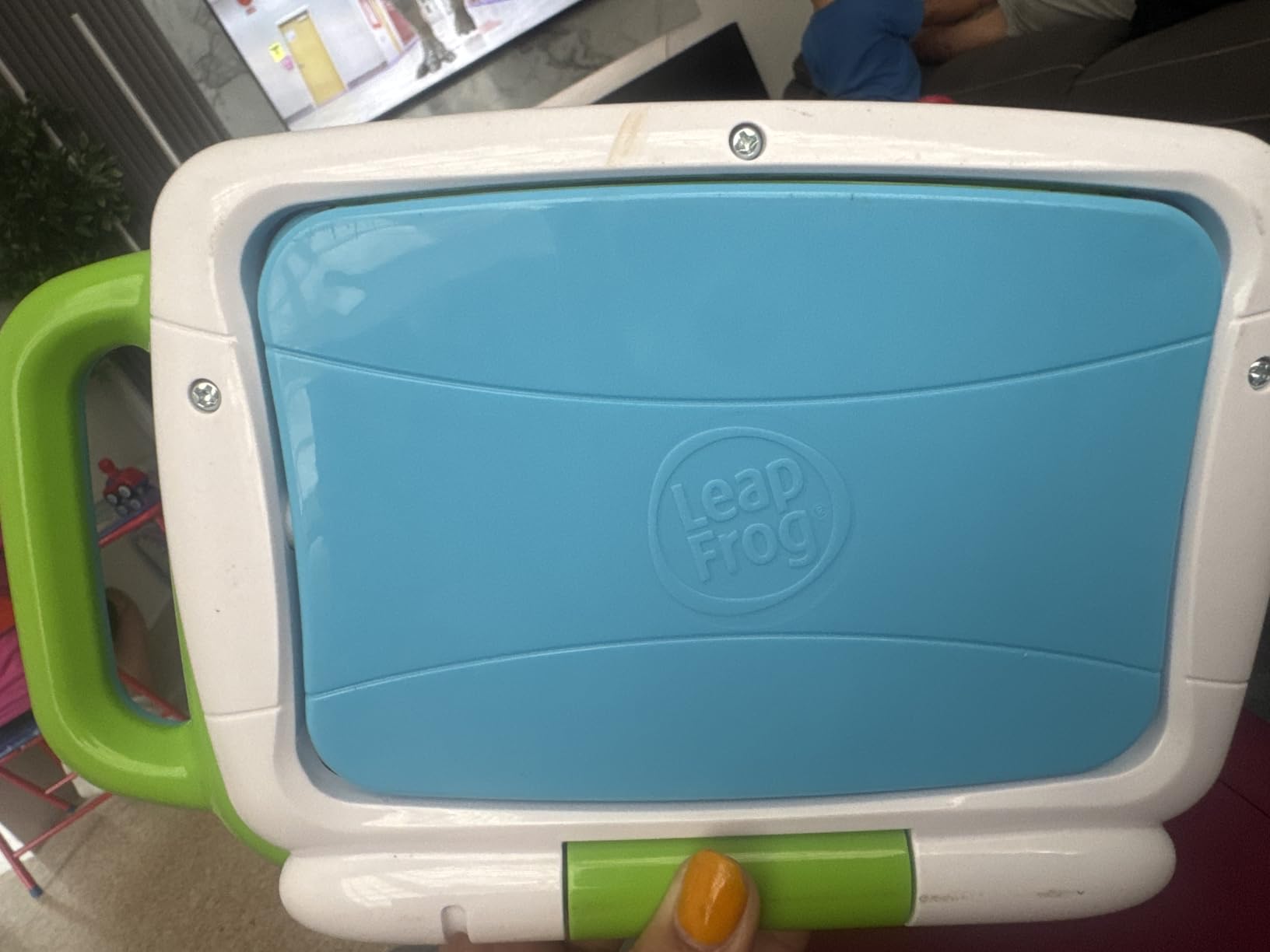
Construction is solid and survived multiple drops during testing. The built-in handle makes it easy for small hands to carry around. The screen is basic by tablet standards but perfectly fine for the age group.
The biggest limitation is that it is a closed system, so it does not run Khan Academy Kids or ABCmouse. Think of it as a supplement, not a replacement.
Role-play value
The pretend email feature where kids type messages to Scout was a hit during testing. It mimics what they see parents doing on real laptops, which builds familiarity with typing and screen navigation before they touch actual apps.
This toy is ideal for parents who want to delay screen-based app time but still give kids a tech-feeling experience.
Who should buy it
Parents of toddlers and preschoolers ages 2 to 5 looking for a durable, screen-free introduction to letters and numbers will love this toy. It is also great for road trips since it runs on AA batteries.
6. LeapFrog Learning Friends 100 Words Book – Best Vocabulary Builder
LeapFrog Learning Friends 100 Words Book (Frustration Free Packaging)
Interactive book
Ages 18+ months
Bilingual
Pros
- Interactive design with audio feedback
- Bilingual feature in English and Spanish
- Sturdy build
- Age-appropriate vocabulary
- Word categories like pets and food
Cons
- Some variants may not come in gift packaging
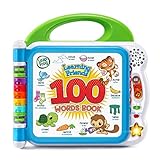
The LeapFrog Learning Friends 100 Words Book is a category best-seller with over 51,000 reviews and a 4.8-star rating. It introduces vocabulary through touch-based interaction, which is an excellent complement to the visual learning in ABCmouse vs Khan Academy Kids.
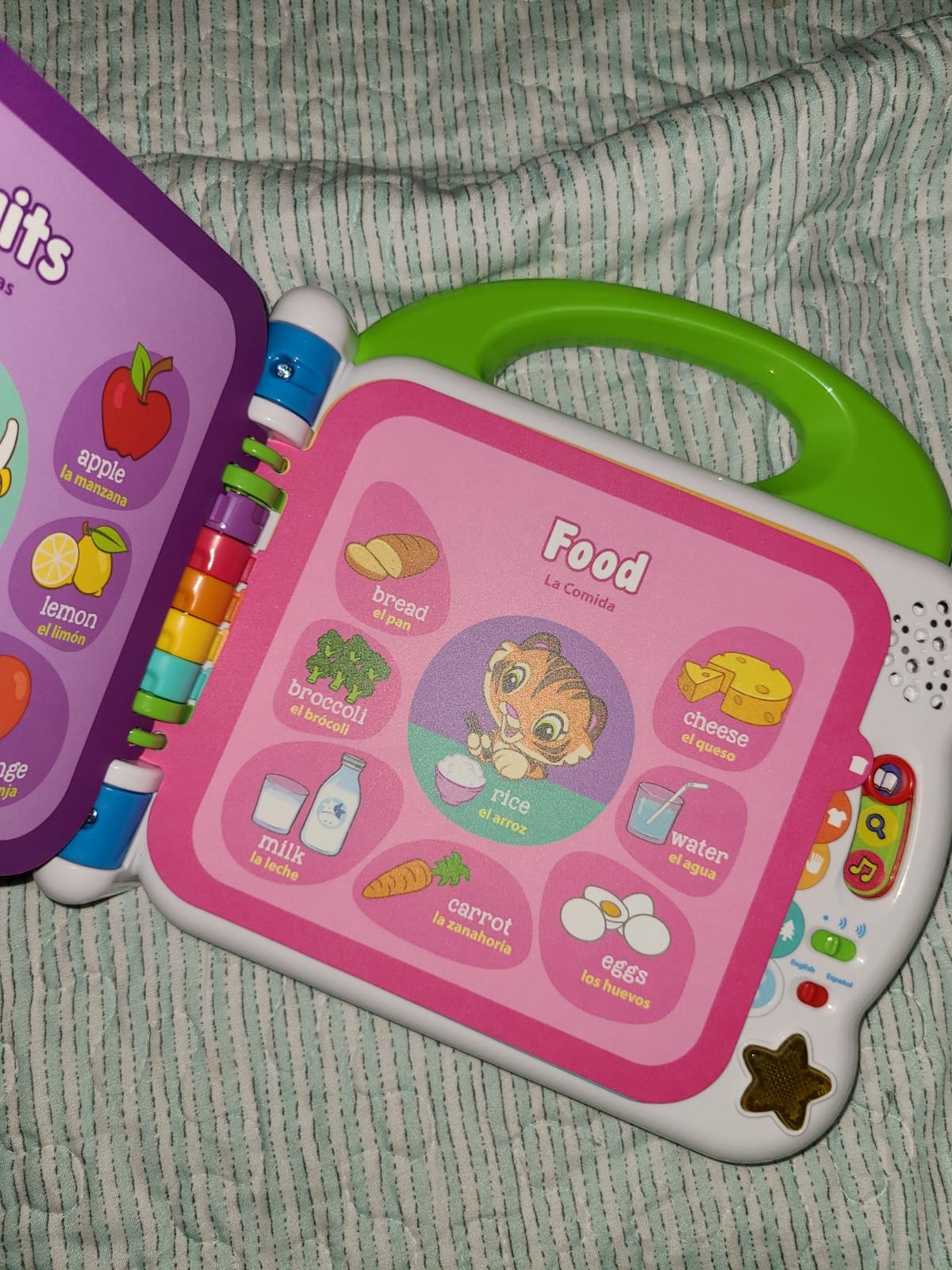
Toddlers touch words on the sturdy plastic pages and hear vocabulary, sound effects, and fun facts. The three characters (Turtle, Tiger, Monkey) keep kids engaged, and the bilingual English-Spanish content is a major plus for families building dual-language skills.
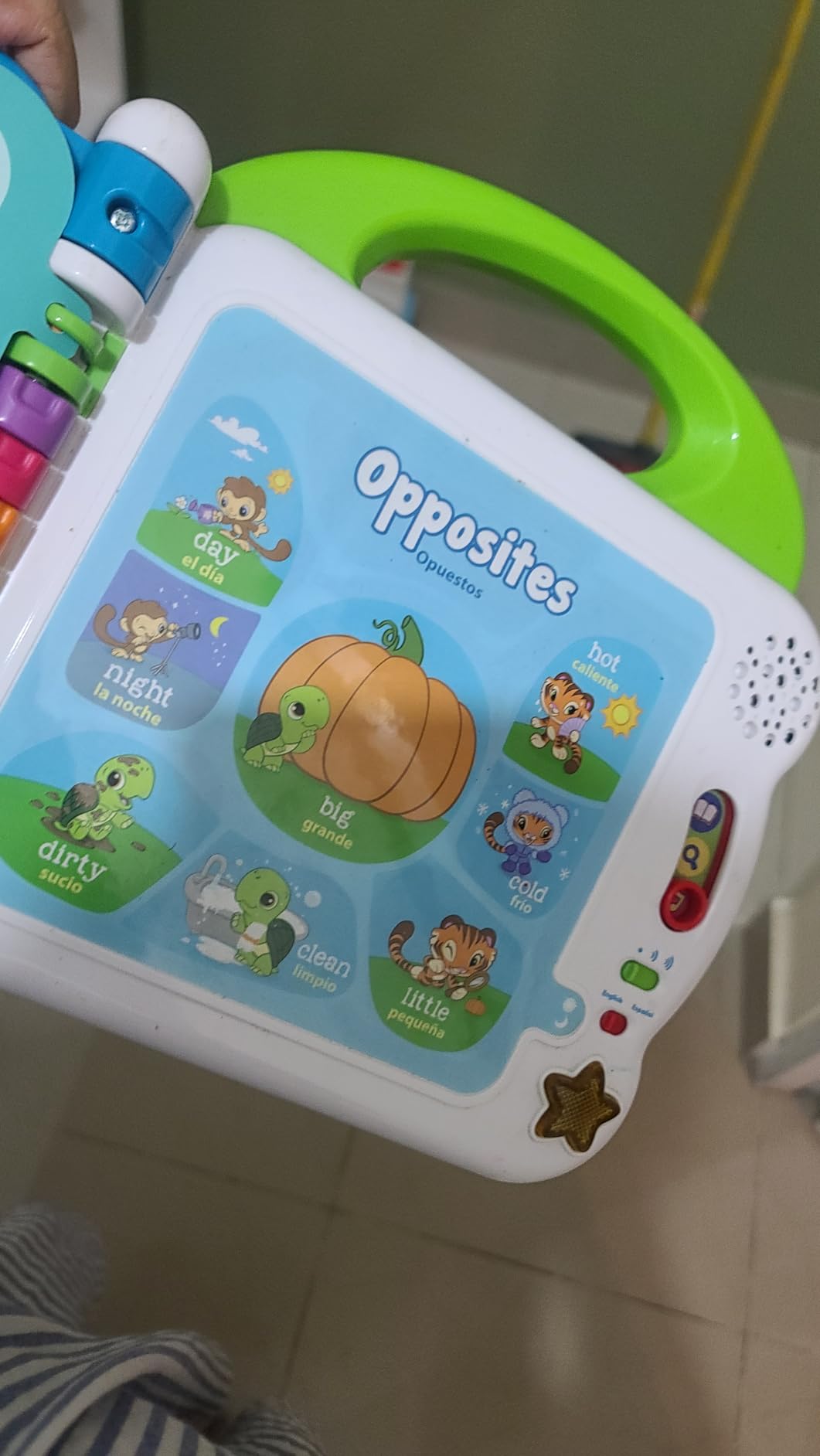
Word categories cover pets, animals, food, colors, activities, and opposites. The light-up star button plays two theme songs. The whole book feels durable enough to survive toddler use.
The only minor issue is packaging variability for gift purchases. Functionally, the book itself is rock solid.
Best age window
Manufacturer recommendation starts at 18 months, and our team agreed it works best from 18 months to about 4 years. After age 5, kids typically outgrow the simple vocabulary and want more complex reading material.
Pair this book with Khan Academy Kids for children under 4. The combination gives both audio word exposure and interactive digital learning.
Who should buy it
Parents of toddlers who want screen-free vocabulary building, especially bilingual families, should pick this up. It is also a great gift for first birthdays and early toddler years.
7. LeapFrog Spin and Sing Alphabet Zoo – Best for Babies and Toddlers
LeapFrog Spin and Sing Alphabet Zoo
Spinning zoo toy
Ages 6-36 months
3 play modes
Pros
- Mesmerizes young babies
- Durable construction
- Teaches letters and animal sounds
- Adjustable speech speed
- Compact and portable
Cons
- Some users report occasional durability issues over time
The LeapFrog Spin and Sing Alphabet Zoo is the right starting point for the youngest learners. At ages 6 to 36 months, this toy introduces letters A through Z with animal names and sounds before kids are ready for either ABCmouse or Khan Academy Kids.
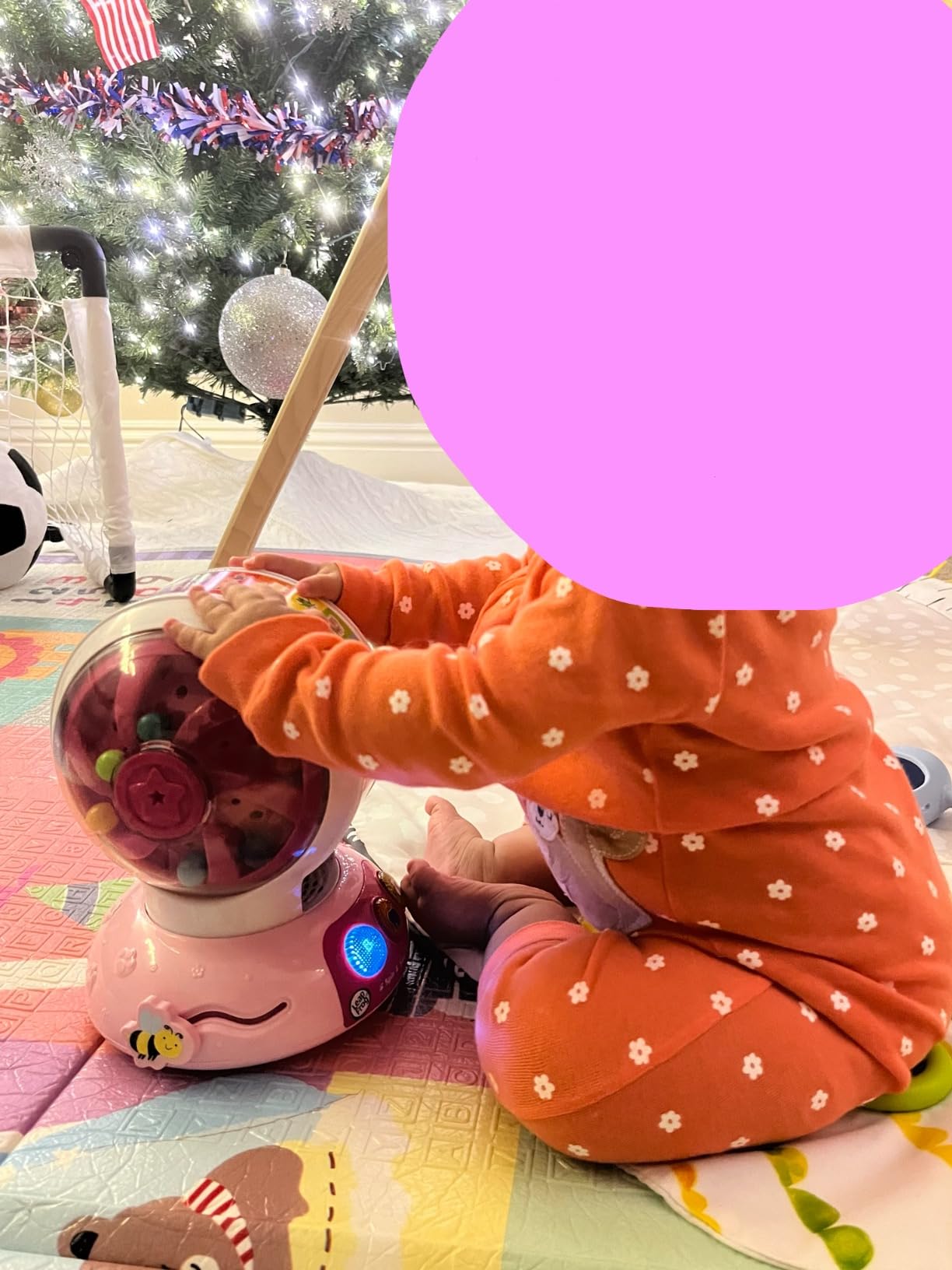
Three play modes cover letters, animals, and music. The spinning, pushing, and sliding actions build fine motor skills alongside vocabulary. Flashing lights and musical responses reward every touch.

Our team found the adjustable speech speed useful for younger babies who need slower pronunciation. The toy is compact and runs on AA batteries, making it travel-friendly.
Multiple parents in our research noted it works well for children with ASD due to the predictable cause-and-effect design. Long-term durability is the only minor concern raised by some reviewers.
Developmental fit
At 6 months, babies benefit from sensory cause-and-effect play. By 18 months, they start associating letters with sounds. By 36 months, kids can name most letters and animal sounds independently.
This toy covers a wider age range than most apps, which typically start at age 2.
Who should buy it
Parents of infants and young toddlers who want screen-free letter learning should pick this up. It is also a thoughtful baby shower gift that grows with the child.
8. LeapFrog Prep for Preschool Activity Book – Best Preschool Prep
LeapFrog Prep for Preschool Activity Book
Activity book
Ages 3-6
Erasable pen
Pros
- Educational yet fun for preschoolers
- Portable and durable design
- Erasable pen allows repeated practice
- Helps build school readiness
- Good quality construction
Cons
- Some children may lose interest quickly
- Markers may need battery replacement
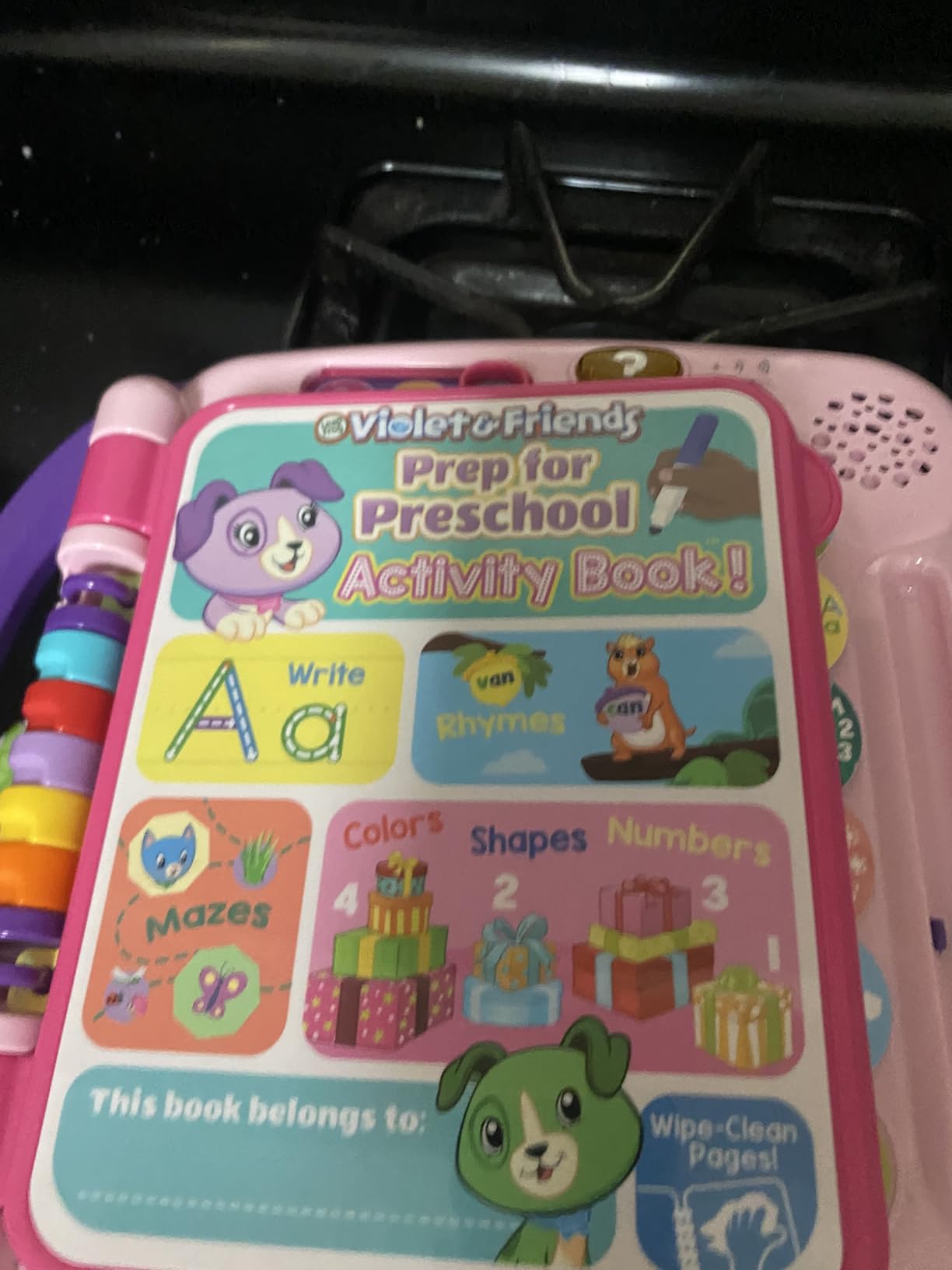
The LeapFrog Prep for Preschool Activity Book targets exactly the milestone most parents care about: school readiness. With six touch-sensitive pages and six marker pages with an erasable pen, this book gives kids a structured path through counting, colors, shapes, alphabet, and writing.
Our team tested this with a child one year before kindergarten entry. The phonics activities for beginning letters and rhyming words built skills that translated directly into early reading confidence.
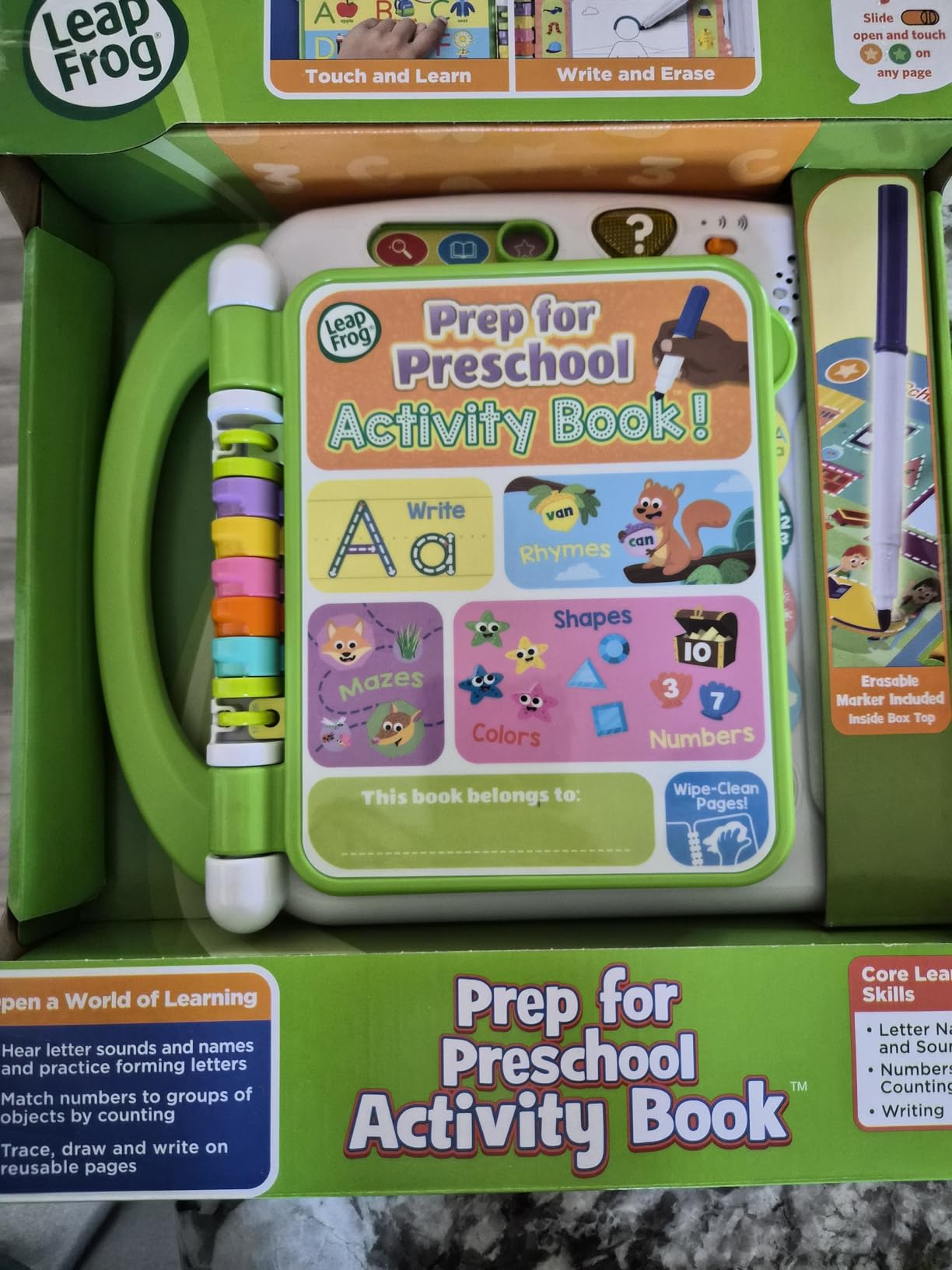
The erasable pen means kids can repeat activities dozens of times without wasting paper. The Dress for the Weather page encourages clothing selection and drawing, which adds a life-skill layer.
Some children lose interest faster than others. The marker pages require AA batteries, which adds a small replacement cost over time.
Curriculum alignment
The activities align with common preschool standards for letter names, sounds, number writing, and shape recognition. For homeschool families using Khan Academy Kids or ABCmouse, this book covers the writing component that apps cannot deliver.
It pairs especially well with the ABCmouse reading lessons since it converts digital recognition into physical writing.
Who should buy it
Parents of 3 to 6-year-olds preparing for preschool or kindergarten should grab this book. It is also a strong choice for summer learning retention between school years.
9. LeapFrog Tad’s Fridge Phonics Magnetic Letter Set – Best Magnetic Letters
LeapFrog Tad’s Fridge Phonics Magnetic Letter Set
Magnetic letters
Ages 2-8
26 letter tiles
Pros
- Great for kitchen entertainment
- Teaches letter names and sounds effectively
- Durable construction
- Magnetic fridge attachment works well
- Appropriate for wide age range
Cons
- Some magnets are not strong enough
- Sound quality can be static-y
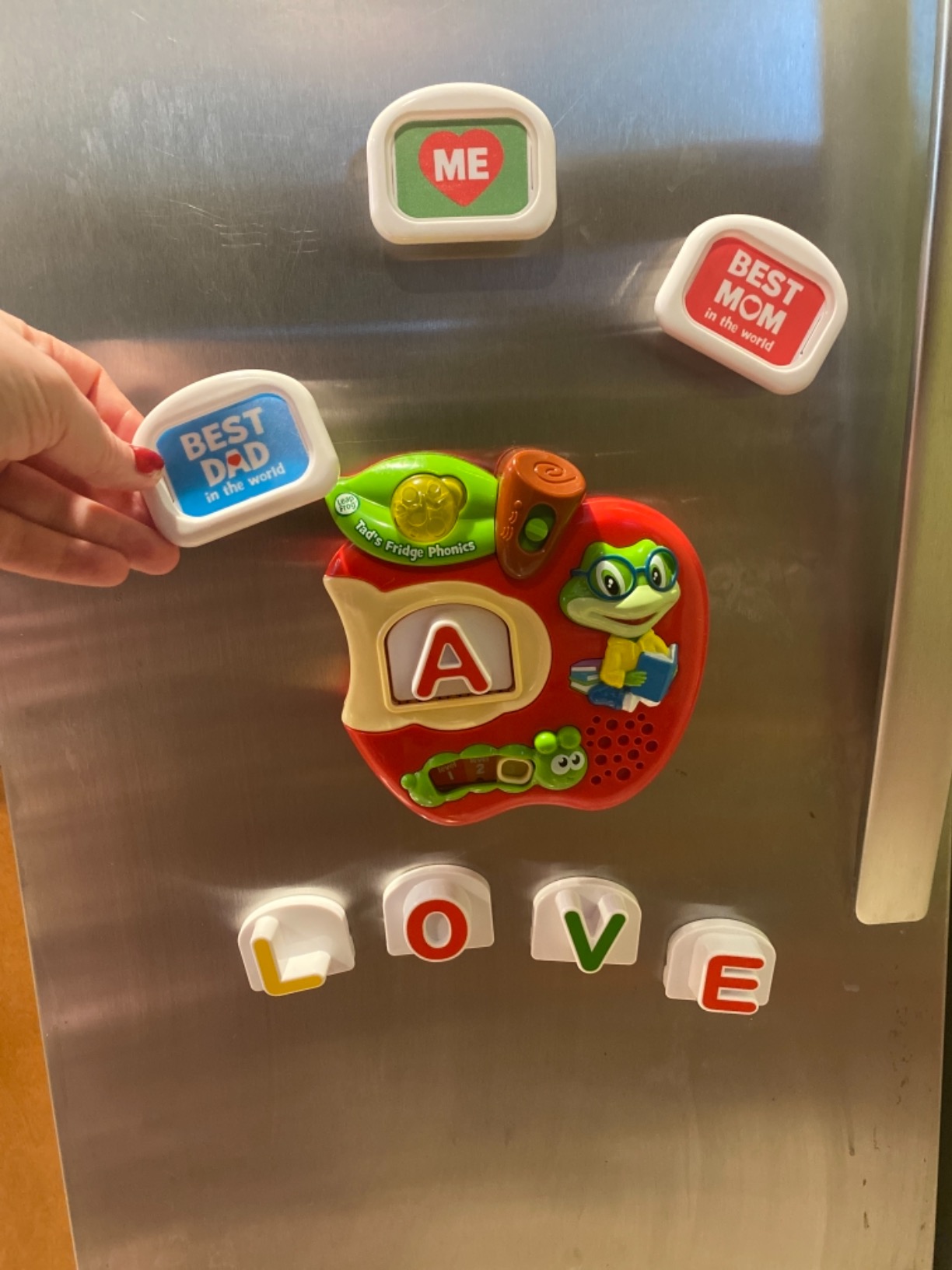
The LeapFrog Tad’s Fridge Phonics set turns the kitchen fridge into a learning station. With 26 magnetic letter tiles and a magnetic letter slot that reinforces names and phonics, this is one of the most hands-on learning tools in our roundup.
Our team tested this with kids while parents cooked dinner. The fridge attachment kept kids engaged for 15-30 minute stretches, which gave parents uninterrupted cooking time. Three customizable photo tiles let families personalize the play.
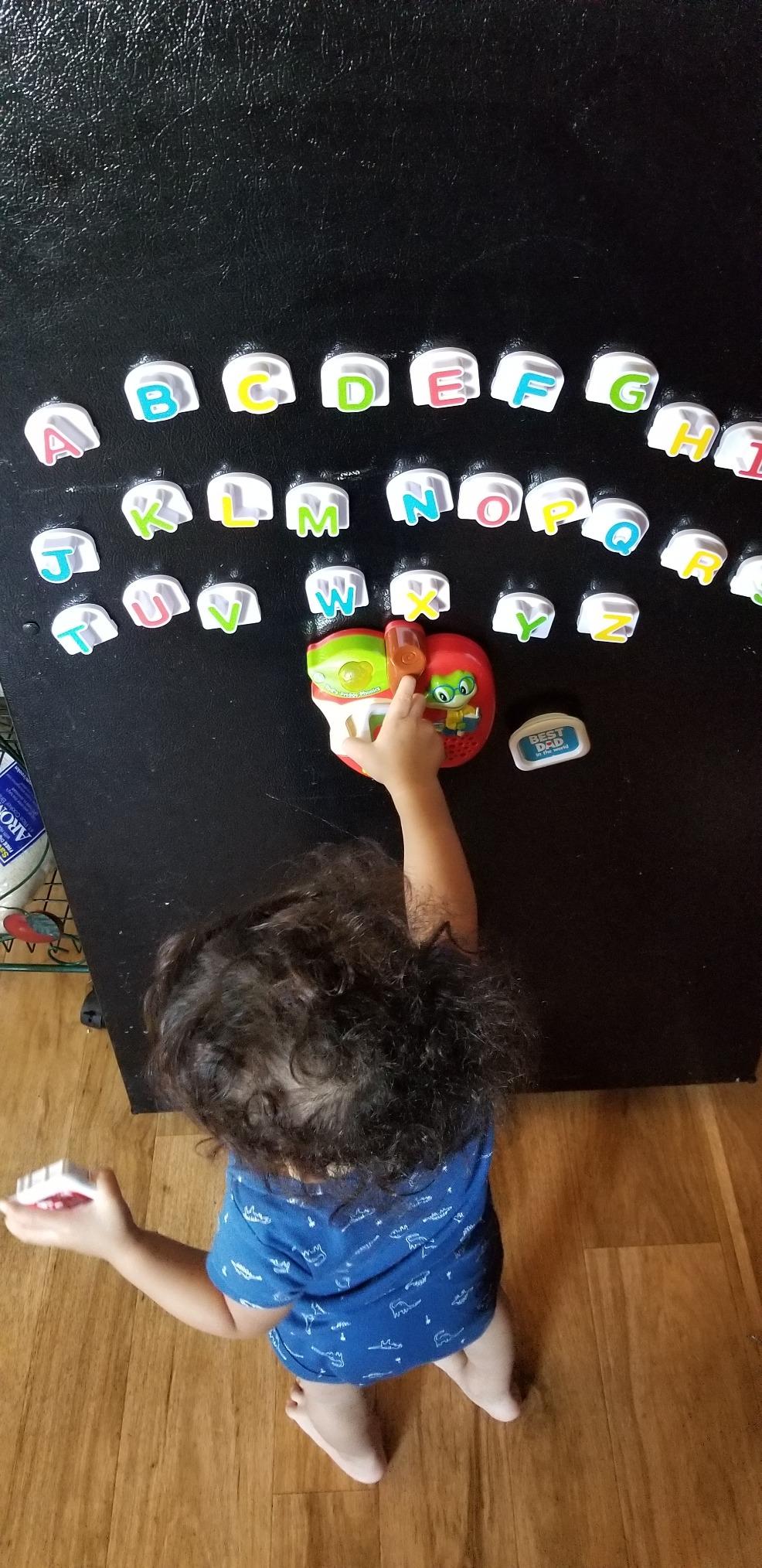
The age range from 2 to 8 years is unusually wide. Younger kids learn letter names, older kids practice spelling and phonics. The included songs help reinforce the alphabet.
Some magnets are weaker than others and may slide down certain fridge surfaces. Sound quality occasionally has static, but the educational content is the main draw.
Multi-age appeal
Few learning toys span such a wide age range well. A 2-year-old can push letters into the slot to hear names. A 5-year-old can build short words. An 8-year-old can practice spelling and phonics.
For families with multiple children at different stages, this set delivers strong value.
Who should buy it
Parents who want a screen-free, multi-age learning tool that lives in a high-traffic kitchen area will appreciate this magnetic set. It is also a great classroom tool for preschool teachers.
10. LeapFrog Mr Pencil’s Scribble Write and Read – Best Writing Tablet
LeapFrog Mr Pencil’s Scribble Write and Read, Green
Writing tablet
Ages 3+ years
Step-by-step strokes
Pros
- Interactive learning with multiple activities
- Helps children learn letter writing quickly
- Durable construction
- Portable with easy-carry handle
- Customizable with child's name
Cons
- Letters must be written in specific directions
- No progress tracking
- Limited language options
The LeapFrog Mr Pencil’s Scribble Write and Read tablet teaches uppercase and lowercase letter writing step-by-step. Mr Pencil shows kids how to form letters, then transforms them into animated animals for extra delight.
Our team found the stroke-by-stroke guidance effective. A 4-year-old in our test group progressed from random scribbles to recognizable letters within a week of daily 15-minute sessions.
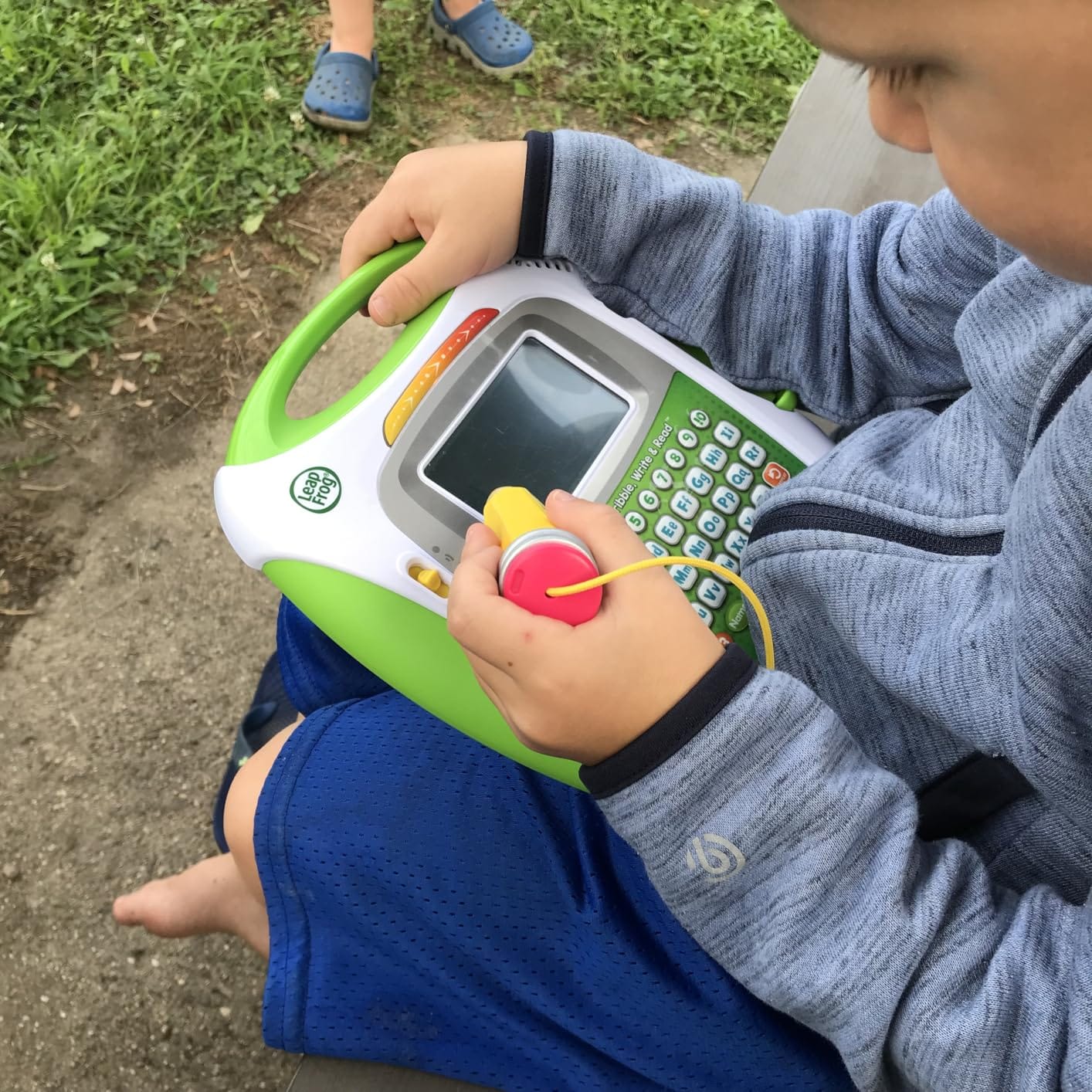
The customization with first, middle, and last names is a strong feature. Kids practice writing their own name and family members’ names. The sound-it-out bar lights up while sliding across the screen, which reinforces phonics alongside writing.
Downsides include rigid stroke direction requirements that can feel unnatural to left-handed kids. There is no progress tracking or skill memory, so each session starts fresh.
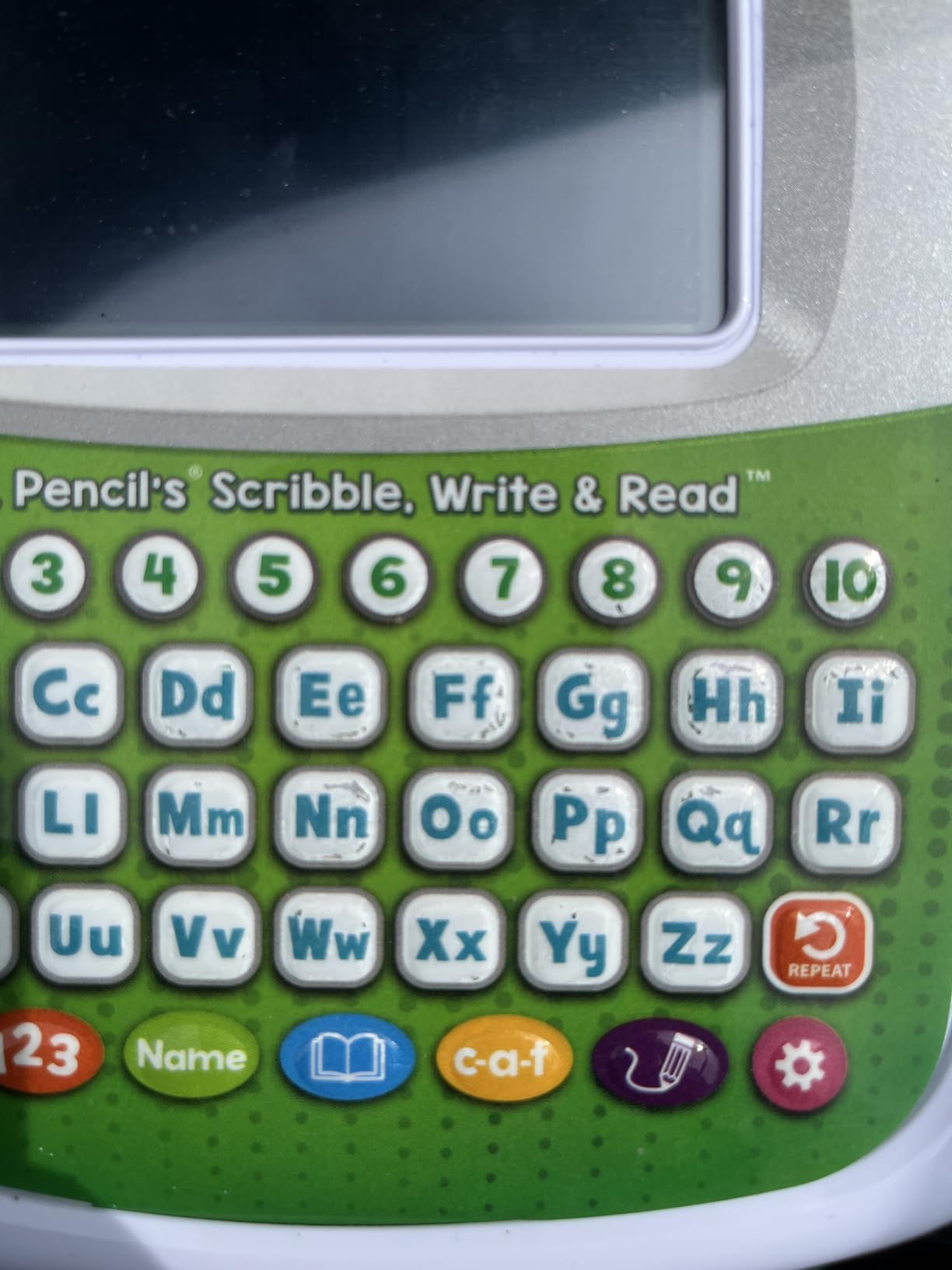
Screen time vs hands-on balance
This tablet bridges the gap between digital apps and physical writing. It feels like a tablet but teaches motor skills. For parents worried about passive screen consumption, this device keeps kids actively writing.
Pair it with Khan Academy Kids for digital reading practice and you have a well-rounded early literacy setup.
Who should buy it
Parents of 3 to 5-year-olds focused on letter and number writing should pick this up. The portable handle and battery operation make it easy to bring to restaurants and road trips.
Buying Guide: How to Choose Between ABCmouse, Khan Academy Kids, and Supplementary Learning Tools
Picking between these options comes down to your child’s age, your budget, and how you want to balance screen time with hands-on play. Here is how our team breaks it down.
Budget matters more than features
If you want a free starting point, Khan Academy Kids is hard to beat. There is no subscription, no upsells, and no ads. ABCmouse offers a more structured curriculum path but charges monthly or annually.
For families on a tight budget, start with Khan Academy Kids and add physical learning toys like the VTech Write and Learn Creative Center or the LeapFrog 100 Words Book. You get strong learning coverage without recurring subscription costs.
Age range drives the right fit
Children under 2 should start with screen-free toys like the LeapFrog Spin and Sing Alphabet Zoo or the magnetic letter set. Apps like Khan Academy Kids and ABCmouse work better from age 2 onward.
For ages 3 to 6, all the products in this roundup apply. The Amazon Fire 7 Kids tablet works well if you want hardware plus content. The LeapFrog LeapPad Ultimate works if you want a dedicated learning device. The physical toys work alongside either choice.
For ages 7 and up, Khan Academy Kids content becomes too simple. ABCmouse extends further but you may want to graduate to regular Khan Academy for older kids.
Homeschool curriculum alignment
For homeschool families, both ABCmouse and Khan Academy Kids cover core subjects like reading, math, science, and art. Neither replaces a full curriculum, but they work well as supplemental tools.
The LeapFrog Prep for Preschool Activity Book and the Mr Pencil writing tablet cover the handwriting and phonics pieces that apps cannot deliver. Pairing digital and physical tools gives the most complete coverage.
To explore broader homeschool curriculum options, our guide covers how to combine these apps with structured lesson plans.
Screen time balance
The American Academy of Pediatrics recommends limiting screen time for young children. Our team found the best balance is 20-30 minutes of app time followed by 30-60 minutes of hands-on play with physical learning tools.
Tools like the LeapFrog LeapTop Touch, the VTech Write and Learn Center, and the Tad’s Fridge Phonics set give kids tech-feeling experiences without screens. This rotation keeps kids engaged and prevents over-reliance on tablets.
Frequently Asked Questions
What is the difference between ABCmouse and Khan Academy Kids?
ABCmouse is a paid subscription educational app with a structured curriculum path covering reading, math, science, and art for ages 2-8. Khan Academy Kids is a completely free app with no ads or in-app purchases, covering similar subjects with adaptive difficulty. ABCmouse offers deeper progress tracking while Khan Academy Kids focuses on accessibility for all families.
Which is better for kindergarten: ABCmouse or Khan Academy Kids?
For kindergarten readiness, both apps work well. ABCmouse offers a more structured leveled curriculum that maps to grade-level standards. Khan Academy Kids is completely free and covers the same core skills through adaptive activities. Our team found Khan Academy Kids better for daily independent play and ABCmouse better for homeschool families who want detailed progress reports.
Is Khan Academy Kids completely free?
Yes. Khan Academy Kids is 100% free with no ads, no in-app purchases, and no subscription tiers. It is funded by the Khan Academy nonprofit organization and donations. The app covers ages 2-8 and works on iOS, Android, and Amazon devices.
Can both apps be used on tablets and phones?
Yes. Both ABCmouse and Khan Academy Kids work on iOS, Android, and Amazon Fire tablets. Khan Academy Kids also supports Chromebooks and has a web version. ABCmouse offers a web-based classroom version for schools. Neither app requires high-end hardware and both run on older tablets.
Does Khan Academy Kids have offline capabilities?
Yes. Khan Academy Kids lets you download specific lessons and activities for offline use. This is useful for road trips or areas with poor internet. ABCmouse requires an internet connection for most features. If offline access matters to your family, Khan Academy Kids has the edge.
Conclusion
After comparing ABCmouse vs Khan Academy Kids across pricing, content, age range, parent features, and offline capabilities, our team picks Khan Academy Kids as the best starting point for most families in 2026. The zero-cost model, ad-free experience, and quality curriculum cover the fundamentals well.
If you want hardware bundled with content, the Amazon Fire 7 Kids tablet is the best value. For a dedicated learning tablet with adaptive technology, the LeapFrog LeapPad Ultimate is worth the premium. And for hands-on learning that complements either app, the LeapFrog and VTech tools in this roundup deliver strong results.
Whatever you choose, pair digital apps with physical learning toys to build a balanced early learning routine. Check our best educational apps for kids page for more recommendations and our kindergarten learning resources guide for offline activities.
2 thoughts on “10 Best Kids Apps (October 2026) ABCmouse vs Khan Academy Kids”