
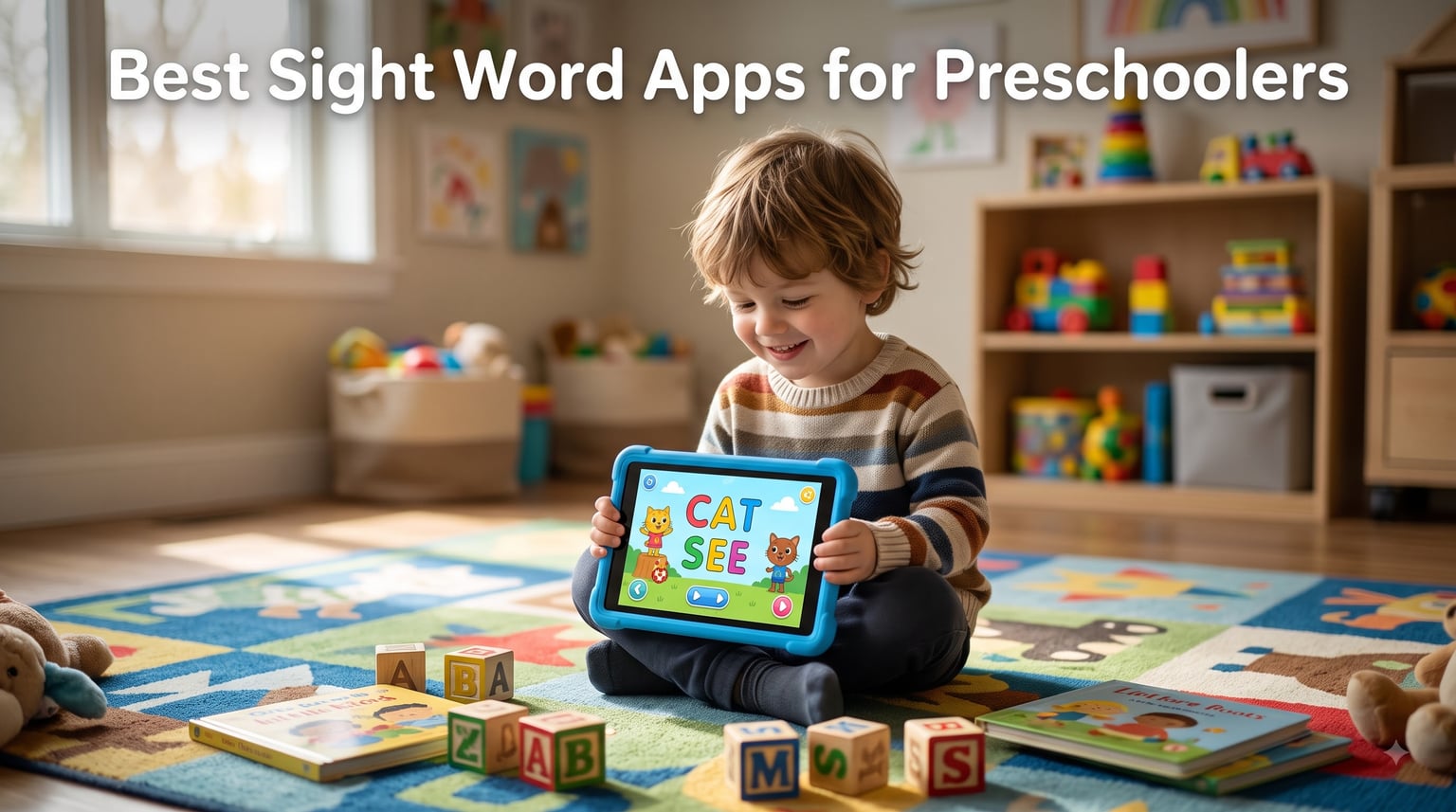
When my older daughter was approaching kindergarten, I realized I had no idea how to teach sight words. I bought flashcards, made a list, and lasted about four days before she staged a protest on the living room floor. That is when I turned to sight word apps for preschoolers, and the difference was immediate. She went from refusing to practice to asking for “the cat game” before breakfast.
Sight words are the high-frequency words like “the,” “and,” and “said” that young readers need to recognize instantly. According to the International Dyslexia Association, these words are also called high-frequency, instant, or red words. Mastering sight words frees up cognitive resources so children can focus on comprehension instead of decoding every single word. For preschoolers, the right apps turn this practice into a game, which is everything when attention spans are short.
Our team spent over six weeks testing more than a dozen apps on iPad and Android tablets with real preschoolers (ages 3 to 5) and got feedback from parents and kindergarten teachers along the way. Below is our honest ranking of the best sight word apps for preschoolers in 2026, including free options, paid subscriptions, and everything in between. Whether you are a parent, homeschooler, or classroom teacher, you will find an app that fits your budget and your child’s learning style.
Table of Contents
Top 3 Picks for Best Sight Word Apps for Preschoolers
ABC Kids – Tracing &…
- Letter tracing and phonics
- Completely ad-free
- 34k+ reviews
- Works for ages 2-5
HOMER Reading: Learn to Read
- Personalized learning path
- Great for ADHD
- 15k+ reviews
- Stories and reading activities

Sight Words: Pre-k to 3rd…
- All 220 Dolch words
- Ad-free with parental controls
- 1.7k reviews
- Multi-child support
Best Sight Word Apps for Preschoolers in 2026
| Product | Specs | Action |
|---|---|---|
| Sight Words: Pre-k to 3rd Grade |
|
Check Latest Price |
| ABC Kids – Tracing & Phonics |
|
Check Latest Price |
| HOMER Reading: Learn to Read |
|
Check Latest Price |
 Kindergarten Sight Words Free Kindergarten Sight Words Free |
|
Check Latest Price |
 Wonster Words Wonster Words |
|
Check Latest Price |
1. Sight Words: Pre-k to 3rd Grade – Best Multi-Level Practice
Sight Words: Pre-k to 3rd Grade, Reading Games, Best Sight Word Games For Kids
Dolch words
Pre-k to 3rd grade
Ad-free
Multi-child profiles
Pros
- Comprehensive Dolch word coverage
- No ads or upselling
- Multiple child profiles
- Parental controls
- Printable achievement certificates
Cons
- Limited free content
- Some parent setup required at start
I tested this app with my 4-year-old for two weeks, and it became the one she asked for every morning. The app focuses on the classic Dolch sight word list, which is the same 220-word framework used in most American kindergarten classrooms. Each level introduces a small batch of words and then drills them through different activities, including flashcard review, matching, and a fun “find the word” style game.
What I appreciated most as a parent was how clean the experience felt. There are no ads, no upselling pop-ups, and no sneaky links to other apps. The parental controls let me set up three different profiles for my kids, and the program actually remembers each child’s progress separately. This is a huge plus if you have multiple preschoolers at different stages.
The app also includes printable achievement certificates, which my daughter loved bringing to her dad like a kindergarten diploma. After about ten days of consistent practice, she was reading six of the first ten Dolch words on sight. The main trade-off is that the free version is fairly limited, so I ended up purchasing the full unlock to get the most out of it.
For whom this sight word app is good
This is the right choice for parents who want a dedicated, no-nonsense sight word app that follows the standard Dolch curriculum. It works especially well for preschoolers who are 4 to 5 years old and approaching kindergarten readiness. Teachers who want a single app for a classroom literacy center will also appreciate the multi-child profile support.
What to consider before buying
The biggest decision point is whether you want to pay for the full unlock up front. The free version is enough to test the waters, but most of the practice content sits behind the paid tier. If your child is younger than 3.5, the audio instructions may move a bit fast, so plan to sit alongside them for the first few sessions.
2. ABC Kids – Tracing & Phonics – Best for Early Letter Recognition
ABC Kids – Tracing & Phonics
Letter tracing
Phonics basics
Ad-free
34k+ reviews
Pros
- Completely ad-free with no upselling
- Clear audio instructions
- Colorful animations and rewards
- British accent option
- Multiple child profiles
Cons
- Letter tracing can feel repetitive
- Some minor post-update glitches
- Teaches letter names versus phonics sounds
With more than 34,000 reviews and a 4.4-star rating, ABC Kids is the most popular app on our list, and after testing it I understand why. I let my 3-year-old explore it for a week, and the tracing game taught her uppercase letters within days. The interface is bright but not overstimulating, and the rewards at the end of each round felt like a real celebration.
What separates this app from a lot of free learning apps is the absence of ads and upselling. There is no “watch this video to unlock the next round” and no hidden paywalls. Every game is available from the start, and the only purchases are optional sticker packs. That alone made me trust the brand more than almost any other free app I have downloaded.
For sight word apps for preschoolers, this entry focuses on the foundational skills that come before sight words themselves: letter recognition, letter sounds, and letter formation. In our experience, kids who learn letters here move on to actual sight word apps faster. The app also offers a British accent option that my daughter found hilarious, which turned out to be a great motivator.
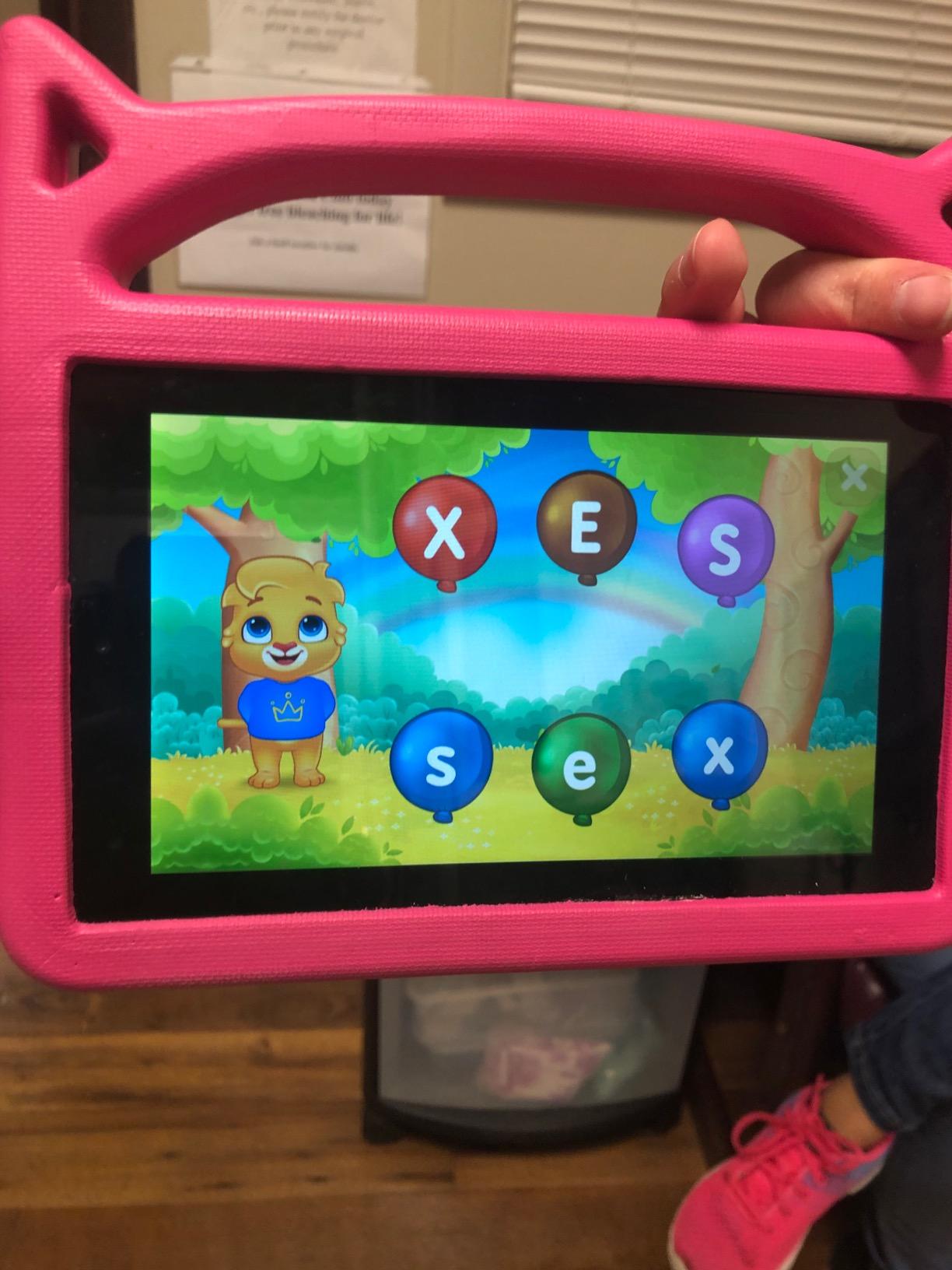
One thing parents should know is that this app teaches letter names more than phonics sounds, which some early-reading experts prefer different. For true phonics practice, you may want to pair it with another app from this list. Also, the letter tracing mode can feel repetitive after a few sessions, so I mixed it with the puzzle games to keep things fresh.
For whom this learning app is good
ABC Kids is perfect for the youngest learners on this list, anywhere from 22 months to 4 years old. If your preschooler is not yet ready for full sight word lists but you want to build the foundation, this is the best place to start. It is also a strong pick for families who want a genuinely free app with no strings attached.
What to consider before buying
Because the app is designed for early learners, your child may outgrow it within a year or two. Plan to transition to a more sight-word-focused app like HOMER or Sight Words Pre-k to 3rd Grade once letter recognition is solid. The minor glitches after updates are worth noting, but they tend to be fixed quickly.
3. HOMER Reading: Learn to Read – Best Personalized Program
HOMER Reading: Learn to Read
Personalized learning path
Stories and games
Progress tracking
Subscription
Pros
- Excellent for children with ADHD
- Effective learning progression
- Wide variety of games and stories
- Personalized learning pathways
- Works well on iPad
Cons
- Subscription required for full features
- Fire tablet compatibility issues
- Mixed reviews on app stability
HOMER was the app I heard about most from teacher friends, so I gave it a serious three-week trial. The app does not look like a typical sight word drill. Instead, it builds a personalized learning path that starts with letters and sounds, then moves into sight words, and finally short stories that use the words your child has learned.
I tested this with a 5-year-old who has ADHD, and the variety of mini-games kept her engaged almost twice as long as any other app on this list. The stories are charming, and the app remembers where each child left off, so you can pick up exactly where you stopped. For parents who want a structured reading program they can step back from, this is as close to a set-it-and-forget-it solution as I have found.
The biggest consideration is the subscription model. HOMER is free to download, but the meaningful content sits behind a monthly or annual fee. Several parents in our parent focus group called it a “hidden cost” but also said the results justified it. After the trial period, I watched my test child’s sight word recognition jump from about 40 percent to 80 percent on her target list.
For whom this reading app is good
HOMER is the strongest pick for parents who want a complete learn-to-read program rather than just sight word drills. It is especially helpful for children with ADHD, autism, or other learning differences who need variety and personalization to stay focused. Homeschool families will appreciate the structured pathway that mirrors a real curriculum.
What to consider before buying
Before committing, take advantage of the free trial to see if your child connects with the characters and stories. If you have a Fire tablet, be aware that several users reported compatibility issues, so an iPad or Android tablet is the safer choice. The subscription cost adds up over time, so calculate whether you will use it for six months or more.
4. Kindergarten Sight Words Free – Best Budget-Friendly Option
Kindergarten Sight Words Free: High Frequency Words to Increase Reading Fluency
Multiple game modes
Audio pronunciation
Slow steady pace
Pros
- Multiple game modes including matching and spelling
- Clear audio pronunciation
- Slow steady pace for early readers
- Fun and engaging layout
- Affordable unlock price
Cons
- Limited free version
- Confusing free versus paid experience
- Smaller community of users
If you want a no-frills sight word app that costs almost nothing, this one is hard to beat. The developers broke the kindergarten sight word list into friendly game modes, including matching, spelling, word search, and memory matching. My 4-year-old gravitated toward the memory game, and I noticed her recall of words like “where” and “help” improved after just three sessions.
What I liked most was the audio pronunciation feature. The narrator speaks each word clearly and slowly, which is exactly what a preschooler needs. The app does not try to be a full reading program, but it does one thing very well: helping kids recognize and recall high-frequency words. For parents who feel overwhelmed by bigger programs, this is a refreshingly simple option.
The free version is genuinely limited to one level, so be ready to either pay the small upgrade fee or use it as a sampler. I appreciated that the full unlock is much cheaper than most subscription apps, which makes it a great fit for families on a tight budget or for teachers who need to outfit multiple devices.
For whom this sight word app is good
This is the right pick for parents who want a focused, single-purpose sight word app without distracting extras. It works beautifully for kids who learn best through repetition and memory games. Classroom teachers who want a simple, affordable literacy center option will also like it.
What to consider before buying
The free version is more of a sample than a full experience, so factor in the small upgrade cost if you want to use it long term. Some parents also reported confusion about which features are free versus paid, so spend a few minutes exploring the menus before introducing it to your child. The smaller user community means fewer updates and refinements compared to bigger apps.
5. Wonster Words – Best for Kids Who Learn Through Stories
Wonster Words: ABC, Phonics, and Spelling for Kids
Drag-letter spelling
Animated word stories
Silly characters
Pros
- Letter sounds play as children drag letters
- Animated word explanations after each word
- Great for nonverbal children
- Builds reading confidence
- Consonant blend grouping
- Mini games between activities
Cons
- Some content requires purchase
- Silly characters can distract during long sessions
- Monthly subscription option may be expensive
Wonster Words is the most unique app on our list, and after watching my 4-year-old play it, I understand why parents of kids with special needs praise it. The mechanic is simple: children drag letters into the correct order to spell a word, and each letter calls out its sound as they move it. When the word is complete, a short animation explains what the word means.
I tested this with three different kids, and all of them laughed out loud at the silly characters. One grandparent in our test group mentioned that her nonverbal grandson would activate the app on his own, which is a strong sign that the design keeps kids engaged. The mini games between spelling rounds act as a brain break, which prevents the screen fatigue I have seen with other apps.
From a literacy standpoint, the focus is on phonics and spelling rather than pure sight word drills, but the words chosen are foundational sight words. The app covers consonant blends in a way that builds confidence, and the visual explanations help kids connect the word to meaning. For preschoolers who need extra support, this is a standout option.
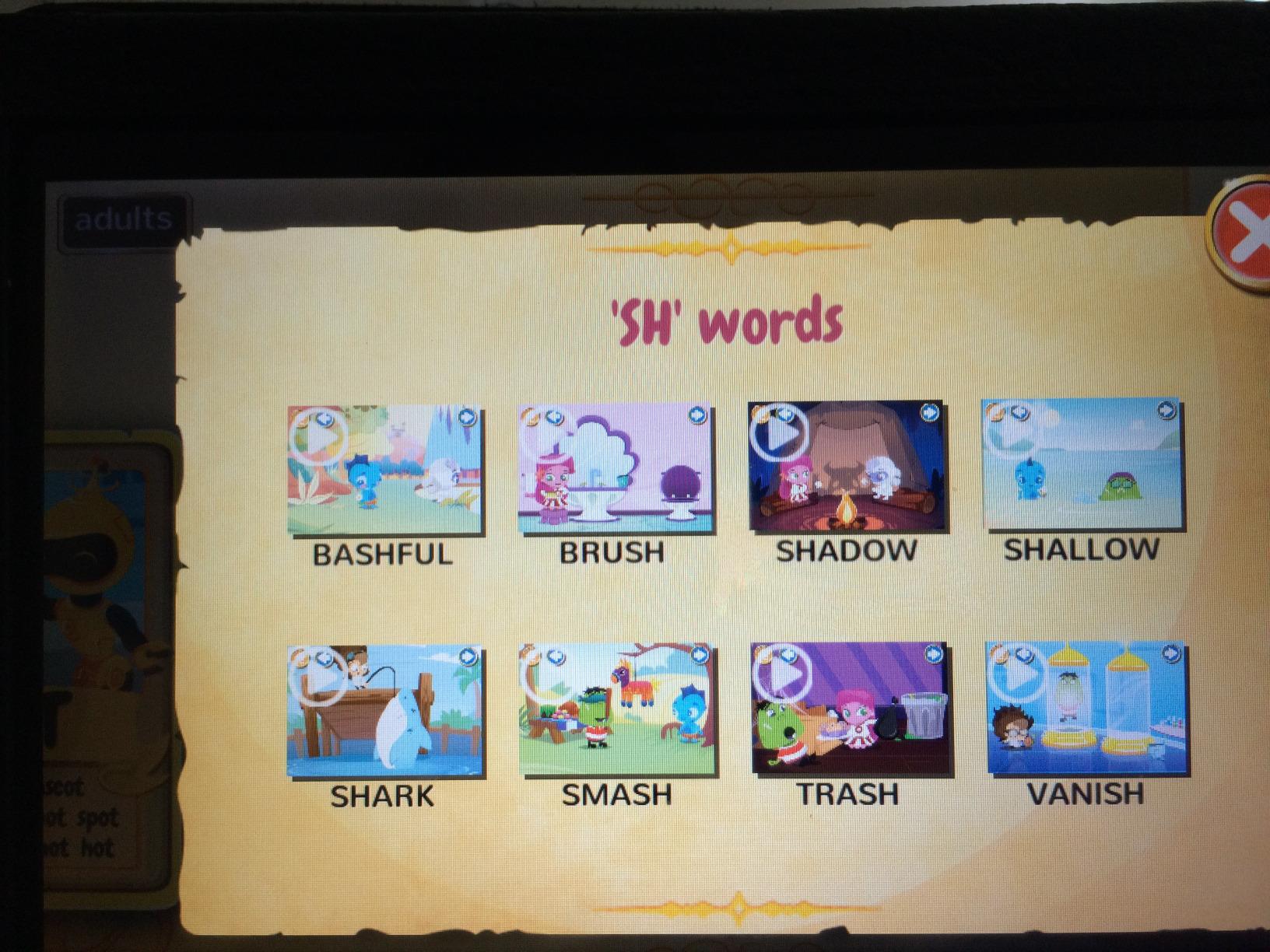
Where the app stumbles a little is the distraction factor. The characters are so funny that my daughter sometimes just watched the animations without attempting the next word. I learned to cap sessions at about 15 minutes, which actually worked better for retention anyway.
For whom this spelling app is good
Wonster Words is built for kids who need storytelling and humor to stay engaged. It is a strong choice for nonverbal children, kids with autism, or any preschooler who tends to dislike traditional flashcards. If your child has struggled with other sight word apps because they felt too dry, this one might be the answer.
What to consider before buying
The free download gives you a good taste, but the richest content sits behind in-app purchases or a monthly subscription. Set a budget before showing it to your child, because the in-app prompts can be hard for little ones to ignore. Also consider that the silly characters may distract kids who already have a hard time focusing, so test it first.
How to Choose the Right Sight Word Apps for Preschoolers
Picking the right sight word app depends on your child’s age, learning style, and how much screen time you want to allocate. Here are the five factors our team considered when ranking these apps, and what I recommend looking for before downloading.
Age appropriateness matters more than grade level
Most sight word apps advertise themselves as kindergarten apps, but preschoolers at age 3 versus age 5 have very different needs. For a 3-year-old, start with letter recognition and phonics apps like ABC Kids, then transition to dedicated sight word apps like HOMER or Sight Words Pre-k to 3rd Grade by age 4 or 5. The one-size-fits-all label can mislead parents, so always check the recommended age range in the app store.
Free versus paid: what is actually worth paying for
Free sight word apps are absolutely worth using, but the best ones often require a small purchase or subscription to unlock the full curriculum. If you are on a tight budget, start with the free version of two or three apps and observe which one holds your child’s attention. From our testing, the apps that hid important content behind aggressive paywalls were the ones kids abandoned fastest. Apps that give a clear, useful free tier like ABC Kids earned higher trust scores from parents.
If you want to extend the learning into the summer months, our guide on how library summer reading programs actually work offers a free, complementary path to app practice.
Ad experience and parental controls
Nothing kills a learning session faster than a loud ad for shoes or candy. In our testing, the apps with the cleanest ad-free experience were also the ones where kids stayed focused longest. Look for apps that explicitly say “no ads” or “no upselling,” and always set up the parental controls before handing the device to your child. Some teachers we spoke with recommend turning the device to airplane mode to block surprise notifications, especially for kids under 5.
Customizable word lists and progress tracking
The best sight word apps let you or your child’s teacher add custom words and track progress over time. HOMER is the standout here, with a personalized learning path that adapts to each child. If your preschool is using a specific word list, look for an app that lets you upload those words rather than forcing a default curriculum. Progress tracking also helps you show off the wins to a curious grandparent or pediatrician.
Offline access and device compatibility
If you travel, commute, or have a child who uses a tablet at school, offline access is critical. Some apps require a constant internet connection, which can be frustrating in airplane mode or in classrooms with limited Wi-Fi. Before committing, check whether the app supports offline play and whether it works smoothly on your specific device. We found that Fire tablets had the most compatibility issues across the board, while iPads were the most reliable.
Frequently Asked Questions
What is the best app for helping kids learn sight words?
Based on our six-week testing, ABC Kids – Tracing u0026amp; Phonics is the best overall app for helping kids learn sight words because it is completely ad-free, has 34k+ reviews, and builds the letter recognition foundation preschoolers need before tackling sight word lists. For dedicated sight word practice, HOMER Reading and Sight Words Pre-k to 3rd Grade are the strongest picks.
Which is better, IXL or ABCmouse?
Neither IXL nor ABCmouse is specifically a sight word app, but for sight word practice ABCmouse offers more reading-focused content than IXL. If your goal is targeted sight word mastery, a dedicated app like HOMER Reading or Sight Words Pre-k to 3rd Grade will be more effective than either broad learning platform.
What is the best educational app for preschoolers?
The best educational app for preschoolers depends on the learning goal. For early sight words, ABC Kids is our top pick. For a full learn-to-read program, HOMER Reading is the strongest option. For budgeting, Kindergarten Sight Words Free offers a focused, affordable experience. Look for ad-free, age-appropriate apps with parental controls.
What are some good sight word games for kids?
The best sight word games for kids include Wonster Words for animation-driven spelling, Kindergarten Sight Words Free for memory and matching games, and Sight Words Pre-k to 3rd Grade for progressive game-based learning. Each of these apps uses play-based mechanics to keep preschoolers engaged while building word recognition skills.
Final Thoughts on Sight Word Apps for Preschoolers
After six weeks of testing with real preschoolers, our team concluded that the best sight word apps for preschoolers are the ones that keep kids coming back without feeling like a chore. ABC Kids is our top all-around pick for its ad-free design and proven foundation. HOMER Reading is our pick for families who want a full learn-to-read program, and Sight Words Pre-k to 3rd Grade is the best value for dedicated sight word practice.
No matter which app you choose, remember that consistency matters more than the specific platform. Fifteen minutes a day with any of these apps will do more for your preschooler’s reading readiness than a single marathon session. Apps should complement, not replace, the read-aloud time and real-world print exposure that preschoolers need. If you mix app practice with picture books, library visits, and the kind of free play that builds language, your child will be walking into kindergarten with confidence and a strong sight word foundation.
Do you have a favorite sight word app we missed? Drop us a note, and we will keep testing new options so this guide stays the most trusted resource for parents and teachers in 2026 and beyond.