
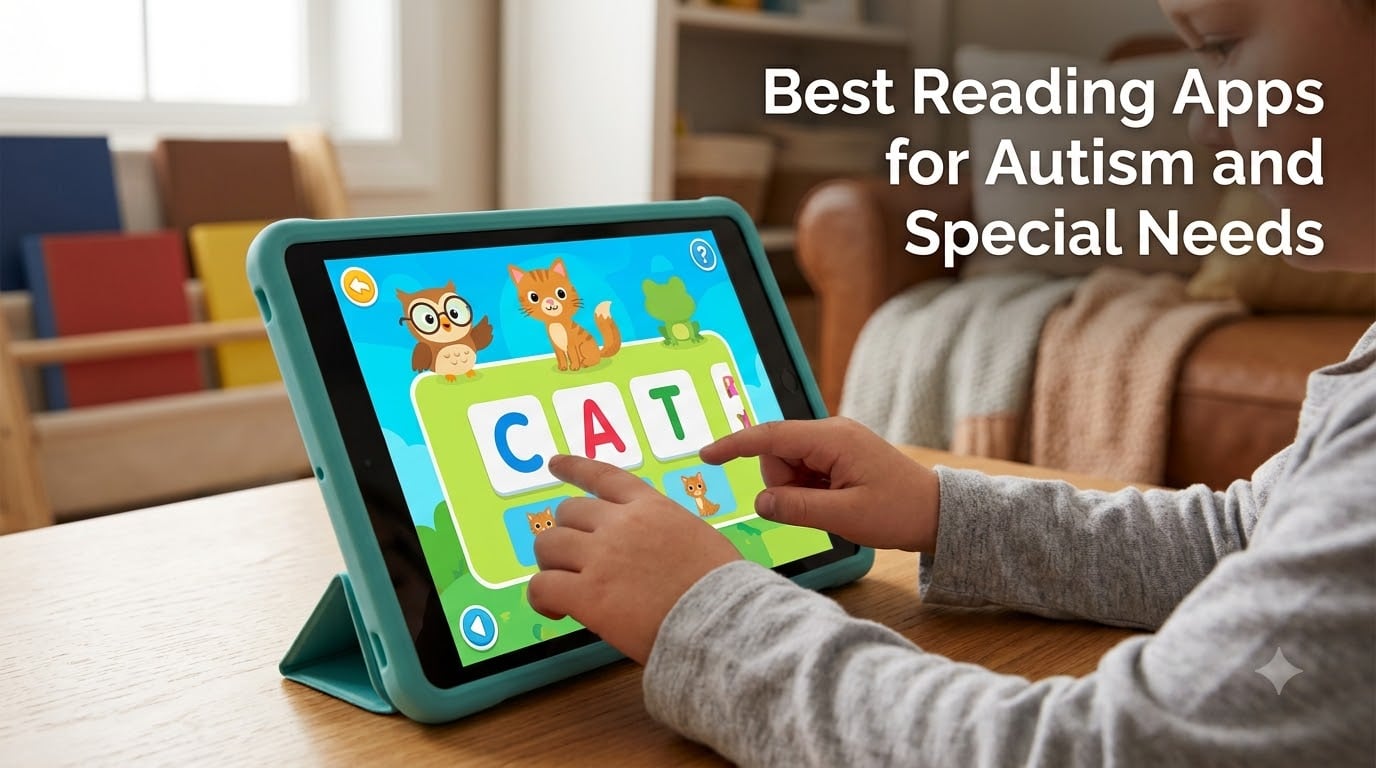
Helping a child with autism learn to read can feel overwhelming, especially when traditional methods don’t work the way you expected. The right reading apps for autism and special needs can bridge that gap by combining visual supports, text-to-speech, structured layouts, and reward systems into one engaging experience. I’ve spent months researching which apps actually deliver results for autistic children, nonverbal learners, and kids with developmental delays.
What makes an app autism-friendly? It comes down to a few key features. Visual supports help kids process information without becoming overwhelmed. Customizable settings let you adjust pacing, colors, and sounds to match sensory needs. Progress tracking gives parents and therapists concrete data. And text-to-speech technology opens doors for nonverbal children who are ready to learn.
In this guide, I’ll walk you through the best reading apps for autism and special needs available in 2026. I’ve reviewed 10 apps ranging from completely free phonics tools to AI-powered reading pens. Whether you’re a parent, special education teacher, speech therapist, or BCBA, you’ll find options that fit your child’s unique learning profile and your budget.
Table of Contents
Top 3 Picks for Autism Reading Apps
Reading Apps for Autism and Special Needs in 2026
| Product | Specs | Action |
|---|---|---|
 HOMER Reading HOMER Reading |
|
Check Latest Price |
 ABCmouse Early Learning ABCmouse Early Learning |
|
Check Latest Price |
 Khan Academy Kids Khan Academy Kids |
|
Check Latest Price |
 MITA Autism Therapy MITA Autism Therapy |
|
Check Latest Price |
 Starfall Learn To Read Starfall Learn To Read |
|
Check Latest Price |
 Endless Reader Endless Reader |
|
Check Latest Price |
 Sight Words Pre-K to 3rd Sight Words Pre-K to 3rd |
|
Check Latest Price |
 ABC Kids Tracing & Phonics ABC Kids Tracing & Phonics |
|
Check Latest Price |
 Scanmarker Pal Reading Pen Scanmarker Pal Reading Pen |
|
Check Latest Price |
 WorldPenScan AI Reader WorldPenScan AI Reader |
|
Check Latest Price |
1. HOMER Reading: Learn to Read – Personalized Reading Path
HOMER Reading: Learn to Read
Personalized reading program
Phonics and sight words
Interactive lessons
Pros
- Highly engaging for children with ADHD
- Effective for early reading development
- Helps with spelling and sight words
- Excellent animations
Cons
- Requires subscription for full functionality
- Limited device compatibility
- Free download misleads about actual cost
When I first tried HOMER Reading with a child on my caseload, what stood out immediately was how it adapts to each child’s reading level. The app builds a personalized learning path based on your child’s interests. This is huge for autistic children who often have intense specific interests and learn better when content connects to what they already love.
The app covers phonics, sight words, and reading comprehension through interactive lessons. I noticed the animations are bright but not overstimulating, which matters for kids with sensory sensitivities. Parents get detailed progress tracking that shows exactly which skills are improving and which need more work.
For children with ADHD and autism, HOMER’s reward system keeps them motivated without creating the kind of dopamine-driven loops that some games rely on. The lessons feel purposeful rather than gamified for engagement’s sake.
The downside is that HOMER lists as free but requires a subscription for full functionality. I’ve also seen reports of compatibility issues on Fire tablets, so check your device before committing.
Best Age Range for HOMER Reading
HOMER works best for children ages 2 to 8. The personalized path means it can start as early as toddlerhood with letter recognition and grow into early reading comprehension. For older autistic children who are still at early reading levels, the interface may feel too young.
Subscription Cost and Value
While the download is free, full access requires a subscription. Consider whether your child responds well to the trial period before committing. The multi-child family plan makes it more economical if you have siblings who can also use it.
2. ABCmouse Early Learning Academy – Comprehensive Curriculum
Early Learning Academy
Comprehensive early learning
Tickets and rewards system
Progress tracking
Pros
- Extremely engaging for young children
- Comprehensive curriculum covering multiple subjects
- Works offline for some content
- Subscription good for multiple children
Cons
- Monthly subscription required
- Some activities slow to load
- Cancellation process difficult
- Level progression can be rigid
ABCmouse is one of the most widely used educational apps, and for good reason. With over 87,000 reviews, it has built a massive following among parents of children with special needs. The comprehensive curriculum goes well beyond reading to include math, science, and art.
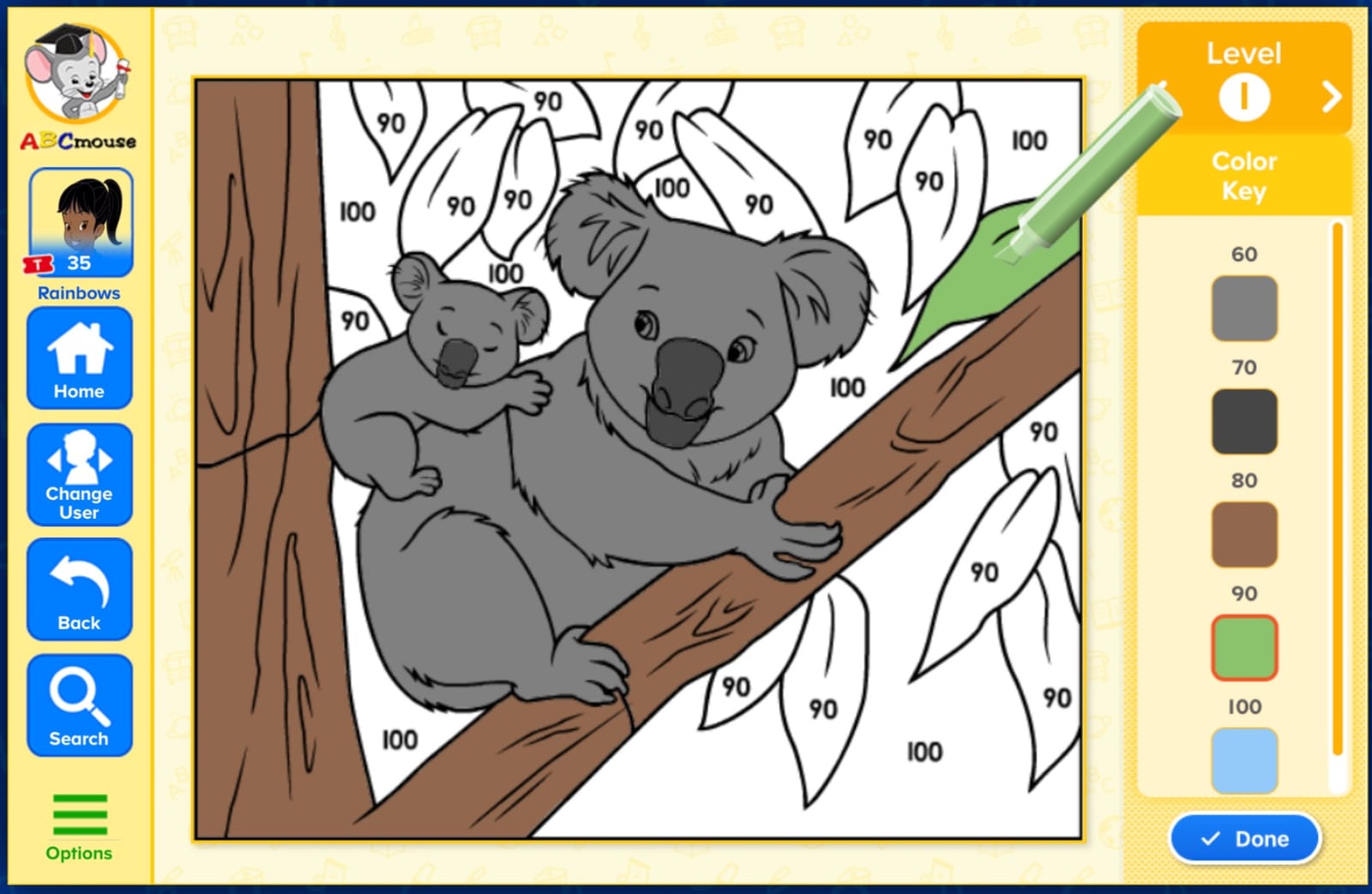
What makes ABCmouse valuable for autistic children is its structured environment. The Step-by-Step Learning Path takes kids through lessons in a predictable sequence. Many children on the spectrum thrive on routine and knowing what comes next, and this app delivers that consistency.
The tickets and rewards system is a built-in motivator. Children earn tickets for completing activities, which they can spend on virtual rewards. For ABA-style therapy, this aligns perfectly with token economy systems that many BCBAs already use.
One concern I have is that the level progression can be rigid. Some autistic children have splinter skills, excelling in one area while struggling in another. The linear path may frustrate kids who need to jump between levels.
Offline Content Availability
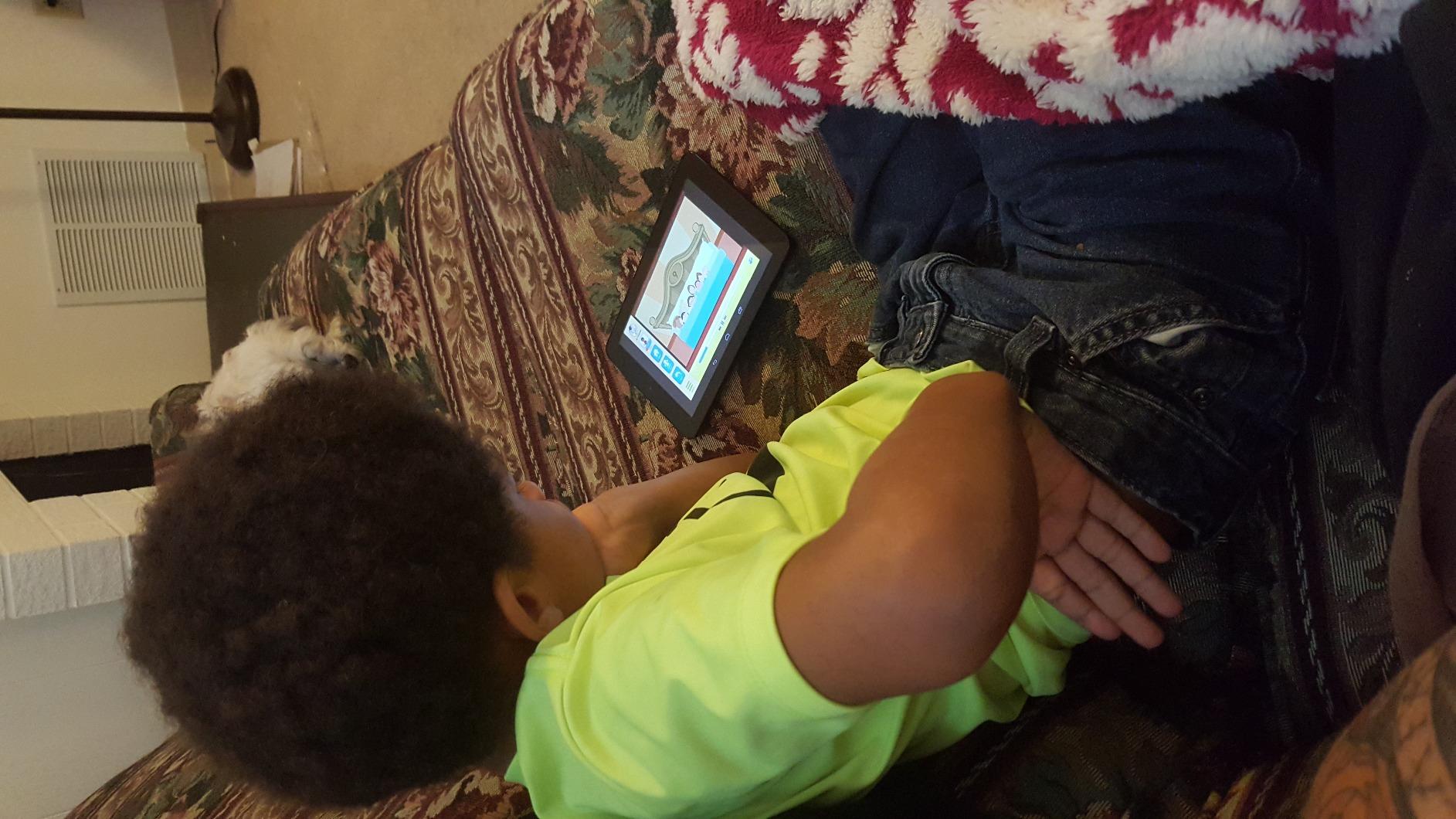
ABCmouse allows you to download select content for offline use. This is a lifesaver for car trips, waiting rooms, or any situation without Wi-Fi. Not all activities are available offline, so plan ahead for the content your child loves most.
Managing Multiple Children
One subscription covers up to three child profiles. If you have multiple children at different reading levels, each gets their own personalized learning path. This makes the subscription cost much more reasonable for larger families.
3. Khan Academy Kids – Completely Free with No Ads
Khan Academy Kids
100% free no ads
Multi-subject learning
Gentle pacing design
Pros
- 100% free with no hidden costs
- High quality educational content
- Ad-free experience
- Low-energy non-distracting design
- Excellent variety of activities
Cons
- Some activities feel repetitive
- Limited customization options
- Could use more content for older kids
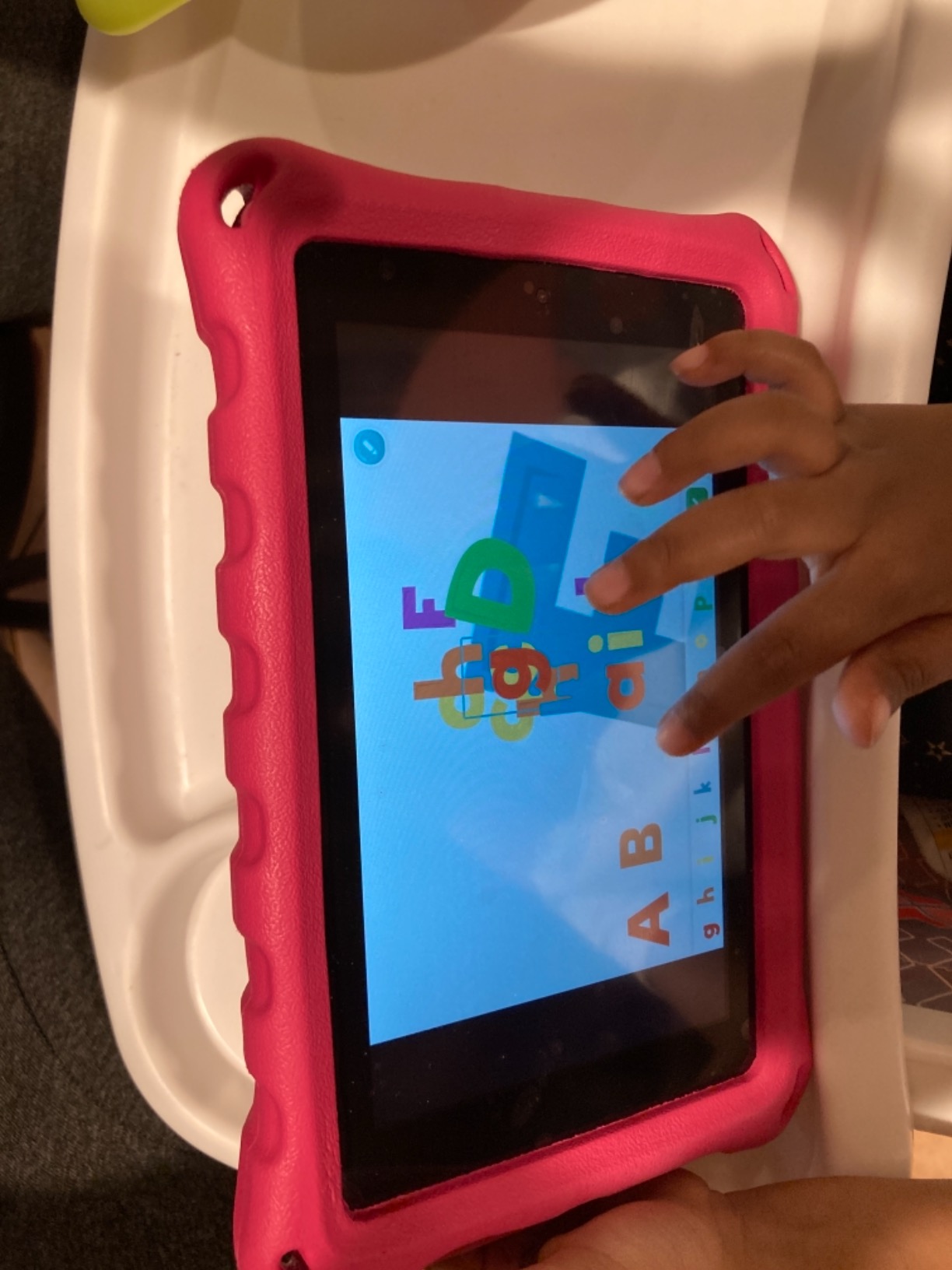
If I had to recommend just one free reading app for autism and special needs, Khan Academy Kids would be it. The fact that it is completely free with no ads is remarkable. For parents who worry about ad exposure triggering anxiety or distracting their child, this removes that stress entirely.
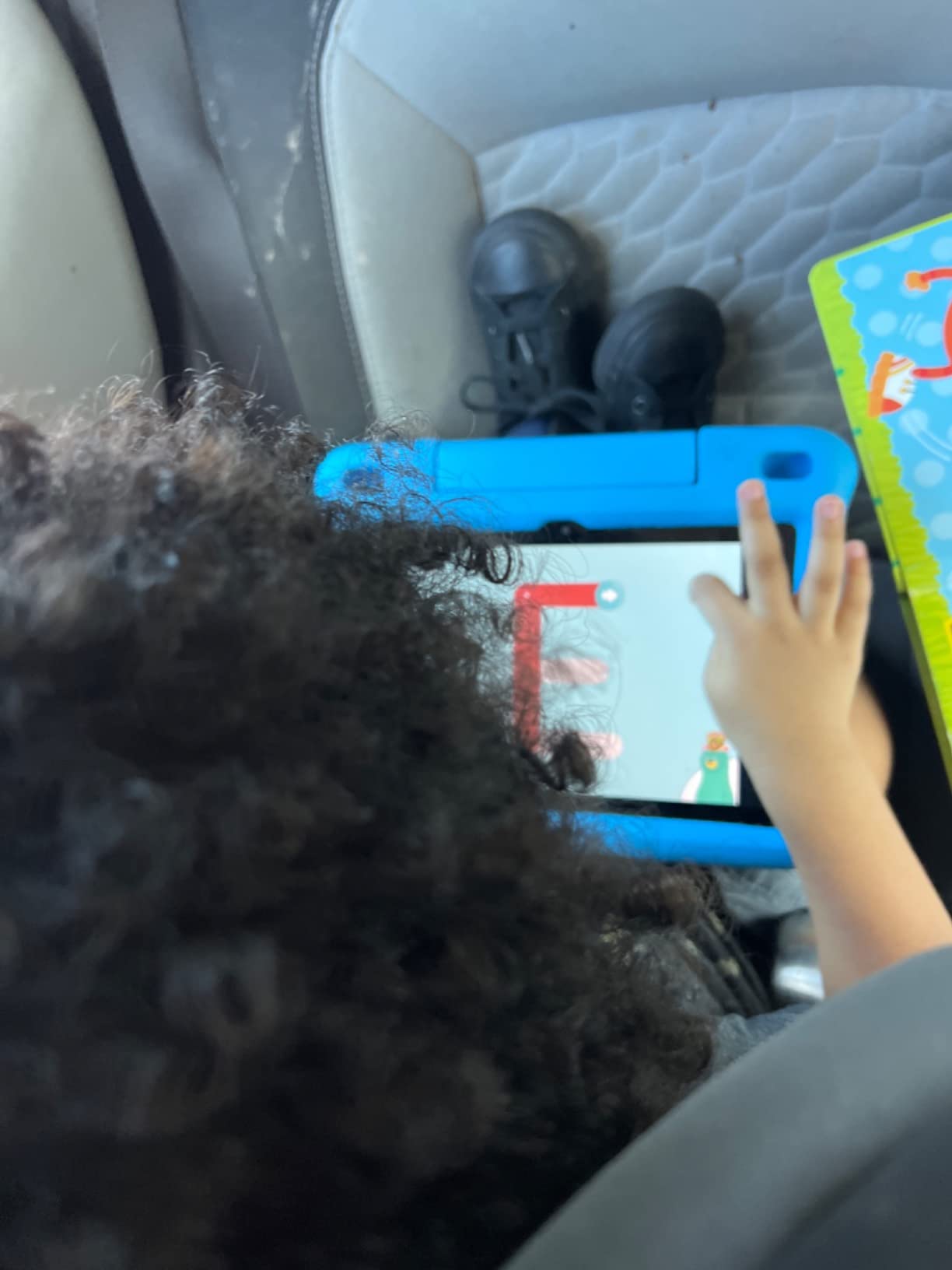
The low-energy, non-distracting design is what sets this app apart. Many educational apps are visually chaotic with flashing lights and constant sound effects. Khan Academy Kids uses a calmer approach with friendly characters like Kodi the Bear. This design philosophy aligns with what many autism parents and therapists recommend.
The reading curriculum covers phonics, sight words, and comprehension. I like that the app also includes social-emotional learning content, which is critical for children on the spectrum who are working on social skills alongside literacy.
Progress tracking gives parents visibility into what their child is learning. The app sends regular updates so you can celebrate milestones and identify areas where your child might need extra support.
Why No Ads Matters for Autism
For many autistic children, ads are more than just annoying. They can cause sensory overload, disrupt focus, and create anxiety. Khan Academy Kids eliminates this problem entirely, making it one of the most recommended apps in autism parenting communities on Reddit.
Content Depth and Age Range
The app targets ages 2 to 8 and covers reading, math, logic, and language. While the content is high quality, older children or advanced learners may outgrow it. Pair it with another app on this list for a more complete learning experience.
4. MITA – Mental Imagery Therapy for Autism
Language and Cognitive Therapy for Children – early intervention game-like exercises for children with Autism Spectrum Disorder (ASD): Mental Imagery Therapy for Autism (MITA)
Mental Imagery Therapy
Language development
Cognitive therapy for ASD
Pros
- Designed specifically for children with special needs
- Effective for speech development
- Helpful for ABA-style therapy
- Positive reinforcement rewards
Cons
- Expensive annual subscription
- App stability issues
- Limited device compatibility
- Interface feels outdated
MITA stands apart from the other apps on this list because it was designed specifically for children with autism. Mental Imagery Therapy for Autism focuses on language development and cognitive skills through structured exercises that build on each other progressively.
I found the positive reinforcement rewards system particularly effective for children who respond well to ABA-style therapy approaches. The exercises target language development in ways that complement speech therapy goals, making it a useful tool for nonverbal children working toward communication milestones.
The app provides parent-friendly evaluations and tracking, so you can see measurable progress over time. This data is valuable for IEP meetings and therapy sessions where concrete evidence of progress matters.
The biggest drawback is the cost. At around $80 per year, it is significantly more expensive than other options on this list. There are also reports of stability issues and freezing, which can be frustrating for children who struggle with transitions.
How MITA Complements Therapy
MITA works best as a supplement to professional therapy, not a replacement. If your child is already working with a speech therapist or BCBA, this app reinforces those same skills between sessions. Share the progress data with your therapy team for a coordinated approach.
Device Compatibility Check
Before subscribing, verify that MITA works well on your specific device. The limited compatibility and reported stability issues mean some users experience frustration. Try the free portion first to test performance on your hardware.
5. Starfall Learn To Read – Phonics Foundation Builder
Starfall Learn To Read
Phonics-based reading
Interactive e-books
Progressive lessons
Pros
- Excellent for phonics instruction
- Builds reading confidence
- Teacher recommended curriculum
- Progressive learning structure
Cons
- Requires separate apps for full content
- Limited free content
- Some customer service concerns
- Website offers more free content than app
Starfall has been a trusted name in early literacy for years, and it remains one of the best phonics apps for autism. The phonics-based approach builds reading from the ground up, starting with letter sounds and moving through blending and segmenting.
What I appreciate about Starfall is its progressive lesson structure. Children move through levels in a predictable order, which provides the consistency that many autistic learners need. The interactive e-books reinforce the phonics skills in context, helping kids connect sounds to meaning.
The animations and characters are engaging without being overstimulating. For children who have sensory processing differences, Starfall’s clean visual design is a significant advantage over apps that rely on flashy effects.
The main limitation is that Starfall splits its content across multiple separate apps. To access the full curriculum, you may need several apps, which can feel fragmented. The website actually offers more free content than the app, so consider using both.
Free Content vs Full Membership
Starfall offers substantial free content that lets you test whether the approach works for your child before paying. The full membership unlocks additional activities and progress tracking. Start with the free content to gauge engagement.
Using Starfall Alongside School Curriculum
Many special education teachers already use Starfall in the classroom. Using the same app at home creates consistency between school and home learning, which is especially helpful for children who struggle with transitions between environments.
6. Endless Reader – Sight Words Made Fun
Endless Reader
Sight words practice
Interactive puzzles
Animated sentence building
Pros
- Fun and engaging for early readers
- Animated characters keep kids interested
- Good for sight word practice
- Interactive sentence building
Cons
- Limited content depth
- Some users report crashes
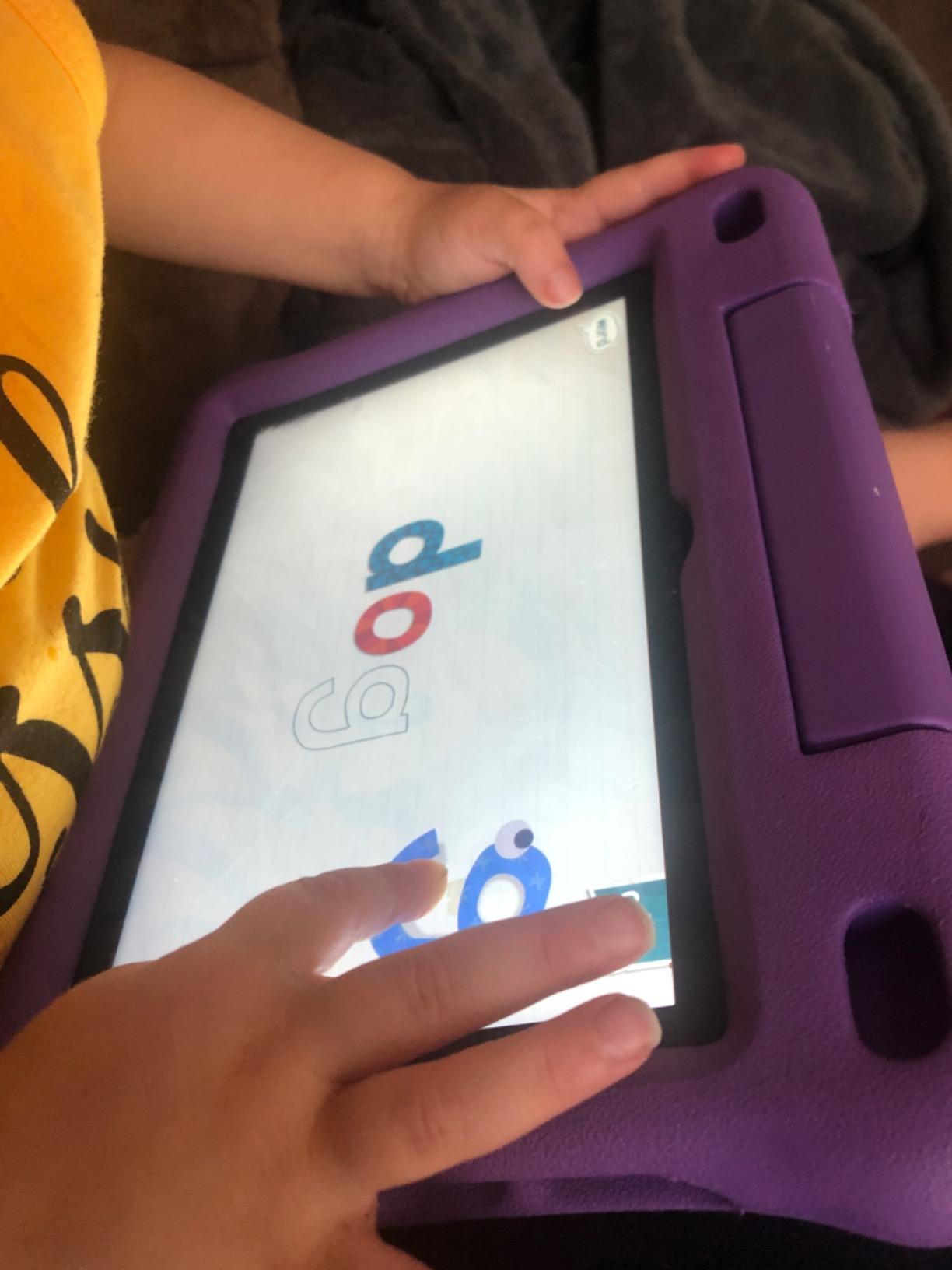
Endless Reader takes sight words and turns them into interactive puzzles. Children drag letters into place to spell words, then watch animated sentences come to life. For autistic children who are visual learners, this approach can make abstract sight words concrete and memorable.
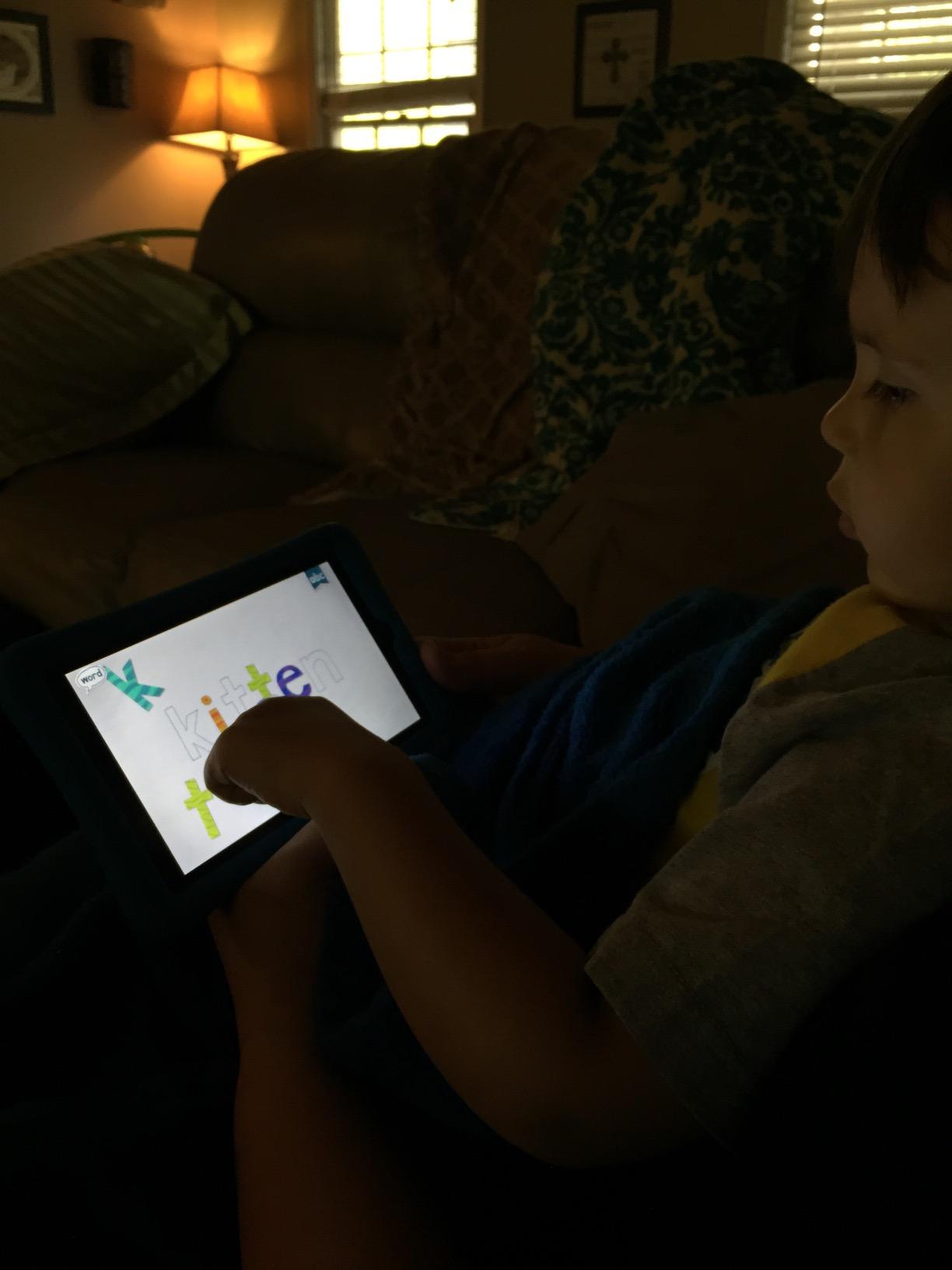
The animated movie clips that play after completing each word are a built-in reward system. I’ve seen children who typically resist reading practice happily work through words to see what happens next. The predictable pattern of completing a word and getting a short animation provides the kind of cause-and-effect structure that many autistic children find satisfying.
The app focuses on the most common sight words, which are the building blocks of reading fluency. For children who struggle with phonics due to language processing challenges, sight word recognition provides an alternative path to reading.
The content depth is somewhat limited compared to comprehensive curriculum apps. Think of Endless Reader as a targeted supplement rather than a complete reading program.
Combining with Phonics Apps
Endless Reader pairs well with phonics-based apps like Starfall or ABC Kids. While those apps teach letter sounds and blending, Endless Reader builds the sight word vocabulary that makes fluent reading possible. Using both approaches gives your child a well-rounded literacy foundation.
Managing App Crashes
Some users report occasional crashes, particularly on older devices. If your child becomes distressed when technology fails, keep this in mind. Restarting the app usually resolves the issue, but having a backup activity ready can prevent meltdowns.
7. Sight Words Pre-K to 3rd Grade – Reading Games
Sight Words: Pre-k to 3rd Grade, Reading Games, Best Sight Word Games For Kids
Reading games
Multiple child profiles
Progress tracking
Pros
- Good variety of activities
- Parental controls appreciated
- Multiple profiles for siblings
Cons
- Some ads in free version
Sight Words Pre-K to 3rd Grade is a straightforward, effective tool for building sight word recognition across a wide age range. The app covers Dolch and Fry sight word lists, which are the standard word lists used in most reading curricula.
The multiple child profiles feature is a practical benefit for families with more than one child. Each child gets their own progress tracking and can work at their own pace. For blended families or therapy practices, this flexibility is valuable.
Parental controls let you customize the experience for each child’s needs. You can control which games are available, adjust difficulty, and monitor progress. For parents who want oversight without hovering, this system works well.
The certificate printing feature is a nice touch. Many autistic children respond well to tangible rewards and recognition. Printing a certificate when your child masters a word list gives them something physical to be proud of.
Dealing with Ads in Free Version
The free version includes some ads, which can be disruptive for children with sensory sensitivities. If ads bother your child, consider upgrading to the ad-free version. Compare this with completely free ad-free options like Khan Academy Kids if ads are a dealbreaker.
Word List Coverage
The app covers Pre-K through 3rd grade sight words, making it suitable for a wide range of reading levels. For autistic children working below grade level, the Pre-K and Kindergarten lists provide an accessible starting point regardless of chronological age.
8. ABC Kids – Tracing & Phonics – Letter Recognition
ABC Kids – Tracing & Phonics
Letter tracing
Phonics games
Ad-free experience
Pros
- Ad-free experience
- Great for letter recognition
- Colorful and engaging
Cons
- Limited scope beyond letters
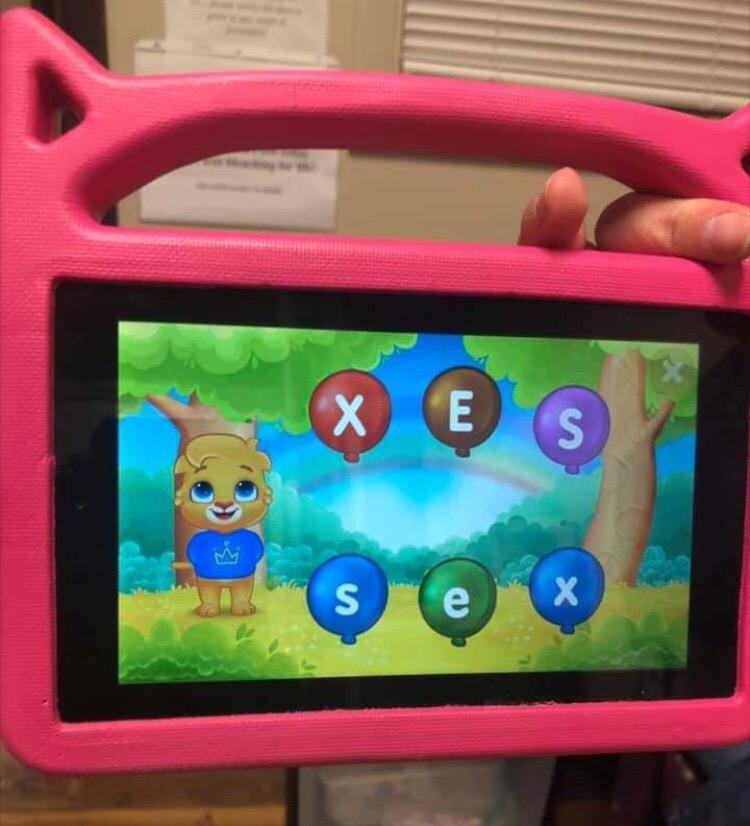
ABC Kids is one of the highest-rated phonics apps on the market, and it is completely free with no ads. For parents on a budget who need a reliable letter recognition tool, this is hard to beat. The app focuses on letter tracing and phonics games designed for young learners.
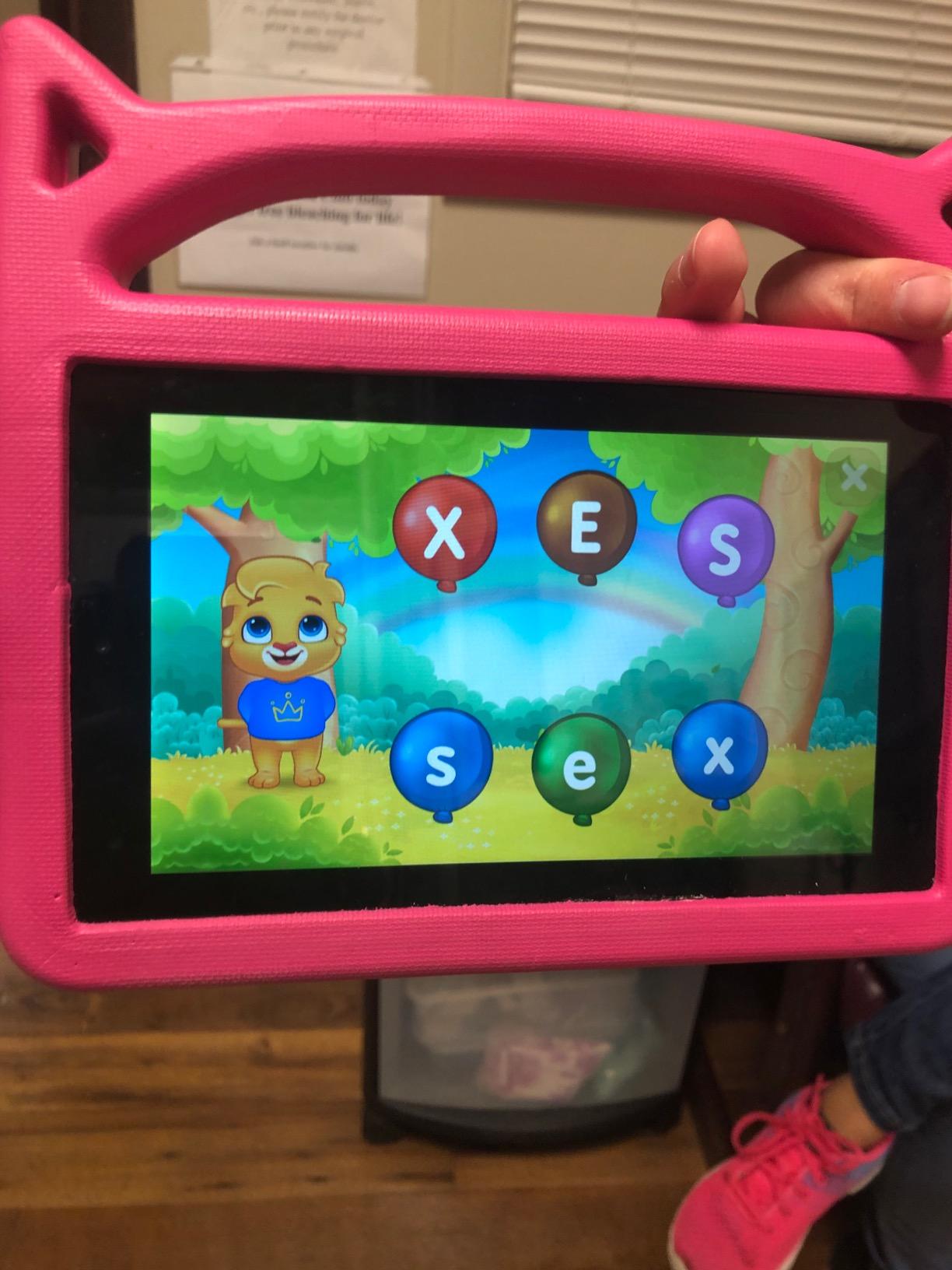
The tracing exercises are particularly useful for children who are developing fine motor skills alongside literacy. Many autistic children benefit from the multisensory approach of hearing a letter sound while physically tracing its shape. This combination reinforces learning through multiple pathways.
The colorful animations and reward system keep children motivated. I like that the rewards are simple and immediate, without complex gaming mechanics that could overwhelm or distract from the learning objective.
The main limitation is scope. ABC Kids focuses on letters and basic phonics, so it is best for the earliest stages of reading development. Once your child has mastered letter recognition, you will need to transition to a more comprehensive app.
Fine Motor Skill Development
The tracing feature does double duty by supporting fine motor development while teaching letter forms. For children receiving occupational therapy, this app reinforces those goals at home. The finger-tracing format is also less frustrating than pencil-and-paper tracing for children with motor challenges.
Best Starting Point for Nonverbal Children
For nonverbal children who are beginning their reading journey, letter recognition is an accessible entry point. ABC Kids lets them engage with letters visually and auditorily without requiring verbal responses. This makes it a low-pressure starting point for building pre-reading skills.
9. Scanmarker Pal Reading Pen – Text-to-Speech Support
Scanmarker Pal – Translation Pen & Reading Pen for Language Learners, Dyslexia & Learning Difficulties | Translator Pen for 100+ Languages
Text-to-speech reading pen
Dyslexia support
100+ languages
Pros
- Excellent for dyslexia support
- Multi-language support
- Bluetooth connectivity
Cons
- Premium price point
- Limited reviews
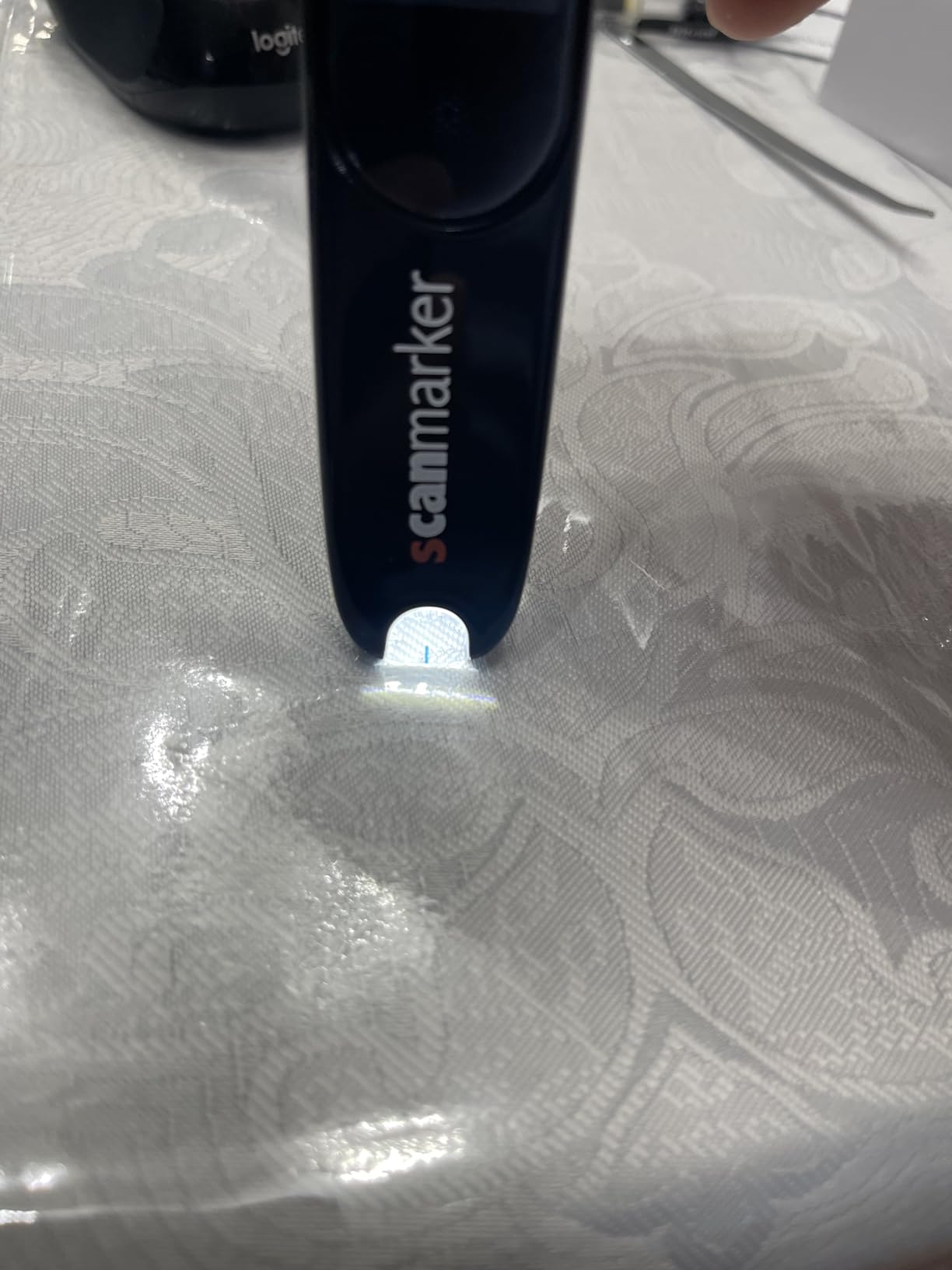
The Scanmarker Pal is a different kind of reading tool. Rather than an app, it is a physical scanning pen that reads text aloud. For autistic children and adults who struggle with decoding, this device provides instant text-to-speech support for any printed material.
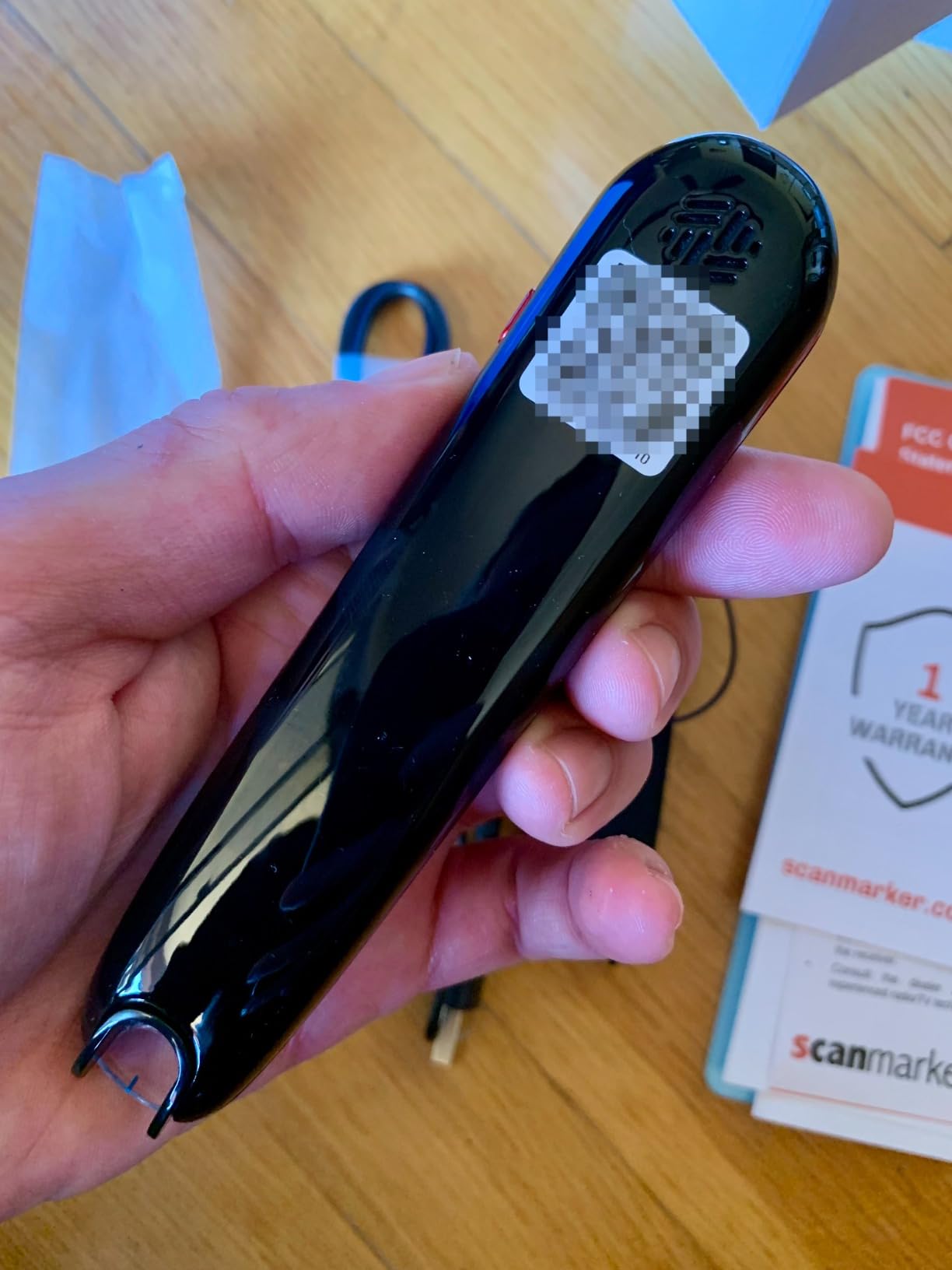
I find this particularly valuable for older children and adults with autism who want to read age-appropriate content independently. The pen scans printed text and reads it aloud with highlighted words, supporting both decoding and comprehension. It works with books, worksheets, menus, and any other printed material.
The dyslexia-friendly font support makes this pen a strong choice for children with co-occurring dyslexia and autism. The text-to-speech function reduces the cognitive load of decoding, freeing up mental energy for comprehension.
With support for over 100 languages and offline mode for major languages, this pen is versatile. The Bluetooth connectivity means you can pair it with headphones for quiet use in classrooms or public spaces.
Who Benefits Most from a Reading Pen
Reading pens work best for children who have comprehension skills beyond their decoding ability. If your child understands stories when read aloud but struggles to read independently, a scanning pen bridges that gap. It is especially useful for children who feel self-conscious about using tablets or apps in social settings.
Cost vs Long-Term Value
The Scanmarker Pal is a significant investment, but it is a one-time purchase rather than an ongoing subscription. Over years of use, it may cost less than subscription apps. Consider whether your child will use it consistently before purchasing, and look for return policies that let you test it.
10. WorldPenScan AI Reader – AI-Powered Reading Companion
WorldPenScan AI Reader – Reading Pen with AI Reading Companion, Built-in Dictionary, Text-to-Speech, Translation & Reading Support for Kids | English, Spanish & Chinese
AI reading companion
Built-in dictionary
Text-to-speech
Pros
- AI-powered reading assistance
- Built-in dictionary helpful
- Multi-language translation
Cons
- Premium price point
- Limited user reviews
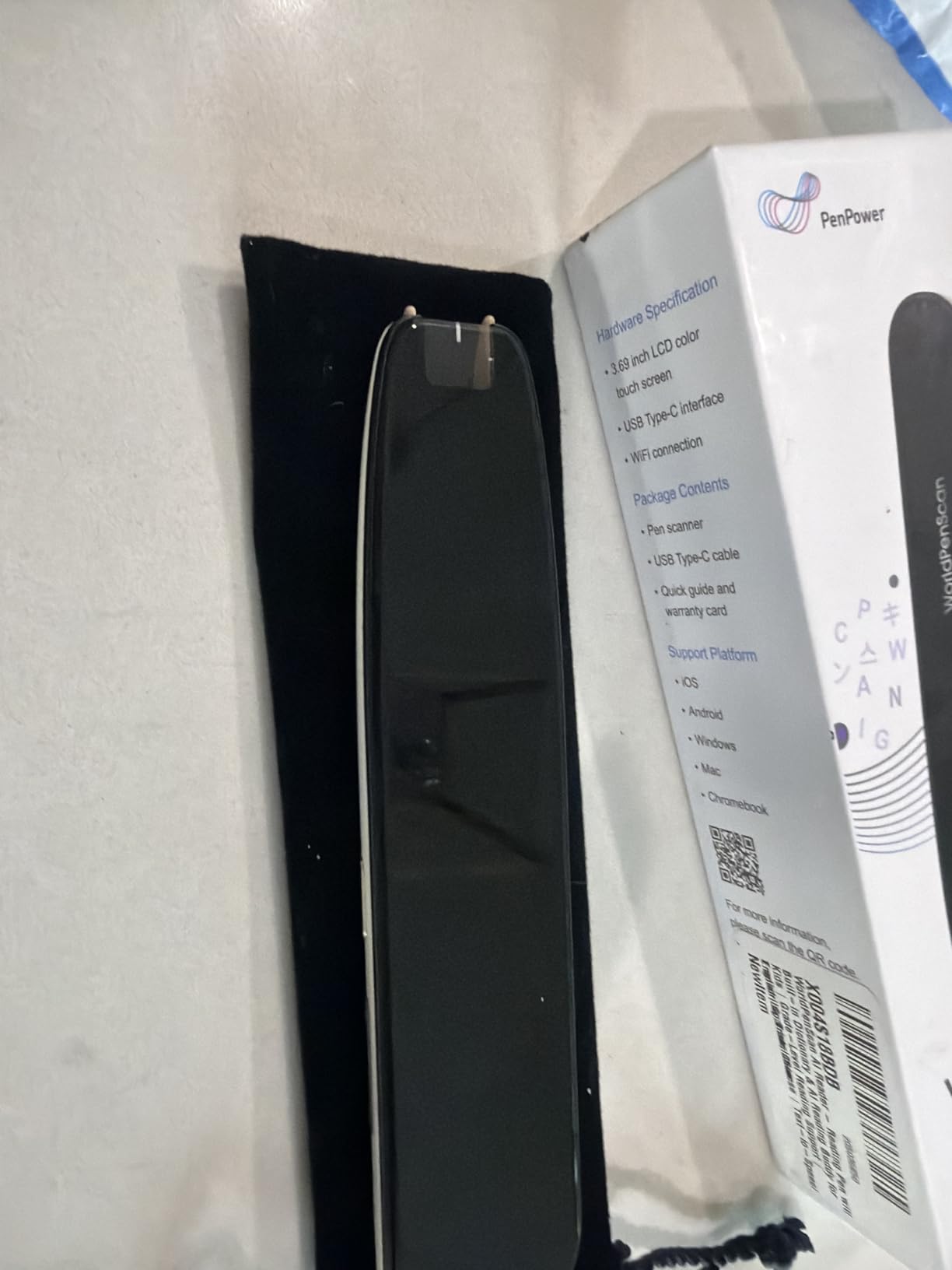
The WorldPenScan AI Reader takes reading pen technology a step further by adding an AI reading companion. This feature provides deeper learning support beyond simple text-to-speech, making it an interesting option for children who need more interactive reading assistance.
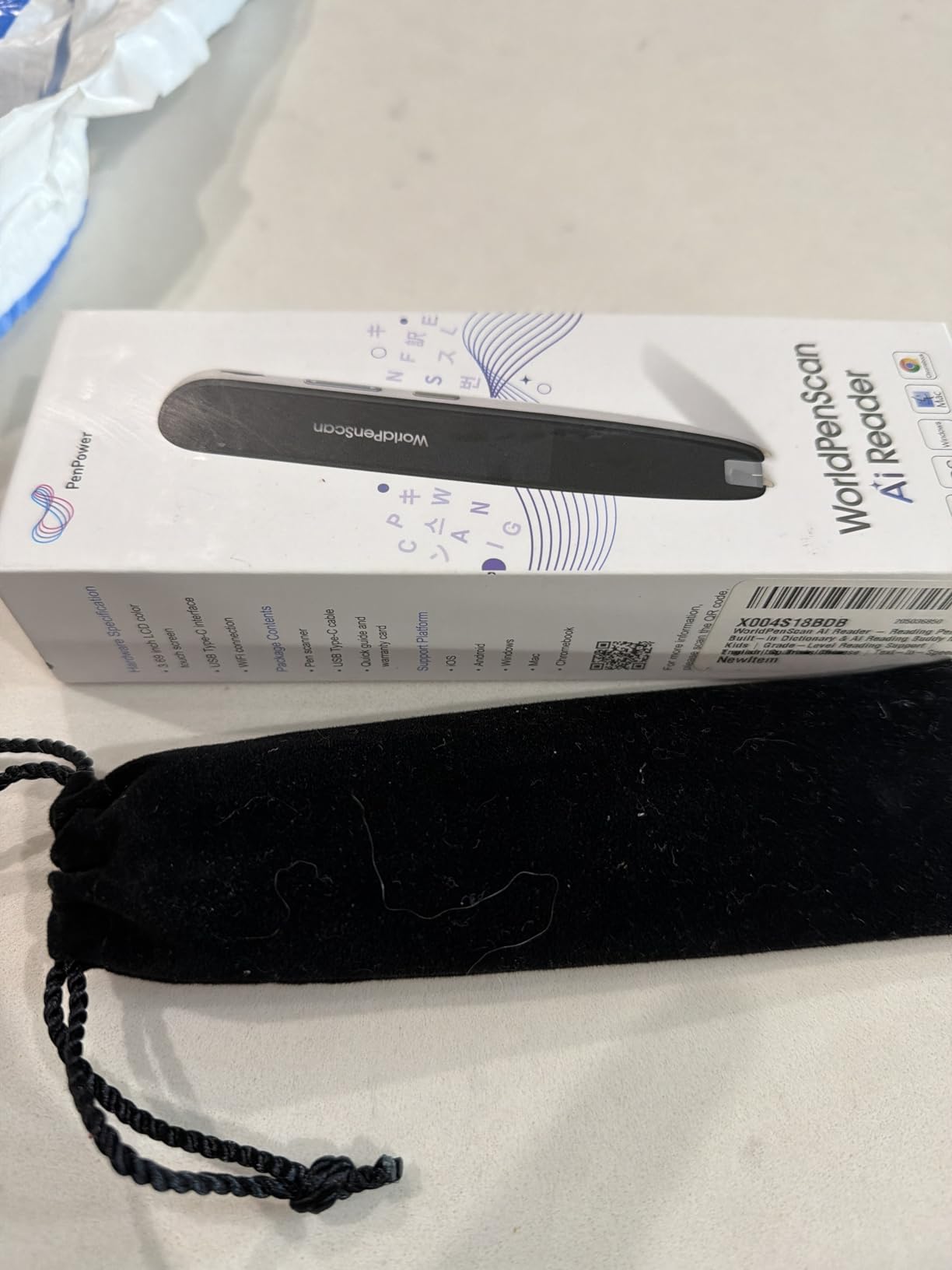
The AI companion can answer questions about the text being scanned, helping children develop comprehension skills. For autistic learners who benefit from repeated explanation and patient interaction, having an AI that never tires of answering questions is genuinely useful.
The built-in dictionary provides instant definitions, which supports vocabulary development during reading. The text-to-speech function works with English, Spanish, and Chinese, making it suitable for multilingual families.
As a newer product, the WorldPenScan has fewer reviews than established options. This means less community feedback to guide your decision. The premium price point also puts it in the same category as other assistive technology devices.
AI Companion vs Traditional Reading Support
The AI reading companion offers something traditional reading pens cannot: interactive dialogue about the text. For children who learn best through conversation and questioning, this feature provides a new dimension of support. However, it requires comfort with AI tools and may not suit every child’s learning style.
Comparing with Scanmarker Pal
Both the WorldPenScan and Scanmarker Pal are reading pens, but they take different approaches. The WorldPenScan emphasizes AI interaction and deeper learning, while the Scanmarker Pal focuses on broad language support and reliability. Consider which approach better matches your child’s needs and your comfort with AI tools.
How to Choose Reading Apps for Autism and Special Needs
Choosing the right reading app for a child with autism requires looking beyond marketing claims. Here are the key factors I consider when recommending apps for autistic learners.
Visual Supports and Design
Look for apps with clean, predictable layouts. Visual supports like picture cues, consistent navigation, and uncluttered screens help reduce cognitive load. Apps that allow you to adjust brightness, colors, and animation speed can accommodate sensory sensitivities.
Avoid apps with excessive flashing, loud sudden sounds, or unpredictable transitions. These can trigger anxiety or sensory overload in some children. Khan Academy Kids and ABC Kids are examples of well-designed apps with calm interfaces.
Text-to-Speech and Audio Features
Text-to-speech is one of the most valuable features for autistic learners, especially nonverbal children. It allows children to hear words pronounced correctly while seeing them on screen. This multisensory approach reinforces learning through both visual and auditory channels.
For physical reading support, the Scanmarker Pal and WorldPenScan AI Reader bring text-to-speech to any printed material. This extends the benefit beyond the app environment to books, worksheets, and real-world text.
Customizable Settings
Every child with autism is unique. Apps with customizable settings let you adjust the experience to match your child’s sensory profile, attention span, and skill level. Look for options to control sound, pacing, difficulty, and content selection.
Parental controls that let you lock certain features or guide the learning path are especially valuable. They prevent your child from wandering into content that might be too advanced or frustrating.
Progress Tracking and Data
Progress tracking serves two purposes. First, it gives you concrete evidence of your child’s growth, which is encouraging on difficult days. Second, it provides data you can share with teachers, therapists, and IEP teams.
Apps that generate reports or send regular updates make this easier. MITA and ABCmouse both offer parent-friendly progress dashboards that translate learning data into actionable insights.
Reward Systems That Work
Effective reward systems for autistic children provide immediate, predictable reinforcement. Token economies, where children earn points or tickets for completing tasks, align well with ABA therapy approaches. ABCmouse uses this model effectively.
Avoid apps with random or unpredictable rewards, as these can create anxiety. The best systems clearly show what the child needs to do and what they will receive, creating a sense of control and predictability.
Free vs Paid Options
Start with free apps to identify what works before investing in subscriptions or devices. Khan Academy Kids, ABC Kids, and Starfall all offer substantial free content. Once you know your child responds well to a particular approach, paid options can provide deeper content and better tracking.
For reading pens and specialized tools, look for return policies and trial periods. These are significant investments, and you want to confirm the device works well for your child before committing.
Frequently Asked Questions
What app can help autistic children read?
Khan Academy Kids is one of the best free reading apps for autistic children because it offers ad-free, structured lessons with gentle pacing and visual supports. ABC Kids, Starfall, and Endless Reader are also highly recommended for early reading development. For children who need text-to-speech support, the Scanmarker Pal reading pen can read any printed text aloud.
What is the best reading program for children with autism?
The best reading program depends on your child’s needs. For phonics-based learning, Starfall and ABC Kids are excellent. For comprehensive curriculum, ABCmouse and Khan Academy Kids cover multiple subjects. For children who need cognitive and language therapy specifically designed for autism, MITA offers specialized exercises. Reading pens like the Scanmarker Pal provide text-to-speech support for children who struggle with decoding.
Are there free reading apps for autism?
Yes. Khan Academy Kids is completely free with no ads, no subscription, and no hidden costs. ABC Kids is also free and ad-free. Starfall offers substantial free content alongside its paid membership. Endless Reader and Sight Words Pre-K to 3rd Grade have free versions with optional upgrades. These free options let you test different approaches before investing in paid apps.
What reading apps work for nonverbal children with autism?
For nonverbal children, apps that combine visual supports with text-to-speech are ideal. ABC Kids helps with letter recognition without requiring verbal responses. Khan Academy Kids uses friendly characters and gentle audio. Reading pens like the Scanmarker Pal and WorldPenScan AI Reader read text aloud, supporting comprehension for children who cannot yet decode independently. MITA also includes language development exercises designed for children with limited verbal skills.
Final Thoughts on Reading Apps for Autism
Finding the best reading apps for autism and special needs is a journey unique to every child. My top recommendation is to start with Khan Academy Kids for a free, ad-free foundation and add targeted tools from there. Whether you choose phonics apps, sight word games, or text-to-speech reading pens, the key is matching the tool to your child’s specific learning profile.
Every child with autism has strengths worth building on. The right reading app can unlock those strengths and build confidence that extends far beyond literacy. Start small, track progress, and celebrate every milestone along the way.