
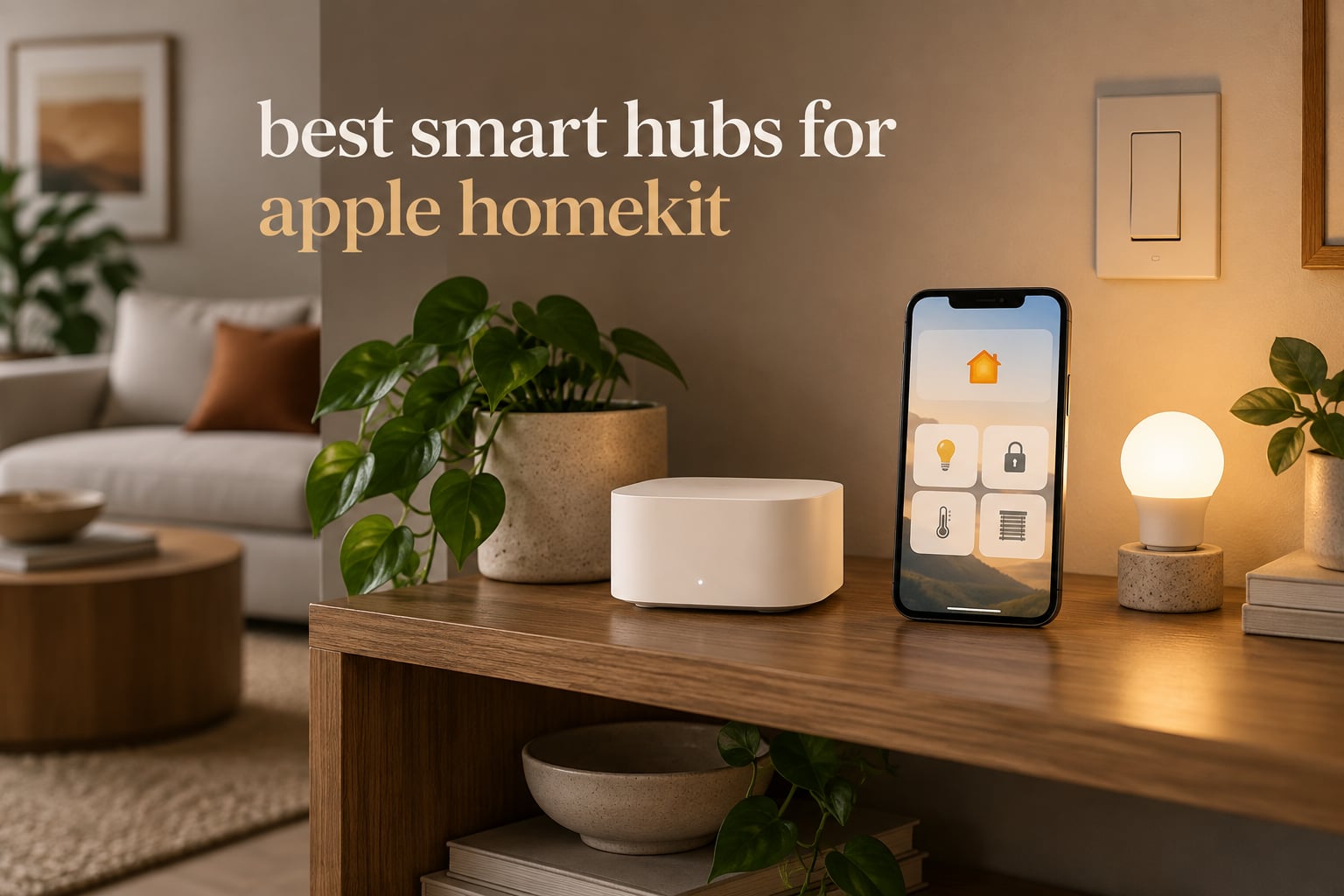
The best smart hubs for Apple HomeKit in 2026 are the Philips Hue Bridge for homes built around Hue lighting, the Lutron Caseta Smart Hub for switches and shades, and the Aeotec Smart Home Hub for anyone running Z-Wave, Zigbee and Matter gear side by side. Our top pick is the Philips Hue Bridge, which holds a 4.5 rating across more than 11,000 reviews and keeps running when your internet does not.
Apple does not sell a dedicated HomeKit hub box. The role is filled by the HomePod, the HomePod mini, the Apple TV, and a rotating cast of third-party bridges that expose Zigbee, Thread, Z-Wave and infrared devices to the Apple Home app. Every one of those bridges stores pairing records, relays commands and runs automations locally, which is the part that matters when your connection drops.
Two changes in the last few years reshaped this list. The Home architecture update in iOS 18.2 pushed accessory pairing away from the cloud and made the home hub a required step during setup, and legacy HomeKit support ended on February 10, 2026, which cut off older iPads that had been quietly running hubs in the background for years.
We compared all ten hubs in this roundup on the things buyers actually feel: how many devices they hold, which radios they carry, whether automations survive an outage, and what the reviews say after months of use. Prices move daily, so use the check buttons for current figures.
Table of Contents
Top 3 Picks for Apple HomeKit for October 2026
Three hubs cover most Apple Home buyers. The Philips Hue Bridge is the safest long-term choice for lighting, the Lutron Caseta hub is the fastest and most reliable switch platform we tested, and the SwitchBot Hub 2 is the one to buy if you want an air conditioner, television and climate readings inside Apple Home for very little money.

Philips Hue Bridge
- Zigbee mesh
- up to 50 Hue accessories
- Works with Apple Home over Matter
- Wired LAN cable included

Lutron Caseta Smart Hub
- Clear Connect mesh
- up to 75 devices
- Plug-in wall outlet form
- No monthly subscription

SwitchBot Hub 2
- 360 degree IR blaster
- Built-in thermometer and hygrometer
- Matter and HomeKit support
The 10 Best Smart Hubs for Apple HomeKit in October 2026
Every hub below was checked against the same criteria: radios carried, maximum device count, whether automations execute locally, power options, and the volume of reviews behind it. The full comparison is in the table, and each hub has its own section further down.
| Product | Specs | Action |
|---|---|---|
| Philips Hue Bridge |
|
Check Latest Price |
| Lutron Caseta Smart Hub |
|
Check Latest Price |
| SwitchBot Hub 2 |
|
Check Latest Price |
 Aqara Hub M3 Aqara Hub M3 |
|
Check Latest Price |
 Aeotec Smart Home Hub Aeotec Smart Home Hub |
|
Check Latest Price |
 Apple HomePod mini Apple HomePod mini |
|
Check Latest Price |
 Aqara Hub M100 Aqara Hub M100 |
|
Check Latest Price |
 Hubitat Elevation C-8 Pro Hubitat Elevation C-8 Pro |
|
Check Latest Price |
 Homey Pro Homey Pro |
|
Check Latest Price |
 Aqara Hub M1S Gen 2 Aqara Hub M1S Gen 2 |
|
Check Latest Price |
One caveat before the reviews: no hub on this list speaks every protocol at once, and the word Zigbee hides a trap. The Hue Bridge, the Aqara hubs and the Lutron hub are all Zigbee devices that refuse third-party Zigbee gear, so a cheap bridge is not automatically a universal one.
Do You Even Need Another Hub?
You may not. If a HomePod, a HomePod mini or an Apple TV is already connected to your home in the Apple Home app, you already own a working hub that routes accessories, stores pairing data and runs automations without the cloud.
That hub covers Wi-Fi accessories, Thread accessories through its border router role, Bluetooth accessories, and HomeKit Secure Video cameras. What it does not cover is Zigbee or Z-Wave. Hue bulbs, Aqara sensors, Yale locks and Lutron switches all speak a radio your Apple hub has no hardware for, which is why bridges exist.
The single most common question on the HomeKit forums is whether a HomePod can act as the dongle for new Thread and Matter products. It can, and users still end up buying a bridge hub anyway, because the products they want are Zigbee. One Home Assistant buyer described buying Aqara door sensors and a presence sensor and wondering whether a HomePod alone would cover them before learning that Zigbee still needs an Aqara hub or a dedicated Zigbee coordinator.
Legacy HomeKit support ended on February 10, 2026, and older iPads that were serving as your quiet second hub stopped doing it. If that is your situation, the same three Apple devices remain the fastest fix, and the bridge hubs in this roundup are the fallback when your accessories are Zigbee.
1. Philips Hue Bridge – The Most Proven Hub in the Roundup
Philips Hue Bridge, Unlock the Full Potential of Hue Bridge System, Multi-Room and Out-of-Home Control, Create Automations and Zones, Smart Lighting Hub, Works with Voice and Matter-Compatible
Zigbee bridge for up to 50 Hue lights
Matter compatible, works with Apple Home
Wired LAN cable included
2 year warranty
Pros
- Rock-solid Zigbee mesh that keeps lights working when Wi-Fi is down
- Up to 50 Hue lights and accessories
- Out-of-home control plus room zones in the Hue app
- Matter support brings Hue into Apple Home
- Automatic firmware updates
Cons
- Only pairs with Philips Hue hardware
- Third-party Zigbee devices will not join
- Video and music sync needs a separate HDMI Sync Box
The Hue Bridge is the least glamorous device in this roundup and the one most likely to still be working in three years. It is a small white box on a power adapter with a wired LAN cable in the box, and it does one job: keep your Hue lights on a Zigbee network that never touches your Wi-Fi.
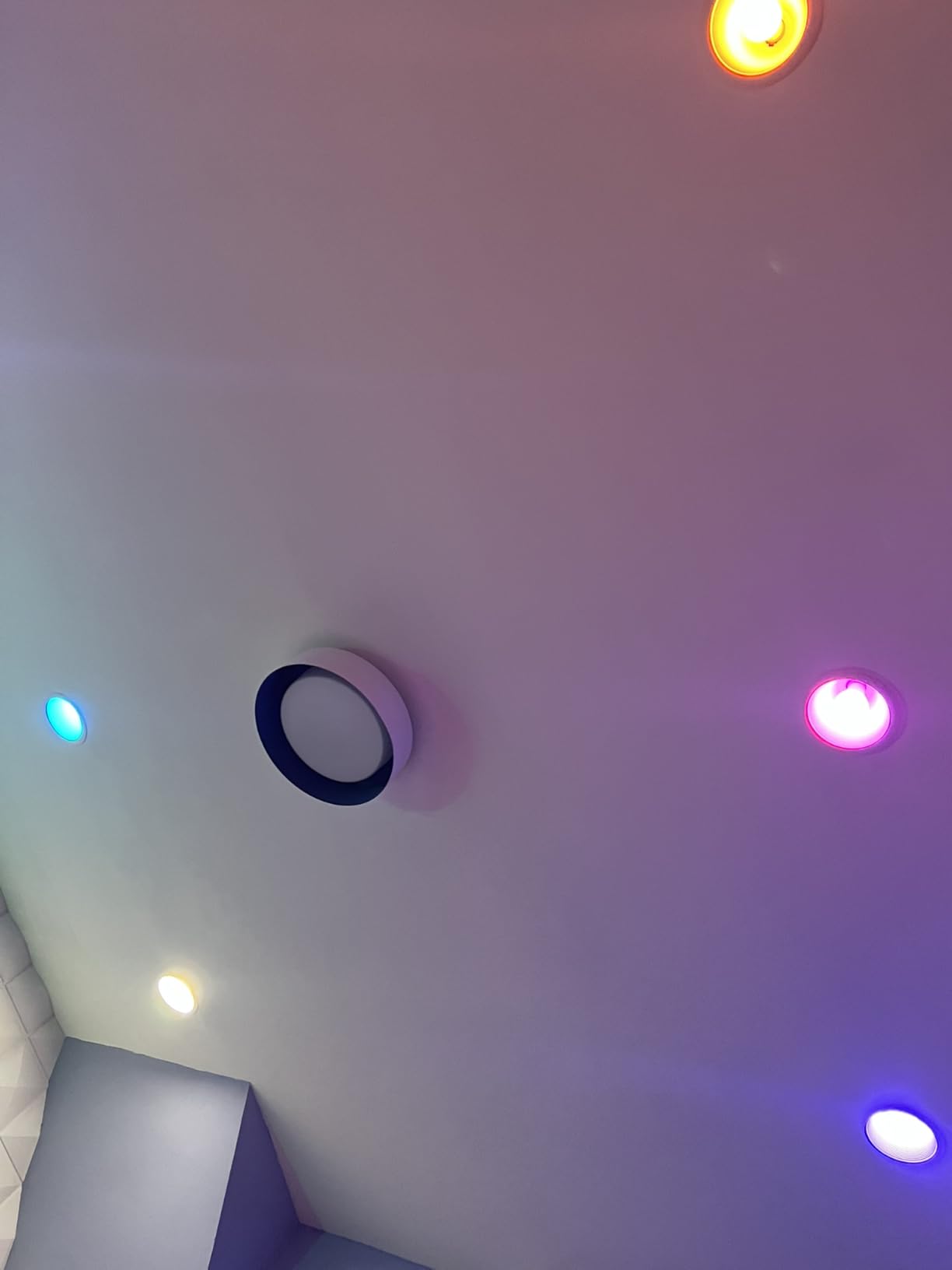
That separation is the reason it has accumulated more than 11,000 reviews and a 4.5 average. Lights respond instantly, Hue keeps working when the internet is out, and out-of-home control resumes as soon as the connection returns without any user intervention.
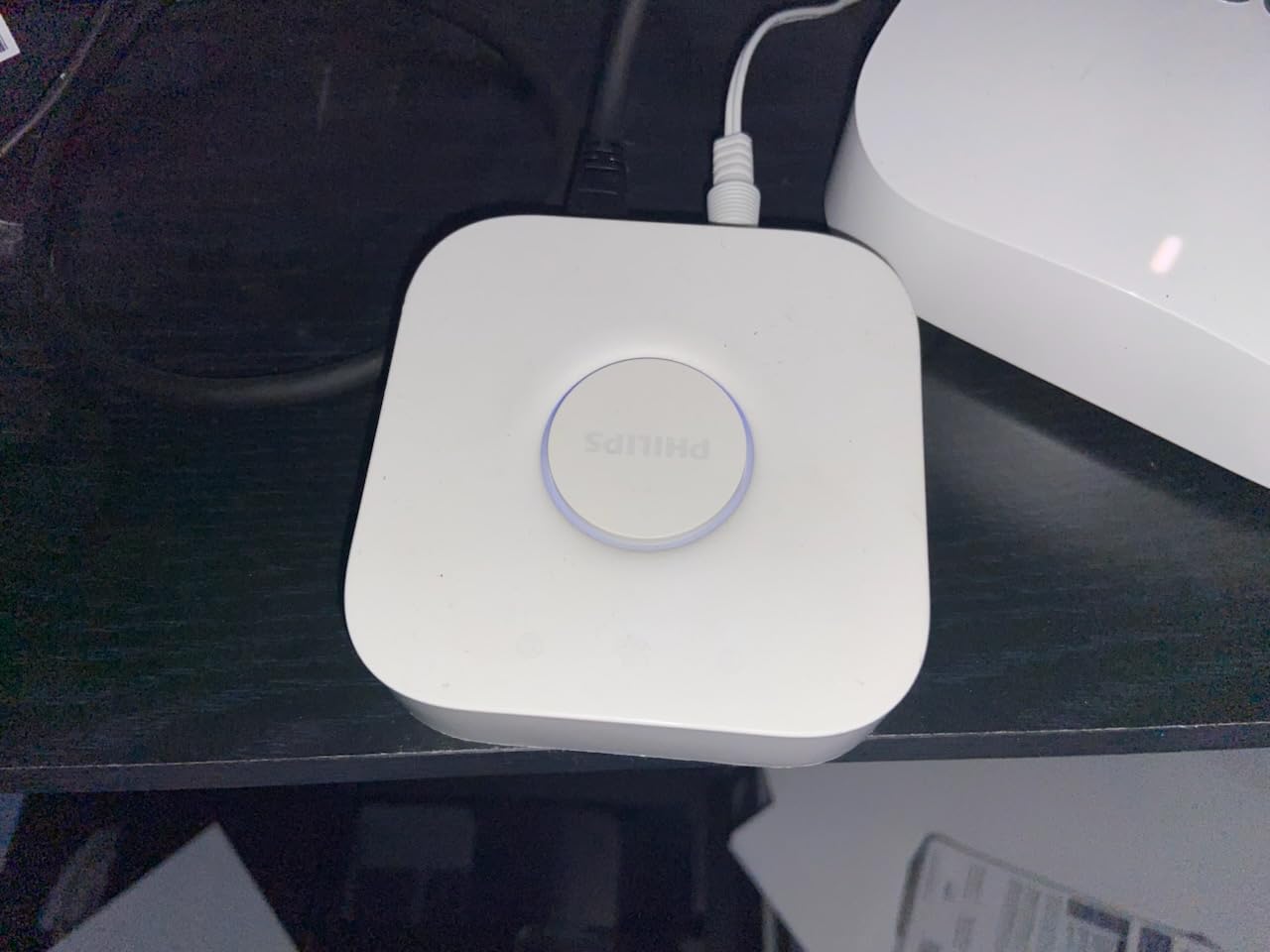
Inside Apple Home the bridge appears as a standard HomeKit accessory, so groups, rooms and scenes behave exactly like any other. You can mix Hue bulbs with non-Hue HomeKit devices in the same automation, which is what makes it a useful piece of a mixed home rather than an isolated island.
The hard limit is 50 Hue lights and accessories on a single bridge, and the second hard limit is that nothing but Hue hardware will pair with it. A third-party Zigbee sensor sitting next to your Hue lights will simply never be seen by this box.
What to check before buying
Count your Hue bulbs and accessories first. If you are under 50, one bridge is genuinely all you need, and the wired LAN connection is worth insisting on because it removes the 2.4 GHz network as a failure point entirely.
Also check whether you want surround lighting sync for movies, music or games. That runs through the separate HDMI Sync Box, not the bridge, and buyers who expect the bridge to handle video sync are disappointed.
Who should skip it
Skip the Hue Bridge if you own Zigbee sensors or locks from any other brand, or if you run more than 50 Hue accessories and do not want a second bridge. Skip it entirely if your home is Z-Wave, because Zigbee is the only radio it carries.
2. Lutron Caseta Smart Hub – Fastest Switch and Shade Control
Lutron Caseta Smart Hub Compatible with Alexa, Apple, Google Home, & More
Up to 75 Caseta devices
Clear Connect mesh off the Wi-Fi network
Plug-in form factor
Highest rated at 4.6
Pros
- Highest average rating in the roundup at 4.6
- Clear Connect mesh frees 2.4GHz bandwidth
- Plug-in installation is quick and tidy
- Works with Apple Home
- Alexa
- Google Home
- Ring and Sonos
- No monthly subscription
Cons
- Lutron specific and does not pair with Leviton gear
- Some third-party support needs the higher SmartBridge Pro
- Included 6 foot power cord can be short
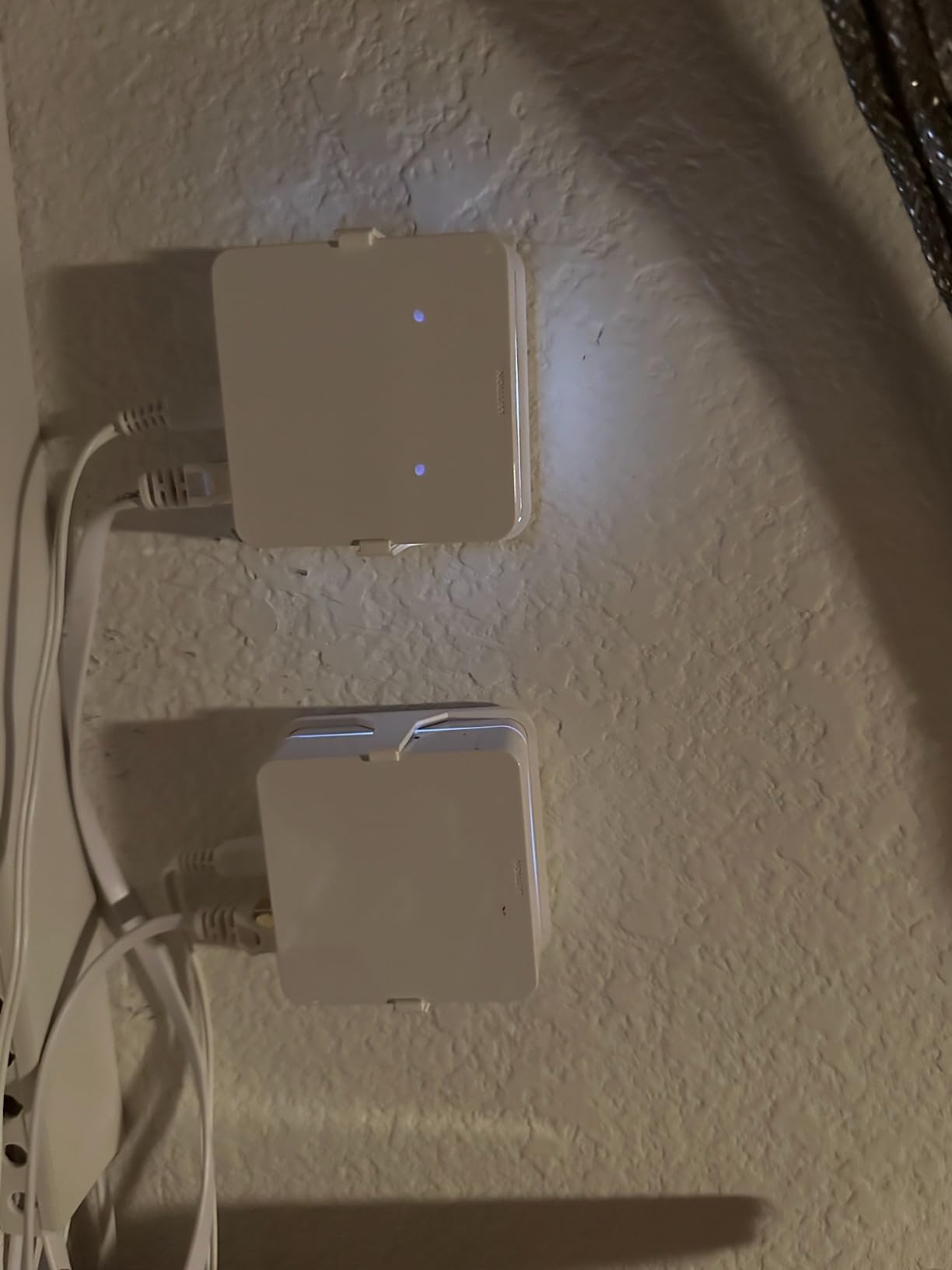
The Caseta hub is the highest rated device here at 4.6, and the reason is response time. Owners replacing a Wink hub describe Siri and Alexa answering in a beat, and Pico remotes turn any wall switch into a scene controller without touching the wiring.
It runs on Clear Connect, a proprietary mesh that never competes with your Wi-Fi, which matters in dense homes. Offloading switches from the 2.4 GHz band is a real benefit in an apartment full of neighbouring networks, and the hub itself is a compact plug-in box with no separate power brick.
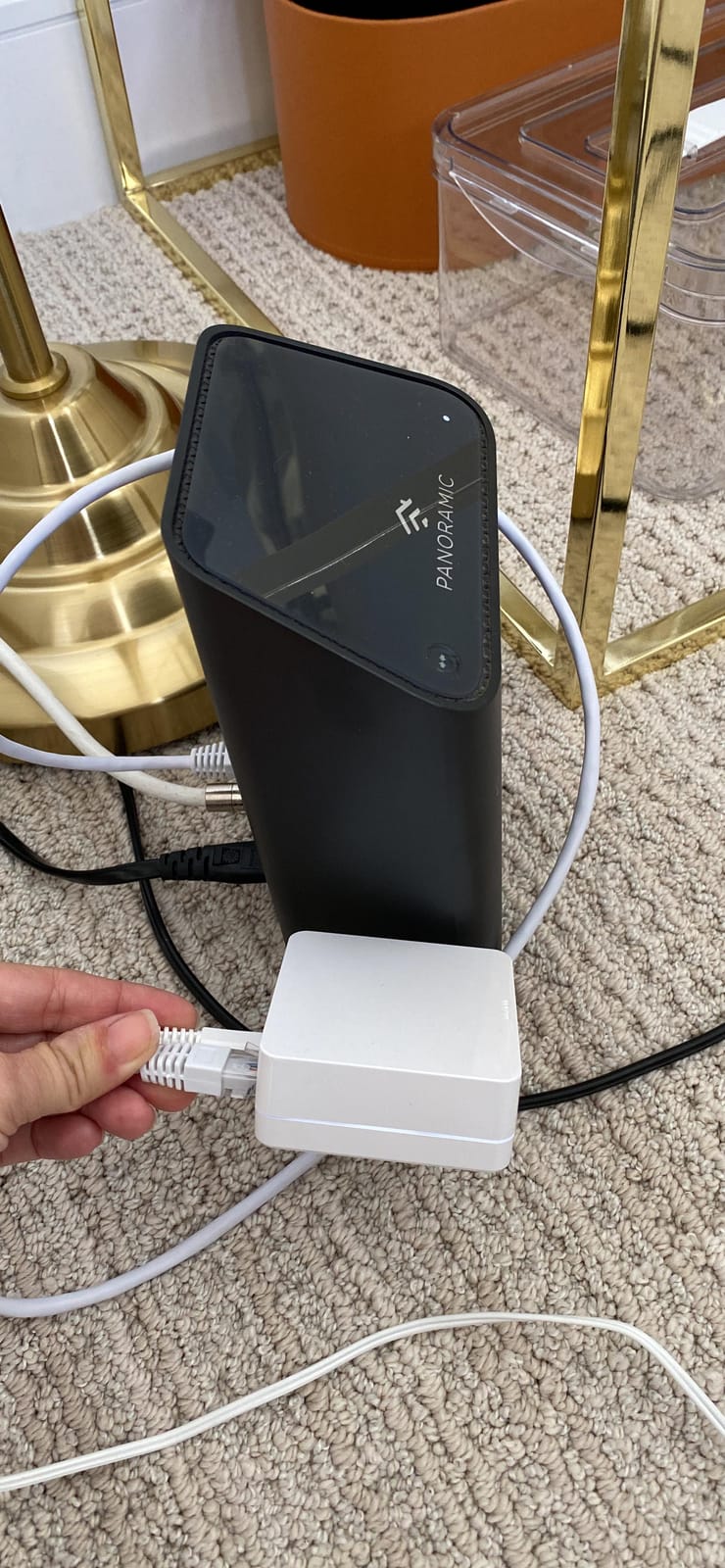
Apple Home support is native rather than bridged, so the hub shows up as a first-class accessory with rooms, scenes and automation triggers in the Home app. It also supports up to 75 Caseta devices, which covers a large house of switches, dimmers, fans and Serena shades.
There is no recurring fee for automations, and the bridge can replace a Wink hub outright for anyone who already made that move and found it responsive.
What to check before buying
Confirm your switches are Caseta-compatible. The hub is essentially Lutron only, and the reviews make clear that Leviton smart devices are outside its scope, with broader third-party support requiring the pricier SmartBridge Pro.
Check outlet placement too. The unit plugs directly into a wall outlet with a 6-foot cord, and the reviews flag that as short in some installations where the hub needs to sit on a shelf instead.
Who should skip it
Skip the Caseta hub unless your switches, dimmers or shades are Lutron. It is a fantastic lighting and shade platform, but it will not touch a single Zigbee sensor, and IFTTT support is not obvious in the app or documentation, so automation life beyond Apple Home is thin.
3. SwitchBot Hub 2 – Sensor, IR Blaster and Buttons in One
SwitchBot Hub 2 (2nd Gen), Work as a WiFi Thermometer Hygrometer, IR Remote Control, Smart Remote and Light Sensor, Link SwitchBot to Wi-Fi (Support 2.4GHz), Alexa, Google Home, Apple Home Compatible
360 degree IR blaster with smart learning
Built-in thermometer and hygrometer
Matter support for Apple Home
Two smart buttons included
Pros
- Temperature
- humidity and light sensors built in
- IR learning picks up codes from older remotes
- Two physical buttons trigger scenes without an app
- Matter support works with Apple Home
- Alexa
- Google Home and SmartThings
Cons
- Infrared only
- so RF remotes and some fixtures fail
- Some users report Wi-Fi drops needing a reboot
- IR devices can take hours to appear in the Home app
- No Ethernet port and setup needs the phone on 2.4GHz
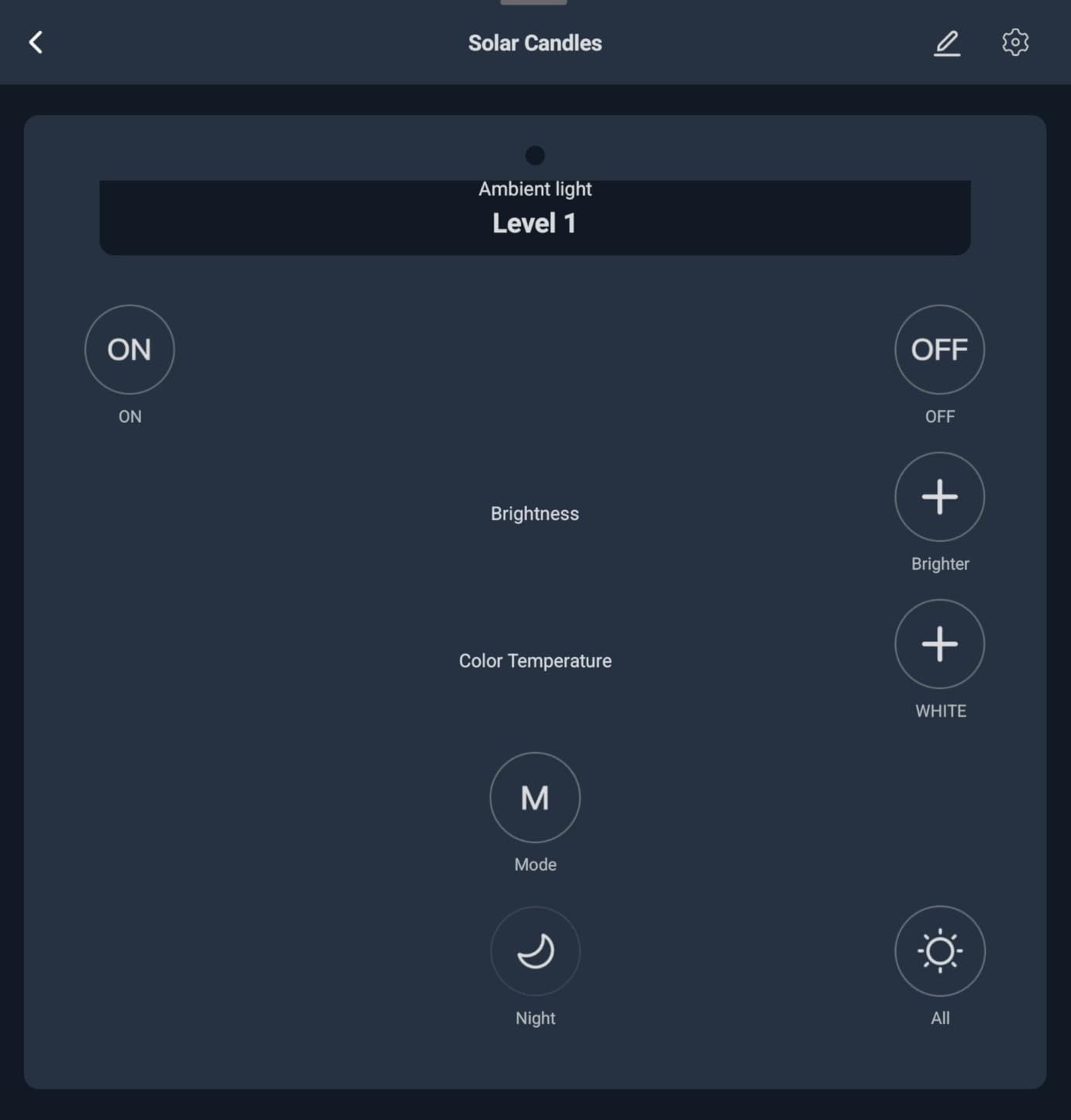
Owners overwhelmingly buy the Hub 2 for one reason: pulling an air conditioner or an old television into Apple Home. The 360 degree infrared blaster learns codes from your existing remote, and a r/MacSources thread debating the Hub 3 against the Hub 2 kept landing on the same answer, that the value is the IR half.
The surprise is how much else is inside. A Swiss-made chip thermometer and hygrometer read to plus or minus 0.36 degrees Fahrenheit and plus or minus 1.8 percent relative humidity, there is a light sensor that dims the display, and a 2 metre probe cable comes in the box for remote readings.
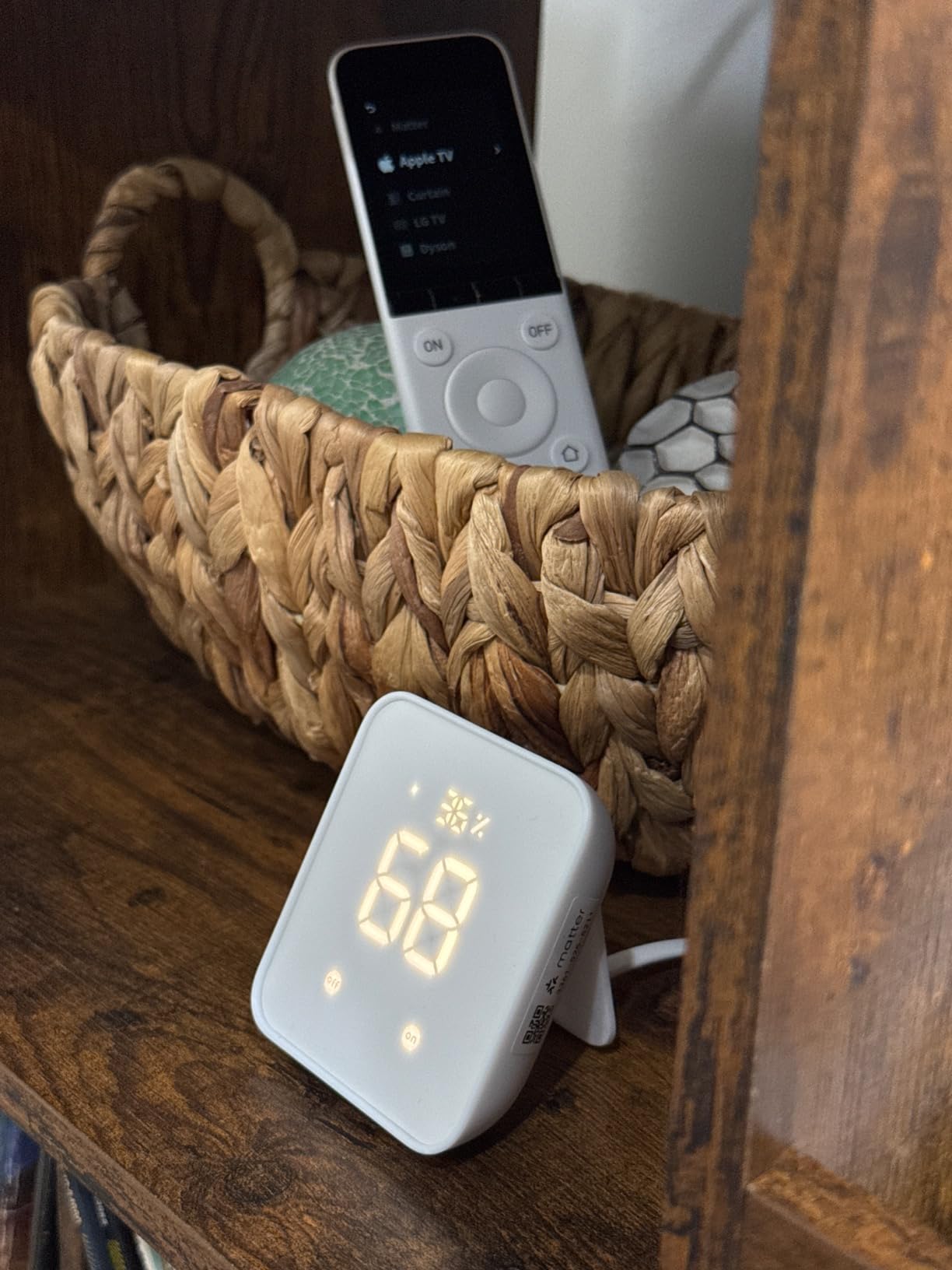
Two included smart buttons let anyone in the household trigger a scene or an appliance without opening an app, which is the sort of thing that decides whether guests actually use the smart home. It is a small white unit, 36 grams, running on 2.4 GHz Wi-Fi.
Because it supports Matter, the Apple Home pairing is a standard QR scan, and the same hub also works with Alexa, Google Home, SmartThings and IFTTT if you split your setup across ecosystems.
What to check before buying
Check that your equipment uses infrared. The hub cannot speak radio frequency, so older ceiling fans and some LED fixtures that use RF remotes are out of reach no matter how the learning goes.
Give the setup an evening. Infrared accessories can take several hours to surface in the iOS Home app after pairing, the app ships with few pre-programmed templates, and the phone must be on the 2.4 GHz network during installation with no Ethernet fallback.
Who should skip it
Skip the Hub 2 if your priority is Zigbee sensors or Z-Wave locks. It covers six supported devices and speaks infrared, Wi-Fi and Bluetooth, which makes it a complementary tool in a HomeKit home rather than the hub that runs it.
4. Aqara Hub M3 – Best Mixed-Protocol Hub for Aqara Owners
Aqara Smart Home Hub M3 for Advanced Automation, Matter Controller, IR
Aqara Zigbee and Thread
Matter controller and Matter bridge
PoE port plus dual-band Wi-Fi
Local Edge automations
Pros
- Handles Zigbee
- Thread
- Matter and infrared in one hub
- Local Edge automations keep running without internet
- PoE and dual-band Wi-Fi give more placement options
- 8GB of end-to-end encrypted local storage
- No camera or microphone
- Wall
- ceiling and flat mounting hardware included
Cons
- Zigbee radio only accepts Aqara devices
- Thread devices need repeaters for full coverage
- Only one IR air conditioner exposed to Matter
- Power adapter not included
- 12 percent of ratings are one star
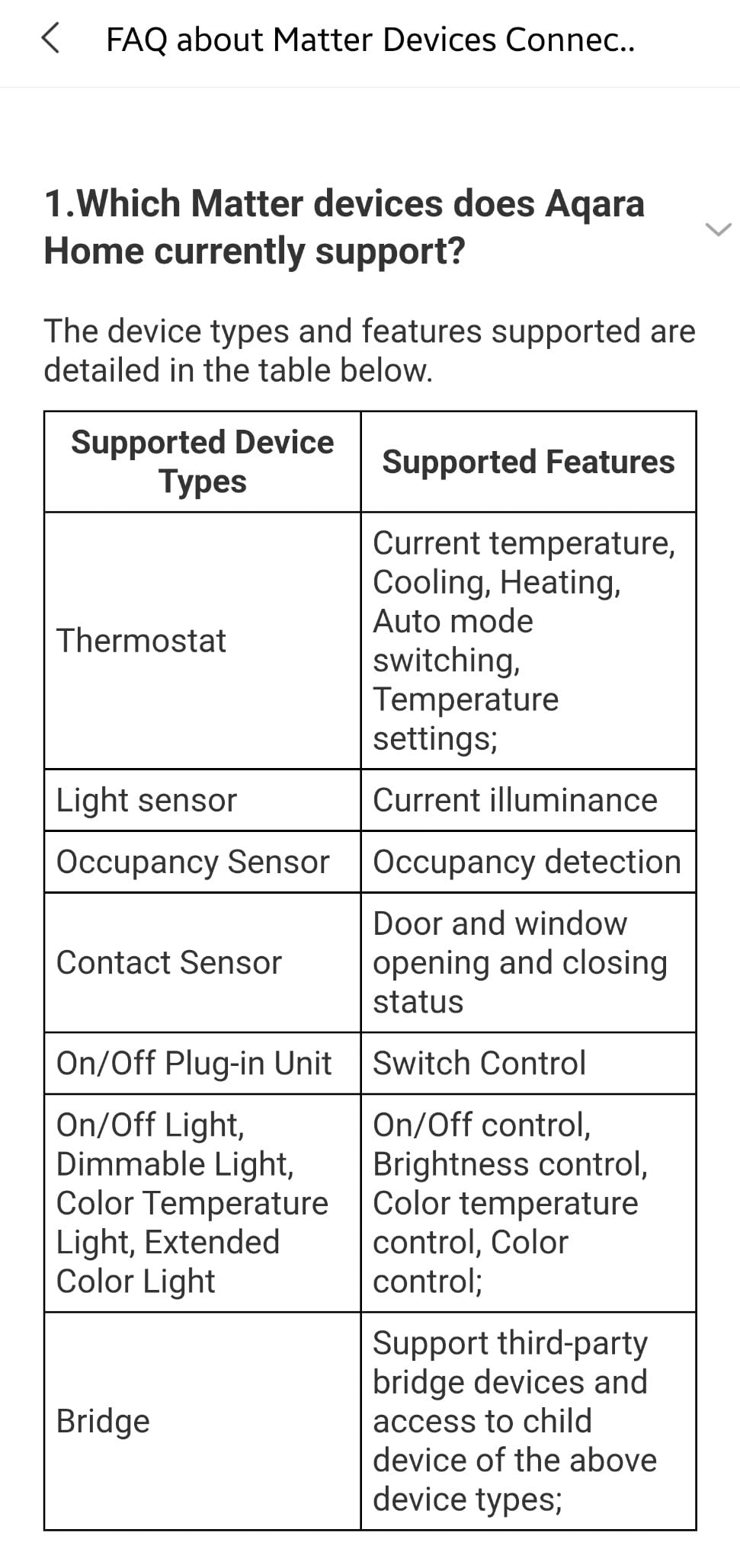
The M3 is the most capable bridge in this list for a home that runs Aqara sensors, Aqara locks and Aqara lights together. It handles Aqara Zigbee, Thread, a Matter controller role, a Matter bridge role and a 360 degree infrared blaster in a single black box.
The Edge architecture is the real headline. Automations run on the hub rather than in Aqara’s cloud, so rules keep firing when the internet drops, and existing Aqara automations migrate to local operation when you move an older hub across.
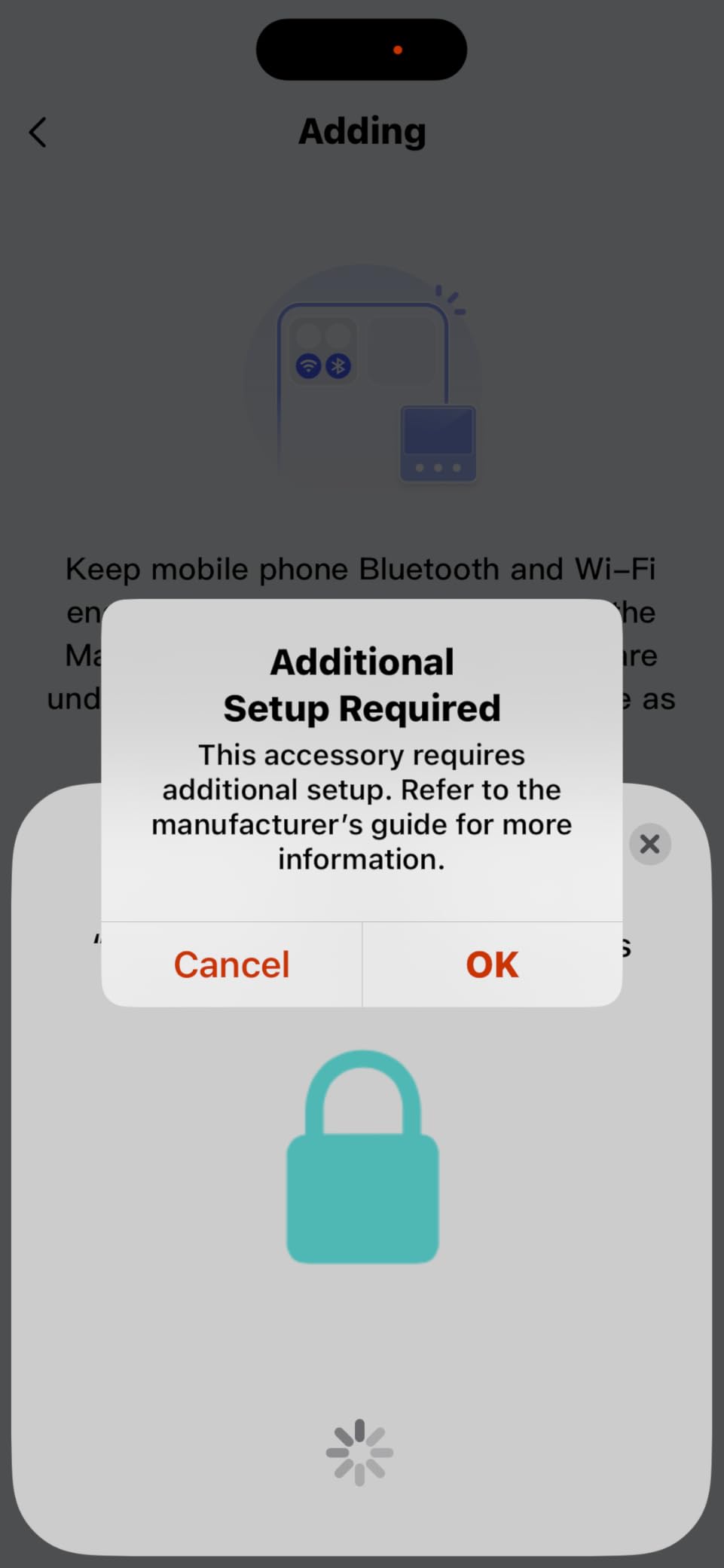
Connectivity is unusually flexible for a bridge hub: dual-band 2.4 and 5 GHz Wi-Fi with WPA3, plus a Power over Ethernet port and a USB-C port that accepts a mini-UPS or power bank. Owners running mains-only setups and PoE switch owners both report stable results, with recommended placement between 6 and 19 feet from the router.
For Apple Home, Aqara’s own guidance is to use the Matter integration rather than the legacy HomeKit path. That route exposes scenes and signals to Home Assistant and other Matter ecosystems too, which is why it feels like a hub rather than a bridge.
What to check before buying
Check what you actually own. The Zigbee radio is locked to Aqara devices and refuses third-party Zigbee products, and Thread devices need repeaters for full coverage. Capacity is up to 127 Aqara Zigbee devices and 127 Thread devices with those repeaters in place.
Budget for a power adapter. A 2A USB adapter is not included, and 12 percent of ratings are one star, mostly around the Aqara Home app learning curve and Matter setup rather than hardware quality.
Who should skip it
Skip the M3 if you do not own Aqara gear and do not plan to, since the Zigbee half becomes dead weight. Owners migrating from an M1 or M2 report the move is worth it purely because the older hardware eventually failed, which is a hardware longevity argument more than a feature argument.
5. Aeotec Smart Home Hub – SmartThings Hub for Mixed Legacy Gear
Aeotec Smart Home Hub, Works as a SmartThings Hub, Z-Wave, Zigbee, Matter Gateway, Compatible with Alexa, Google Assistant, WiFi
Matter, SmartThings, Z-Wave Plus, Zigbee and Wi-Fi
Ethernet or Wi-Fi connectivity
Local automation execution
1 year manufacturer warranty
Pros
- Z-Wave Plus
- Zigbee
- Matter and Wi-Fi behind one unit
- Supports wired Ethernet and Wi-Fi
- More automations now run locally for speed
- Works as a full SmartThings hub rather than a bridge
- Works with Alexa
- Google Home and Ring
Cons
- Z-Wave Plus only on the V3 model so variant choice matters
- Setup complexity shows up in the one-star reviews
- SmartThings app dependency ties you to that platform
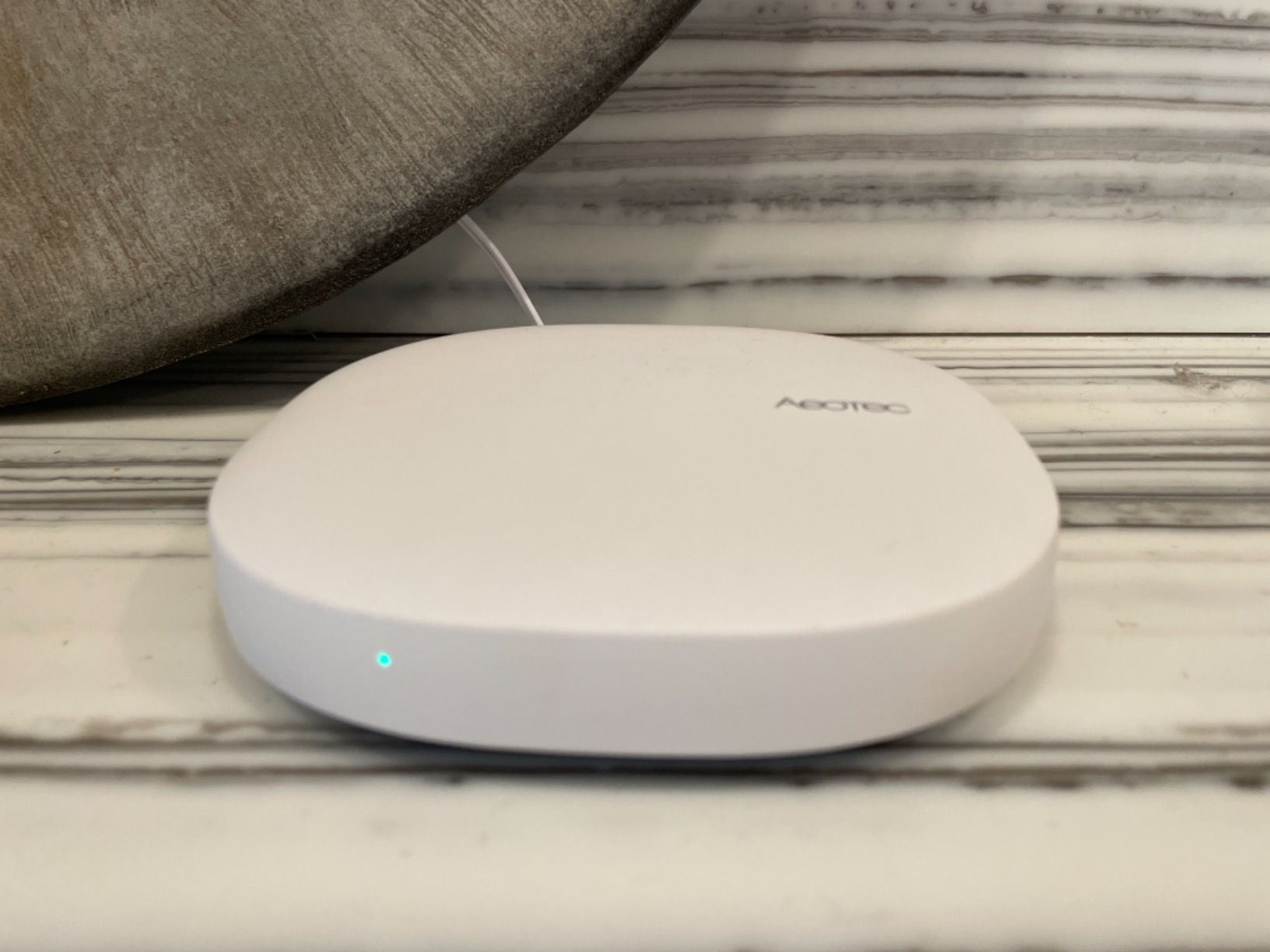
The Aeotec hub is the enthusiast choice for a house that accumulated gear over a decade. It carries Z-Wave Plus, Zigbee, Matter and Wi-Fi behind a single SmartThings interface, which is the combination that lets old Z-Wave plugs and newer Matter sensors live in the same automation.
It also speaks both Ethernet and Wi-Fi, so you can hardwire it on a shelf near the antenna or place it wherever signal demands. That matters in larger homes where a single internal radio struggles to reach the far end of the house.
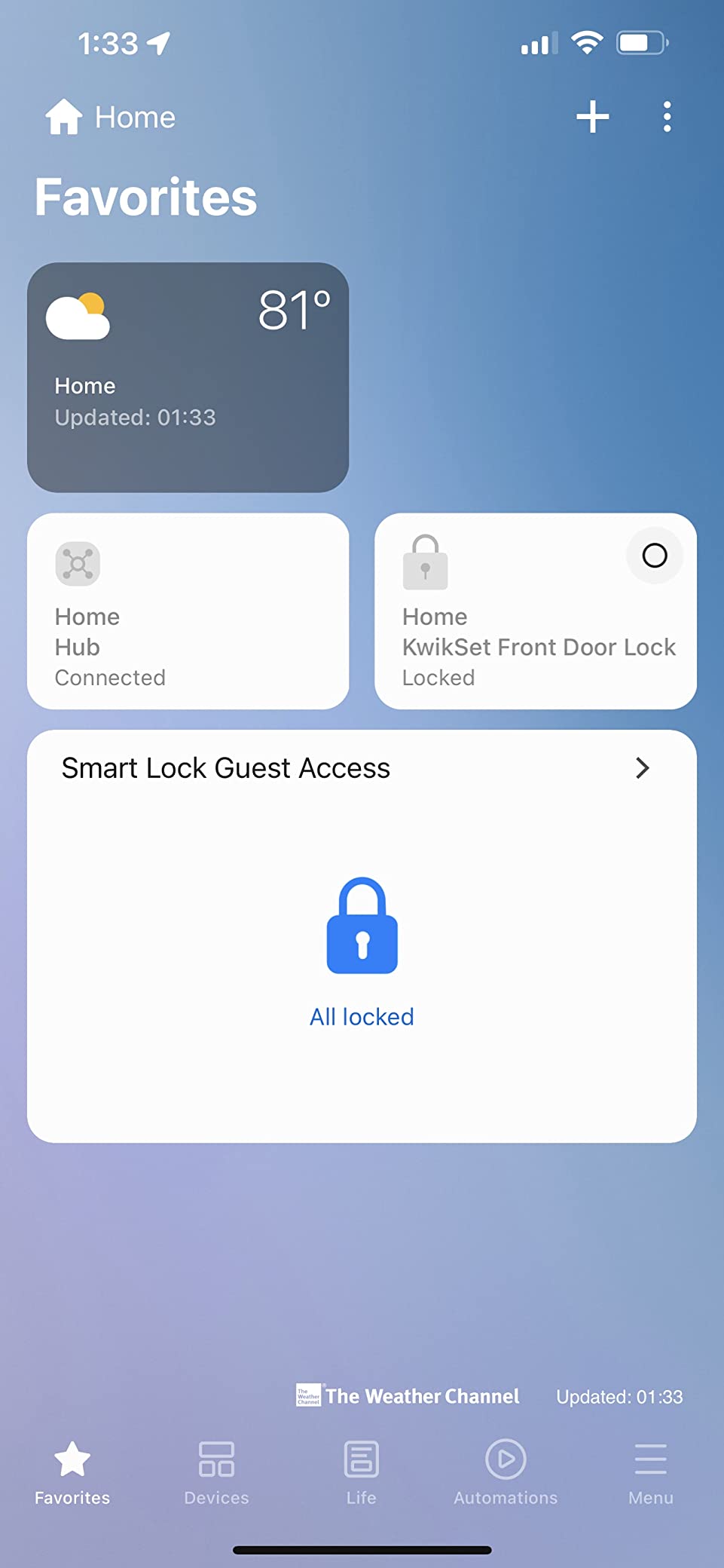
The shift toward local automation execution is well received, because rules that run on the hub answer faster and survive an outage. Owners running mixed-brand homes treat that as the reason the hub earns its shelf space.
Management happens in the SmartThings app on iOS, iPadOS or Android, so the same hub works whether Apple Home is your only interface or one of several.
What to check before buying
Check the model suffix before you buy. Z-Wave Plus is present on the V3 only, and this listing is the V3 Smart Home Hub from 2020, so the other variants are worth avoiding if Z-Wave matters to you.
Plan for configuration time. About 10 percent of ratings here are one star, and the pattern is setup and reliability friction for less technical users rather than a broken radio.
Who should skip it
Skip it if you want a simple Apple-only home. The SmartThings dependency means you will be running a second app and a second account alongside Apple Home, and that overhead only pays off when you genuinely own mixed legacy gear.
6. Apple HomePod mini – The Hub You May Already Own
Apple – HomePod mini – Black
Apple Home hub and Matter controller
Siri voice control
360 degree audio
3.9 x 3.9 x 3.3 inches
Pros
- Compact design that disappears into a room
- Deep Apple ecosystem integration with iPhone
- iPad
- Mac and Apple TV
- Siri controls Apple Home accessories naturally
- 360 degree sound with real bass for its size
- Privacy focused design
Cons
- This listing is a Renewed unit with a 90-day warranty
- Lowest review volume and a 19 percent one-star share
- Smart home control is limited to the Apple ecosystem
- No Ethernet port for hub duties
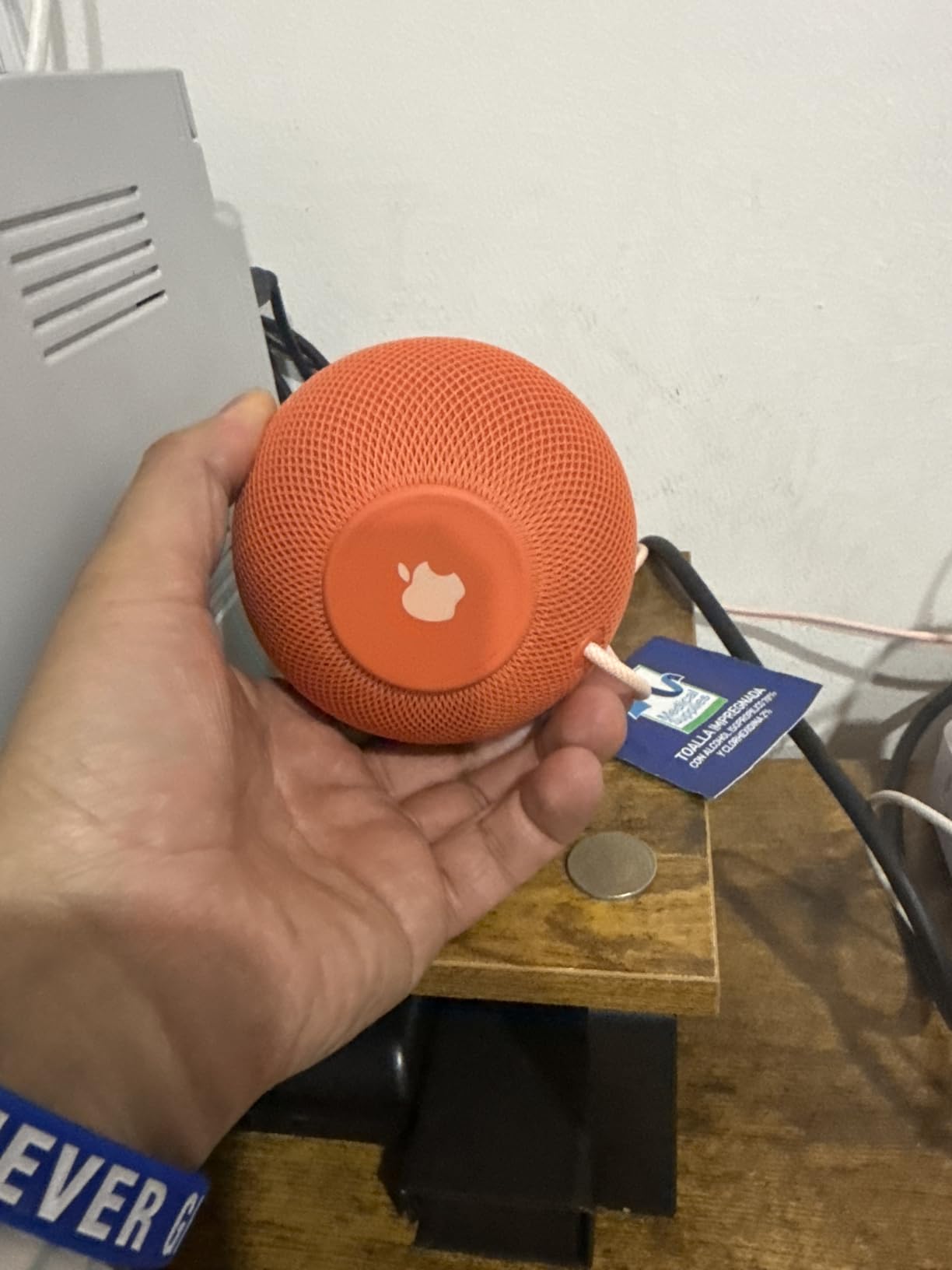
The HomePod mini is the hub to buy when your home is entirely Matter, Wi-Fi and Thread. It needs no configuration, it is the hub Apple designed the current architecture around, and it doubles as a speaker and a microphone for Siri requests.
As a bridge it is deliberately narrow. It exposes no Zigbee coordinator and no Z-Wave radio, which is why a HomePod owner asking whether they need an Aqara hub is usually asking the right question.
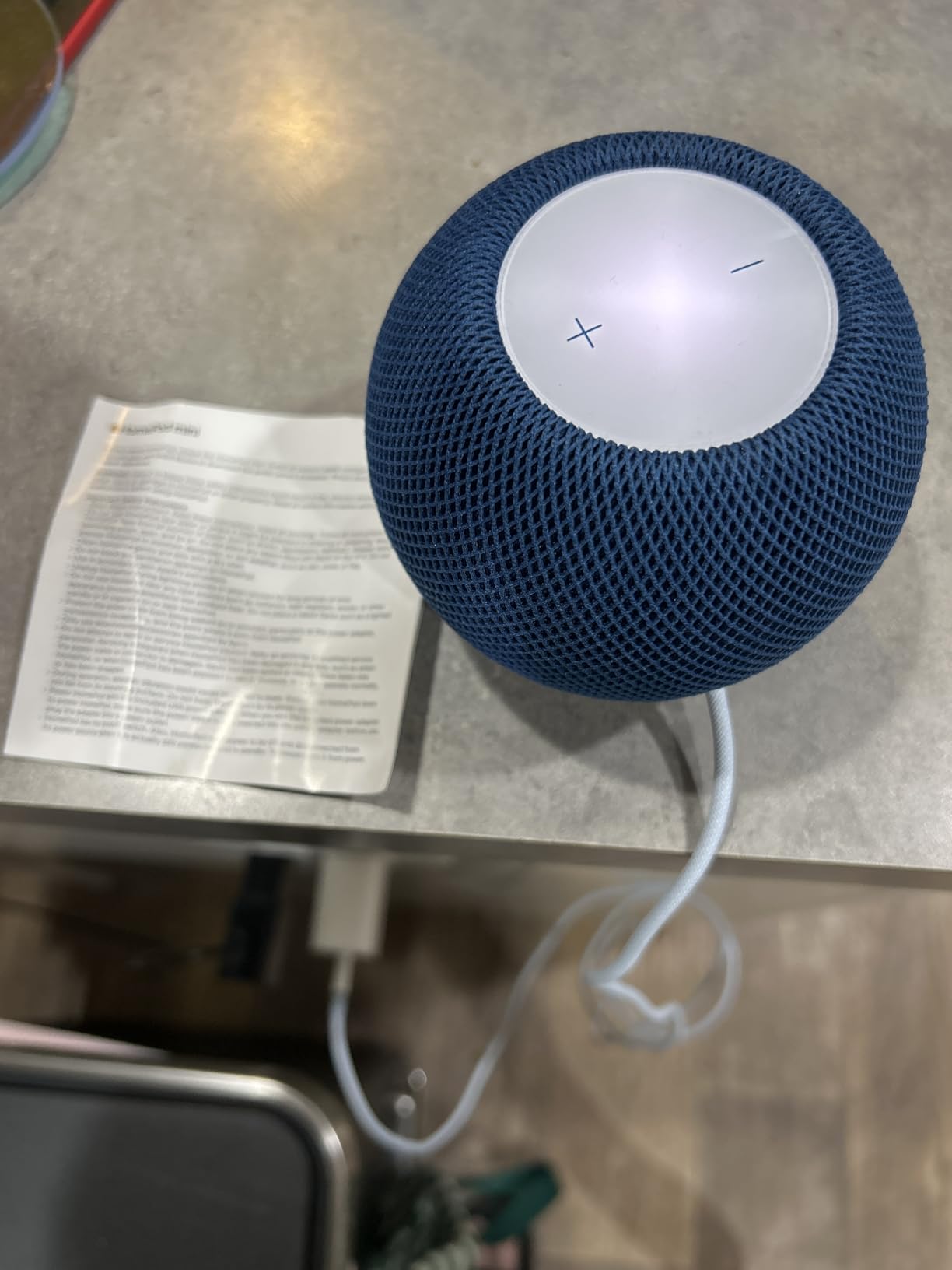
At 3.9 by 3.9 by 3.3 inches it fits a countertop or a bedside table, and it pairs with iPhone, iPad, Mac and Apple TV without ceremony. Automations, Home Key and HomeKit Secure Video all flow through the same Apple Home app.
Two things to know about this particular listing. It is an Amazon Renewed unit carrying a 90-day warranty rather than Apple’s standard cover, and it has the smallest review base in the roundup at 365 ratings with a 3.9 average and a 19 percent one-star share.
What to check before buying
Check whether you own any Zigbee devices. If the answer is yes, the mini handles your Apple accessories perfectly and does nothing for your locks, sensors and non-Hue bulbs, so budget for a bridge hub alongside it.
Check the warranty terms on whichever listing you choose. Renewed units are a legitimate saving, but the coverage here is a fraction of what a new unit carries.
Who should skip it
Skip it as a hub if you are starting from scratch and want a single box that also runs infrared, Z-Wave or third-party Zigbee. It also has no Ethernet port, so on a large home the bridge role leans on Wi-Fi where a wired hub would not.
7. Aqara Hub M100 – Smallest Way Into Apple Home for Aqara Sensors
Aqara Smart Hub M100 for Home Automation, Matter Controller, Wi-Fi
Thread border router and Matter controller
Up to 20 Aqara Zigbee and 20 Thread devices
USB-A power and data port
Local automation execution
Pros
- Smallest and most compact hub in the roundup
- Thread border router and Matter bridge for Apple Home
- Local automation keeps rules running without internet
- USB-A port accepts a power bank
- PC or router
- Works as a Thread border router to stabilise an existing network
Cons
- Handles only about 20 Zigbee and 20 Thread devices
- Zigbee limited to Aqara devices
- 5V 0.5A power adapter not included
- Matter devices reported going offline and needing a reboot
- 17 percent of ratings are one star
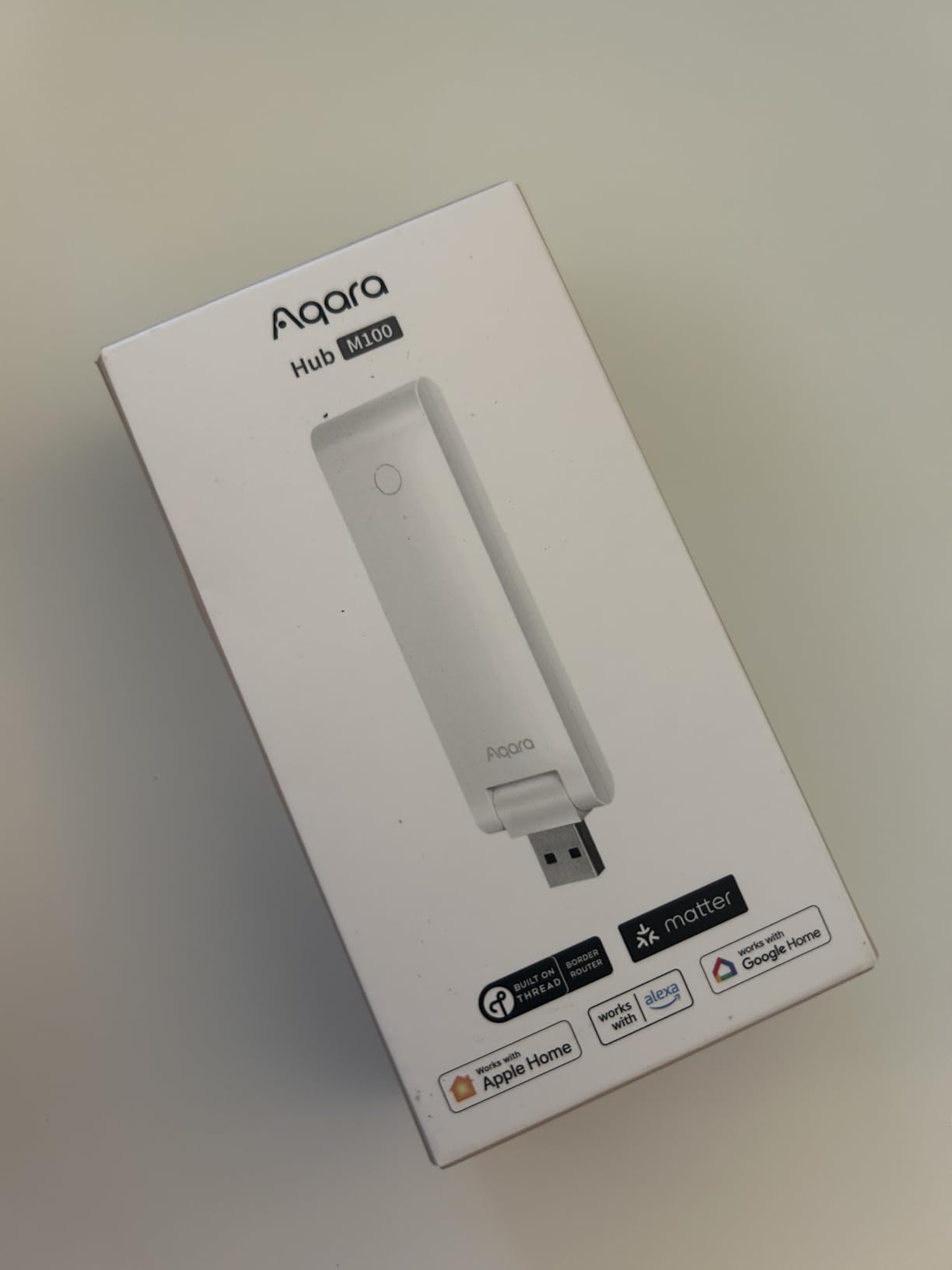
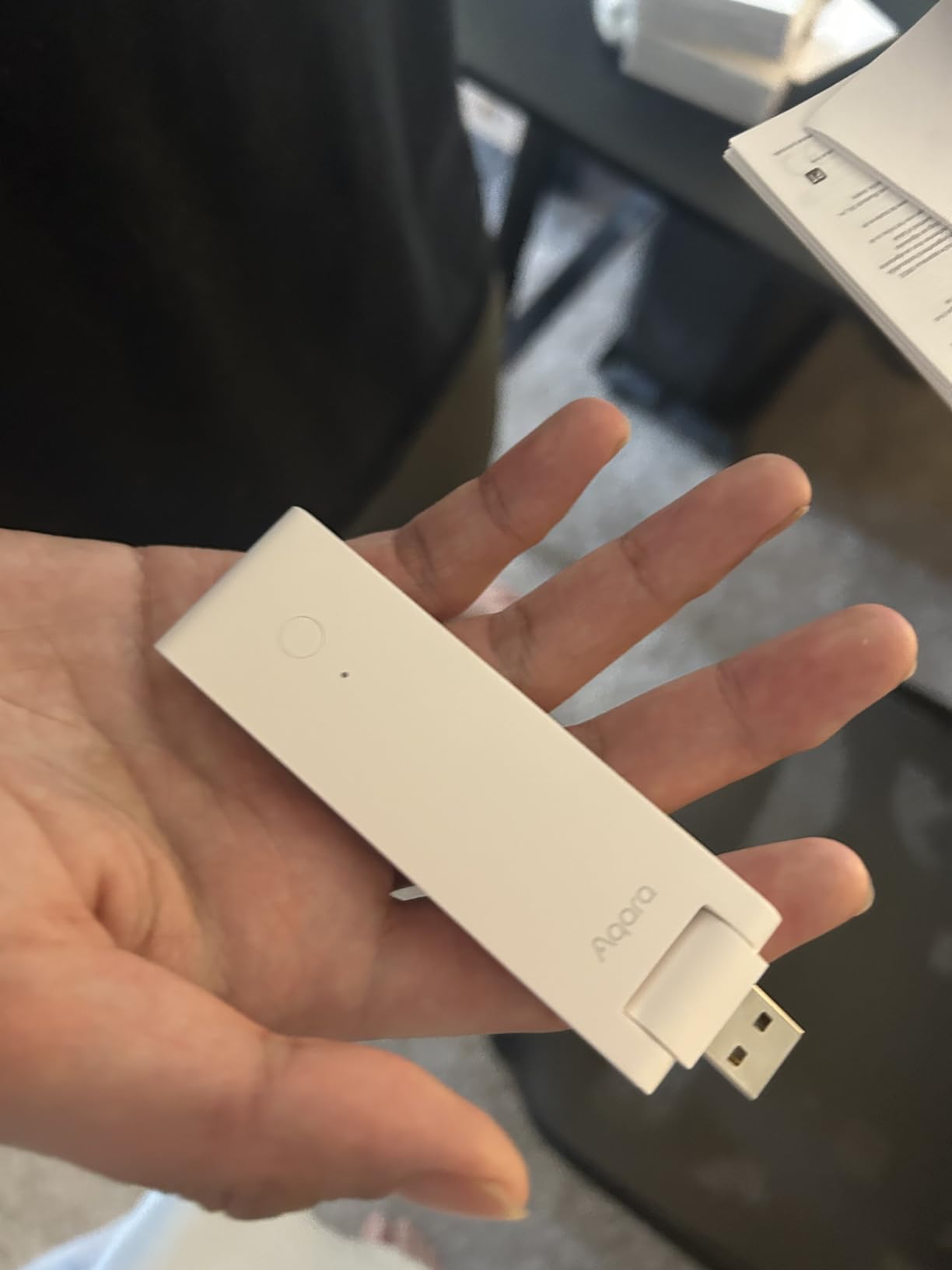
The M100 is a 20-gram stick that plugs into any USB-A port and turns a stack of Aqara sensors into Apple Home accessories. It is a Thread border router and a Matter controller, so it will also stabilise a Thread network that keeps losing devices in a large flat.
Because the port carries data as well as power, you can plug it into a power bank, a PC or a router USB port, and reach it remotely to reboot. Reviewers call that trivial access the standout feature of a very small device.
Setup runs over Bluetooth and then Wi-Fi, and owners describe it as quick and painless. Local execution means Zigbee and Matter automations continue without Wi-Fi or cloud access, which is the behaviour people expect from a bridge and rarely get.
The adjustable 210-degree shaft makes placement easy in tight spots, and coverage is documented at roughly 1,500 to 2,000 square feet with WPA3 security on 2.4 GHz Wi-Fi 6.
What to check before buying
Count your devices against the ceiling of about 20 Aqara Zigbee and 20 Thread devices. That limit is the single reason buyers outgrow it, and the full-size M3 handles far more.
Plan power and placement. A 5V 0.5A adapter is not included, the hub must stay continuously powered, and the recommended distance from the router is 6 to 19 feet for a stable connection.
Who should skip it
Skip it if you want it to run the whole house. At 17 percent one-star, the recurring complaints are Matter devices going offline until a reboot and the missing power adapter, and both get easier to handle with the full-size M3.
8. Hubitat Elevation C-8 Pro – Local Control for Large Mixed Homes
Hubitat Elevation C‑8 Pro Smart Home Hub, Local Control and Automations
Z-Wave 800 Series and Long Range
Zigbee 3.0, Matter 1.5 and Bluetooth
1,000+ devices across 100+ brands
Local automations with Wi-Fi and Ethernet
Pros
- Works with 1000+ compatible devices across 100+ brands
- Core automations process locally through an outage
- External Zigbee and Z-Wave antennas give real range
- No mandatory subscription for core automations
- Active community with custom apps and drivers
Cons
- Rule Machine has a steep learning curve with slow browser editing
- Some Z-Wave devices report wrong status until reconfigured
- App interface is widely described as clunky
- Remote access away from home needs a paid subscription
- 20 percent of ratings are one star
The C-8 Pro is built for estates rather than apartments. It works with more than 1,000 compatible devices across over 100 brands, and it does so with Z-Wave 800 Series, Z-Wave Long Range, Zigbee 3.0, Matter 1.5 and Bluetooth radios in a 2.0 GHz box with 2 GB of memory.
External antennas for both Zigbee and Z-Wave are the quiet advantage. In a large house with concrete floors, the difference between an internal and an external radio is the difference between a device that responds and one that shows No Response.
Core automations process on the hub, including during an internet outage, and it has built-in Wi-Fi plus Ethernet. Continuous software updates arrive at no charge with no paywalls, though remote access away from home is a paid subscription.
Apple Home, Alexa, Google Home and Ring cameras all integrate, so a Hubitat house can still hand its most-used devices to Siri and Home automations.
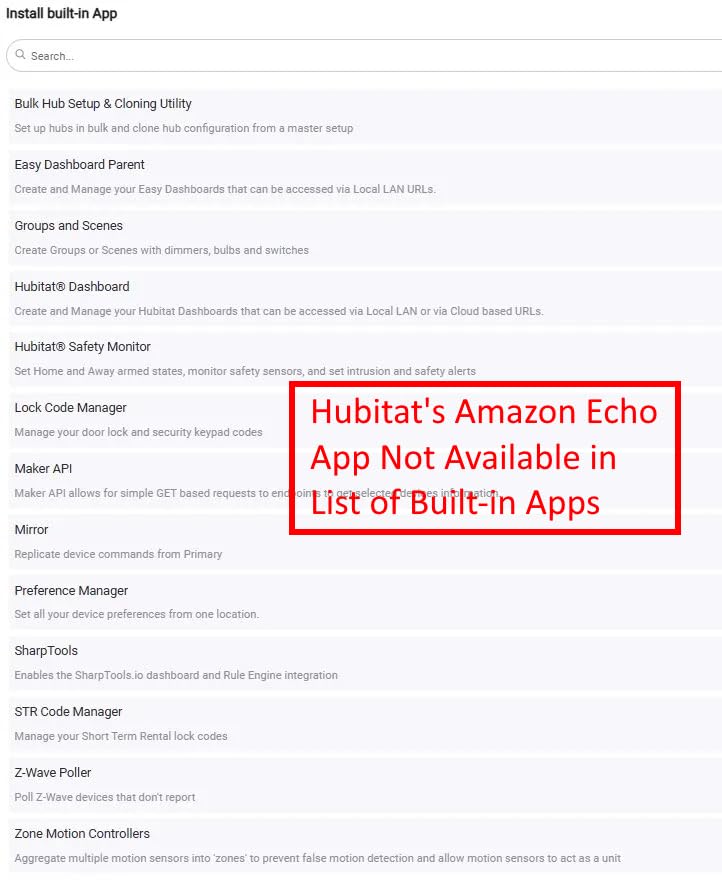
What to check before buying
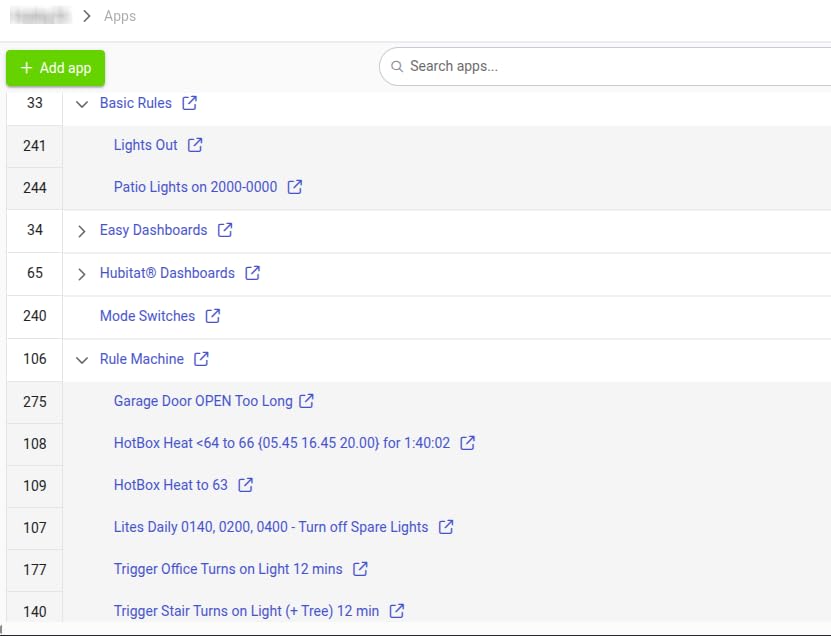
Be honest about your appetite for the rule engine. Rule Machine handles multi-trigger, condition, schedule, mode and presence logic, but it has a steep learning curve, no step-by-step wizards and slow browser-based editing on complex rules.
Read the known failure modes. Required Expressions can fail on execution lag and rules can drop conditions or hold ghost triggers, and some Z-Wave devices report an incorrect status until each one is reconfigured.
Who should skip it
Skip it if you want a polished phone app. The interface is widely described as clunky next to Home Assistant, and the 20 percent one-star share here is the highest in the roundup, driven by rule usability and paid remote access rather than hardware.
9. Homey Pro – Seven Radio Technologies in One Hub
Homey Pro (Early 2023) | Smart Home Hub for Home Automation – Features Z-Wave Plus, Zigbee, Wi-Fi, BLE, Infrared, Matter & Thread. Compatible with Siri, Alexa & Google Home.
Z-Wave Plus, Zigbee, Wi-Fi, BLE, infrared, Matter and Thread
Local-first processing
50,000+ devices from 1,000+ brands
Energy monitoring
Pros
- Seven protocols in one unit
- more than any other hub here
- Local-first processing with data stored on the hub
- Very broad brand support across 1000+ brands
- Homey Flow makes whole-home scenes easy to build
- Energy monitoring for solar and dynamic tariffs
Cons
- Lowest rating in the roundup at 3.7 with 15 percent one-star
- North American support lags behind what the interface suggests
- Some officially listed devices still do not work
- Most expensive hub in this list
- Some reports of 2023 models failing to power on
Homey Pro is the widest single box here. Seven radio technologies, local-first processing with data stored on the hub itself, and a claimed catalogue of more than 50,000 devices from over 1,000 brands using both official and community-built apps.
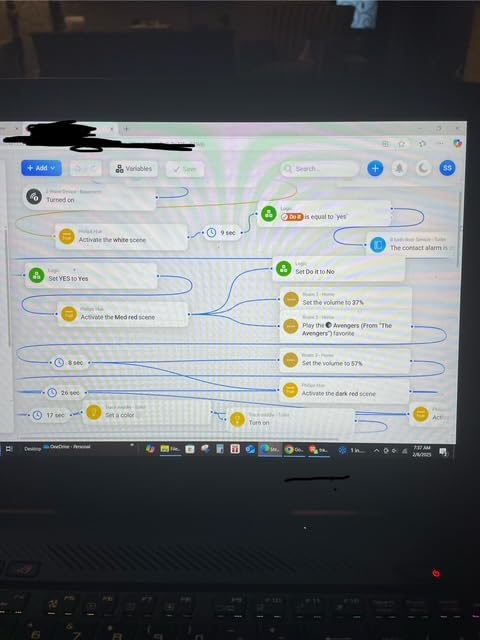
The interface is the draw. Homey Flow in the phone app makes whole-home scenes approachable, and programmers who offload logic to Node.js report sub-250ms responses that are far quicker than what the built-in engine delivers.
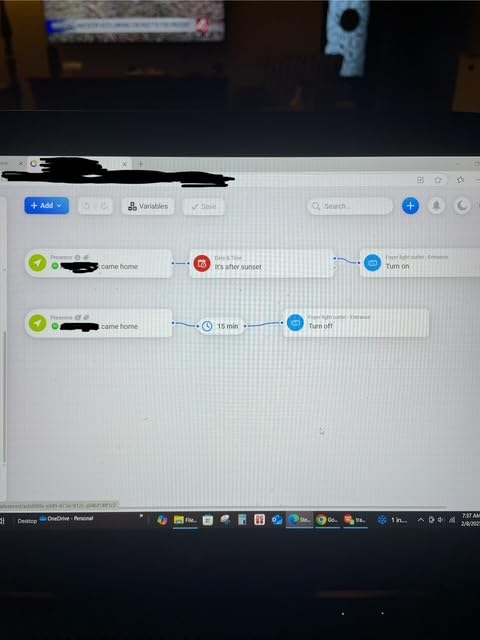
Energy monitoring is unusually mature, covering real-time and historical usage with automation for solar generation and dynamic tariffs, which is the kind of feature that justifies the tier for utility-rate households.
Siri, Alexa and Google Home compatibility is native, so the hub fits into an Apple Home setup without a bridge plugin.
What to check before buying
Check the compatibility list for your specific model and your region. North American device support lags behind what the interface suggests, and reviewers report officially listed devices that still do not work as advertised, sometimes requiring custom code.
Consider whether you are comfortable with a small community. At 185 ratings this is the thinnest review base in the roundup, and several owners migrated to Hubitat after devices failed to pair.
Who should skip it
Skip it if reliability history matters more than radio count. It carries the lowest average rating here at 3.7 with a 15 percent one-star share, and there are reports of 2023 models failing or failing to power on, which is a hardware longevity flag for a device meant to last.
10. Aqara Hub M1S Gen 2 – Alarm, Speaker and Night Light
Aqara Hub M1S Gen 2, Smart Home Bridge for Alarm System, Home Automation
Aqara Zigbee 3.0 hub for up to 128 devices
18 LED RGB night light
2-watt alarm and doorbell speaker
Built-in illumination sensor
Pros
- RGB night light
- alarm and doorbell speaker in one compact unit
- Many owners report smooth and quick HomeKit pairing
- Up to 128 Aqara devices with 33 foot range
- Illumination sensor added in this generation
- Backs all four HomeKit alarm modes
Cons
- Zigbee limited to Aqara devices and third-party dongles unsupported
- 2.4 GHz Wi-Fi only with no Wi-Fi 6
- Some owners report the hub dropping off HomeKit every few days
- Hub linking needs a QR code scan that means unplugging it
- Support experiences are widely criticised
The M1S Gen 2 is the security-focused Aqara hub. A 2-watt speaker doubles as an alarm or doorbell with customisable automations and uploadable ringtones, and the 18-LED RGB light with diffuser works as an alarm, an accent light or a night light.
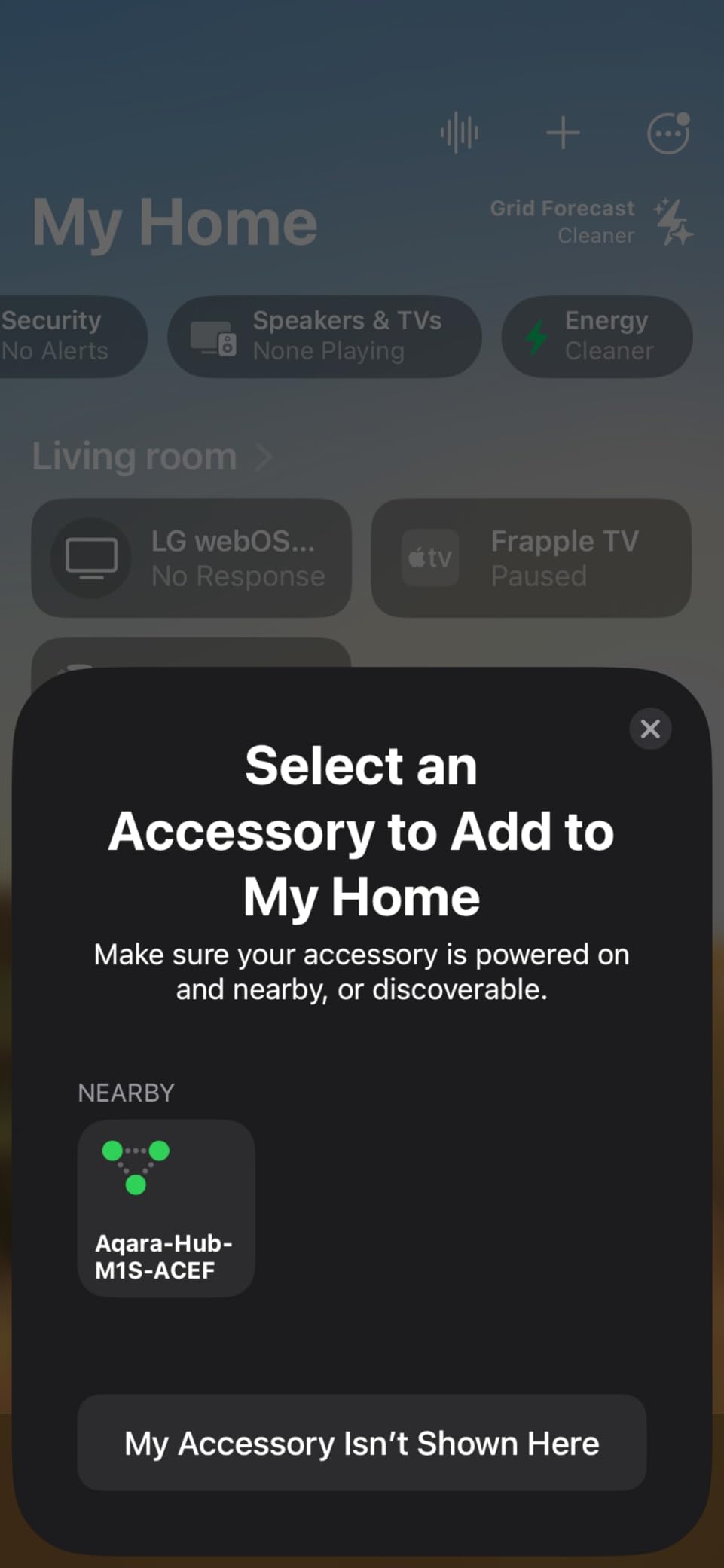
It works with the Aqara Alert System and backs all four HomeKit alarm modes, which is the feature set that makes it more than a protocol bridge. The built-in illumination sensor is new in this generation and usable in automations from the Aqara Home app.
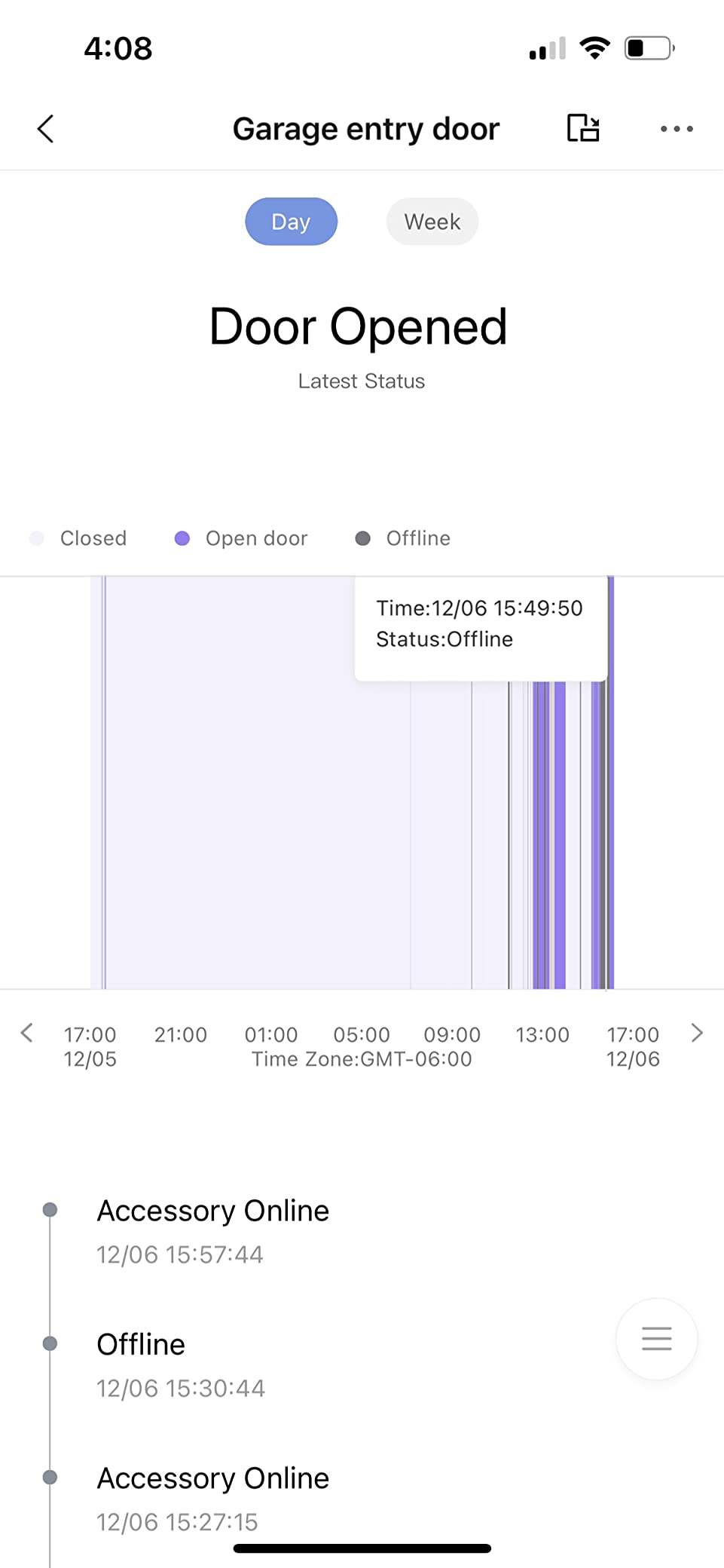
Owners on the Aqara community forums report pairing with HomeKit completing in minutes, which contradicts the difficult setup reputation the brand has carried. Range is documented at 33 feet, extendable with Aqara Zigbee repeaters, up to 128 devices.
It is a small white unit, 3.15 by 3.15 by 1.63 inches, with WPA3 Wi-Fi security on 2.4 GHz only.
What to check before buying
Check network placement carefully. It must sit within 400 inches of the router on the same LAN, and for HomeKit the Apple Home hub and your phone need to share that LAN, so a mis-placed hub shows up as intermittent rather than obvious failure.
Note the re-linking flow. Hub linking requires scanning a QR code on the back, which means unplugging the unit and resetting it, and some owners report the hub dropping off HomeKit every few days and needing exactly that reboot.
Who should skip it
Skip it if you need third-party Zigbee. Devices like Zigbee2MQTT and comparable USB dongles are not officially supported, and with 2.4 GHz Wi-Fi only and no Wi-Fi 6, it is also the older of Aqara’s current hubs.
How to Choose a HomeKit Hub: Protocols in Plain English
Choosing well comes down to one question: what radio do your accessories speak? Buy the hub that matches the gear you already own, because almost every disappointment in this category comes from buying a bridge for the wrong protocol.
Zigbee: the cheap workhorse with a catch
Zigbee is the low-power mesh radio found in the majority of affordable bulbs, sensors and locks. The catch is that it is not a shared ecosystem in the way Matter is. The Hue Bridge, the Aqara hubs and the Lutron hub all speak Zigbee, and all three refuse third-party Zigbee devices. Treat each brand’s Zigbee hub as brand-locked.
Thread and Matter: the pair that works together
Thread is a low-power mesh radio that is also IP-addressable, and a Thread border router is simply the device that connects that mesh to your home network. Matter is the application layer that runs on top, and it is the reason a new Thread bulb, a new lock and a new thermostat can all appear in Apple Home without a vendor app.
A hub that is a Matter controller runs accessories, while a hub that is a Matter bridge takes another ecosystem’s devices and re-exposes them, which is the wording the specs use and the distinction that decides whether an Aqara scene shows up in Apple Home.
Z-Wave, Wi-Fi and Bluetooth
Z-Wave is the other long-lived mesh, common in US locks, thermostats and security panels, and only the Aeotec hub, the Hubitat C-8 Pro and the Homey Pro carry it here. Wi-Fi accessories need no hub at all but eat bandwidth, so bridging switches to a Zigbee or Clear Connect mesh is a real improvement. Bluetooth covers nearby accessories and Home Key interactions, which every Apple hub handles.
Apple hubs against bridge hubs
A HomePod, HomePod mini or Apple TV is the right choice for Thread, Matter, Wi-Fi and Bluetooth homes, and it adds voice control. A bridge hub is the right choice when your accessories are Zigbee, Z-Wave or infrared, and it adds sensors, speakers and infrared that Apple hardware does not have.
Count, power and network placement
Check three numbers before buying: maximum device count, radio coverage, and how the hub is powered. Counts here run from about 20 Zigbee devices on the Aqara M100 to 1,000-plus devices on the Hubitat. For power, the Aqara M3 is the only hub with a Power over Ethernet port and a USB-C input for a mini-UPS, and the M100 runs from any USB-A port including a power bank.
Finally, put the hub 6 to 19 feet from the router and on the same LAN segment, and consider a dedicated 2.4 GHz IoT network if you already run one. Home Assistant adopters do this routinely and it removes most unexplained No Response behaviour before you start blaming the hub.
HomePod vs Apple TV vs a Bridge Hub
The HomePod is the better choice for a HomeKit hub when you want voice control and a small footprint, because it pairs with your iPhone, iPad, Mac and Apple TV with no setup and runs automations locally.
The Apple TV is the better choice if you already own one, since it is a hub with a display and a camera viewing screen attached, and it will sit in a living room where the HomePod would otherwise be the only device. It also suits homes where the hub should be near the television.
If you are choosing between the two and have no strong preference, the deciding factors are audio quality and existing hardware rather than hub performance. Both expose the same Thread border router role and the same accessory limit, and neither adds a Zigbee or Z-Wave radio, so anyone expecting either to talk to a third-party sensor is disappointed. Picking a television is a separate decision, and our smart TV roundup covers the options.
A bridge hub is the different choice entirely. It sits alongside an Apple hub rather than replacing it, and it is the only way to get Zigbee, Z-Wave or infrared devices into Apple Home.
Fixing No Response Accessories in Apple Home
No Response is the most common complaint in the HomeKit community, and the most common finding is that the hub is not the problem. One long-running setup on r/HomeKit runs an Apple TV hub with Ubiquiti gear on a dedicated 2.4 GHz IoT network and still sees random No Response, while Lutron Caseta, Ecobee and Rachio devices never fail.
Start by isolating the device. If one accessory fails while its neighbours are solid, the radio, the battery or the firmware in that accessory is the suspect, not the hub. Zigbee sensors on coin cells fail early and often.
Then check the four basics: power, distance, network segment and re-pairing. Confirm the hub sits 6 to 19 feet from the router on the same LAN, confirm the accessory still holds charge or mains power, and re-pair the failing device by scanning its code in the Home app rather than resetting the whole home.
Adding a second Apple hub is a common but blunt fix. It can help coverage in a large house, and it can also produce duplicate hub warnings and confusion about which hub owns which room, so treat it as a last step after the basics. If your monitoring cameras are part of the problem, our camera and monitor roundup covers the reliability angle.
Frequently Asked Questions
Which hub is best for Apple HomeKit?
The Philips Hue Bridge is the best hub for Apple HomeKit for most people, because it holds a 4.5 rating across more than 11,000 reviews, keeps Hue lights working when the internet drops, and appears in the Home app as a standard accessory. If your accessories are Lutron switches, the Caseta hub is faster. If they are mixed Z-Wave, Zigbee and Matter devices, the Aeotec Smart Home Hub is the broadest bridge.
Do I need a hub for Apple HomeKit?
You need a hub for Apple HomeKit if you want automations to keep running during an internet outage, if you want Home Key and remote access to behave reliably, or if you own any Zigbee or Z-Wave accessories such as Hue lights, Aqara sensors or Lutron switches. If you already own a HomePod, a HomePod mini or an Apple TV connected to the Home app, you already have a hub for Thread, Matter, Wi-Fi and Bluetooth devices.
Is the HomePod a better choice for HomeKit hub than Apple TV?
The HomePod is the better choice if you want voice control and a compact speaker, and the Apple TV is the better choice if you already own one or want the hub to live in the living room. As hubs they perform the same job: both route accessories, run automations locally and act as a Thread border router. Neither includes a Zigbee or Z-Wave radio, so neither can bridge third-party non-Matter devices.
Is Apple releasing a new home hub?
Apple has not announced a dedicated HomeKit hub box separate from its existing devices. The hub role in the current architecture is filled by the HomePod, the HomePod mini and the Apple TV, all of which are Thread border routers and Matter controllers. The practical change buyers should know about is the Home architecture update in iOS 18.2, which made a home hub a required setup step and moved accessory pairing away from the cloud.
Does Apple HomeKit work with Aqara?
Yes, Apple HomeKit works with Aqara, and Aqara sensors are among the most reliable HomeKit devices owners report. The catch is that Aqara sensors must pair with an Aqara hub first, because the Zigbee radio inside the Aqara M3, M100 and M1S hubs only accepts Aqara devices, not third-party Zigbee products. Once paired, the accessories appear in the Apple Home app and behave like any other HomeKit device.
Which Aqara hub is the best?
The Aqara Hub M3 is the best all-round Aqara hub, handling up to 127 Aqara Zigbee devices and 127 Thread devices with local Edge automations, a Matter bridge, infrared and a Power over Ethernet port. The Aqara Hub M100 is the best small option, handling about 20 Zigbee and 20 Thread devices from any USB-A port. The Aqara Hub M1S Gen 2 is best for alarm and night light use at up to 128 devices.
What smart devices work with Apple HomeKit?
Any device certified for Matter works in Apple Home without a bridge, along with Wi-Fi, Thread and Bluetooth accessories. Zigbee and Z-Wave devices need a bridge hub, and most brands lock their bridge to their own hardware, so a Hue bulb needs the Hue Bridge and an Aqara sensor needs an Aqara hub. Lutron Caseta switches, HomeKit Secure Video cameras, Home Key locks and energy monitors all work with the right hub in place.
Can I still use an iPad as a HomeKit hub?
Legacy HomeKit support ended on February 10, 2026, and older iPads that were serving as a home hub stopped working as part of that change. The practical replacements are a HomePod, a HomePod mini or an Apple TV, all of which fill the hub role in the current Home architecture. If your accessories are Zigbee, add a bridge hub such as the Aqara M3, the Hue Bridge or the Lutron Caseta hub alongside it.
The Best Smart Hubs for Apple HomeKit in 2026: The Final Word
The Philips Hue Bridge takes our top spot for the best smart hubs for Apple HomeKit because reliability over a decade of reviews beats any feature list. If your home is Lutron switches and shades, the Caseta hub is faster than anything else here. If you run Aqara sensors, locks and lights, the M3 is the most capable bridge, and the M100 covers a small flat for very little.
Check what radio your accessories speak before you buy anything, and buy the hub that matches the gear already on your walls rather than the one with the longest specification list.