
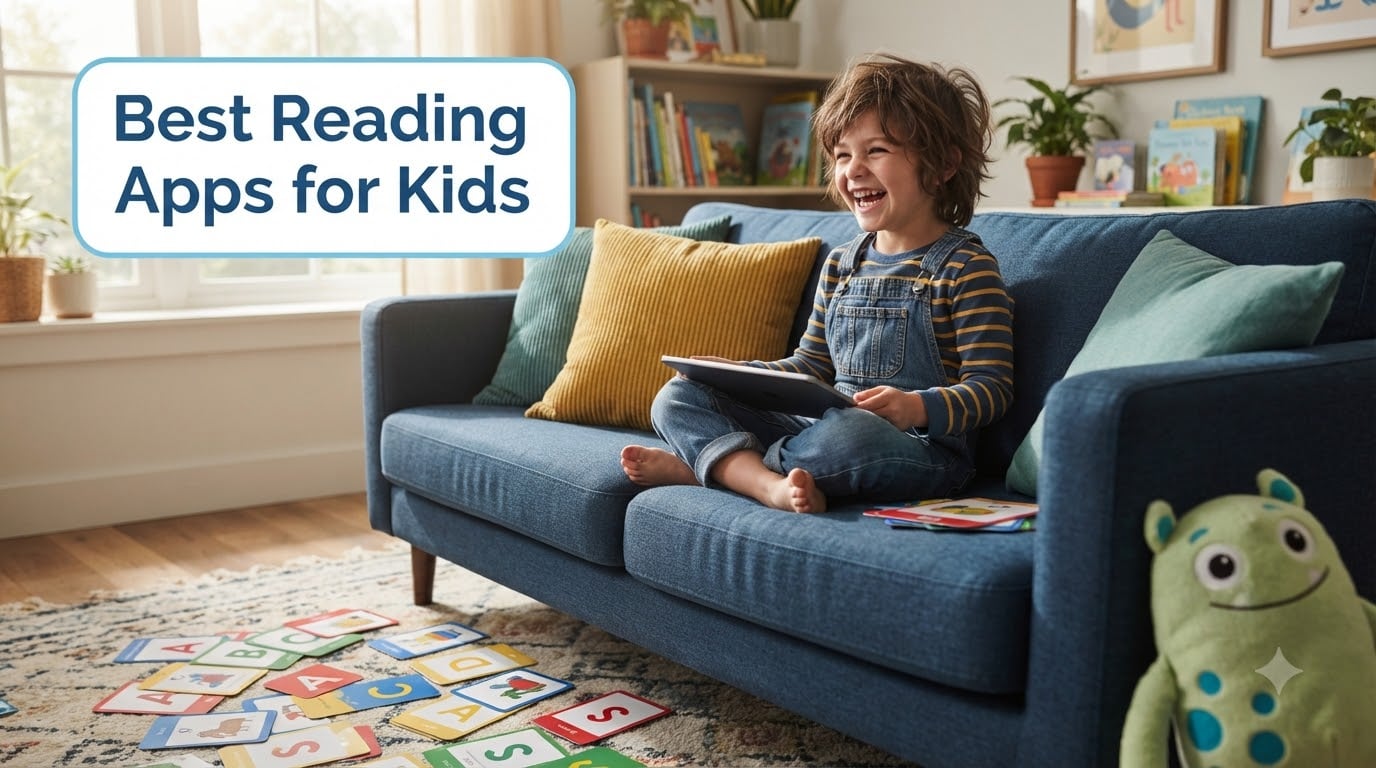
I remember the day my daughter sounded out her first word on a screen. It was “cat,” and she looked up at me with wide eyes like she had just performed magic. We had spent months wrestling with paper books. The right app changed everything.
After testing more than 20 learn-to-read apps over the past year with my own kids and a small group of homeschool families, I’ve narrowed down the best reading apps for kids worth your time and money. Some are free, some are subscription-based, and each one teaches something different. This guide breaks down what actually works in 2026 so you don’t waste hours downloading duds.
The apps below cover phonics instruction, sight word practice, spelling, and full curriculum learning. I’ve included options for toddlers, kindergarteners, and elementary-aged children. There’s also a buying guide near the end to help you pick based on your child’s needs.
Table of Contents
Top 3 Picks for Best Reading Apps for Kids

These three cover most families. ABCmouse is the full curriculum choice if you want one app that handles reading plus math and science. Teach Your Monster to Read delivers serious phonics instruction for a single price. ABC Kids Tracing is the free pick that genuinely teaches without ads or upsells.
Best Reading Apps for Kids in 2026
| Product | Specs | Action |
|---|---|---|
| ABCmouse Early Learning Academy |
|
Check Latest Price |
 ABC Kids Tracing & Phonics ABC Kids Tracing & Phonics |
|
Check Latest Price |
 HOMER Reading: Learn to Read HOMER Reading: Learn to Read |
|
Check Latest Price |
| Teach Your Monster to Read |
|
Check Latest Price |
 Wonster Words Wonster Words |
|
Check Latest Price |
 Sight Words Pre-k to 3rd Grade Sight Words Pre-k to 3rd Grade |
|
Check Latest Price |
1. ABCmouse Early Learning Academy in 2026 – Best Full Curriculum Option
Early Learning Academy
Full curriculum ages 2-8
10,000+ activities
Ticket reward system
Pros
- Truly comprehensive curriculum
- Easy for young children to navigate
- Offline lessons available
- Supports multiple kid profiles
- Motivating reward tickets
Cons
- Subscription adds up fast
- Reading and math levels are locked together
- Animations can feel slow
- Cancellation is frustrating
- Some content too easy
My family has used ABCmouse for over two years, and it remains the gold standard for early learning apps. The structured learning path walks children ages 2-8 through reading, math, science, art, and music. The lesson order is intelligent. It builds skills progressively rather than throwing random content at kids.
The reading component covers letter recognition, phonics, sight words, and full sentences. My daughter completed the kindergarten reading track by age five and was reading simple chapter books within months. Each lesson is short enough to hold a young child’s attention but substantial enough to teach something.
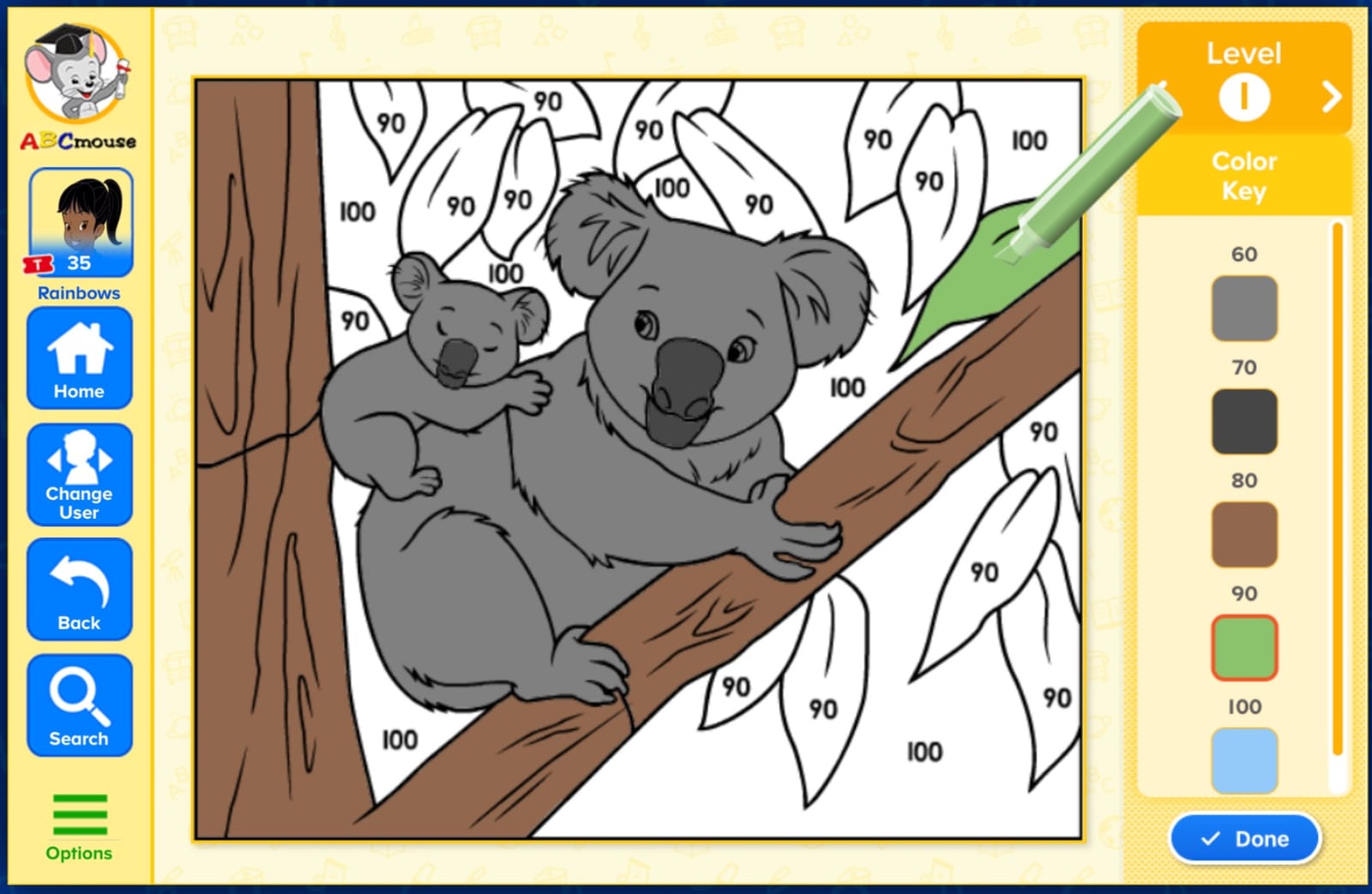
What I appreciate most is the parent dashboard. I can see exactly which activities my kids completed, how long they spent, and what concepts they worked on. The ticket reward system works surprisingly well for motivation, even on kids who resist other learning tools.
The major downside is cost. At $9.99/month, it adds up fast for budget-conscious families. The other issue is that reading and math tracks are interlinked, so you can’t fully customize the curriculum. If your child is advanced in reading, they still get math lessons at their level rather than skipping ahead.
I have noticed the cancellation flow feels intentionally difficult, with multiple upsell screens. The animations also load slower than newer apps. For parents who want one app to handle multiple subjects for kids ages 2-8, ABCmouse still delivers the most complete experience.
Who It’s Best For
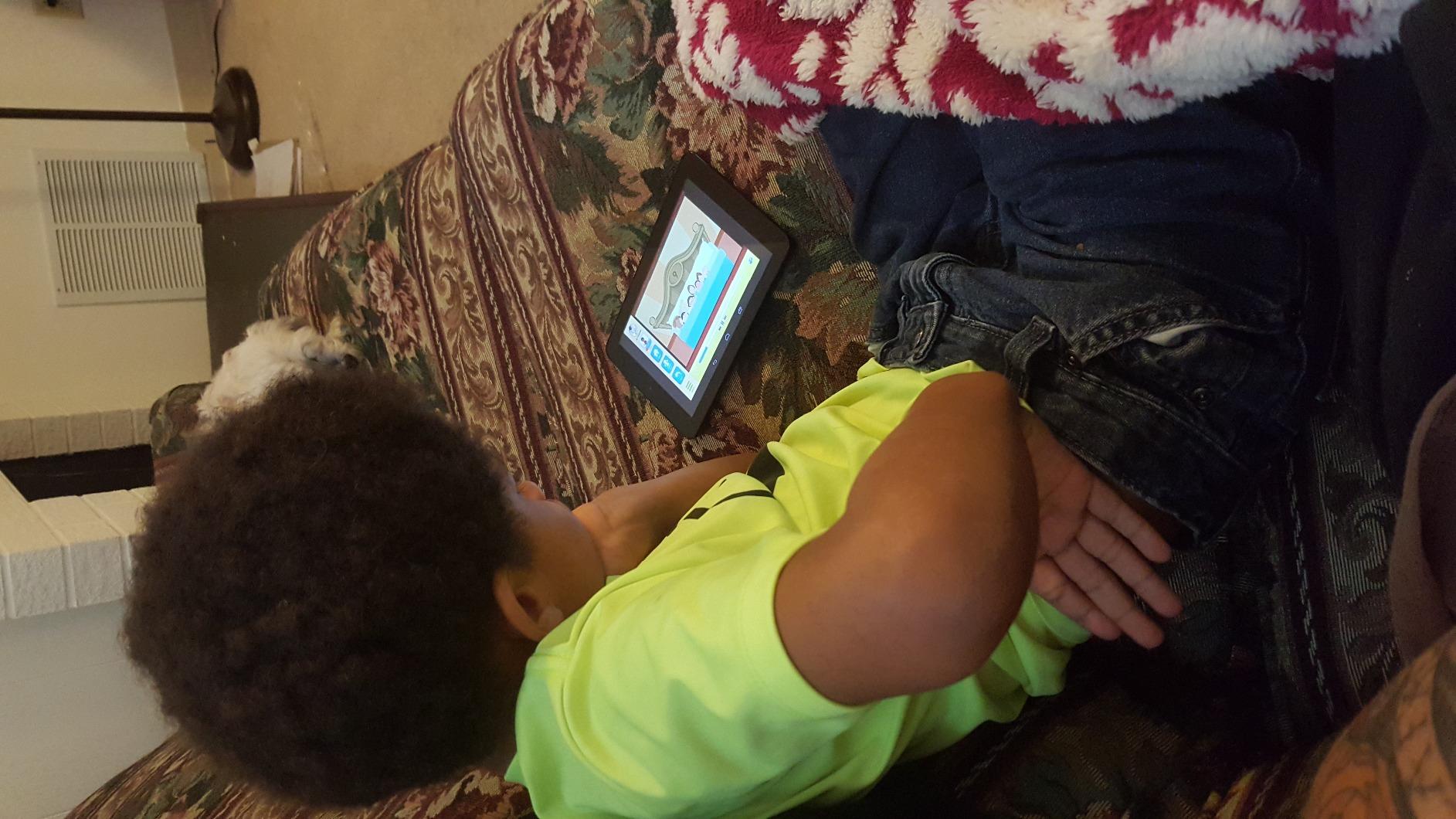
Families with children ages 2-8 who want one subscription covering multiple subjects. Parents who value structure and want clear progress reports will appreciate the parent dashboard. It’s also great for families with multiple children since it supports up to three profiles per account.
Families homeschooling multiple subjects will benefit from the integrated curriculum. If you only want phonics instruction or have an older child specifically struggling with reading, this might be overkill.
What Could Be Better
The monthly subscription price is the biggest hurdle for many families. The cancellation process is designed to keep you subscribed with several pages of special offers before you can finally leave. Some activities at higher levels remain basic even when children are ready for more challenge.
Children who need focused phonics intervention may find the reading instruction too general. The app prioritizes fun and breadth over drilling specific literacy skills.
2. ABC Kids – Tracing & Phonics in 2026 – Best Free Option
ABC Kids – Tracing & Phonics
Free with no ads
Letter tracing and phonics
Ages 2-5
Pros
- Completely free with zero upselling
- Simple tracing activities build motor skills
- Helps kids learn letter names and shapes
- Colorful animations keep kids engaged
- No internet required after install
Cons
- Can feel repetitive after extended use
- Focuses on letter names more than phonics sounds
- Limited variety of activities
- Letter tracing can occasionally glitch after updates
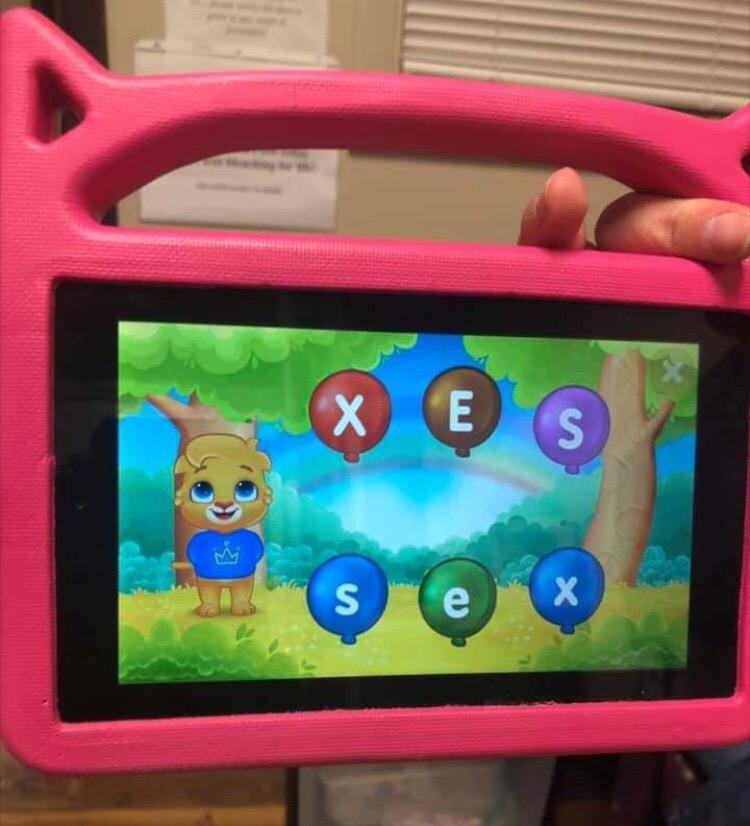
I downloaded ABC Kids for my son’s tablet during a long road trip. It became our go-to “no nag” learning app. There are no ads, no in-app purchases, and no requests for subscriptions. That alone makes it noteworthy in a category where free usually means ads every 30 seconds.
The app focuses on letter tracing and basic phonics for ages 2-5. Each letter has its own activity with tracing, identifying, and sound games. Kids earn stars and unlock new content as they progress. The interface is bright and friendly without being overwhelming.
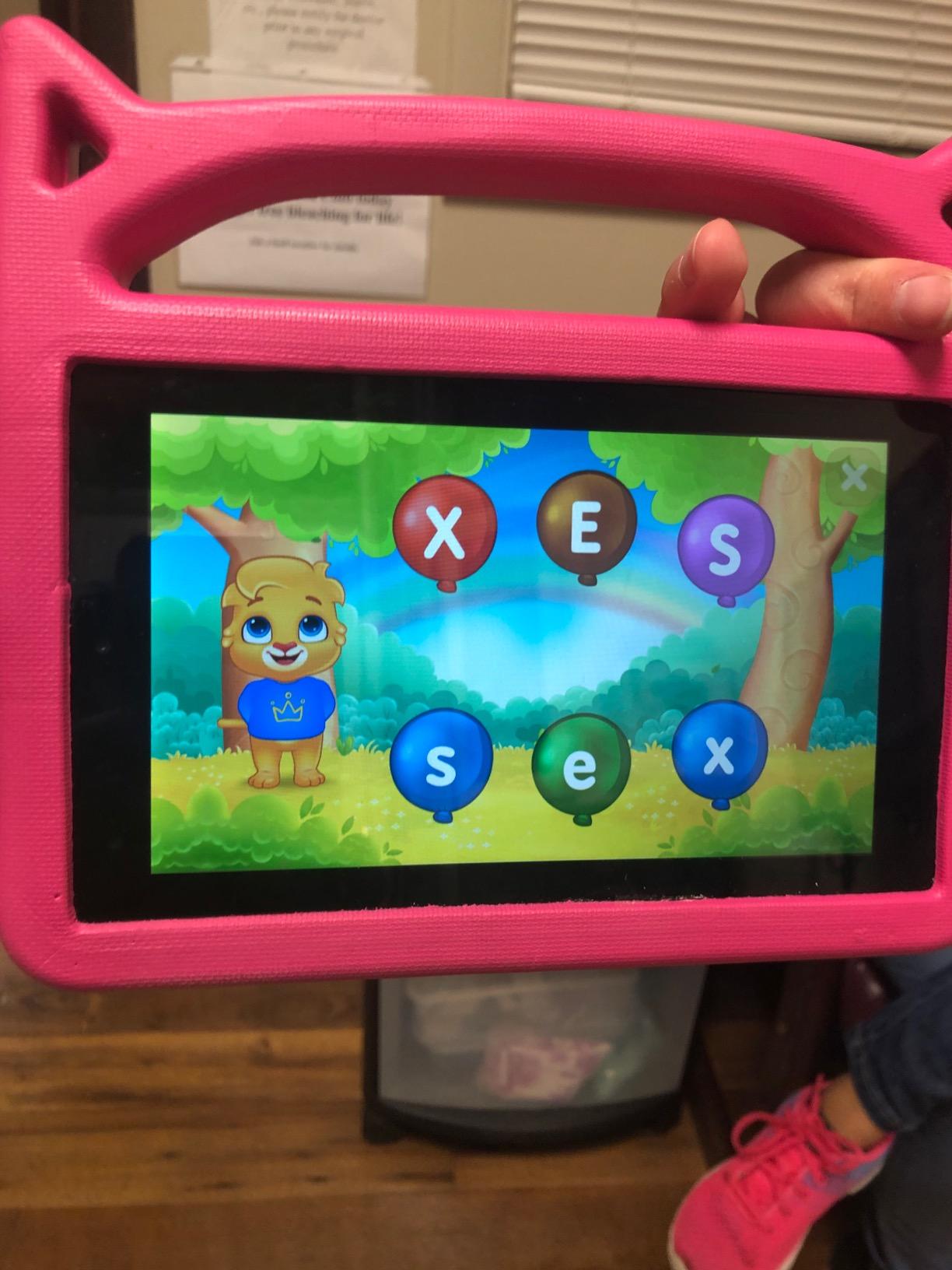
My son learned all his uppercase letters within a few weeks of casual play. The tracing helped his handwriting too. I appreciated that the app doesn’t try to be everything. It teaches letters and sounds, that’s it.
The downside is limited depth. Once kids know their letters, the app loses its value quickly. It also teaches letter names more than the phonics sounds kids need for decoding. For example, your child will learn that “B” is “bee” rather than the /b/ sound.
There’s also some repetition built into the design. After a few weeks, kids might cycle through the same activities. The tracing mode occasionally freezes after major updates, which seems to be a known bug with this app.
Who It’s Best For
Parents with toddlers and preschoolers who want a free, no-pressure introduction to letters. Families who want one app to use offline during travel or appointments will appreciate that it doesn’t require constant internet. It’s also great for kids who resist structured learning but enjoy games.
Anyone avoiding subscription fatigue or advertising will love the zero-upsell model. This is one of the rare free educational apps that respects children and parents equally.
What Could Be Better
Children who already know their letters will quickly outgrow this app. The phonics instruction is light compared to dedicated phonics programs. There’s no progress tracking for parents, so you’ll have to observe your child to know what they’ve learned.
Kids who need letter sound practice for reading will need a more focused program. The current scope is essentially alphabet recognition and basic tracing.
3. HOMER Reading: Learn to Read in 2026 – Best for Personalized Learning
HOMER Reading: Learn to Read
Personalized learning path ages 2-8
Phonics plus stories
Progress tracking
Pros
- Personalized to each child's level
- Engaging for kids with ADHD
- Strong phonics and sight word instruction
- Stories children actually want to read
- Works across phones and tablets
Cons
- Marketed as free but needs paid subscription
- Fire tablet integration is clunky
- Can be slow on older devices
A mom in our homeschool co-op recommended HOMER for her son with ADHD. Within four months, that child went from refusing books to reading four-letter words independently. I had to try it with my daughter, and we saw similar results.
HOMER stands out because it truly personalizes. The app assesses your child’s level and then adjusts lessons as they progress. The content includes phonics, sight words, reading comprehension, writing, and speaking activities. The story selection is wide enough that even reluctant readers find something they want to read.
What I noticed in my daughter was how the app held her attention without being overwhelming. The pace felt right, and the rewards came often enough to keep her engaged. The parent progress reports showed clear growth in phonics skills over a few weeks.
The honest issue is the “free” marketing. The app advertises itself as free but locks most meaningful content behind a paid subscription. That’s a common practice but frustrating when you download expecting a fully functional free version.
The Amazon Fire tablet experience has rough edges. Subscription purchases only work through the parent profile, which makes sense for child safety but creates friction. The app also occasionally freezes during loading on older Fire devices.
Who It’s Best For
Parents of children ages 2-8 who want a learning app that adapts to their child. Kids with ADHD, attention challenges, or learning differences often respond well to HOMER’s engagement style. It’s also great for families who want one app to grow with their child across multiple years.
Homeschool families will appreciate the clear scope and sequence backed by research. Parents who want detailed progress reports will find the parent dashboard useful.
What Could Be Better
The pricing model can be confusing. Many parents expect a free app and then discover the subscription is needed for full access. The Fire tablet experience needs improvement to match the iOS and Android versions.
Children who need intensive phonics intervention might need a more focused program. HOMER covers a wide age range but with less depth than apps targeting specific levels.
4. Teach Your Monster to Read in 2026 – Best Phonics Adventure
Teach Your Monster to Read | Phonics and Learn to Read
Three progressive phonics stages
One-time purchase
Progress tracking
Pros
- No hidden costs or in-app purchases
- Three stages from sounds to sentences
- Progress visible through companion website
- Easy to pick the right starting level
- Strong engagement with custom monster character
Cons
- British pronunciation differs from American English
- Some curriculum doesn't match US standards
- Amazon Kids profile setup can confuse parents
Teach Your Monster to Read came from a collaboration between the UK government and reading experts. After using it with my daughter, I understood why teachers consistently recommend it. The app uses phonics in a way that actually maps to how children learn to read.
The structure has three stages that mirror how reading develops. Stage one teaches letter sounds. Stage two combines sounds into words. Stage three moves into full sentences and short stories. Children create and customize a monster character that grows with them across all stages.
What I appreciated was the calibration. My daughter started at stage one even though she knew letters, and the progression felt natural. The mini games are genuinely fun rather than busy work. The companion website lets parents see detailed progress for each game and concept.
The one-time price model is refreshing. No subscription to worry about canceling. The app works offline once installed. There’s no upsell inside the program.
The main caveat is the British accent. Letter sounds are pronounced British-style, which can confuse kids learning American English phonics. For example, the letter “a” gets the /ah/ sound rather than the /ay/ sound American programs teach.
Setting up with Amazon Kids profiles is also more complicated than it should be. Some features require creating an account on the companion website first. These are minor friction points but worth knowing about.
Who It’s Best For
Parents who want serious phonics instruction grounded in the Orton Gillingham approach. Children ages 4-7 will get the most out of the three-stage structure. It’s also great for struggling readers who need a clear progression model.
Families tired of subscriptions will love the one-time purchase model. Kids who love games and customization will bond with their monster character.
What Could Be Better
The British pronunciation is a real issue for American families. The app would benefit from a US English audio option. The setup process could be simpler, especially for parents using Amazon Kids profiles.
Children who already know how to read may find stage one too basic. The starting level selector helps but requires parents to assess their child correctly first.
5. Wonster Words in 2026 – Best for Spelling and Vocabulary
Wonster Words: ABC, Phonics, and Spelling for Kids
Letter sounds and spelling
Anime videos explain words
Ages 3-7
Pros
- Sounds out letters as children touch them
- Builds both reading and spelling skills
- Vocabulary videos explain word meanings
- Silly characters keep kids engaged
- Drag-and-drop builds motor skills
Cons
- Characters can distract during long sessions
- Full price is high for what you get
- Subscription unlocks full content
- Some advanced concepts confuse younger kids
Wonster Words surprised me. I expected a typical spelling app, but it uses animations and puzzles in a way that builds real understanding. My daughter learned to spell “rocket” and remembered it because of the silly animated video that explained it.
The app teaches letter sounds, consonant blends, and full word building. Children drag letters to spell words. The audio feedback sounds out each letter as kids touch them, which helps connect sounds to letters. Mini games break up the spelling work.
What makes Wonster Words different is the focus on meaning. After spelling each word, kids watch a short animated video showing the word in context. This builds vocabulary alongside spelling. Children who finish the program have stronger word understanding than kids who only memorize spelling lists.
The characters are cute but can feel over-the-top during longer sessions. The full unlock price is high if you use the free trial. The subscription model kicks in after the trial ends.
Some consonant blend concepts, like “sh” and “ch,” can confuse children under four. Parents should watch their child during early sessions to see if the difficulty matches.
Who It’s Best For
Children ages 4-7 who need help with spelling and vocabulary together. Kids who love animations and silly characters will engage deeply with this app. It’s also great for visual learners who benefit from seeing word meanings demonstrated.
Parents who want one app to teach both spelling and vocabulary will appreciate the combined approach. Families who already know basic phonics and want the next step will find this useful.
What Could Be Better
The price after the free trial is steep for what you get. The characters and animations, while engaging, can distract some children from the actual learning. The lesson structure assumes some phonics knowledge already.
Very young children under three won’t get much from the spelling focus. There are better options for toddlers just learning their letters.
6. Sight Words: Pre-k to 3rd Grade in 2026 – Best for Sight Word Practice
Sight Words: Pre-k to 3rd Grade, Reading Games, Best Sight Word Games For Kids
Sight words Pre-k to 3rd grade
Multiple profiles
No ads
Pros
- Covers essential sight words by grade level
- Multiple profiles work for siblings
- Parental controls set appropriate levels
- Stickers and certificates motivate kids
- No ads in the app
Cons
- Not a comprehensive reading program
- Too basic for strong 3rd grade readers
- Setup required before kids can play
- Cannot print certificates without printer
Sight words (those common words kids need to recognize instantly, like “the,” “and,” “is”) are a huge part of early reading. This app drills them effectively. My daughter’s teacher recommended it, and we saw real improvement in her reading fluency within a month.
The app organizes words by grade level from pre-kindergarten through third grade. Parents set the appropriate level based on their child. Multiple child profiles mean each kid in the family gets content matched to their needs.
What works here is focus. The app doesn’t try to teach everything. It teaches sight words through games, flashcards, and sentence practice. Kids earn stickers and printable certificates, which gives them something to work toward.
The reward system felt satisfying for my daughter. She got genuinely excited about earning new stickers. The certificate feature is a nice touch, but printing them requires a printer, which not everyone has.
This app won’t teach your child to read on its own. It’s a sight word supplement, not a full reading program. Strong third graders will find it too basic. Setup requires a parent to configure levels before kids play.
Who It’s Best For
Children in pre-k through second grade who need specific sight word practice. Families with multiple kids at different levels will appreciate the profile system. Parents who want a focused supplement to other reading instruction will find this useful.
Homeschool families building a complete reading curriculum will use this alongside a phonics program. Teachers looking for sight word reinforcement tools will appreciate the grade-level organization.
What Could Be Better
The app is intentionally narrow. It teaches sight words well but doesn’t cover phonics, comprehension, or other reading skills. Parents need to combine it with another program for complete reading instruction.
Older children in third grade or beyond won’t get much challenge from this content. The setup process requires parent involvement before kids can use the app independently.
Buying Guide: How to Choose the Best Reading Apps for Kids
Choosing between the best reading apps for kids depends on several factors. Here are the most important things to consider before you commit to a subscription or download.
Match the App to Your Child’s Age
Reading apps target specific age ranges. Apps built for toddlers and preschoolers focus on letter recognition and basic sounds. Kindergarten apps add sight words and simple sentences. Elementary apps tackle comprehension, fluency, and more complex phonics.
Choosing outside your child’s age range usually leads to frustration or boredom. A five-year-old using a second-grade app will likely struggle and lose interest. A seven-year-old using a toddler app will be bored within minutes.
Most apps in this list cover ages 2-8, which is the sweet spot for learning to read. For older struggling readers, look for programs that focus on specific skill gaps rather than general early reading content.
Consider the Phonics Methodology
The science of reading has shifted toward systematic phonics instruction. Look for apps that teach letter-sound relationships explicitly rather than relying on memorization or whole-word approaches.
Apps like Teach Your Monster to Read use structured phonics aligned with evidence-based methods. Apps focused only on sight words, while helpful as a supplement, won’t teach your child to decode new words independently.
The best apps combine phonics with sight word practice, comprehension, and writing. Children need multiple skill streams to become fluent readers.
Decide Between Free and Paid Options
Free reading apps exist and genuinely teach, like ABC Kids Tracing. But most quality apps require a subscription for full access. Here’s how to evaluate the cost.
A subscription around $10 per month costs $120 per year. For one child, that’s a meaningful expense. For multiple children, it can be a budget stretch. Look for apps offering free trials so your child can use the program before you commit.
Some apps, like Teach Your Monster to Read, use a one-time purchase model. These offer better long-term value but require more upfront cost. The right choice depends on how long your child will use the app and your budget.
Check for Progress Tracking
Good reading apps give parents visibility into what their child is learning. Look for apps with parent dashboards showing skills mastered, time spent, and specific areas needing work.
ABCmouse and HOMER both offer strong progress tracking. This data helps you make informed decisions about whether the app is actually teaching your child or just keeping them occupied.
Avoid apps that offer no parent visibility. If you can’t tell what your child is learning, neither can you. Progress tracking also helps you identify when to move to a different app or supplement with other instruction.
Balance Screen Time with Active Learning
Reading apps should supplement, not replace, real reading time. The American Academy of Pediatrics recommends balancing digital learning with hands-on activities, conversation, and physical books.
Use apps for skill practice and engagement, then read physical books together for bonding and comprehension. Apps work best when they’re part of a broader reading routine, not the only way your child encounters text.
Limit total screen time according to your child’s age. For kids ages 2-5, aim for one hour of high-quality programming total per day. School-age kids benefit from clearer work-and-play screen boundaries.
The best reading apps for kids are the ones your child actually uses consistently. Engagement matters. Pick an app your child enjoys, and the learning will follow.
Frequently Asked Questions About Reading Apps
What is the best reading app for kids?
The best reading app for kids depends on your child’s age and learning needs. For a full curriculum covering reading, math, and science, ABCmouse Early Learning Academy is the top pick. For focused phonics instruction, Teach Your Monster to Read delivers evidence-based learning in a one-time purchase. For a completely free option with no ads, ABC Kids Tracing teaches letters effectively.
Which reading app is best for kindergarten?
For kindergarten, we recommend HOMER Reading or Teach Your Monster to Read. HOMER offers a personalized learning path that adapts to your child’s level and includes engaging stories. Teach Your Monster to Read uses a three-stage phonics approach aligned with evidence-based reading methods. Both work well for ages 5-6 building foundational reading skills.
Are there free reading apps that actually work?
Yes. ABC Kids Tracing and Sight Words Pre-k to 3rd Grade are both free with no ads or in-app purchases. They cover letters, sounds, and sight word practice effectively, though they focus on narrow skills rather than a full curriculum. Most premium apps also offer free trials so you can test them before subscribing.
What reading apps help with phonics?
Teach Your Monster to Read is our top pick for phonics, with three stages that map to how children learn to decode. HOMER Reading includes phonics plus sight word instruction. Wonster Words teaches letter sounds and spelling together. For younger children just learning letters, ABC Kids Tracing introduces phonics sounds alongside letter recognition.
How do I choose a reading app for my child?
Start by matching the app to your child’s age and current reading level. Look for evidence-based phonics instruction rather than entertainment-only content. Choose between free apps like ABC Kids Tracing for basic skills or paid apps like HOMER for personalized instruction. Always use free trials when available before subscribing, and check that the app offers parent progress tracking.
Final Thoughts on the Best Reading Apps for Kids
The best reading apps for kids in 2026 come down to what your child needs right now. For a comprehensive curriculum across multiple subjects, ABCmouse delivers the most complete experience. For serious phonics without the subscription, Teach Your Monster to Read is the smart buy. For a free starting point that won’t bug you for upgrades, ABC Kids Tracing is the right choice.
Remember that apps are tools, not magic. The most effective approach combines one of these apps with regular reading time, conversation about stories, and plenty of patience. My daughter learned to read because we paired screen time with book time. The app made practice fun, but the relationship made learning stick.
Try one of the free options first if you’re unsure. See what your child engages with, then decide whether a paid subscription makes sense. Reading should feel like a gift, not a chore. Pick an app your child enjoys, and you’ll build a reader for life.